
Sable Tool
Java mod listed for Minecraft 1.21. Downloads from the MC Java Mods app on Android.
⬇ Download on CurseForgeThe author built this one for Minecraft 1.21.1 on NeoForge. On other versions it may install and then do nothing.
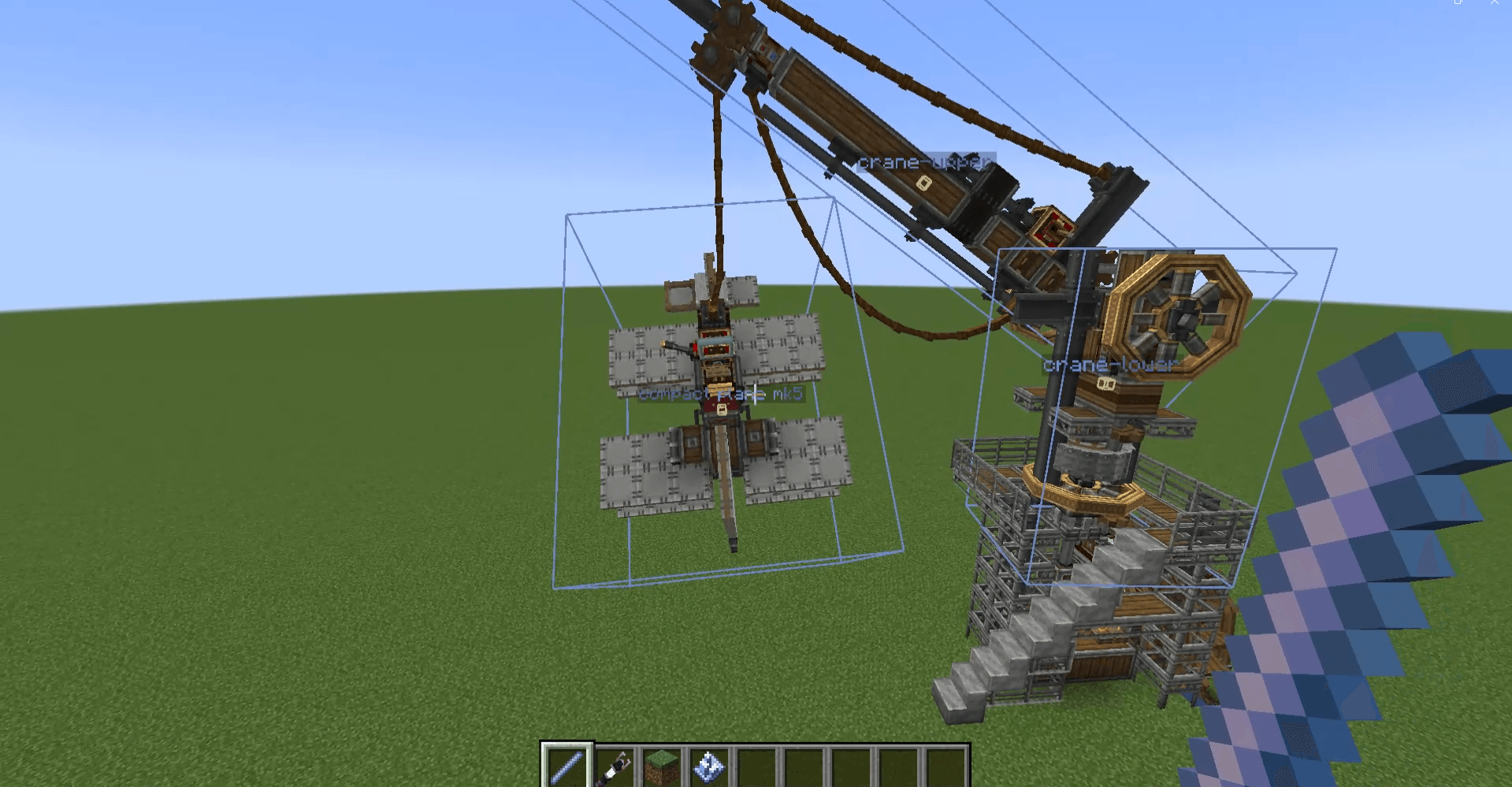
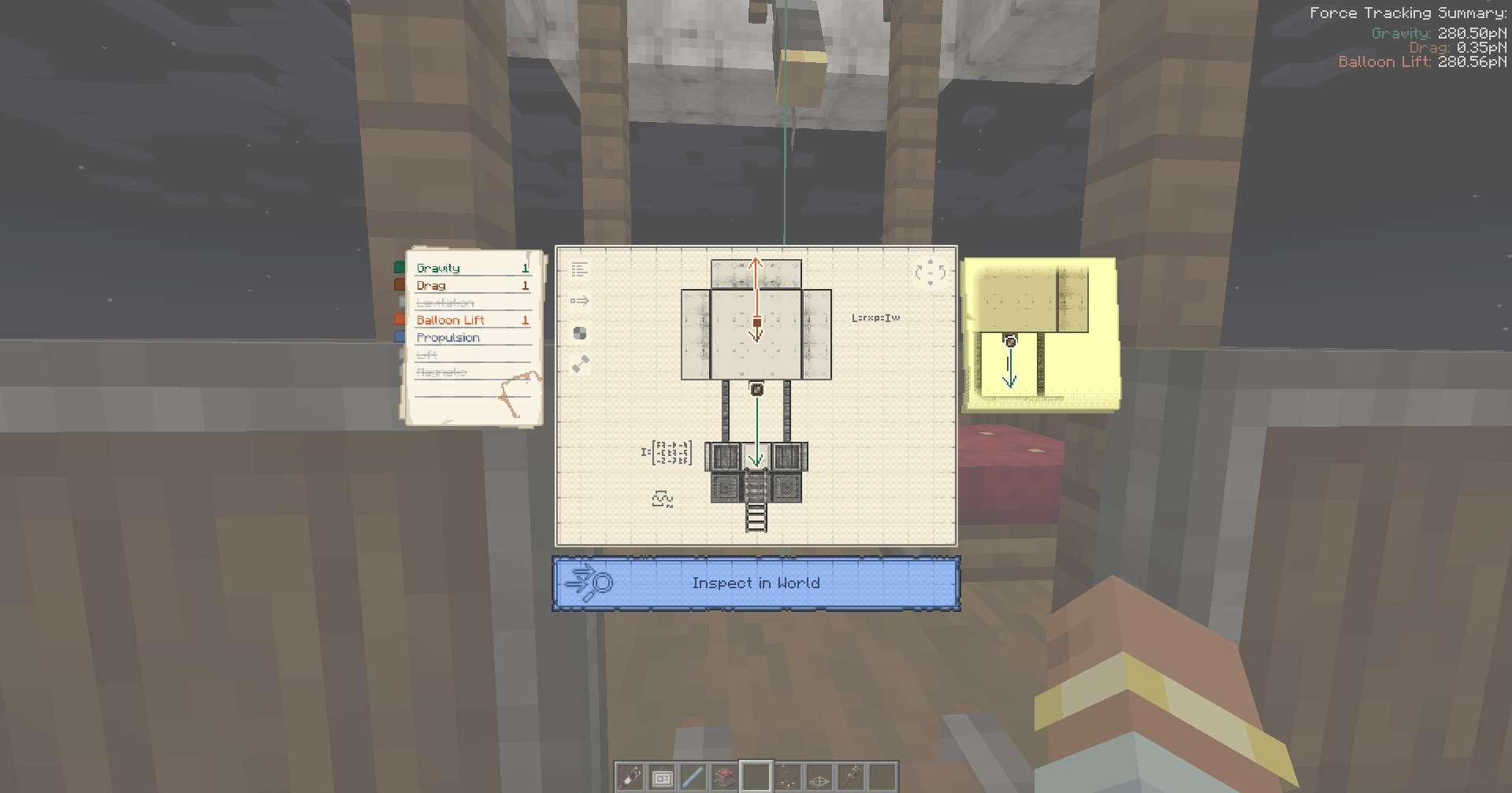
Controls:
Holding Breeze Rod will show you Sub-Level boundaries and center-of-masses and allow you to do several things.
[Right-Click] - Places single-block Sub-Level. Default Jack O’ Lantern but if you hold any block on your offhand, then that block will be placed.
[Right-Click on Sub-Level] -Creates clone above it.
[Right-Click on Sub-Level while Holding Shift] - Uploads schematic and gives the schematic to the user immediately.
[Hold Alt] (Or Any Key Bound as Create Alt Modifier) - Shows names of the Sub-Levels. Right click on a Sub-Level while holding Alt will allow user to modify the name.
[Left-Click on Sub-Level] - Selects Sub-Level for deletion. Left-Click while not looking at Sub-Level will open menu for confirming deletion.
[Middle-Click on Sub-Level] (Or Any Key Bound As Item Pick) - Will teleport player to the top-center of the Sub-Level that the player is looking at.
[Ctrl-Click on Sub-Level] - It will start to track forces of the looked Sub-Level.
Addition
It adds a button in Contraption Diagram that allows you to track forces of the Contraption(Sub-Level).
- Edition: Minecraft Java
- File type: .jar
- Minecraft version listed: 1.21.1
- How to install: Install the matching mod loader (Forge, Fabric or NeoForge) for your Minecraft version. → Download the .jar. → Put it in the .minecraft/mods folder and launch that loader profile.
- Where to get it: Opens on CurseForge — not every file is mirrored on our own servers.
Install steps are the general flow for this file type — How to install Minecraft Java mods & modpacks walks through it step by step.
- Ships as sableconvenience-1.1.0.jar — drop this file into the mods folder
- Download size: 131 KB
- Download link checked 3 Oct 2026 — working
These come from our own check of the pack file, not from the source page.