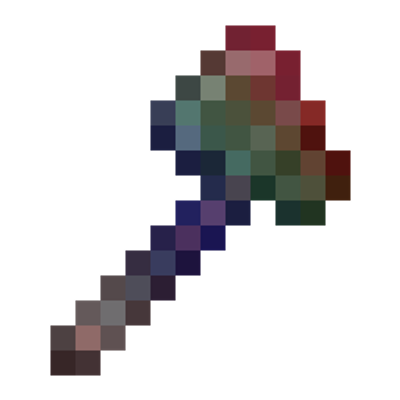
Glint & Glamour
Java mod listed for Minecraft 1.20–1.21. Downloads from the MC Java Mods app on Android.
New Update v1.7.0 Quick Look: Mod Name Updated to Glint & Glamour Glint Bag - Auto collects glints, toggleable Trim Dust - Recycle trims QoL touches on…
I don't know my version or loader
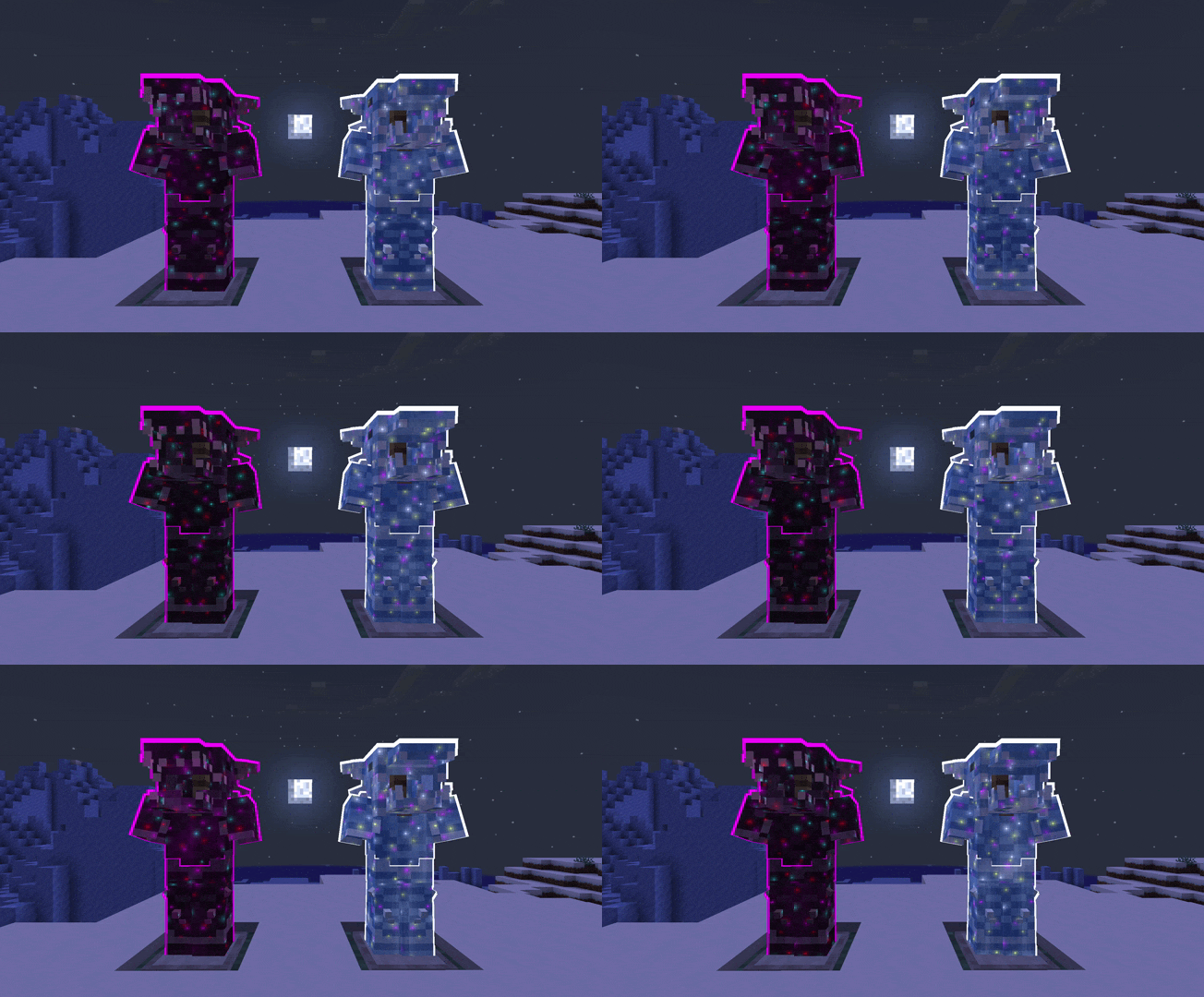
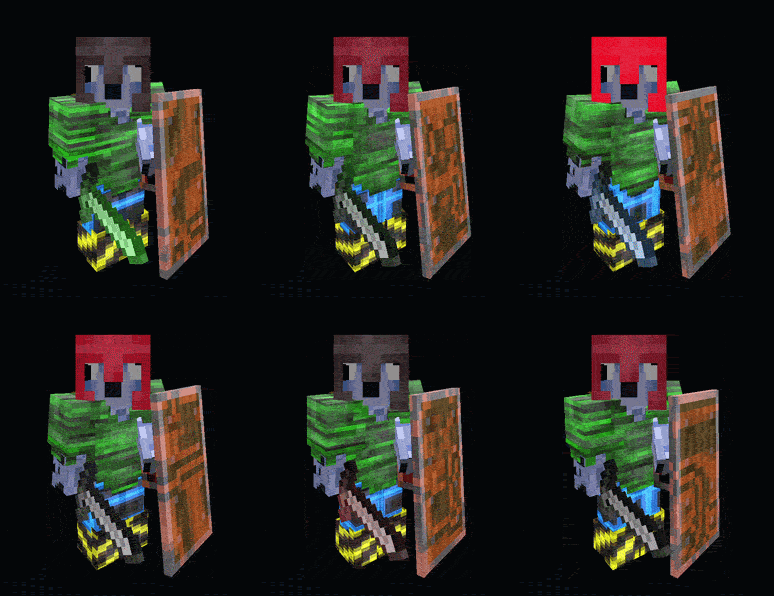
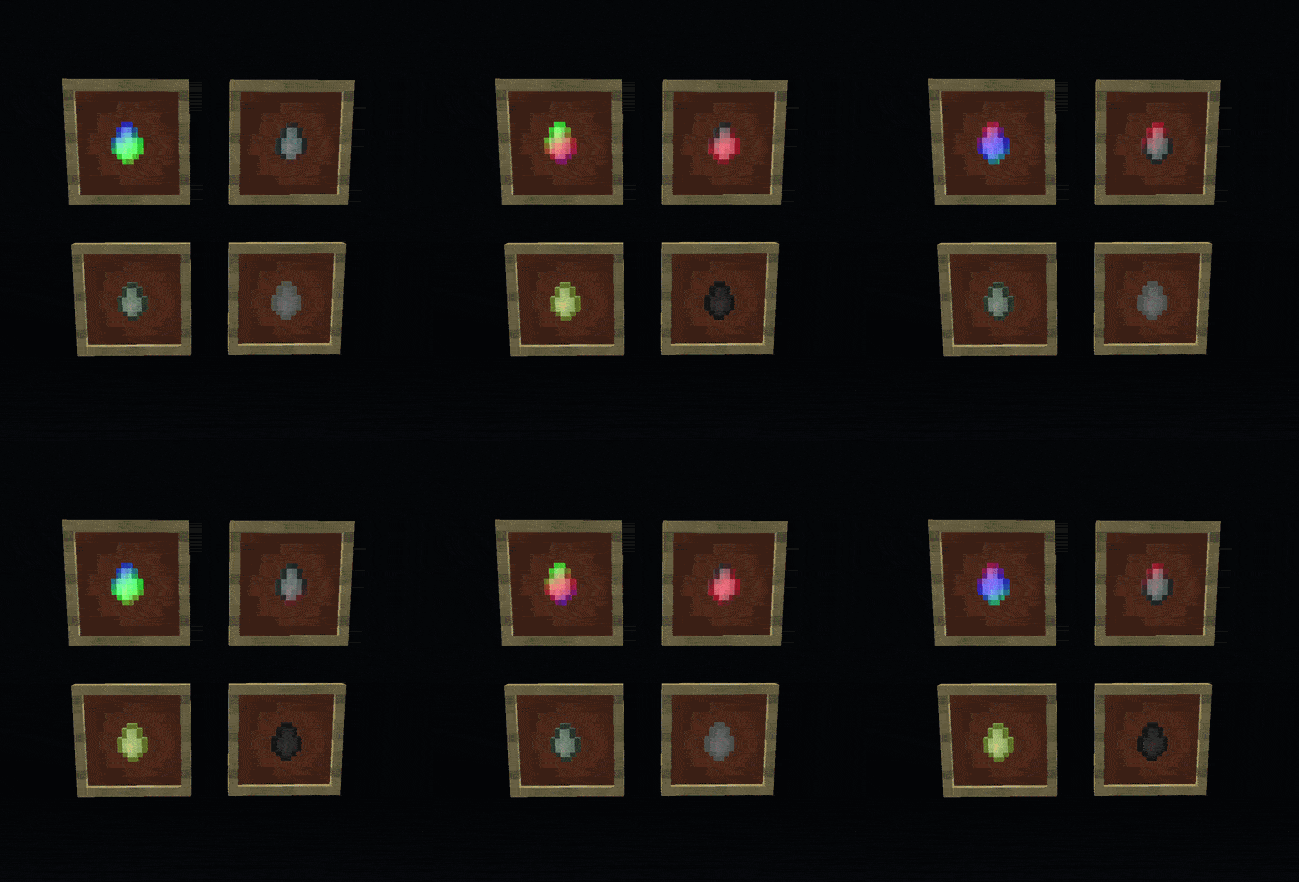
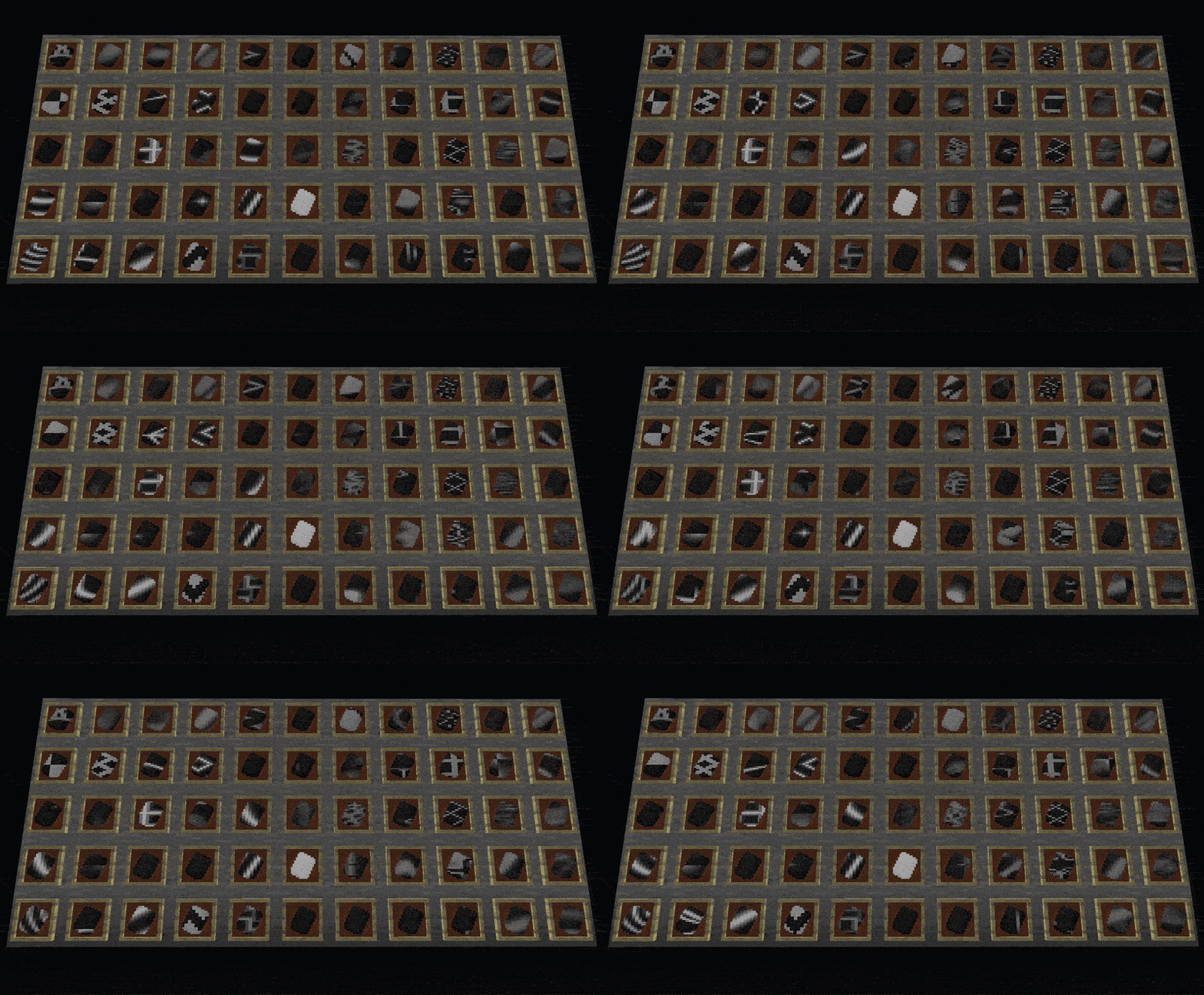
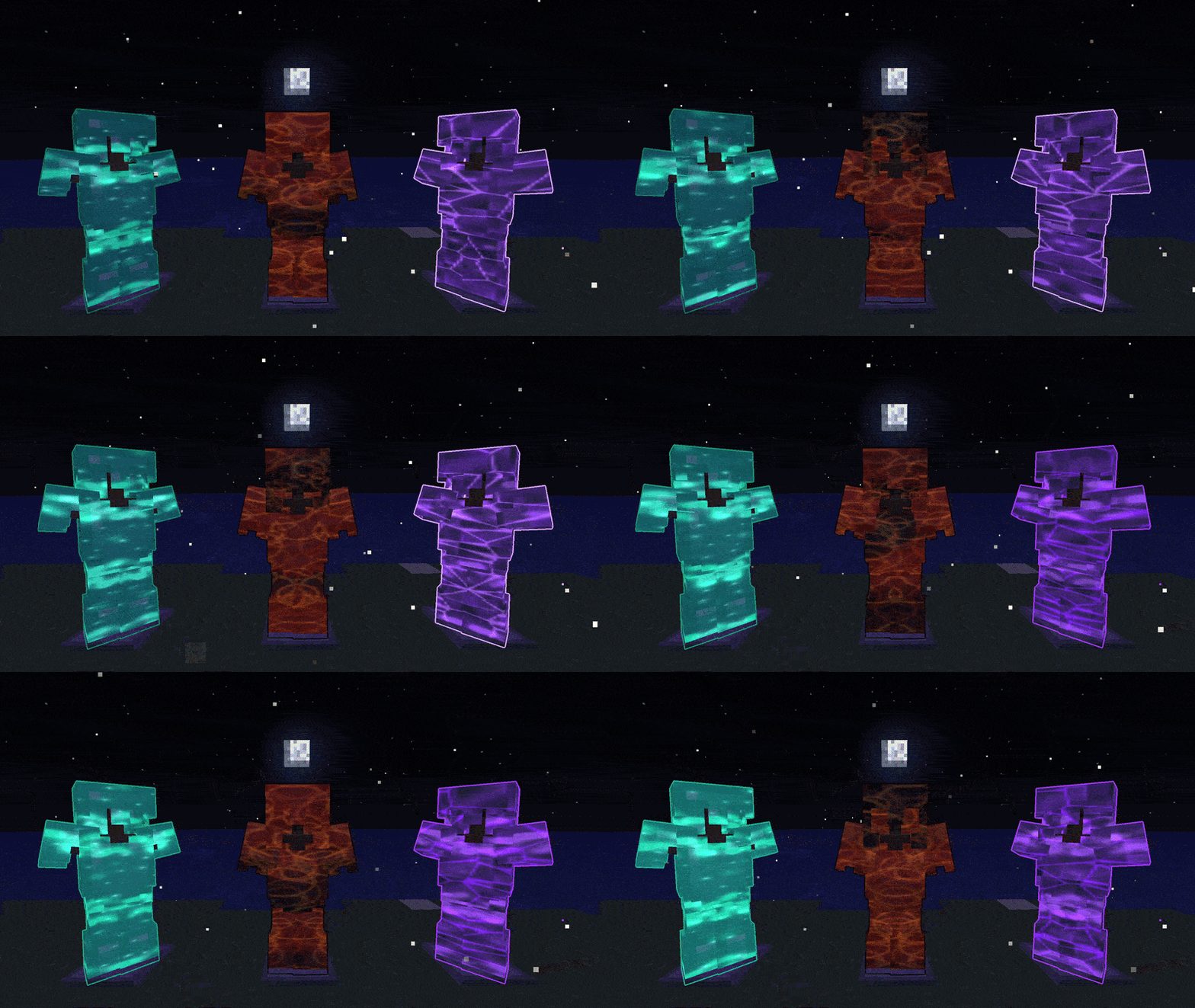
New Update v1.7.0 Quick Look:
- Mod Name Updated to Glint & Glamour
- Glint Bag - Auto collects glints, toggleable
- Trim Dust - Recycle trims
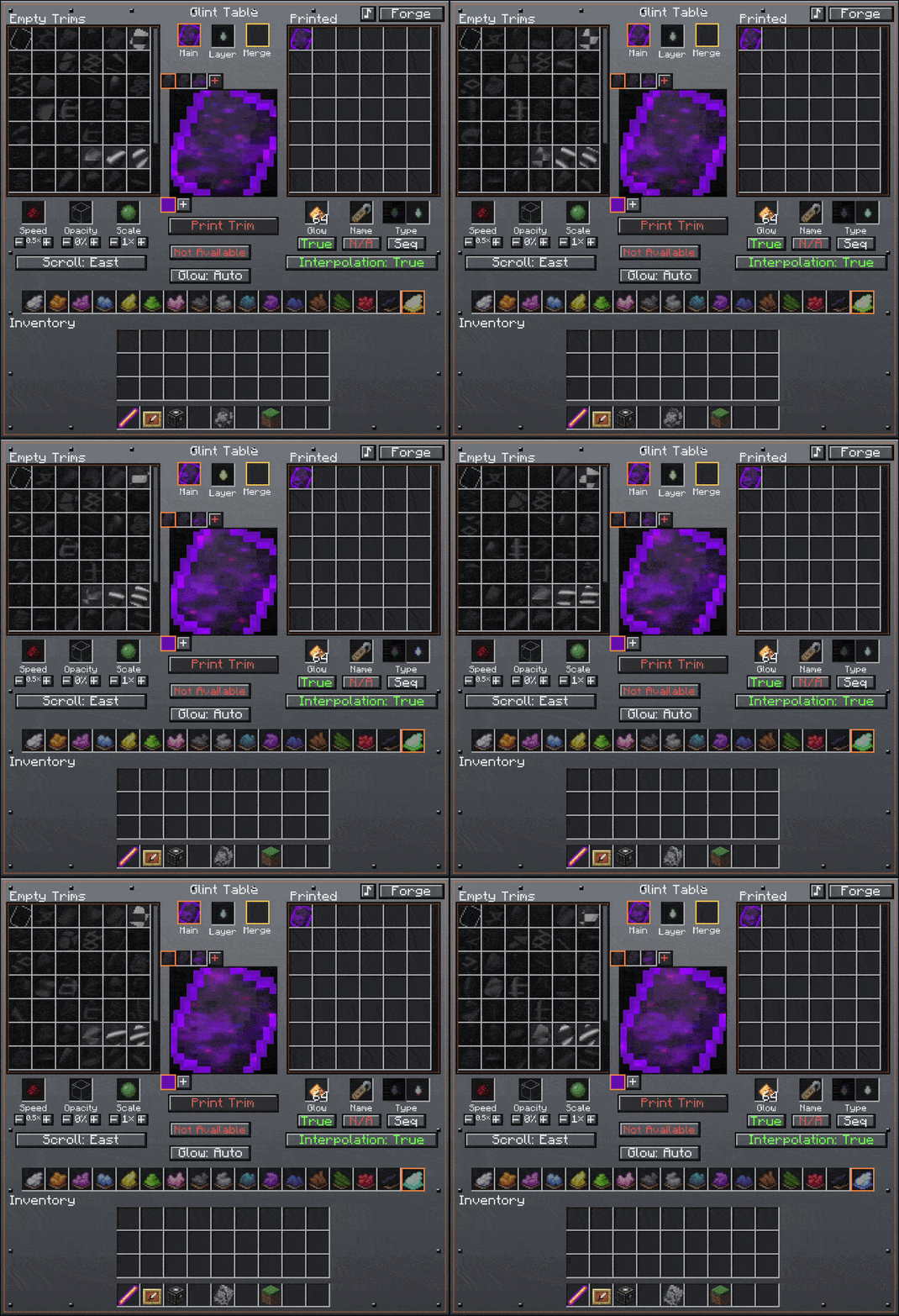
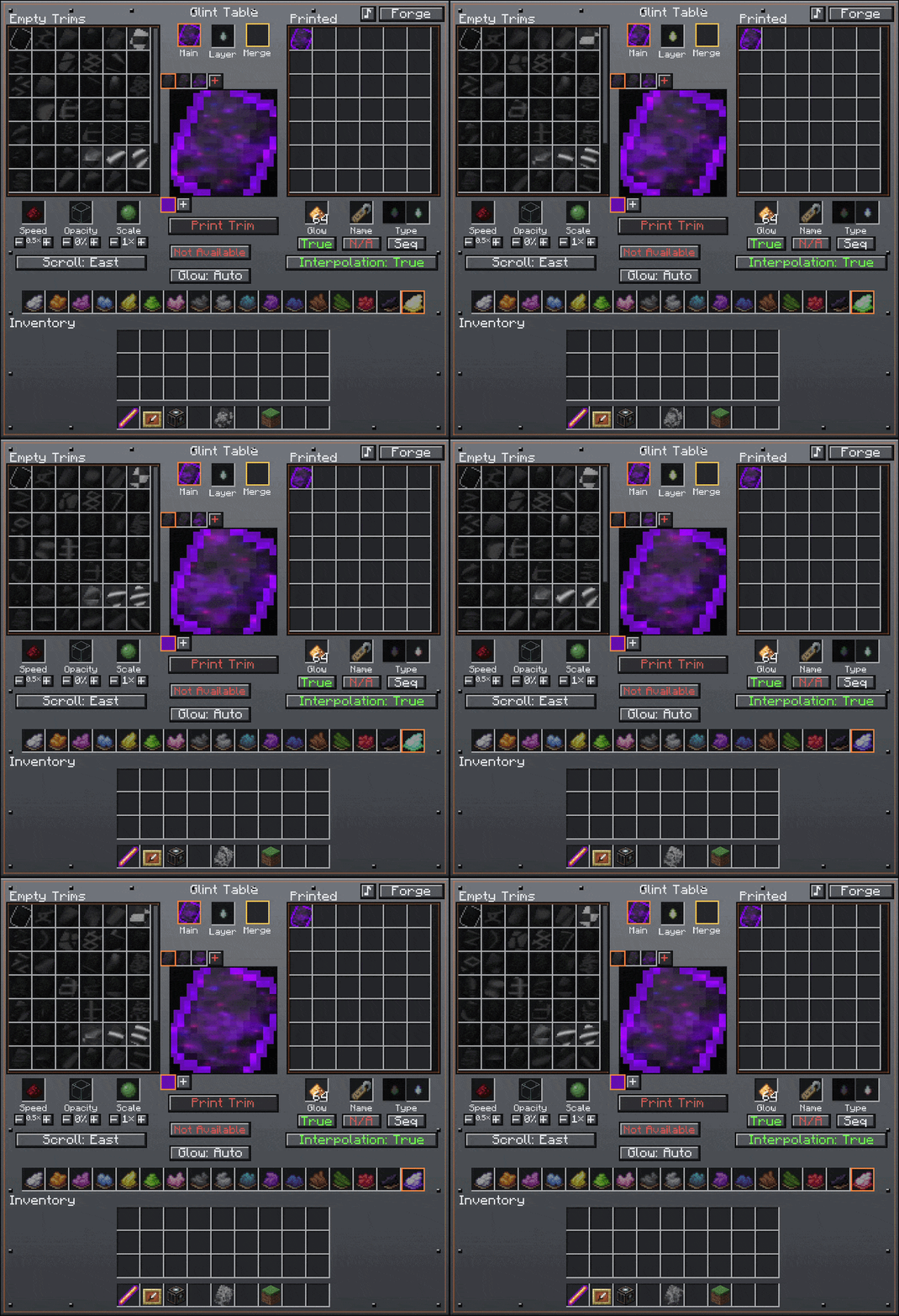
- QoL touches on Glint Table
- Advancements!
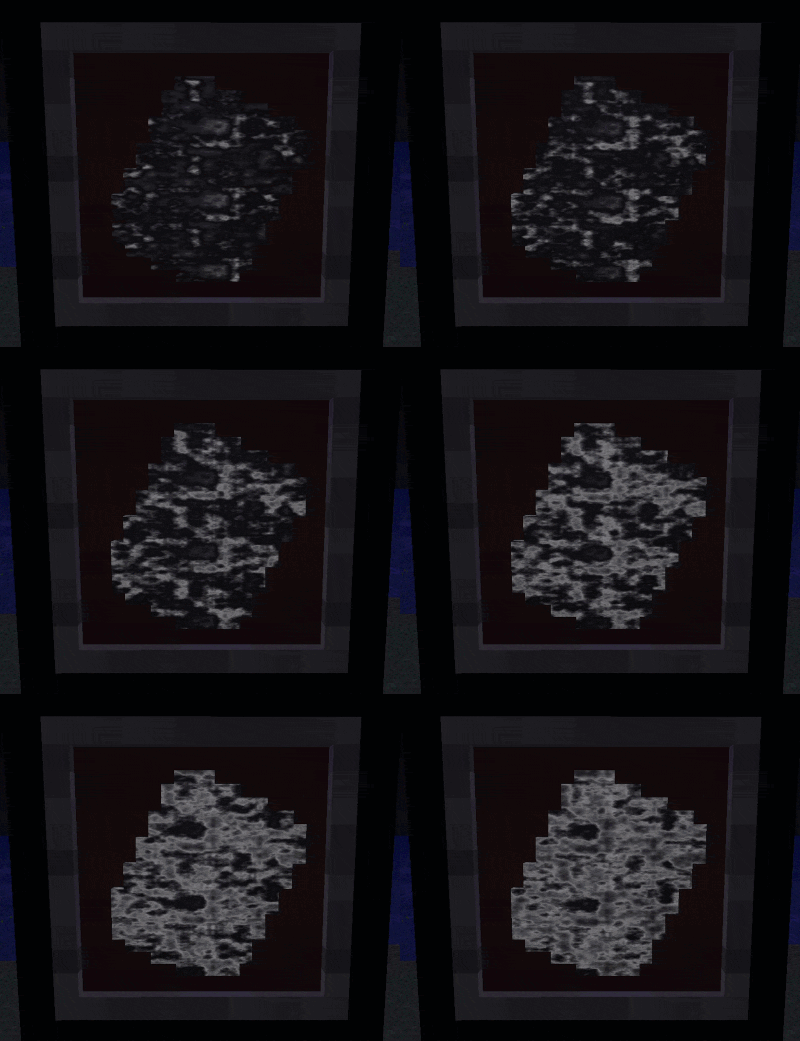
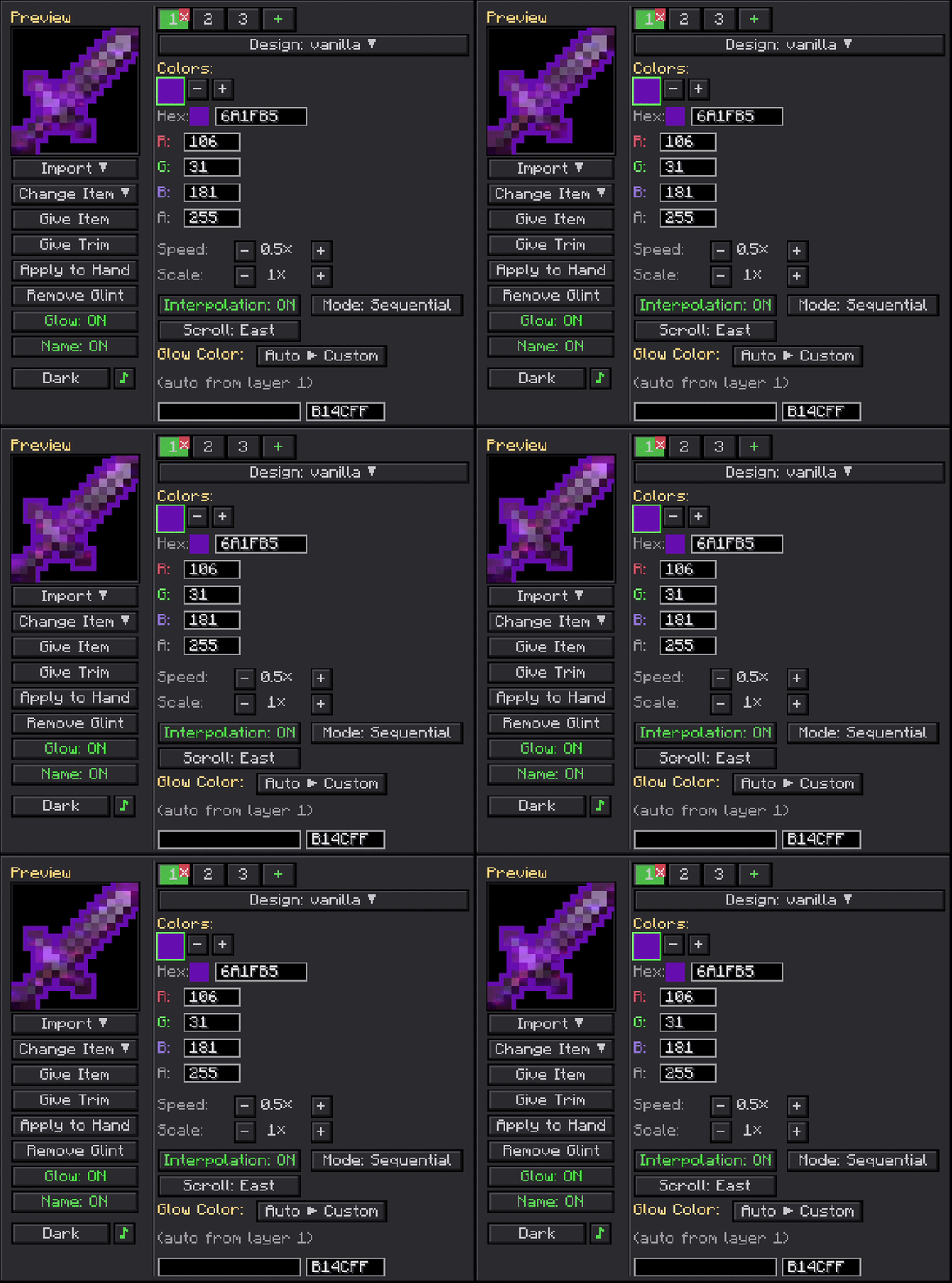
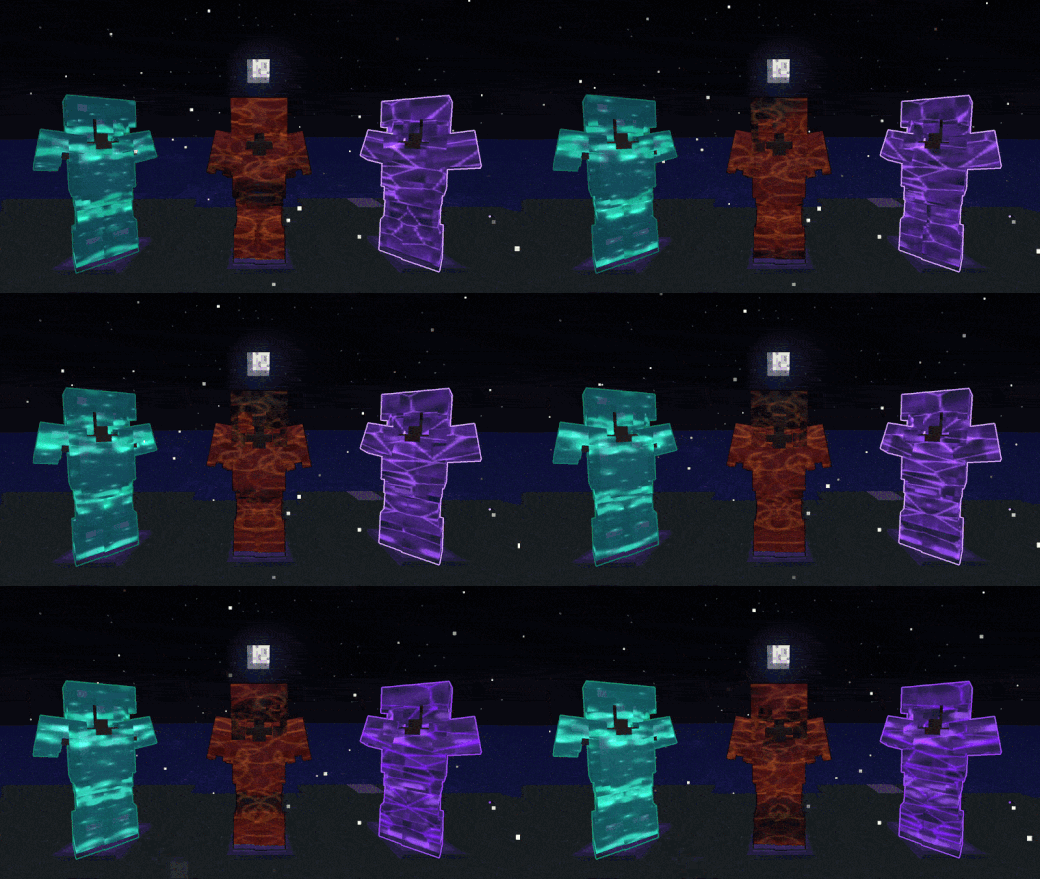
Glint & Glamour lets you paint animated, custom-colored enchantment glints onto any item, armor piece, or living entity, with an optional glowing outline on top.
Hunt down Glint Trims and Glow Trims in loot chests and smith them onto your gear to make it actually yours.
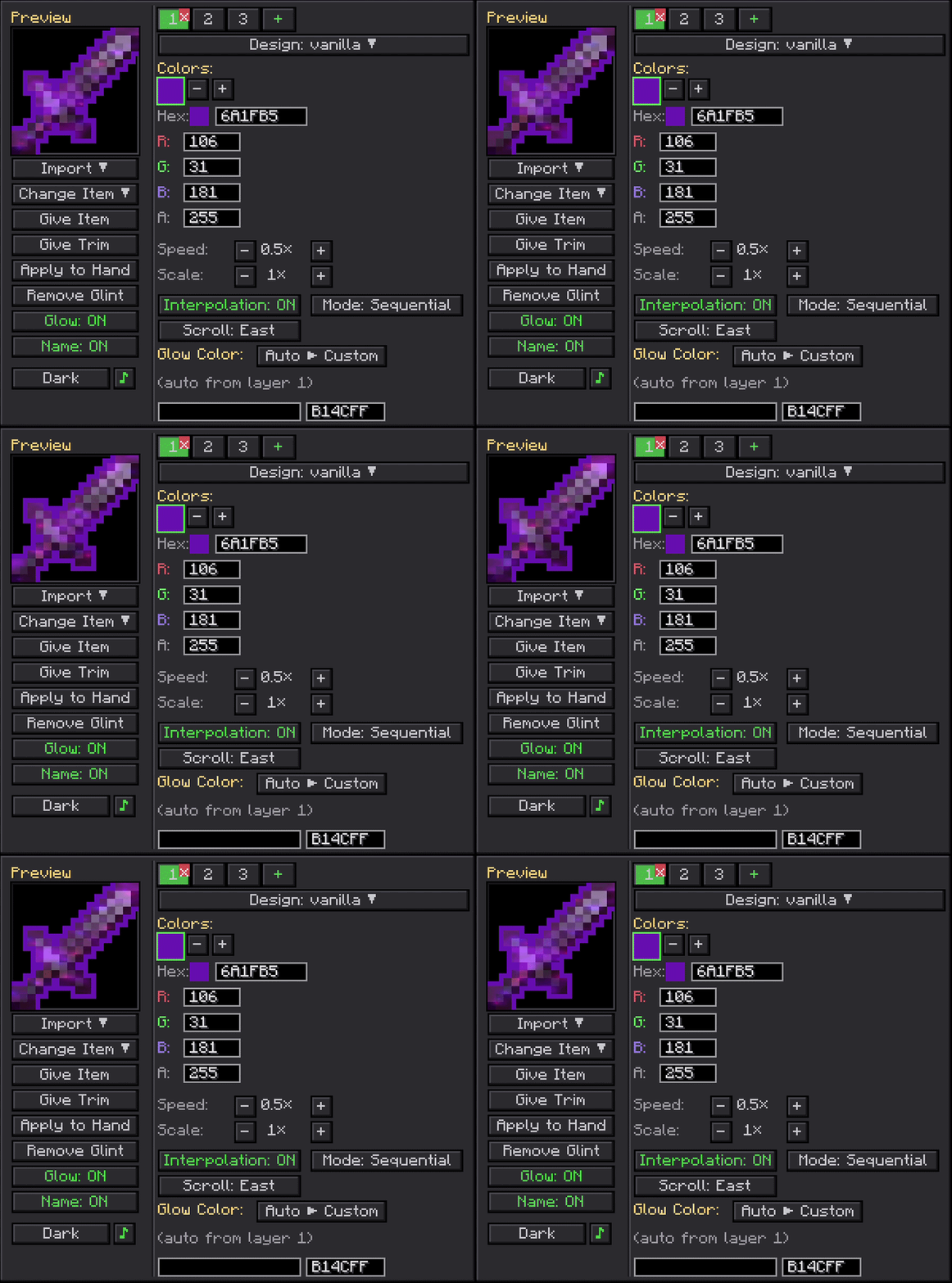
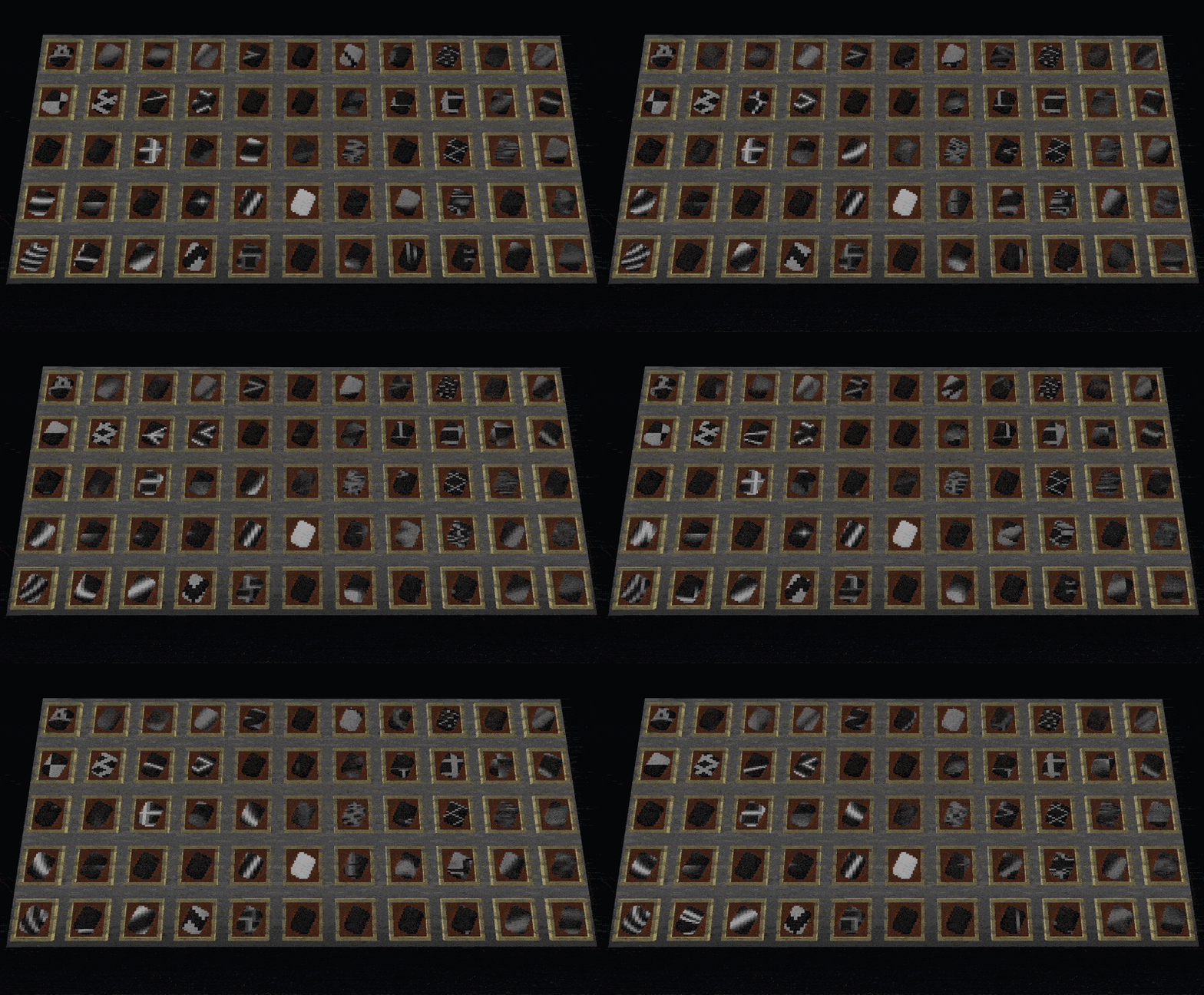
Use Glint Tears to push those trims further: merge up to 8 layers, swap between every-color-at-once or cycling one at a time, or wipe a trim clean and start over. Want full control? The Glint Wand from the creative tab opens a complete editor with patterns, colors, speed, layers, glow toggle, and custom names. Shift-right-click any mob, player, or animal to glint them too. 55 built-in patterns, up to 8 colors per layer, up to 8 layers, and data-pack support. Use the newly added Glint Table in surival to create the ultimate trim!
[1.20.1 - 1.21.1] Compatible and Tested with:
- Oculus
- First-Person Mod
- JEI
- Epic Fight
- Punchy
- Gnetum
- Enhanced Visuals
- --------------------------------
- Ice and Fire
- Epic Knights
- Elytra Slot
- Sophisticated Backpacks
- Silent Gear
- Spartan Weaponry
- Spartan Shields
- Iron's Spells and Spellbooks
- Immersive Armors
- Mekanism
- Artifacts
- --------------------------------
[26.1.2] Compatible and Tested with:
Recommended Shaders ive tested with:
For developers: The render pipeline ships as a standalone API jar you can bundle into your own mod with jarJar, so your players get custom glints on your items and entities without installing anything extra. JarJar only inlcudes Oculus/First-Person Mod compatability. Check the GitHub repo or the Wiki for setup, examples, and the full API surface.
- Edition: Minecraft Java
- File type: .jar
- Minecraft versions listed: 1.21.1, 1.20.1
- How to install: Install the matching mod loader (Forge, Fabric or NeoForge) for your Minecraft version. → Download the .jar. → Put it in the .minecraft/mods folder and launch that loader profile.
- Where to get it: Opens on CurseForge — not every file is mirrored on our own servers.
Install steps are the general flow for this file type — How to install Minecraft Java mods & modpacks walks through it step by step.
- Ships as Glint-and-Glamour-1.7.0-1.20.1.jar — drop this file into the mods folder
- Download size: 765 KB
- Download link checked 3 Oct 2026 — working
These come from our own check of the pack file, not from the source page.