Neat + Dynamic Difficulty
The author built this one for Minecraft 1.21.1 on NeoForge. On other versions it may install and then do nothing.
Neat + Dynamic Difficulty
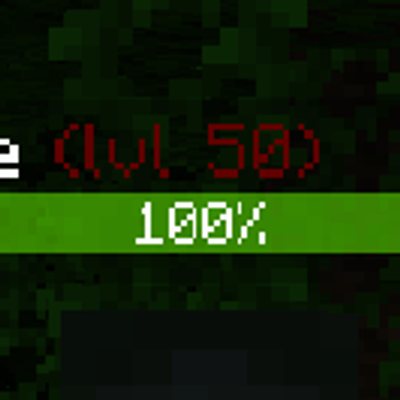
NeoForge 1.21.1 compatibility addon that appends Dynamic Difficulty levels to Neat health bar names.
Level color config
After the mod loads once, NeoForge creates a client config file:
run/config/neat_dynamic_difficulty-client.toml
In a normal Minecraft instance outside this dev workspace, the same file is:
config/neat_dynamic_difficulty-client.toml
Edit the levelColors.rules list to control how the (lvl N) suffix is colored.
Rule formats
Use a fixed color range:
"range:1-10:#00FF00"
This keeps levels 1 through 10 green. If there is no later rule, levels above 10 also stay green.
Use a gradient:
"gradient:1-50:#00FF00:#600000"
This blends from green at level 1 to dark red at level 50. If there is no later rule, levels above 50 keep the level 50 color.
Example config
[levelColors]
rules = [
  "range:1-10:#00FF00",
  "gradient:11-50:#00FF00:#600000"
]
Rules are processed from top to bottom, so keep them ordered by level.
Accepted color format:
#RRGGBB
Default rule:
"gradient:1-100:#00FF00:#600000"
- Edition: Minecraft Java
- File type: .jar
- Minecraft version listed: 1.21.1
- How to install: Install the matching mod loader (Forge, Fabric or NeoForge) for your Minecraft version. → Download the .jar. → Put it in the .minecraft/mods folder and launch that loader profile.
- Where to get it: Opens on CurseForge — not every file is mirrored on our own servers.
Install steps are the general flow for this file type — How to install Minecraft Java mods & modpacks walks through it step by step.
- Ships as neat_dynamic_difficulty-1.0.1.jar — drop this file into the mods folder
- Download size: 15 KB
- Download link checked 13 Sept 2026 — working
These come from our own check of the pack file, not from the source page.