
Visual Loot Edit
This mod provides a visual GUI for editing any loot table in the game, making the process straightforward.
I don't know my version or loader
Overview
This mod provides a visual GUI for editing any loot table in the game, making the process straightforward.
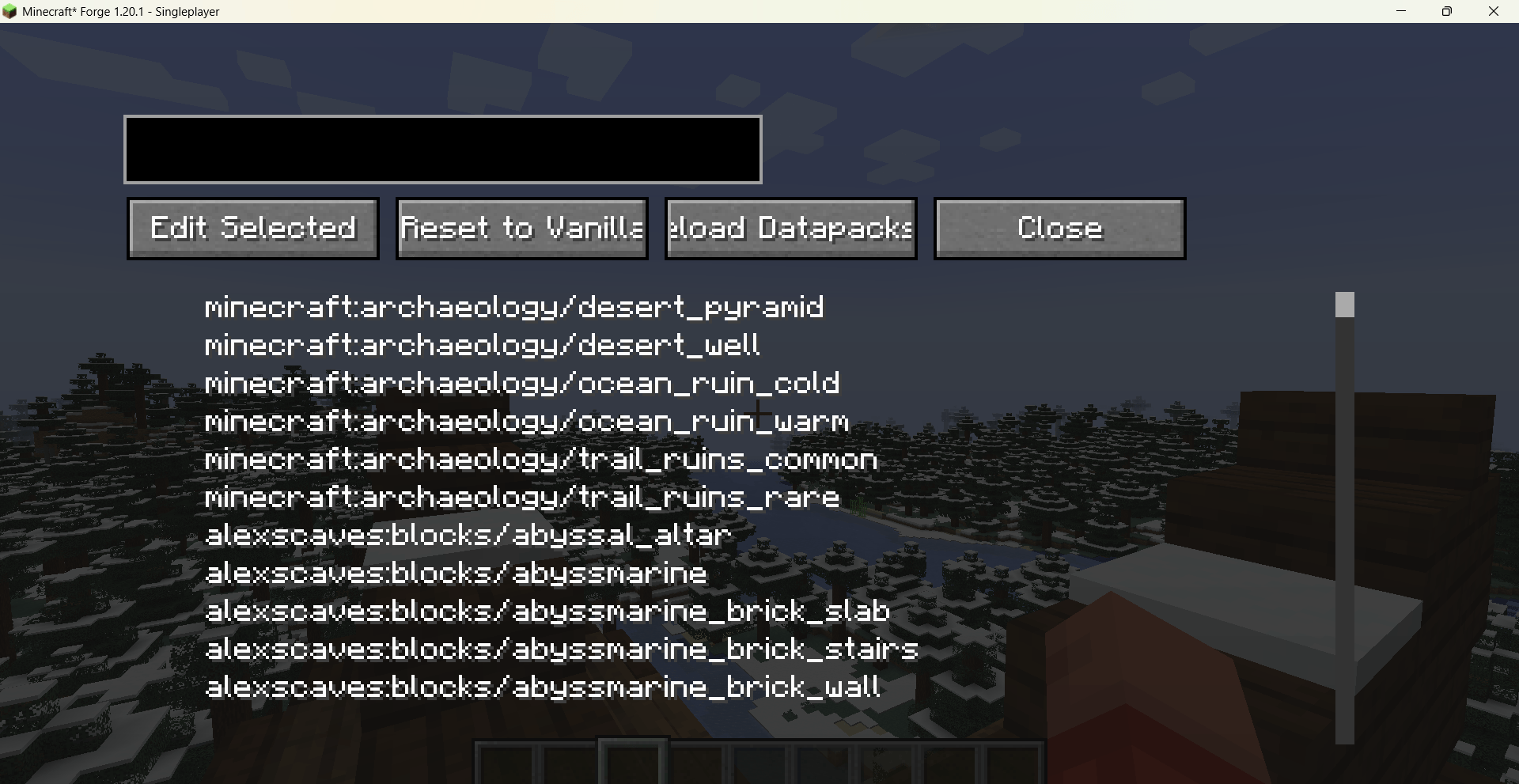
Use /vle gui to open the management screen, where all editing is done in one place.
Loot table list: Browse and search all available loot tables, quickly locating drops from blocks, entities, chests, or gameplay events.
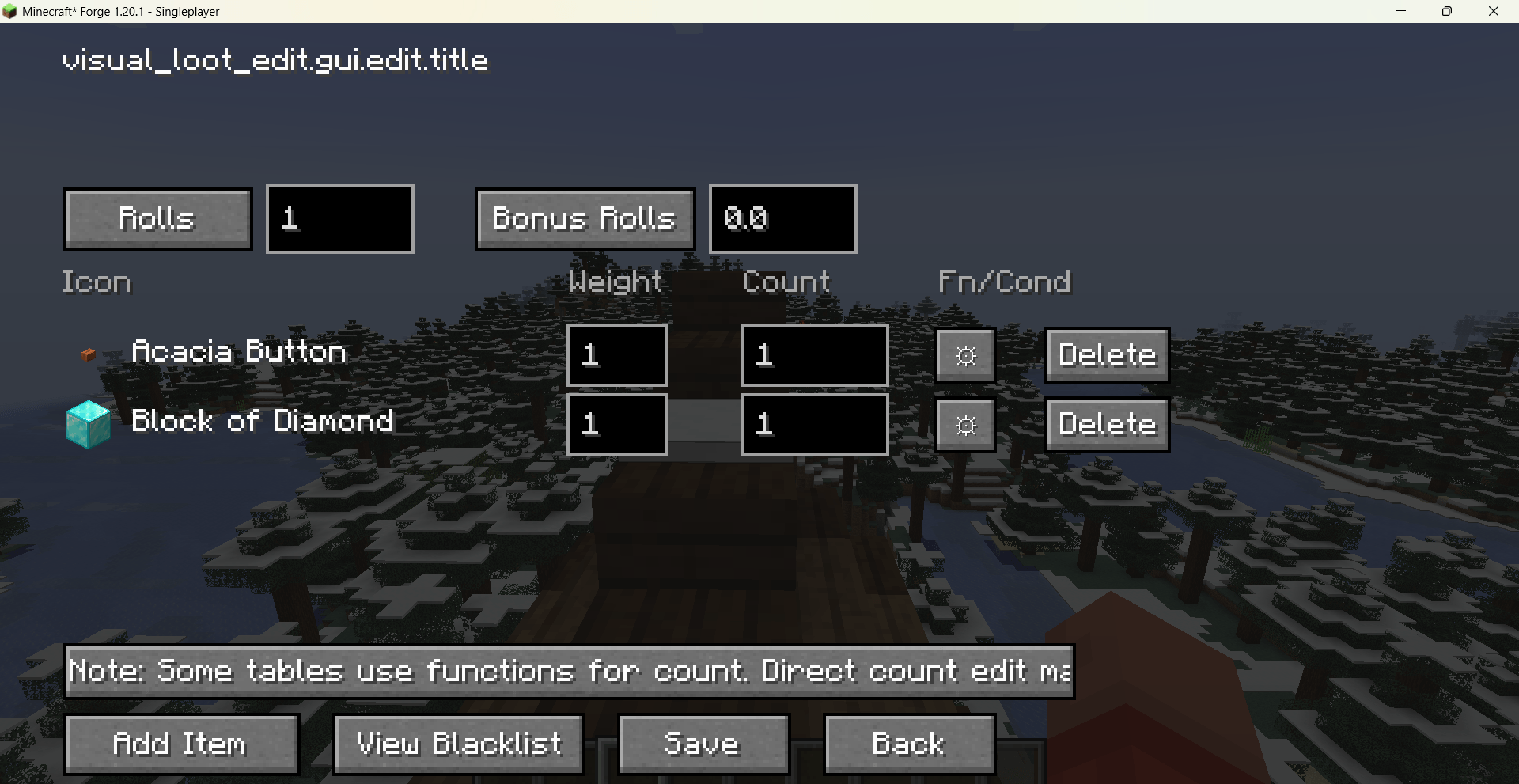
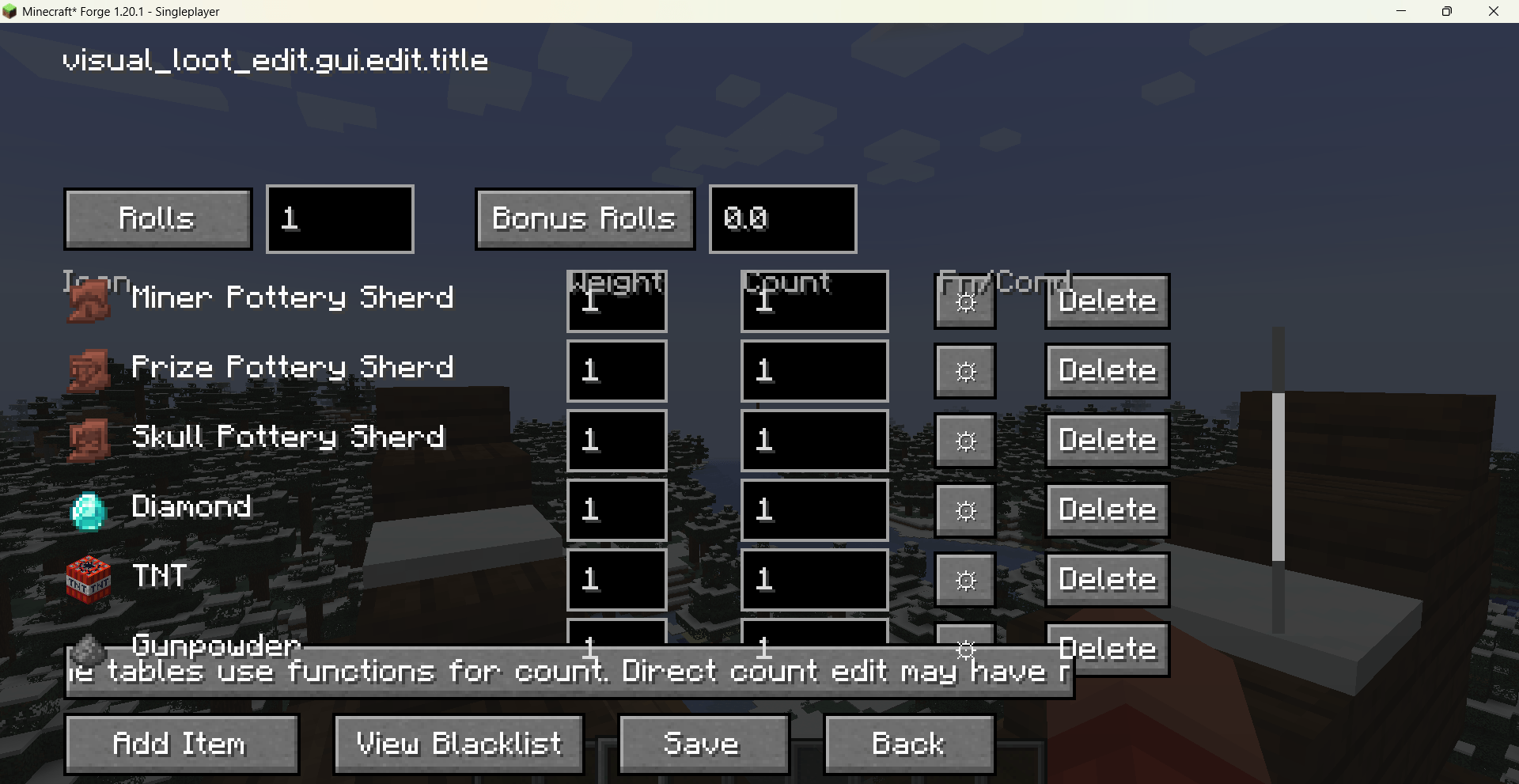
Pool editing: Supports multiple pools with independent rolls and bonus rolls settings.
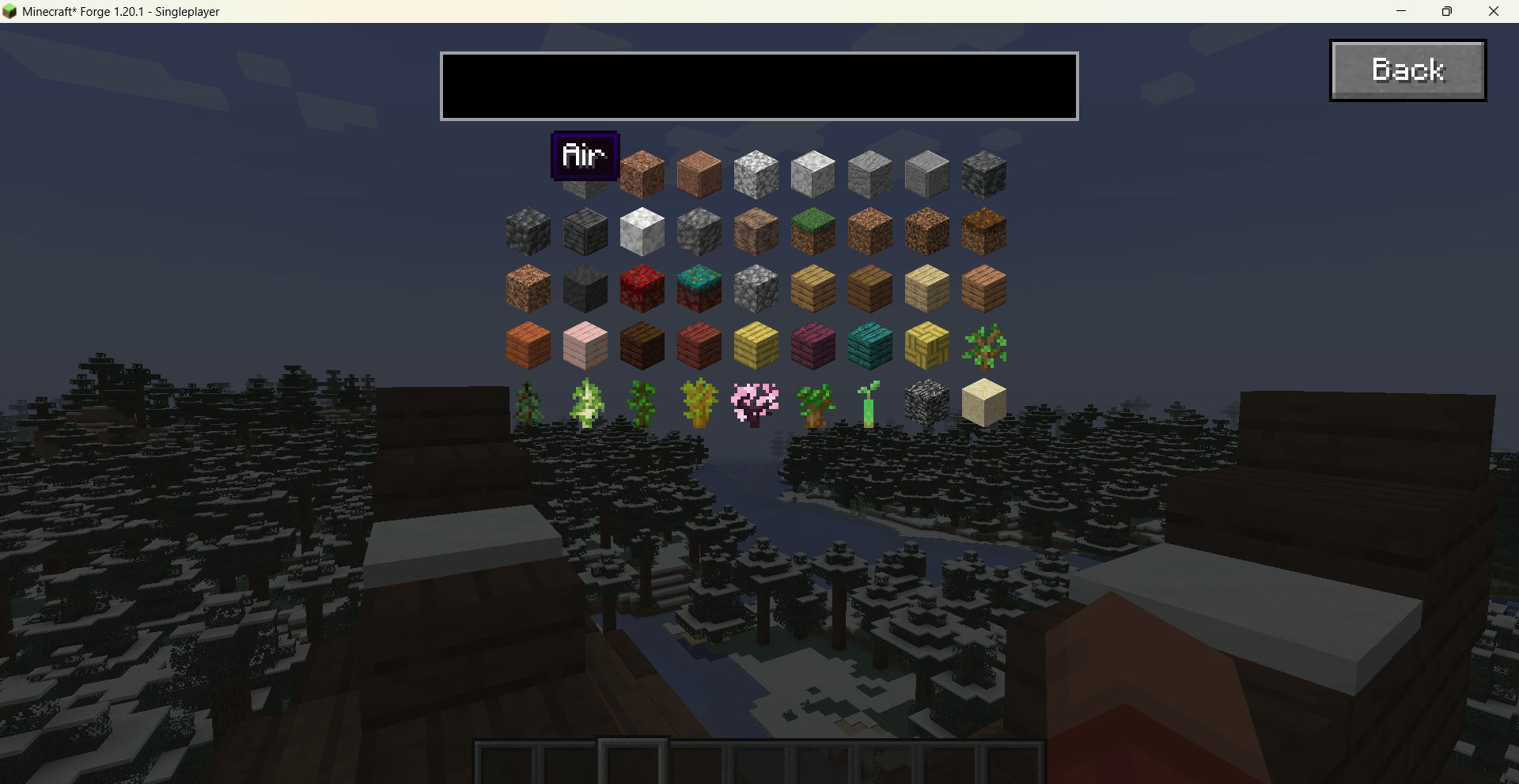
Item editing: Add or remove items, adjust weights, and set count ranges (e.g., 1–5). Corresponding functions are generated automatically.
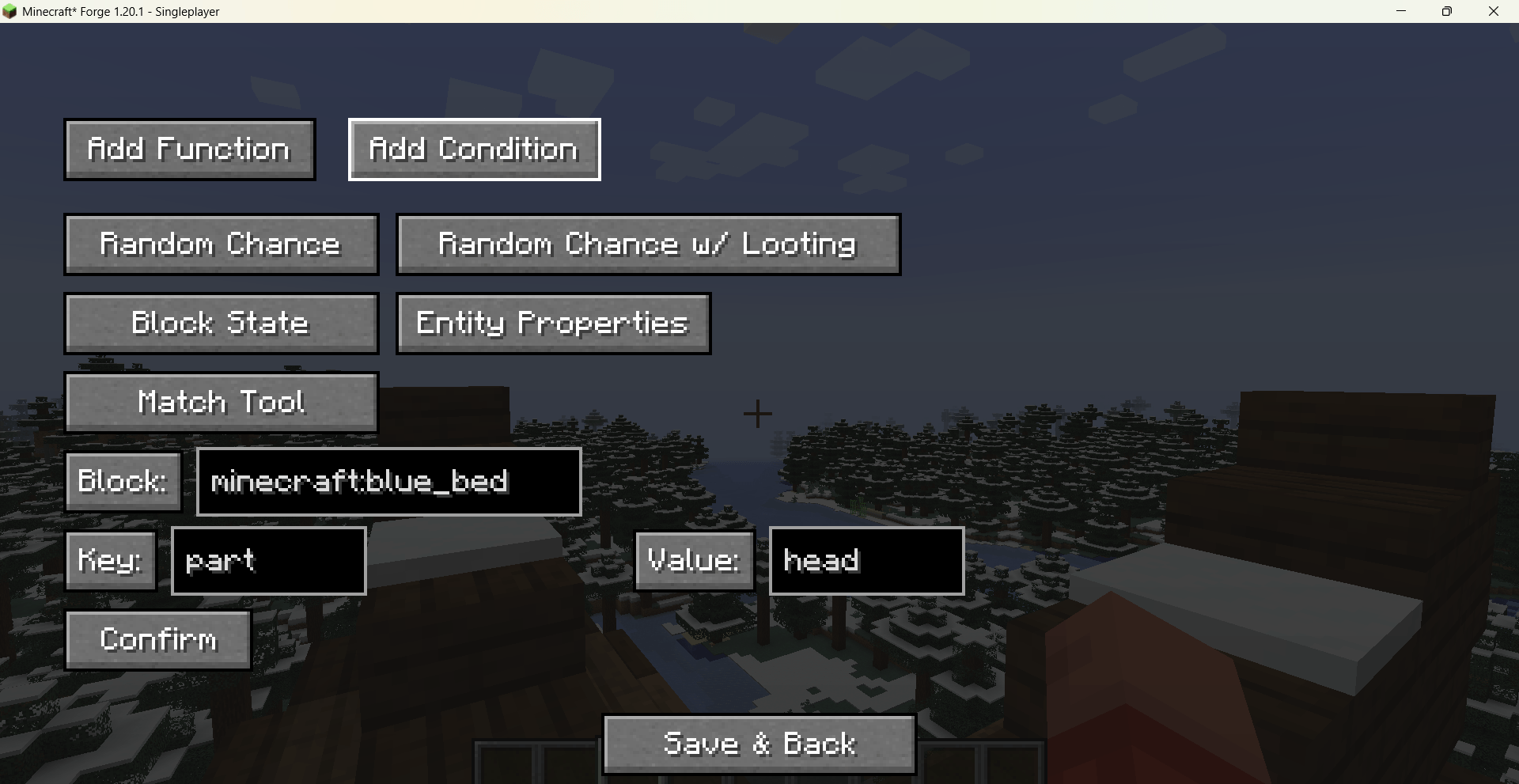
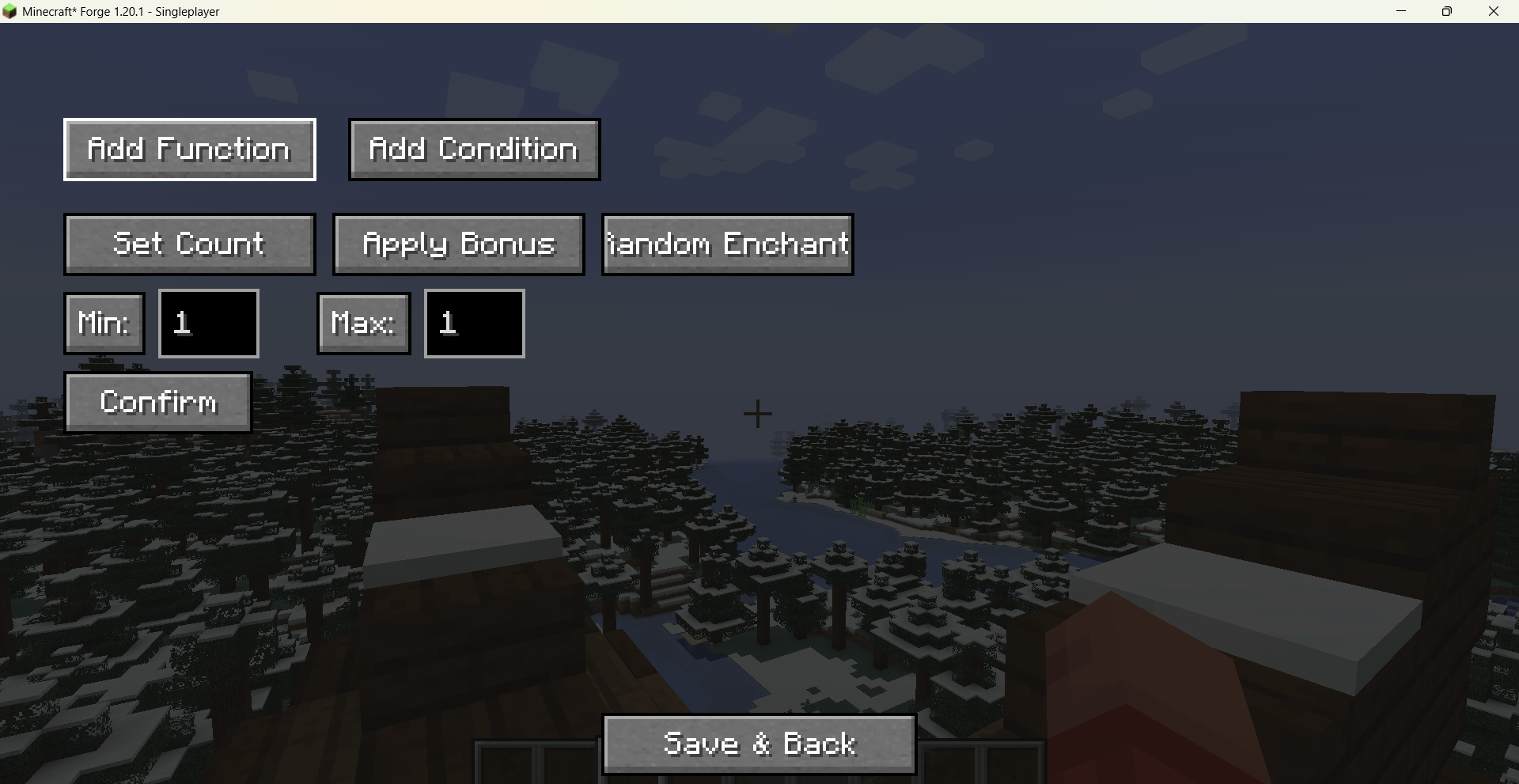
Functions & conditions: Add common functions and conditions graphically, including set count, apply bonus, random enchant, random chance / chance with looting, block state property, entity properties, match tool, and more.
Blacklist restore: Deleted vanilla items are kept in a blacklist and can be restored at any time.
Persistent config: Edits are saved as JSON files under the config/visual_loot_edit/ directory.
Localization: Built-in English and Chinese language files, switching automatically with the game language.
Commands
/vle gui – Opens the management screen.
After saving, use /reload or F3+T to apply changes.
- Ships as visual_loot_edit-1.1.0.jar — drop this file into the mods folder
- Download size: 126 KB
- Download link checked 23 Aug 2026 — working
These come from our own check of the pack file, not from the source page.