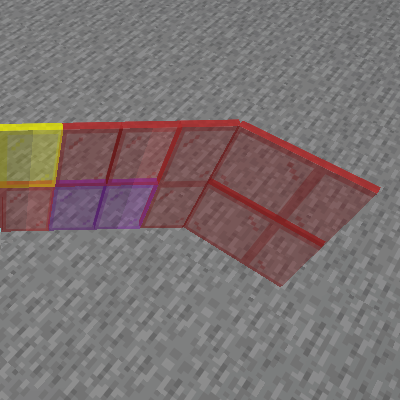
Diagonal Corners
Java mod listed for Minecraft 1.19–1.21. Downloads from the MC Java Mods app on Android.
I don't know my version or loader
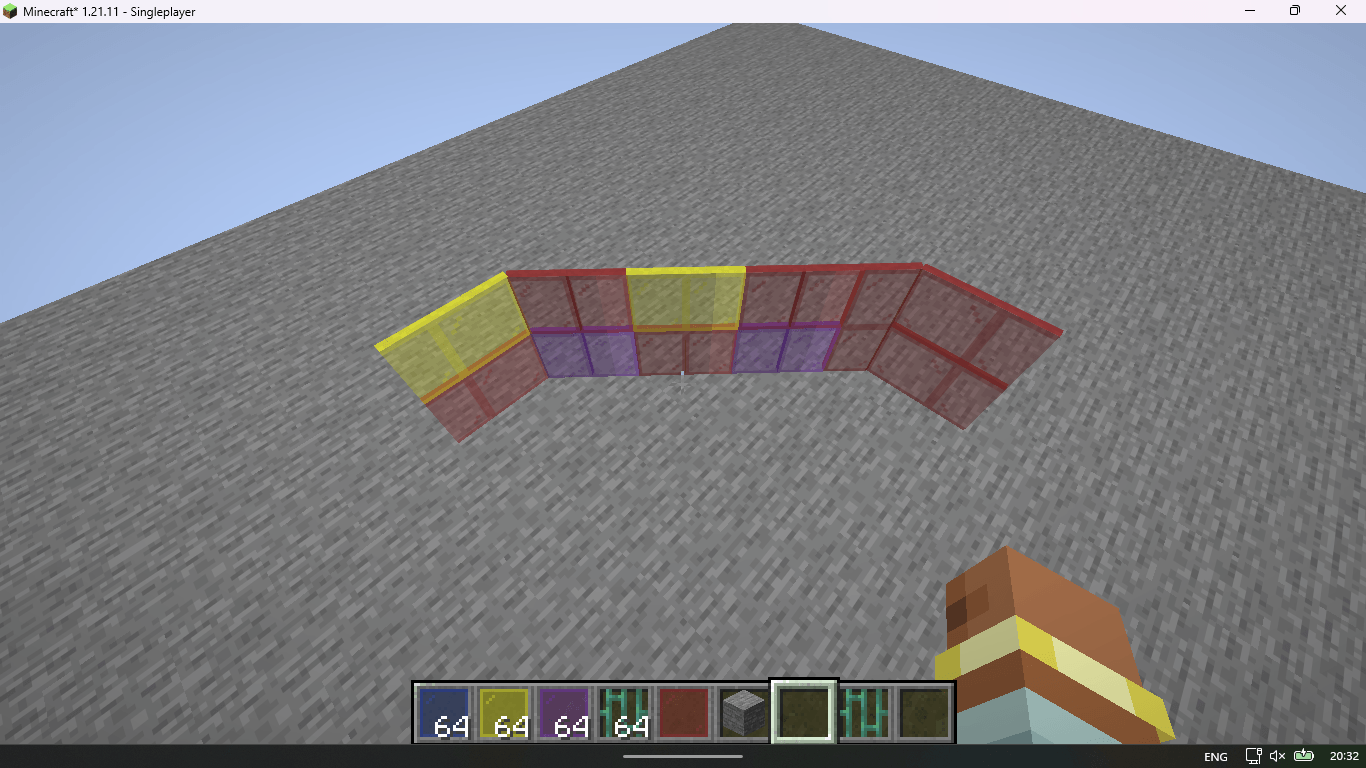
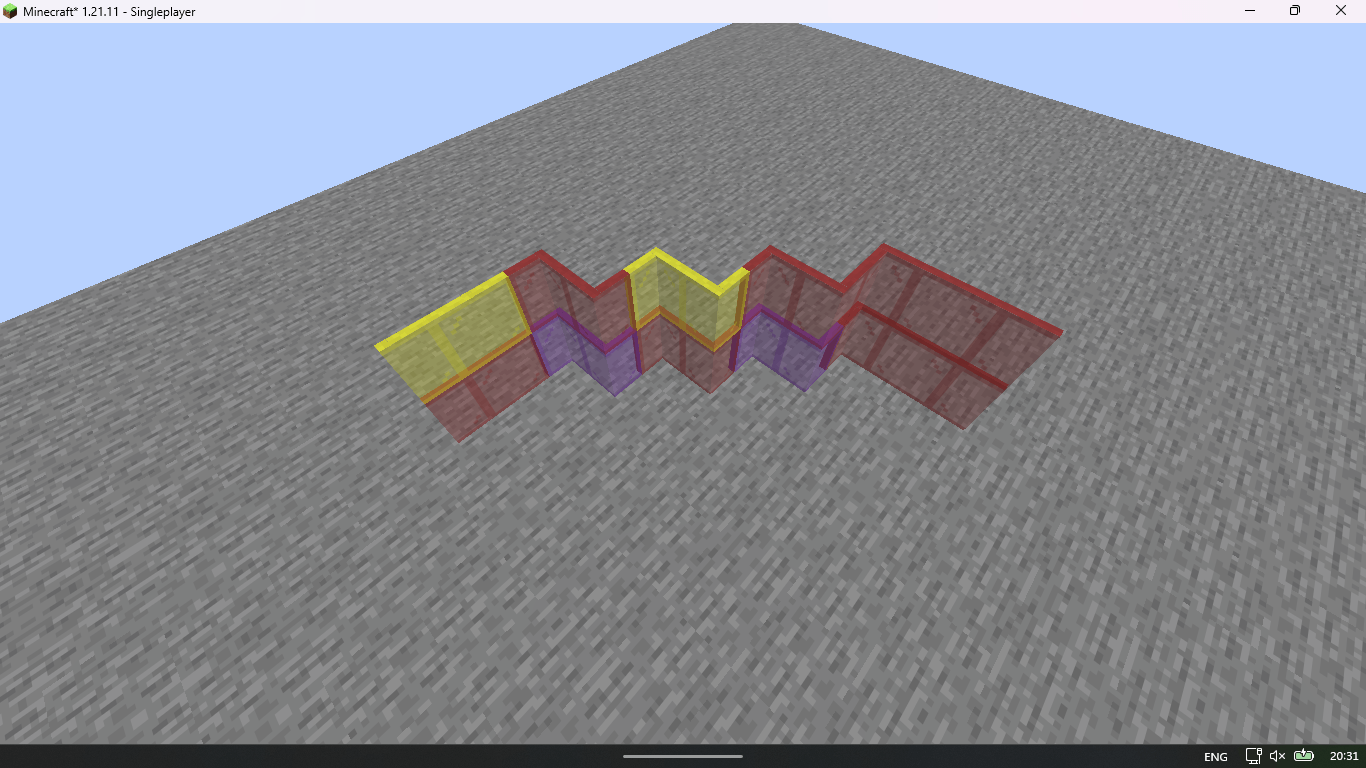
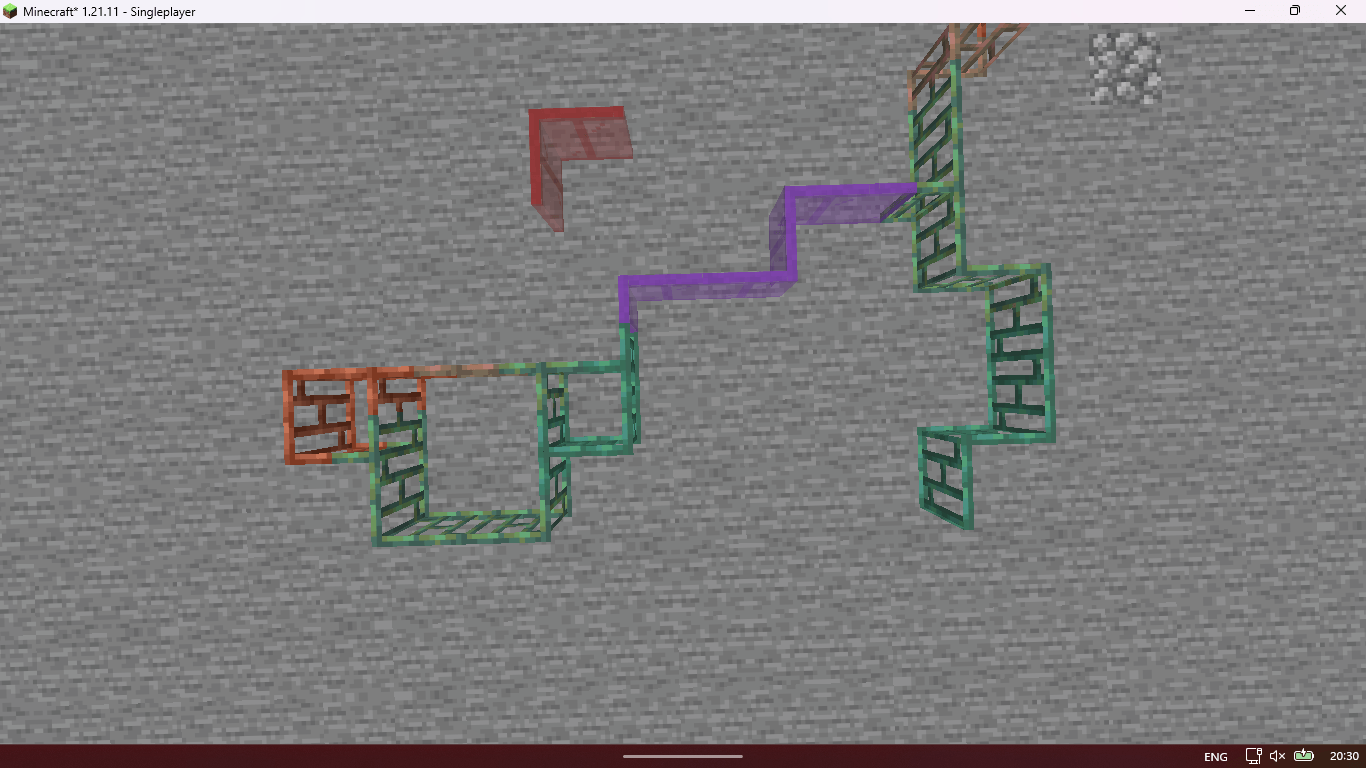
Diagonal Corners
"Finally, smooth and elegant corners."
📖 Description
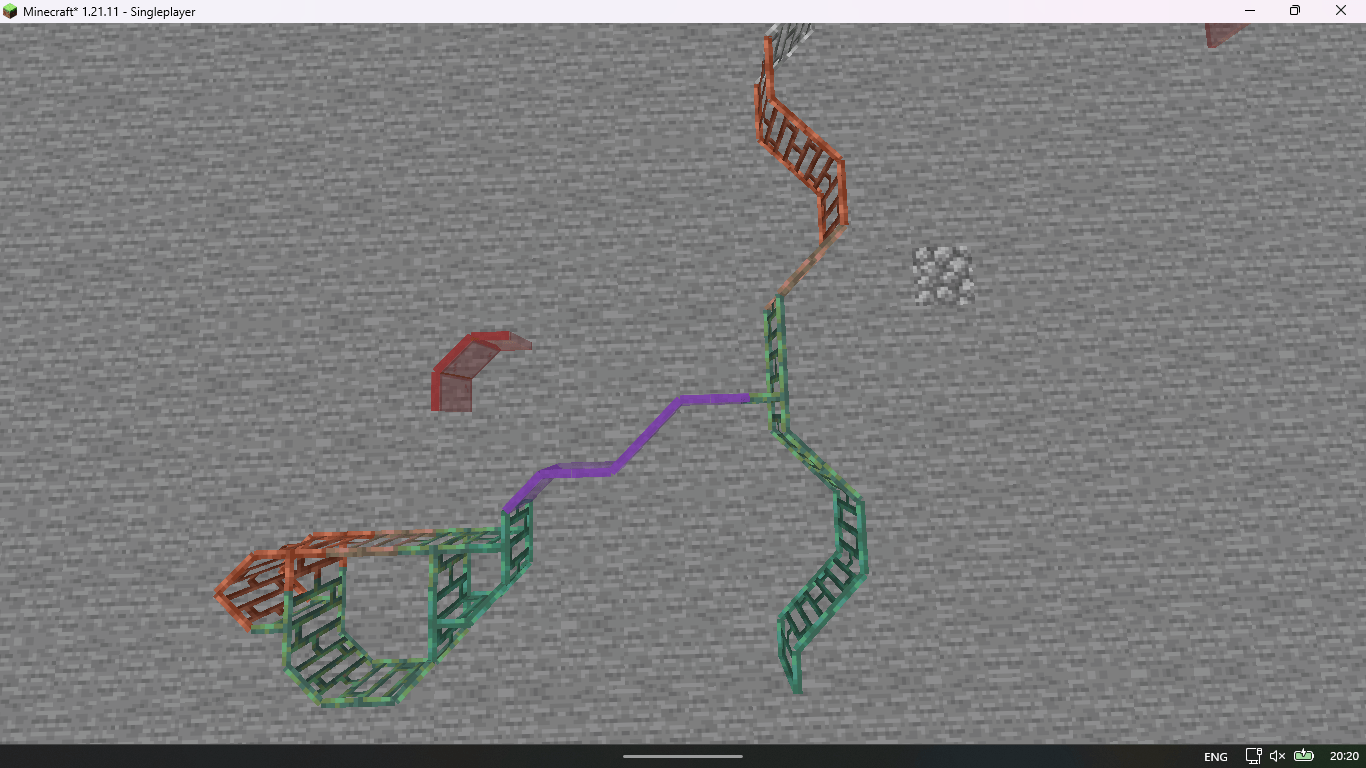
Diagonal Corners is a lightweight client-side only mod for Minecraft 1.19.2+ that greatly improves the visual appearance of glass, iron bars, and copper bars.
In vanilla Minecraft, placing three of these blocks in an L-shape creates ugly, blocky corners. This mod removes those sharp corners and replaces them with clean, smooth diagonal connections, giving your builds a much more polished and modern look.
Ideal for windows, greenhouses, towers, railings, modern buildings, and any structure where visual cleanliness matters.
🌟 Features
- Smooth Diagonal Corners: Automatically converts L-shaped corners into elegant diagonals for glass, iron bars, and copper bars.
- Client-side Only: Works perfectly on any server — other players don’t need the mod.
- Very Lightweight: Minimal performance impact as it only changes rendering.
- Resource Pack Friendly: Works great with any texture pack.
- No Configuration Needed: Install and it just works.
⚙️ Compatibility
Minecraft Version:
- Optimized for 1.19.2+
Mod Loaders:
- Fabric: ✅ Supported
- NeoForge: ✅ Supported
📦 Installation
- Download the latest version from Modrinth or CurseForge.
- Install Fabric/NeoForge for Minecraft 1.19.2+.
- Place the
.jarfile into yourmodsfolder. - Launch the game and enjoy cleaner builds!
💡 Why Use This Mod?
Vanilla corner connections for glass and bars often break immersion and make detailed builds look clunky. Diagonal Corners fixes this small but very noticeable detail, making your creations look significantly more professional and satisfying.
Whether you're building a medieval castle with stained glass or a modern skyscraper with huge windows, this mod will instantly elevate the quality of your builds.
📄 License
This mod is licensed under the MIT License.
❤️ Acknowledgments
Created for builders who care about the little details.
Thank you for using Diagonal Corners!
- Edition: Minecraft Java
- File type: .jar
- Minecraft versions listed: 1.21.6, 1.21.7, 1.21.10
- How to install: Install the matching mod loader (Forge, Fabric or NeoForge) for your Minecraft version. → Download the .jar. → Put it in the .minecraft/mods folder and launch that loader profile.
- Where to get it: Opens on CurseForge — not every file is mirrored on our own servers.
Install steps are the general flow for this file type — How to install Minecraft Java mods & modpacks walks through it step by step.
- Ships as diagonal_corners-1.0.2-fabric+26.2.jar — drop this file into the mods folder
- Download size: 60 KB
- Download link checked 3 Oct 2026 — working
These come from our own check of the pack file, not from the source page.