
Cobblemon: Clear View
I don't know my version or loader
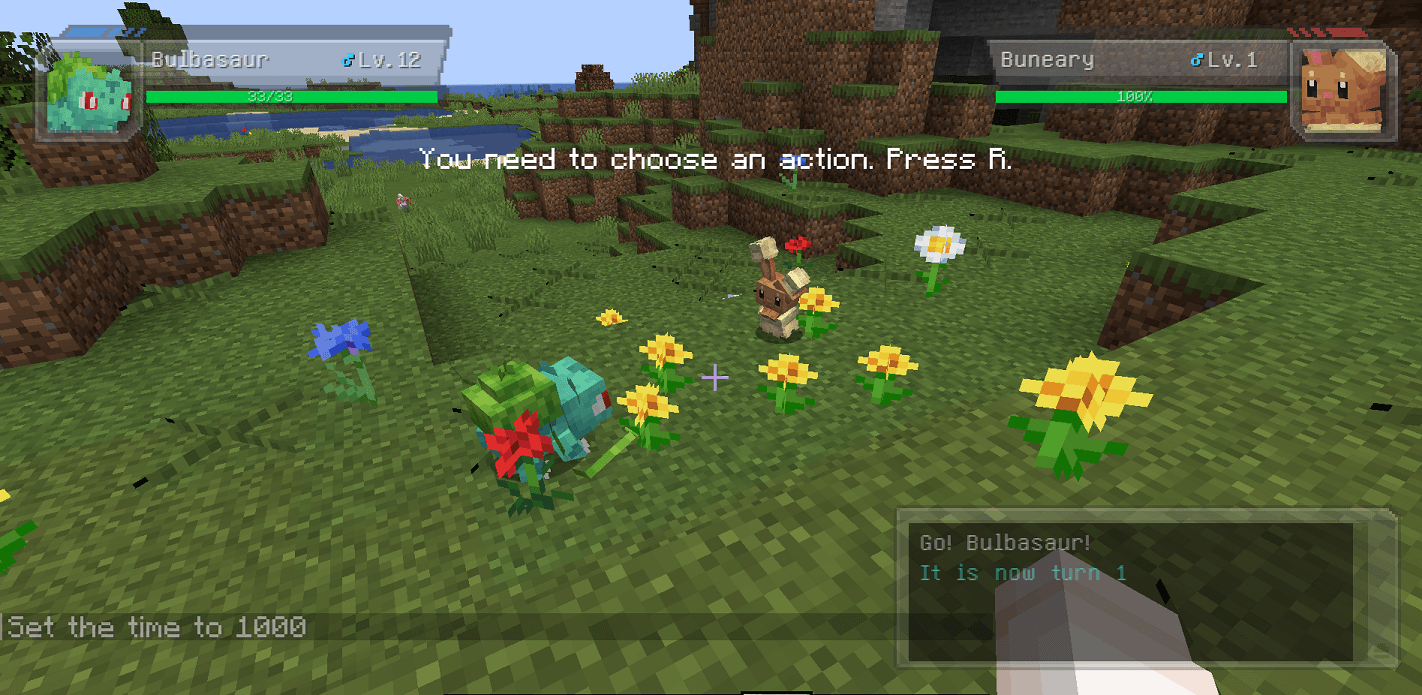
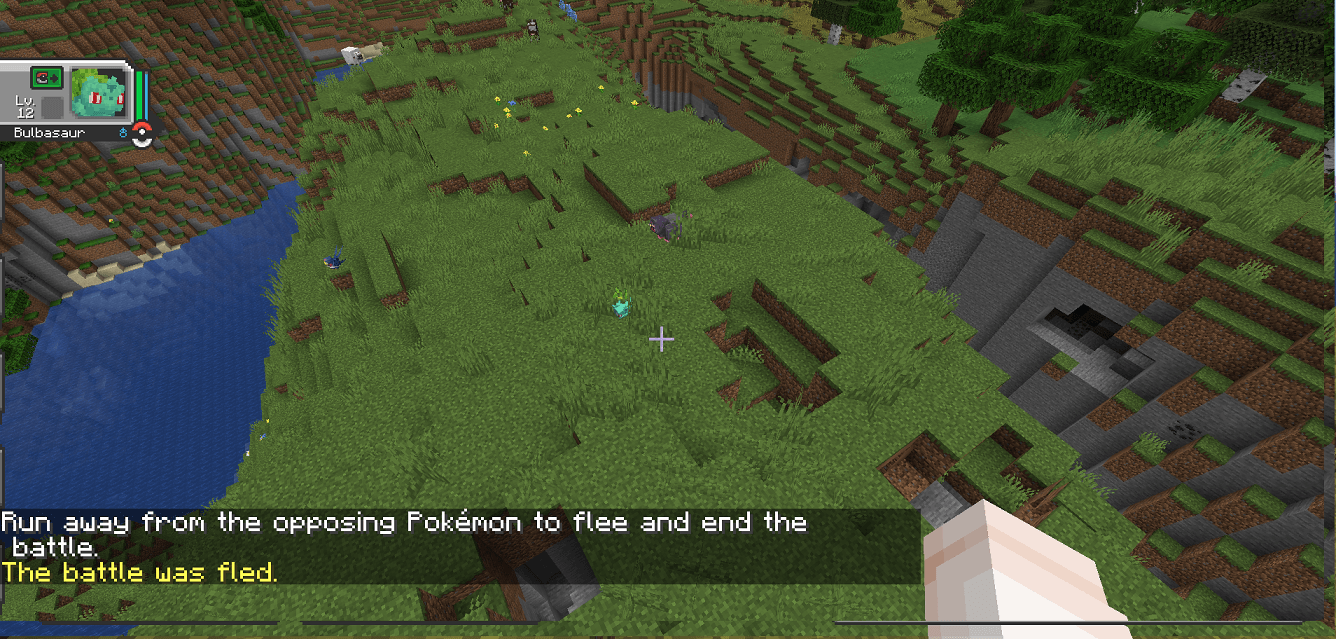
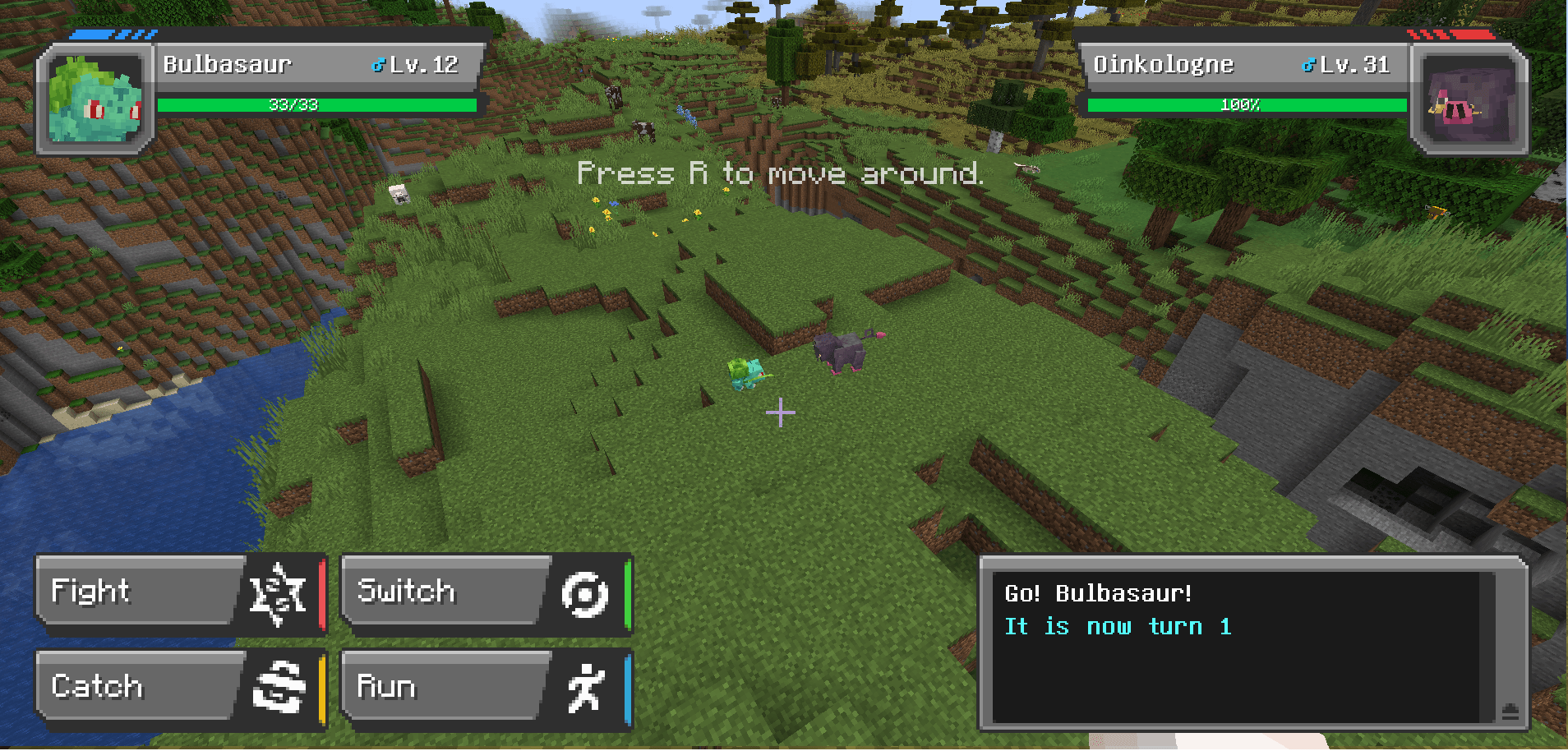
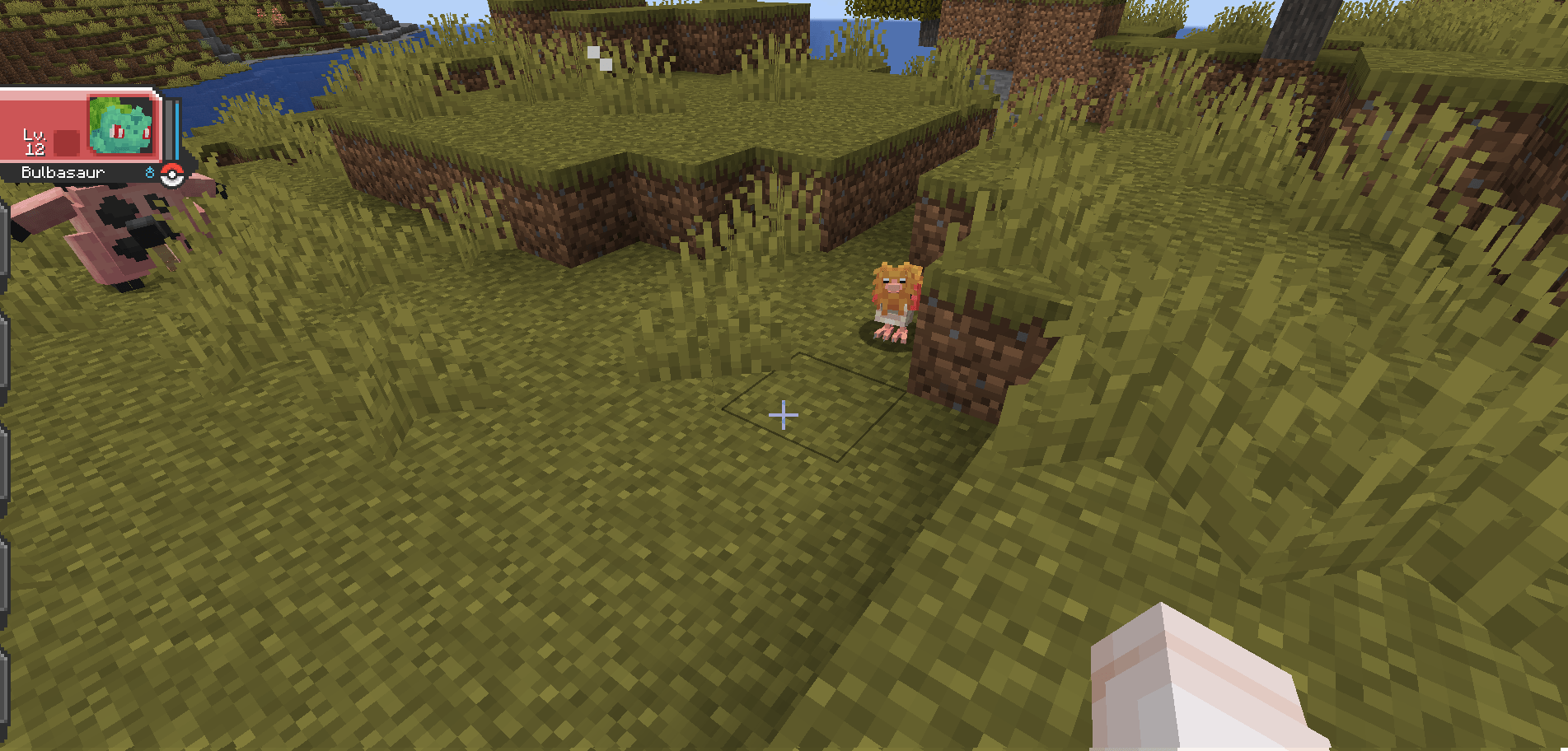
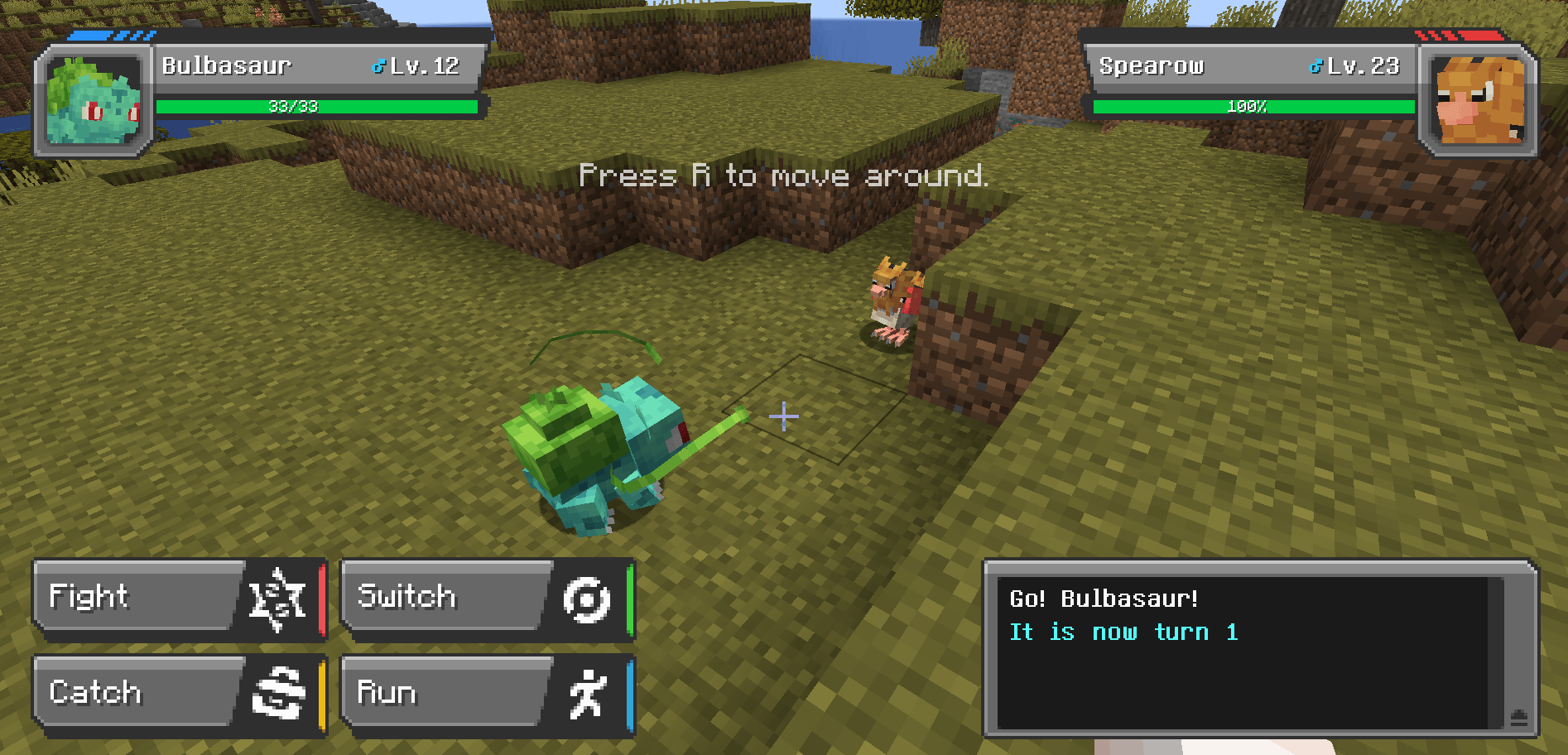
An addon for Cobblemon that hides obscuring foliage during battles and restores it afterward.
In vanilla Cobblemon, battles start wherever you happen to be standing; which is often in tall grass, a flower patch, or dense undergrowth. The player camera doesn't account for this, so any foliage between you and the Pokémon ends blocking your view of the encounter. Clear View removes that foliage for the duration of the battle and puts every block back when the battle ends.
Features
- Automatic foliage removal at battle start. When a Cobblemon battle begins, the mod scans the area around the battle and replaces short grass, ferns, flowers, and other intangible plant blocks with air. You can see your Pokémon and the opposing Pokémon clearly for the entire encounter, without standing up to clear the area first or breaking blocks you'd rather keep.
- Full per-block restoration at battle end. Every block the mod removes is recorded with its exact block state. When the battle ends (by victory, defeat, capture, or running) each block is placed back in its original position.
- Works for wild encounters and trainer battles. The mod treats both battle types the same way, so the view-clearing behavior is consistent no matter what kind of fight you're in.
- Only affects replaceable foliage. Solid blocks, terrain, crops, and player-placed builds are never touched, so your battle arenas, your farms, and your decorative builds are untouched.
Default setting clears all grass and crops in an 18 block sphere centered in the middle of the battle. Go to the config menu (default: Y) to change the size of the sphere or set the mod to either Pokemon Only, which just clears obstructions in a 2 block sphere around each Pokemon, or Trimmed Mode which leaves crops and flowers alone and crops all grass blocks in an 18 block sphere into Cropped Grass. Both of these options are great for naturalized arenas like grass type gyms.
Requires Cobblemon
Uninstalling: Restoration data is tracked in memory for the duration of each battle. If the mod is removed mid-battle, or if the server crashes during a battle, the temporarily-cleared blocks will remain as air and will not restore on their own. To uninstall safely, ensure no battles are active first, then remove the mod between battles.
Feel free to use in any modpack!
- Edition: Minecraft Java
- File type: .jar
- Minecraft version listed: 1.21.1
- How to install: Install the matching mod loader (Forge, Fabric or NeoForge) for your Minecraft version. → Download the .jar. → Put it in the .minecraft/mods folder and launch that loader profile.
- Where to get it: Opens on CurseForge — not every file is mirrored on our own servers.
Install steps are the general flow for this file type — How to install Minecraft Java mods & modpacks walks through it step by step.
- Ships as clearview-1.0.4.jar — drop this file into the mods folder
- Download size: 30 KB
- Download link checked 13 Sept 2026 — working
These come from our own check of the pack file, not from the source page.