
Flux_Applied
Introduction
Flux_Applied is a mod that integrates the FE system with the AE2 network, allowing you to store FE in the network.
Main Features
FE Storage Cells
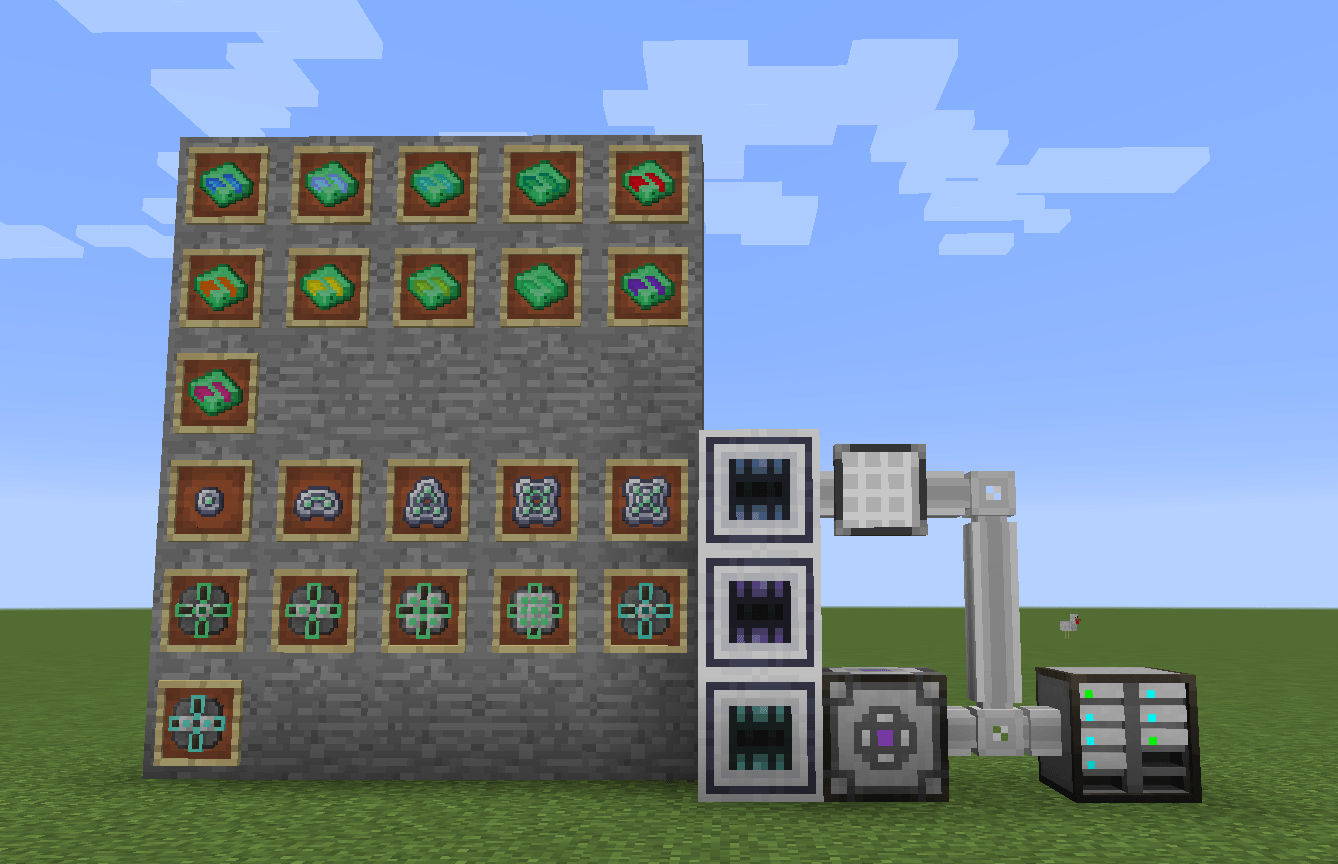
- Multiple capacity FE storage cells: 1k, 4k, 16k, 64k, 256k, 1M, 4M, 16M, 64M, 256M, 1G
- Compatible with AE2 drives
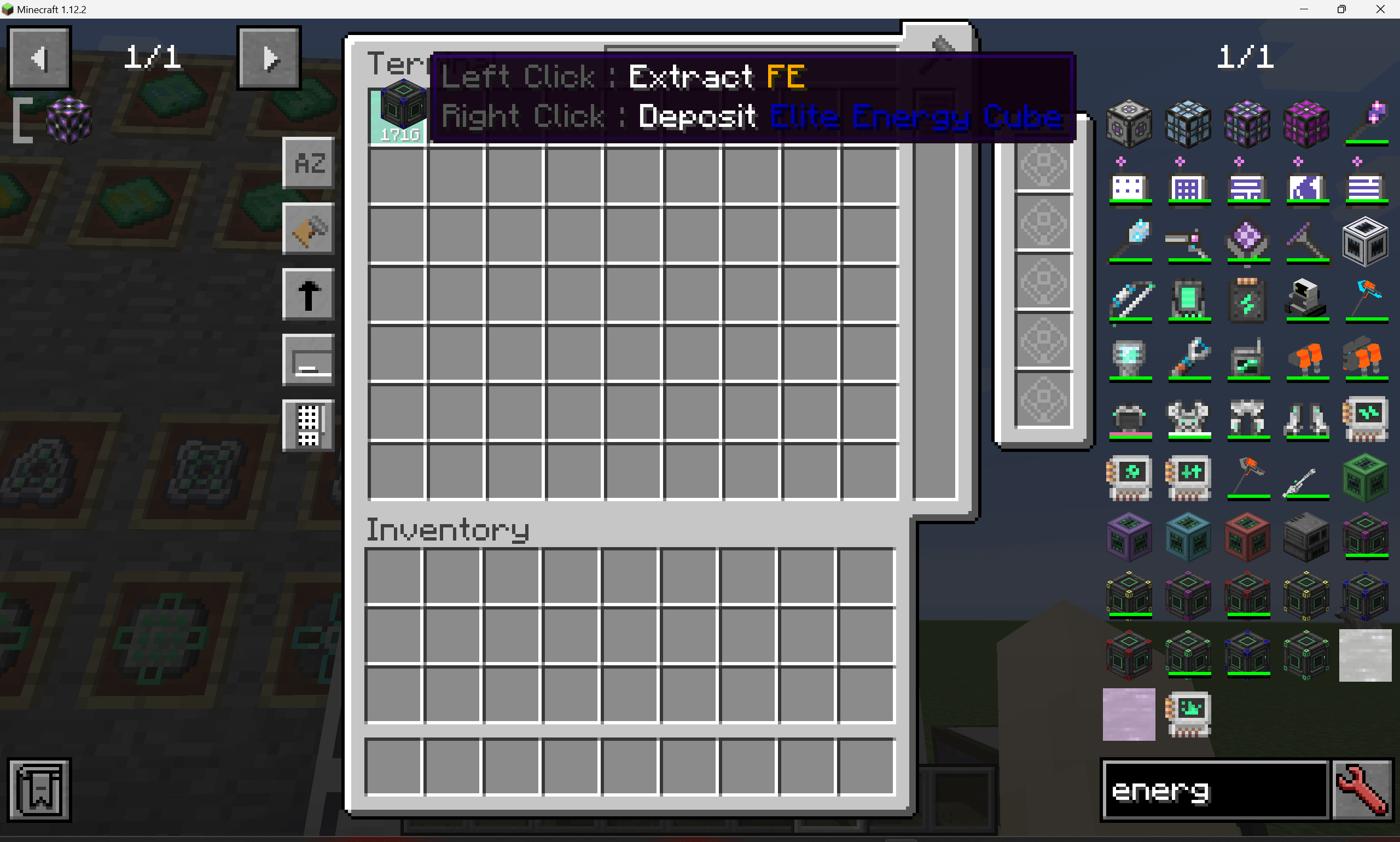
- View stored FE in ME terminals
FE port
- Combines FE with AE2 network functionality
- Occupies 1 ME channel
- Has three modes: bidirectional, input-only, and output-only.
- The default output rate is the upper limit of int (Integer.MAX_VALUE), configurable.
ME Terminal Integration
- Display virtual FE fluid in ME terminals
- Quick interaction with mana containers:
- Left-click: Execute FE exchange (fill/extract)
- Right-click: Deposit item into network
Dependencies
| Mod | Version |
|---|---|
| Minecraft | 1.12.2 |
| Forge | 14.23.5.2859+ |
| Applied Energistics 2 (UEL) | v0.56.7+ |
| Terminal Interaction Integration | 1.0.0 |
Quick facts
- Edition: Minecraft Java
- File type: .jar
- How to install: Install the matching mod loader (Forge, Fabric or NeoForge) for your Minecraft version. → Download the .jar. → Put it in the .minecraft/mods folder and launch that loader profile.
- Where to get it: Opens on CurseForge — not every file is mirrored on our own servers.
Install steps are the general flow for this file type — How to install Minecraft Java mods & modpacks walks through it step by step.
Verified by MCModsHub
- Ships as flux_applied-1.0.0.jar — drop this file into the mods folder
- Download size: 112 KB
- Download link checked 13 Sept 2026 — working
These come from our own check of the pack file, not from the source page.