
Enhanced World Creation
Java mod listed for Minecraft 1.16–1.21. Downloads from the MC Java Mods app on Android.
I don't know my version or loader
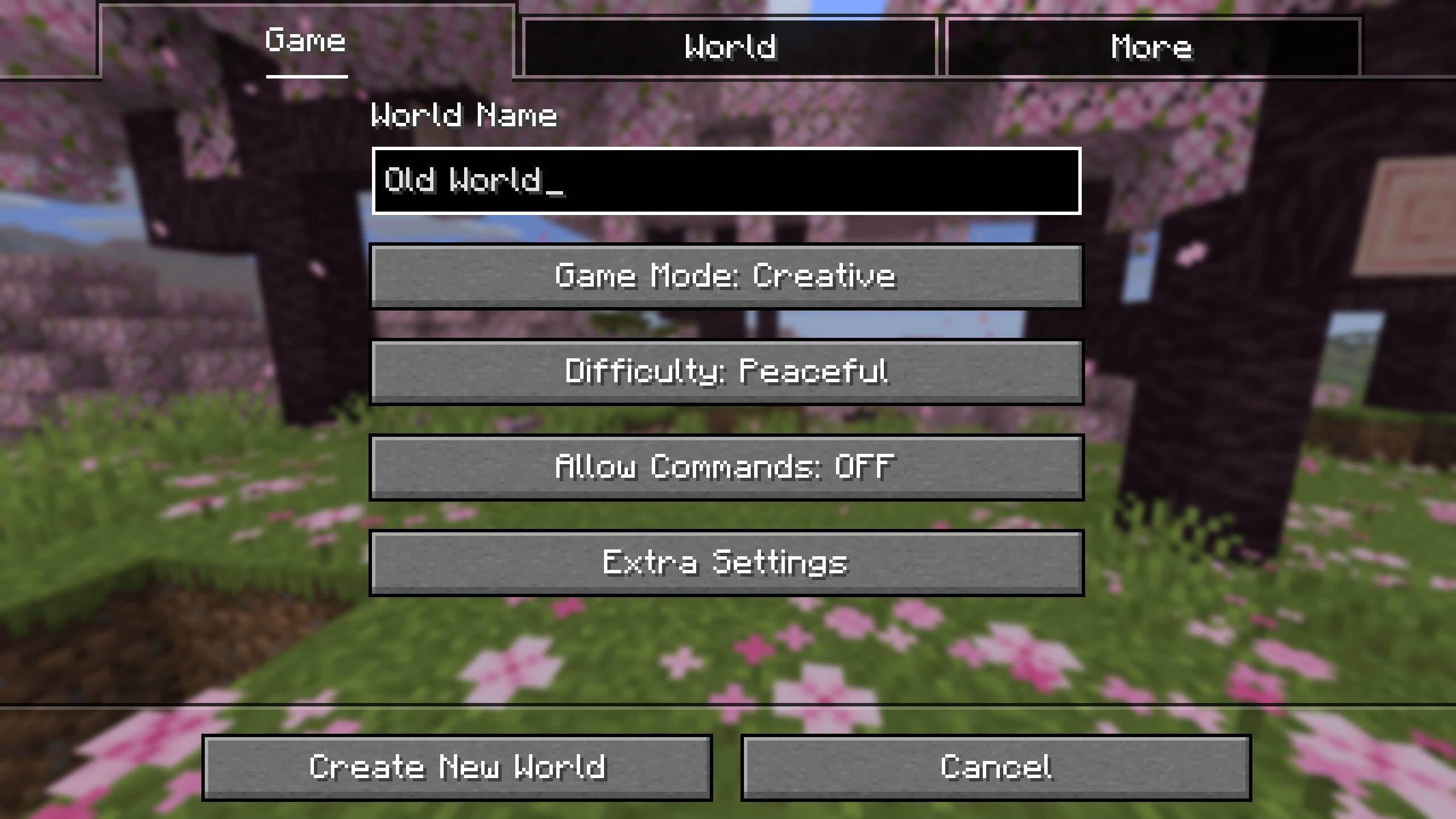
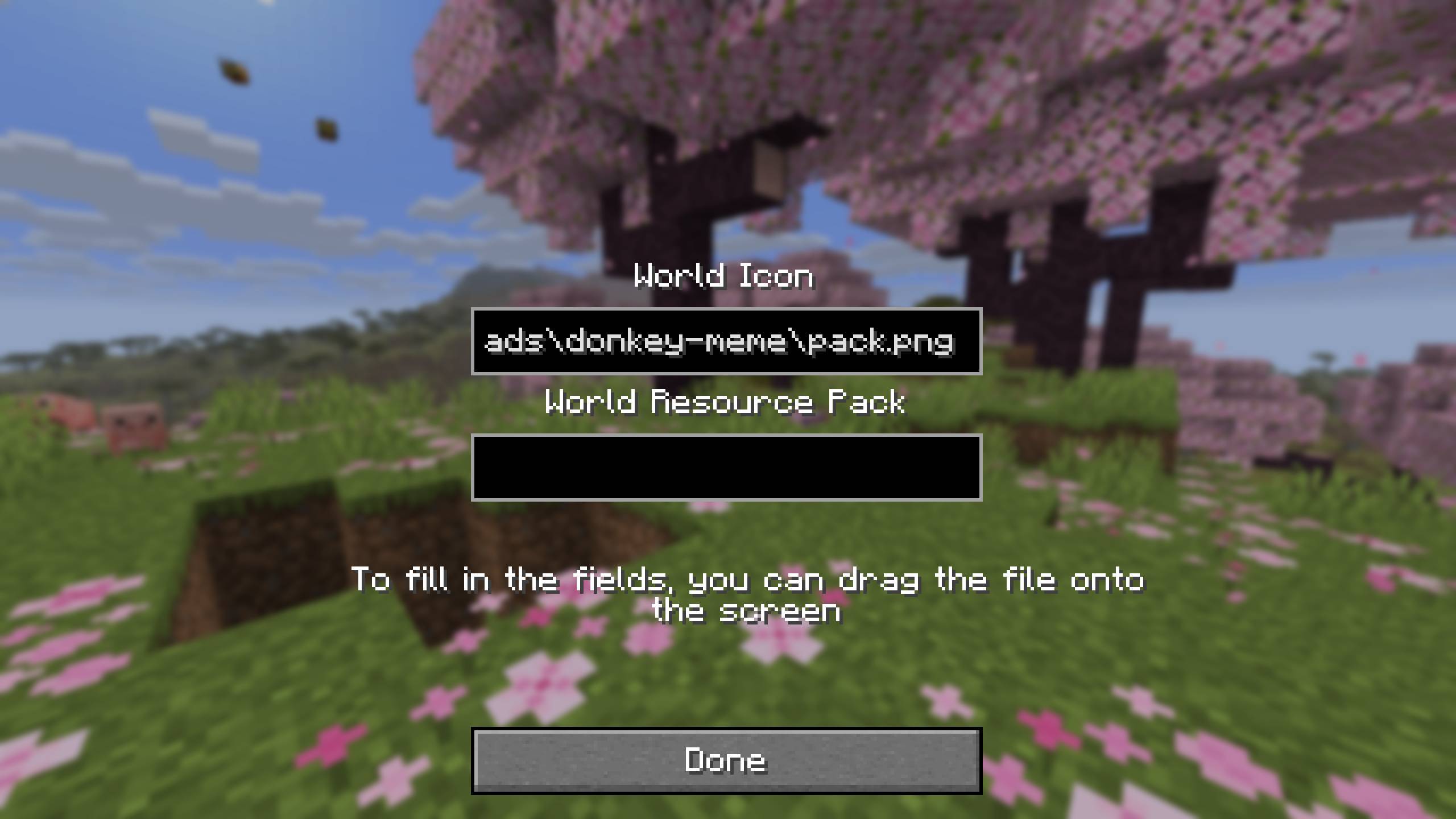
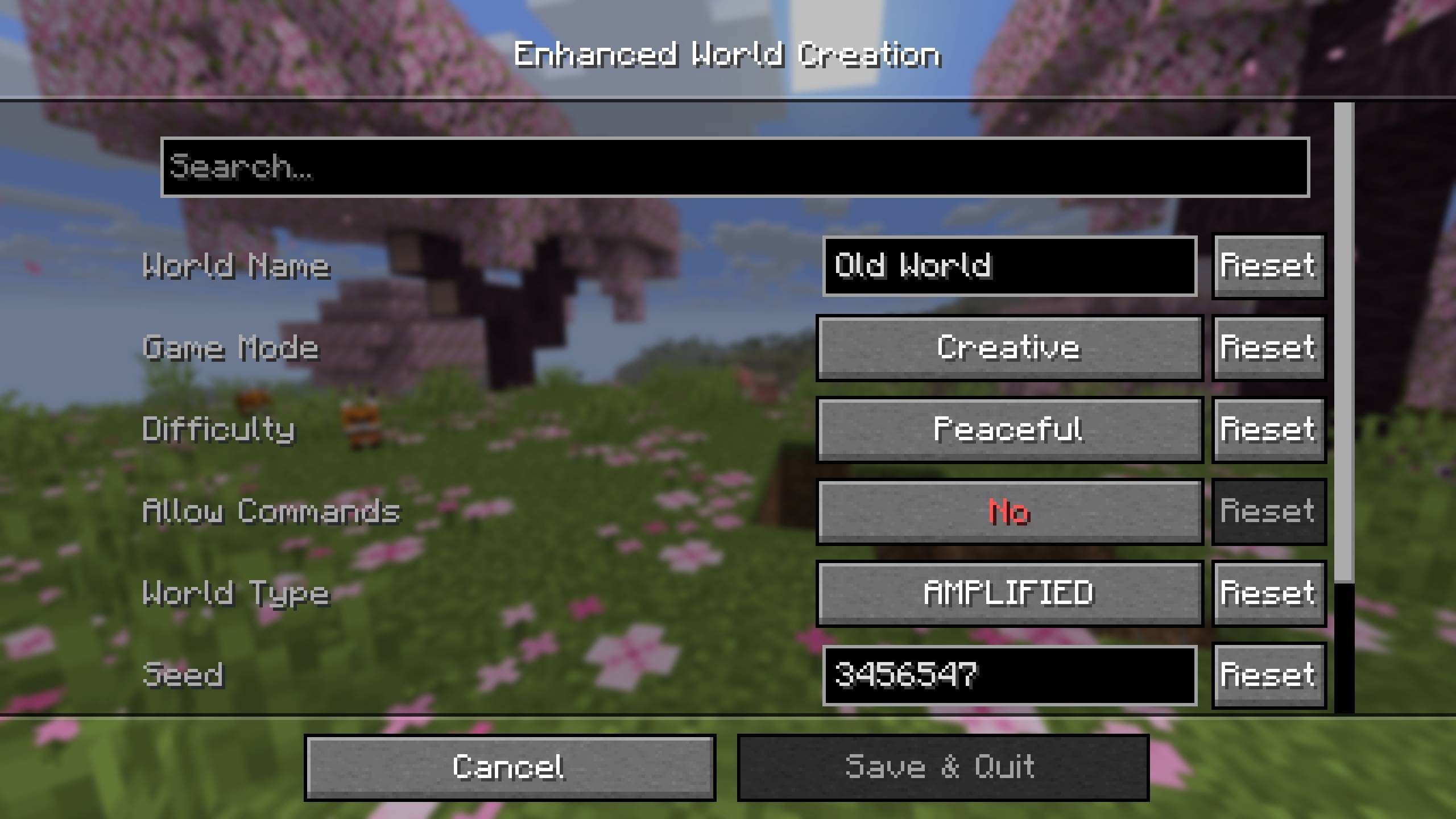

Enhanced World Creation
This mod expands the world creation screen and adds settings for changing its default parameters.

Usage
A new button will appear during world creation. Clicking it will open a screen where you can add an icon for the world and install a built-in resource pack. This resource pack will be automatically applied to the player upon entering the world.

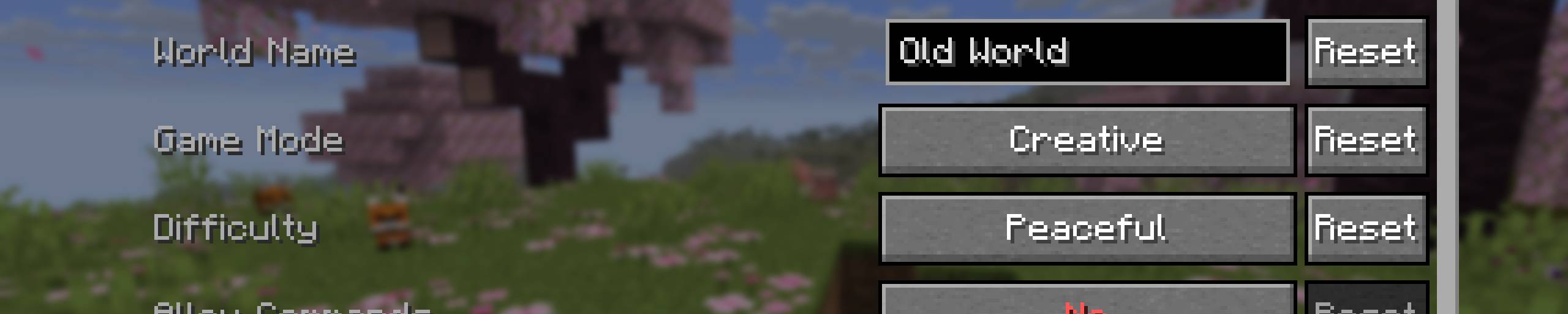
The mod has a configuration option. In its settings, you can set the default parameters for world creation. This will significantly speed up the process if you frequently generate new worlds.
I don't plan to add default game rules or data packs. Mods already exist for that.
- Edition: Minecraft Java
- File type: .jar
- Minecraft versions listed: 1.21.8, 1.21.5, 1.21.4
- How to install: Install the matching mod loader (Forge, Fabric or NeoForge) for your Minecraft version. → Download the .jar. → Put it in the .minecraft/mods folder and launch that loader profile.
- Where to get it: Opens on CurseForge — not every file is mirrored on our own servers.
Install steps are the general flow for this file type — How to install Minecraft Java mods & modpacks walks through it step by step.
- Ships as enhanced-world-creation-1.2.1-forge+26.2.jar — drop this file into the mods folder
- Download size: 303 KB
- Download link checked 3 Oct 2026 — working
These come from our own check of the pack file, not from the source page.