
AE2 WCWT
Java mod listed for Minecraft 1.20–1.21. Downloads from the MC Java Mods app on Android.
AE2 WCWT (Wireless Comprehensive Work Terminal) is an integrated wireless terminal mod for Applied Energistics 2 / NeoForge 1.21.1.
I don't know my version or loader
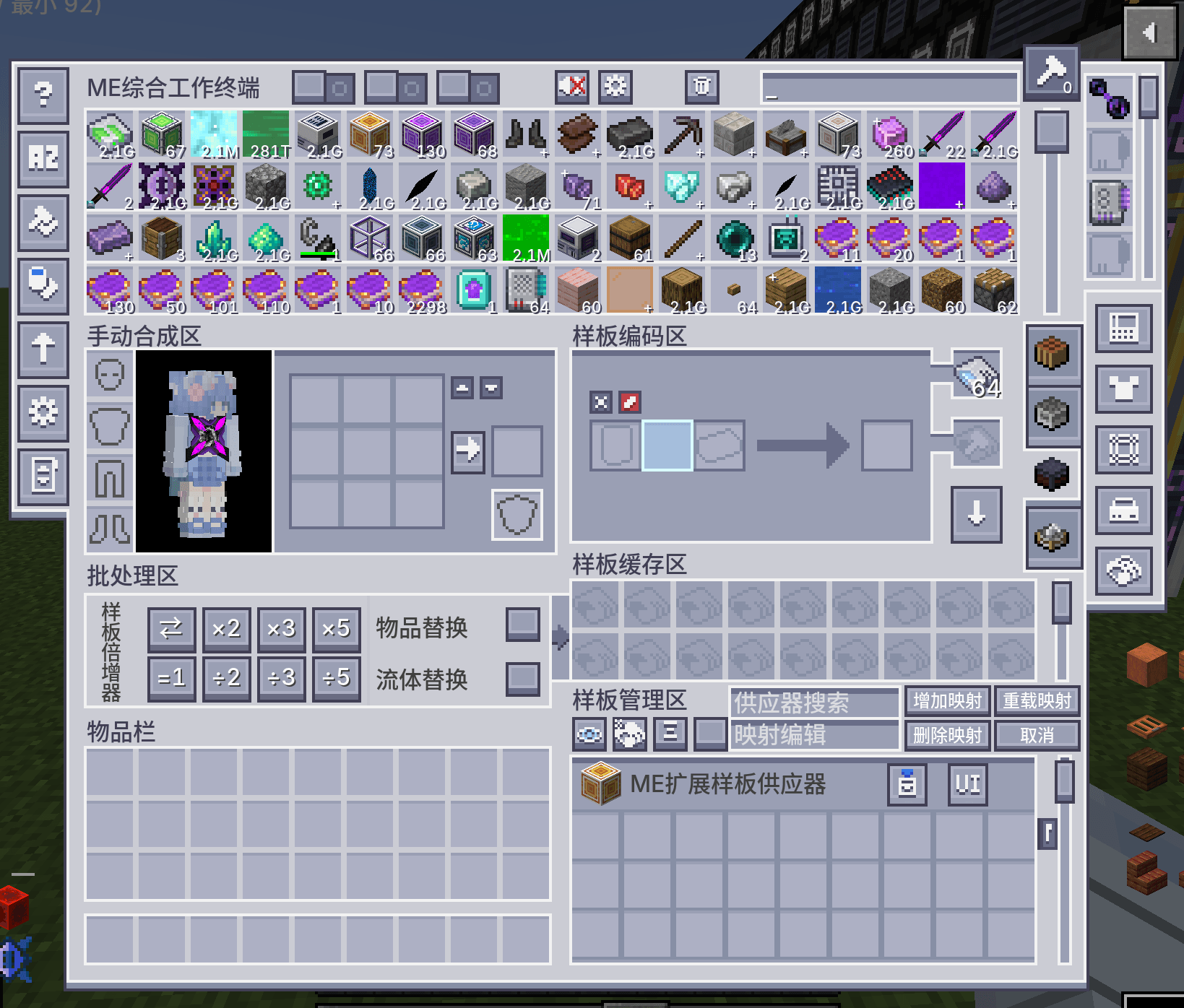
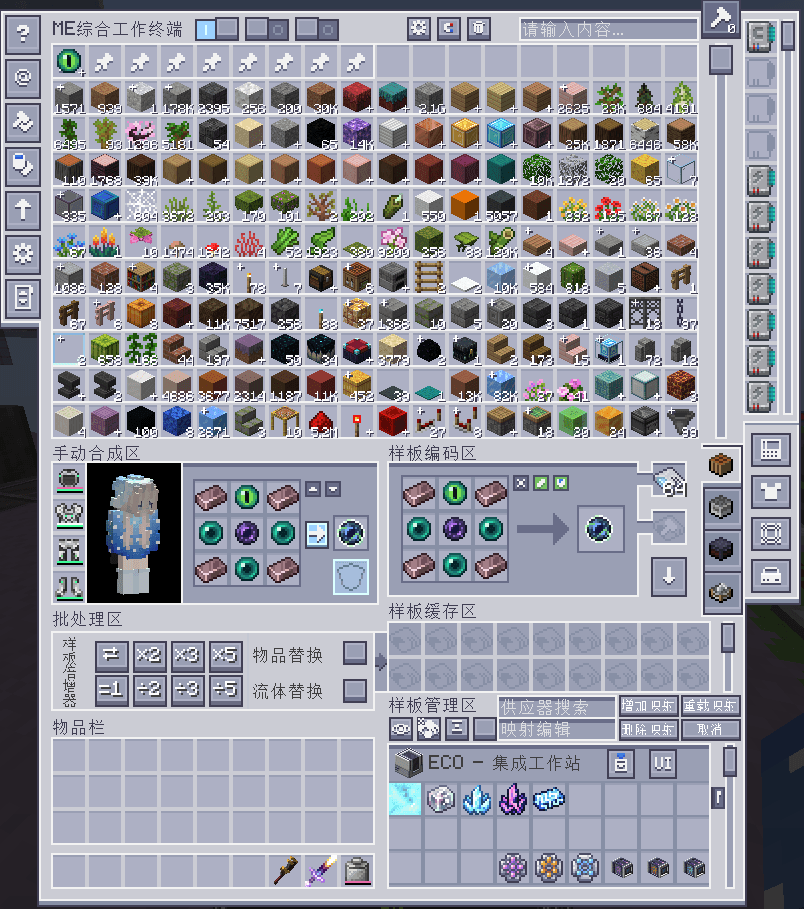
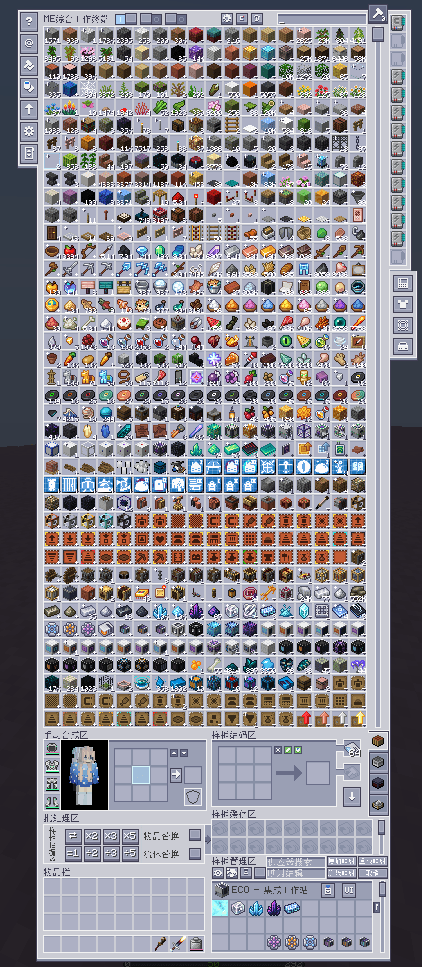
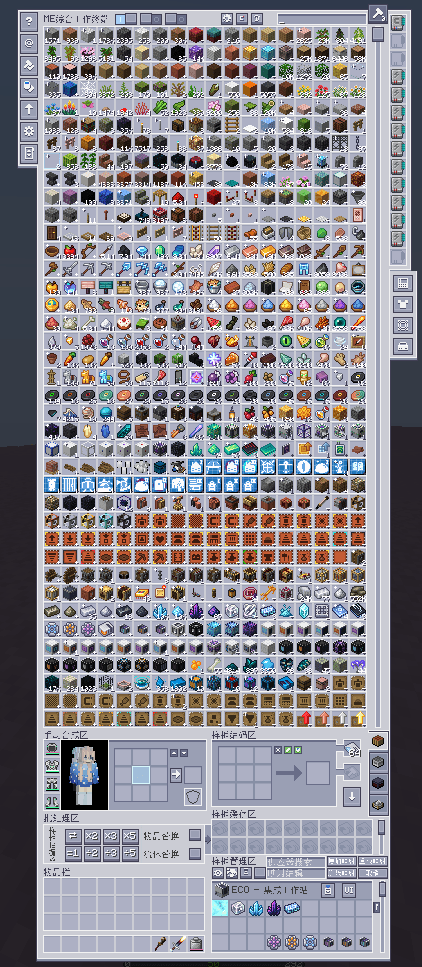
AE2 WCWT (Wireless Comprehensive Work Terminal) is an integrated wireless terminal mod for Applied Energistics 2 / NeoForge 1.21.1.
Instead of only providing a wireless crafting terminal, it aims to merge multiple commonly used AE2 addon workflows into a single terminal item and a single UI entry point.
- 18-column main ME storage view
- Built-in pattern cache for temporary pattern storage and batch operations
- Supports crafting, processing, smithing table, and stonecutting patterns
- Extended UI system with multiple side panels
- Per-panel hotkeys
- Optional-mod integrations that appear dynamically when the related mod is installed
- NeoForge
1.21.1 - Applied Energistics 2
19.2.17
- AE2 Wireless Terminal Library
- AdvancedAE
- ExtendedAE
- ExtendedAE Plus
- Curios
- Cosmetic Armor Reworked
- EMI
- JEI
- NeoECOAEExtension
- AE2 Crystal Science
- AE2 Lightning Tech
- Extreme Sound Muffler
Notes:
- Some buttons and panels are hidden automatically if their related optional mod is not installed.
AE2 WCWT(Wireless Comprehensive Work Terminal)是一个面向 Applied Energistics 2 / NeoForge 1.21.1 的综合型无线终端模组。
它的目标不是只做“无线合成终端”,而是把多个 AE2 生态附属模组中常用、常切换、常要开很多界面的功能,集中整合到一把无线终端里。- 18 列主仓库显示区,更大的无线物品查看面积
- 内置样板缓存区,便于批量编码、复制、替换、上传与整理
- 同时支持合成样板、处理样板、锻造台样板、切石机样板
- 集成高级编码、样板管理、工具包、卡槽箱等扩展 UI
- 支持快捷键直接打开不同扩展界面
- 支持多种可选模组联动,按已安装模组动态显示对应按钮或界面
- NeoForge
1.21.1 - Applied Energistics 2
19.2.17
- AE2 Wireless Terminal Library
- AdvancedAE
- ExtendedAE
- ExtendedAE Plus
- Curios
- Cosmetic Armor Reworked
- EMI
- JEI
- NeoECOAEExtension
- AE2 Crystal Science
- AE2 Lightning Tech
- Extreme Sound Muffler
说明:
- 部分功能在没有安装对应模组时会自动隐藏按钮,或保留基础逻辑但不显示扩展内容。
- Edition: Minecraft Java
- File type: .jar
- Minecraft versions listed: 1.21.1, 1.20.1
- How to install: Install the matching mod loader (Forge, Fabric or NeoForge) for your Minecraft version. → Download the .jar. → Put it in the .minecraft/mods folder and launch that loader profile.
- Where to get it: Opens on CurseForge — not every file is mirrored on our own servers.
Install steps are the general flow for this file type — How to install Minecraft Java mods & modpacks walks through it step by step.
- Ships as wcwt-1.20.1.7-hotfix.jar — drop this file into the mods folder
- Download size: 1.1 MB
- Download link checked 3 Oct 2026 — working
These come from our own check of the pack file, not from the source page.