
Mekanism: Tiered Outlines (MTO)
Java mod listed for Minecraft 1.20–1.21. Downloads from the MC Java Mods app on Android.
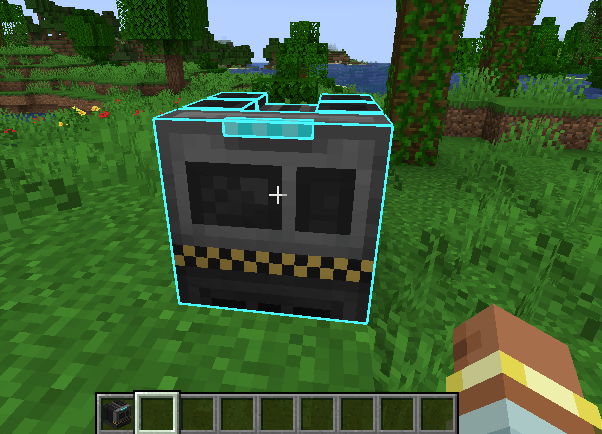
Simple mod which replaces block borders for certain tiered mekanism blocks with custom borders corresponding to their tier.
I don't know my version or loader
Mekanism Tiered Outlines
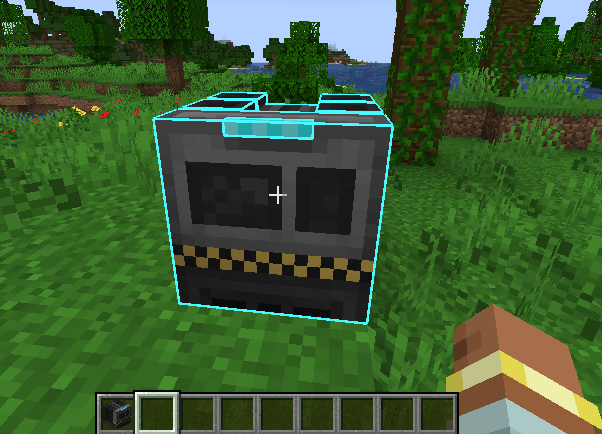
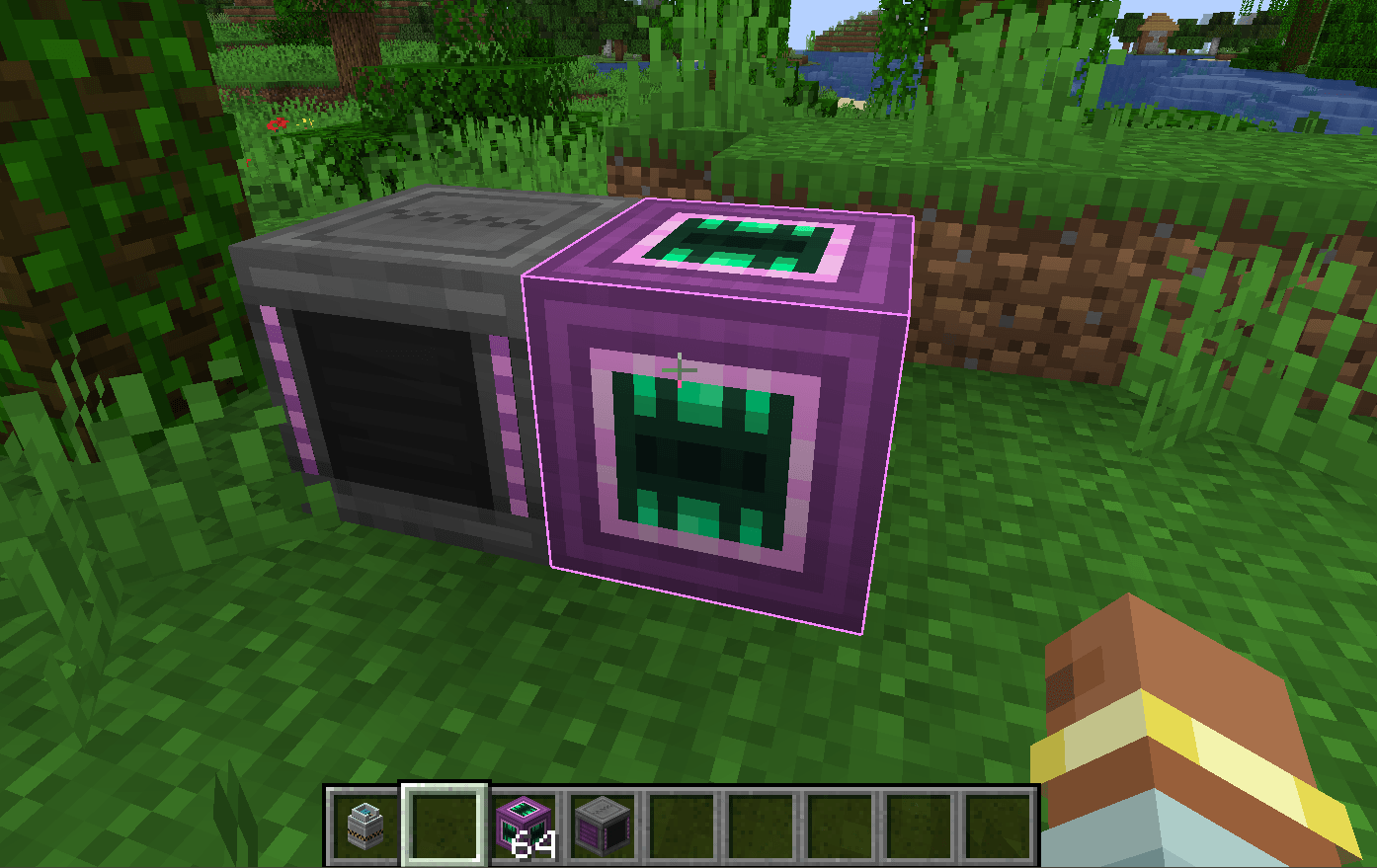
This is a simple mod which adds tiered outlines similar to GT Modern, but for Mekanism! It adds outlines for pipes, tanks, bins, factories, energy cubes, and any tiered machine in mekanism that correspond to the color of their progression tier, like "Ultimate" is purple! (shown in image below)
This allows you to differentiate machines at a quick glance and it looks pretty good too.
Developed by Iristhepianist/Irislgtm!
MIT License, decompile it, do whatever i don't care.
It is able to use the rgb from mekanism tier directly using tier.getRgb(). You can also configure it to be more or less opaque depending on what you want.
If you want to request any features, commenting on CF is probably the best way.
(Ultimate Machine shown below)

- Edition: Minecraft Java
- File type: .jar
- Minecraft versions listed: 1.21.1, 1.20.1
- How to install: Install the matching mod loader (Forge, Fabric or NeoForge) for your Minecraft version. → Download the .jar. → Put it in the .minecraft/mods folder and launch that loader profile.
- Where to get it: Opens on CurseForge — not every file is mirrored on our own servers.
Install steps are the general flow for this file type — How to install Minecraft Java mods & modpacks walks through it step by step.
- Ships as mto-1.1-forge-1.20.1.jar — drop this file into the mods folder
- Download size: 13 KB
- Download link checked 3 Oct 2026 — working
These come from our own check of the pack file, not from the source page.