
create_break
Java mod listed for Minecraft 1.20–1.21. Downloads from the MC Java Mods app on Android.
Create Break adds a link-based Break Table that unlocks Create and vanilla recipes from nearby machines, storage blocks, and fluid containers in one…
I don't know my version or loader
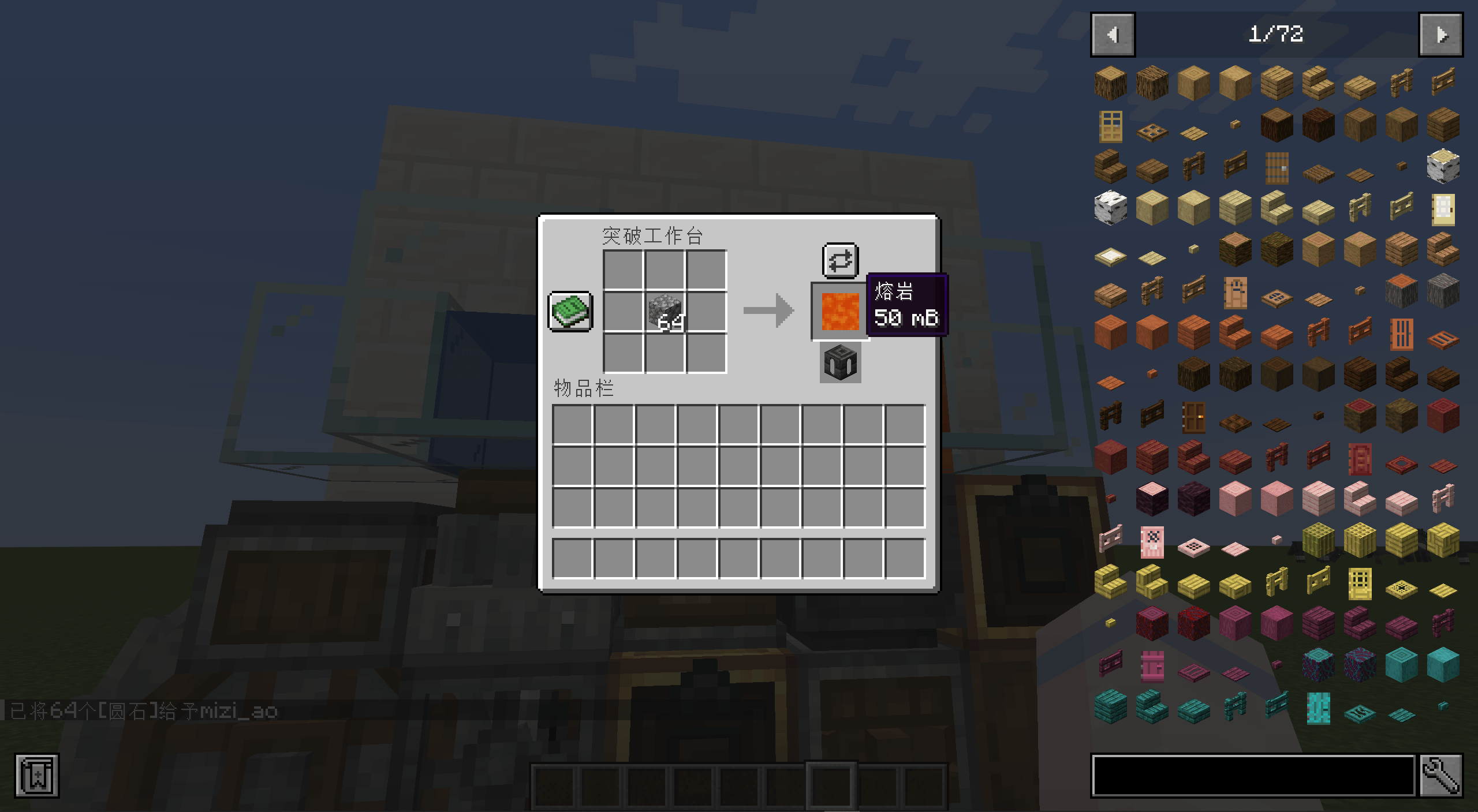
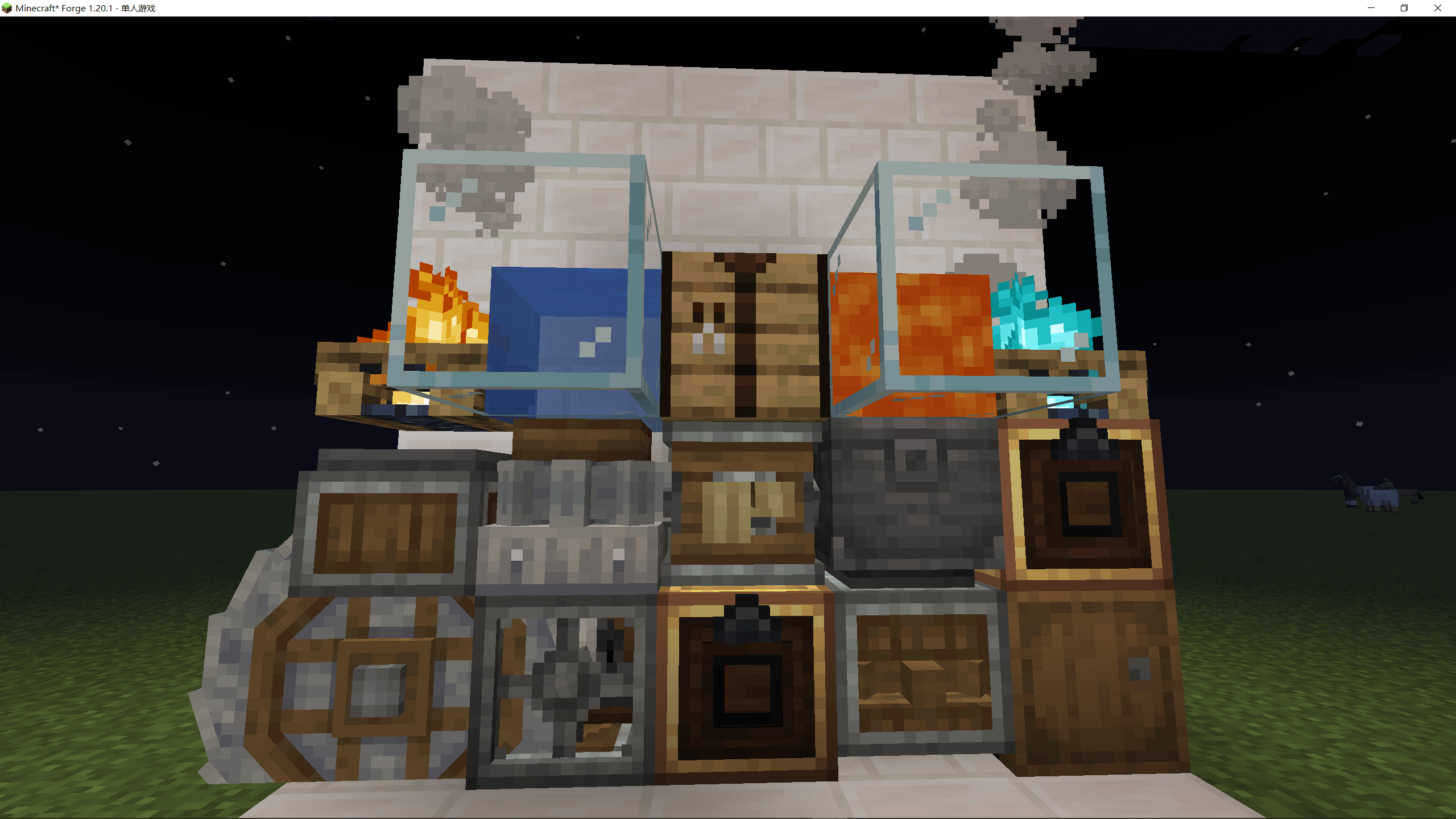
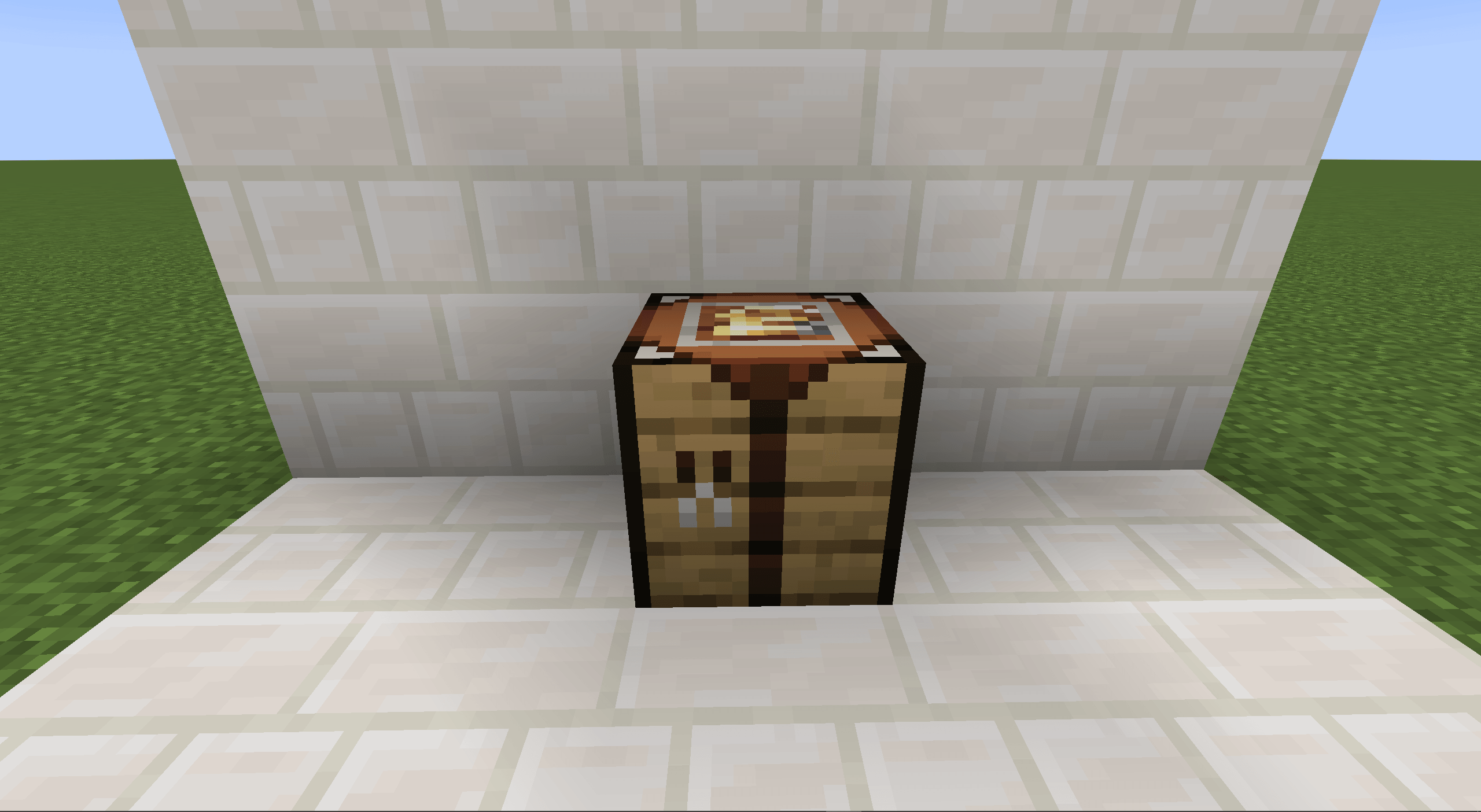
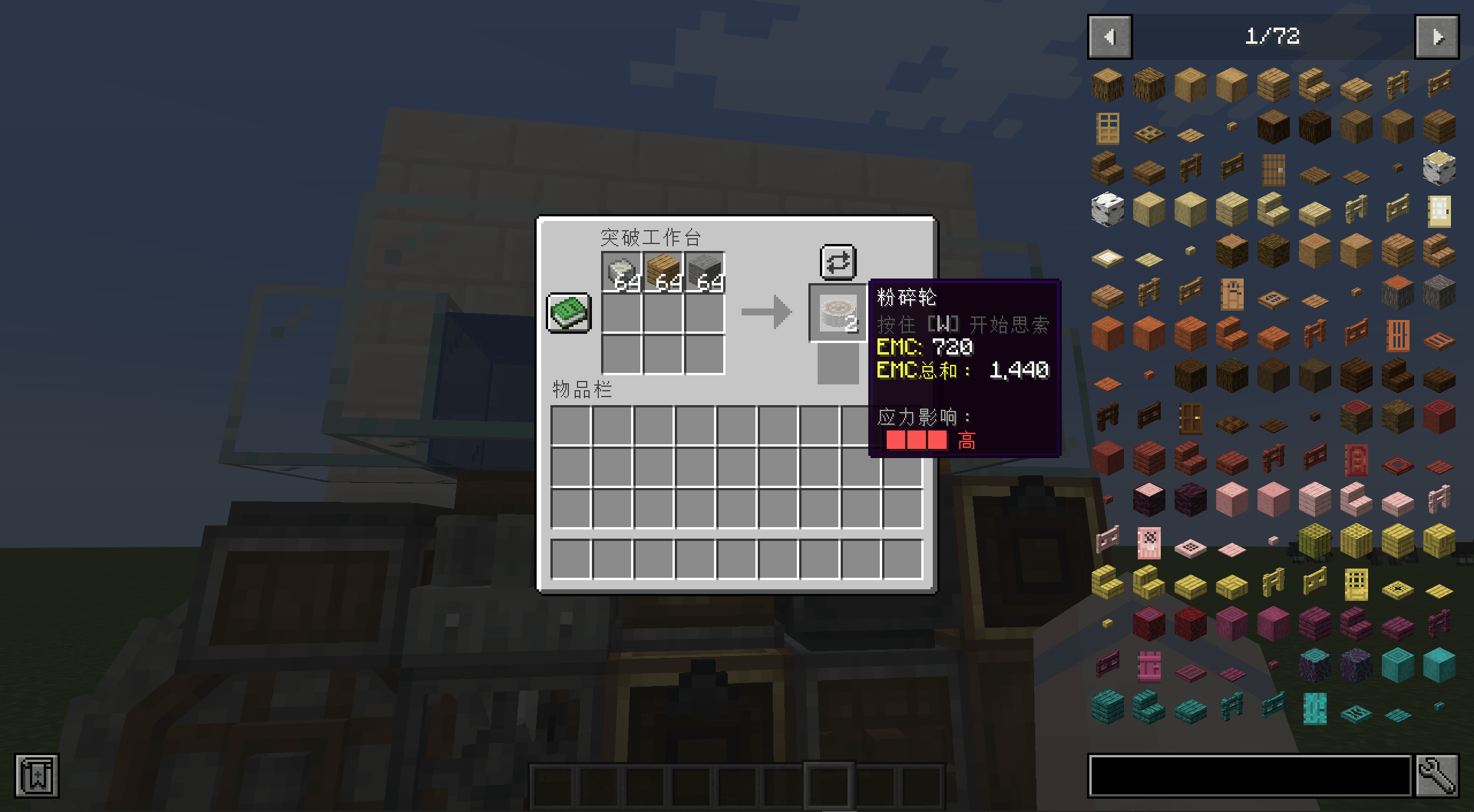
Create Break is a Create add-on centered around the Break Table. The Break Table can link to nearby blocks to unlock the recipe types associated with those blocks, allowing multiple crafting, processing, and fluid-handling workflows to be performed through a single interface.
The Break Table reads recipe types from linked blocks. When a supported block is placed next to the Break Table, or connected through an existing linked block network, the corresponding recipes become available in the Break Table. Crafting is based on the required item counts rather than the original recipe shape. For example, eight cobblestone placed in a single input slot can be used to craft a furnace.
The Break Table supports polymorphic recipe selection. When the same set of inputs matches multiple recipes, the player can switch between available outputs through the recipe selection button. The Break Table also includes a fluid output slot. Recipes that produce fluids require a compatible fluid container in this slot. If the slot is empty, the container cannot accept the fluid, or the remaining capacity is insufficient, the recipe cannot be completed.
When linked to a storage block, the Break Table can use items inside that storage block as crafting ingredients. Supported storage blocks include chests, barrels, and shulker boxes. If multiple storage blocks are connected, only the first linked storage block is used. This allows the Break Table to handle recipes that require more items than the 3×3 input grid can normally hold, such as large mechanical crafting recipes.
Linked Blocks and Available Functions
| Linked Block | Unlocked Function |
|---|---|
| Furnace | Vanilla smelting recipes. |
| Millstone | Create milling recipes. Recipes with chance-based byproducts roll those byproducts when crafted. |
| Encased Fan | Unlocks bulk processing recipes when linked with the required catalyst block. |
| Full Water Source Block | Unlocks bulk washing when linked with an Encased Fan. |
| Full Lava Source Block | Unlocks bulk blasting when linked with an Encased Fan. |
| Fire, Campfire | Unlocks bulk smoking when linked with an Encased Fan. |
| Soul Fire, Soul Campfire | Unlocks bulk haunting when linked with an Encased Fan. |
| Crushing Wheel | Create crushing recipes. If an input has no crushing recipe, the Break Table can fall back to the corresponding milling recipe. |
| Mechanical Mixer | Mixing, automated shapeless mixing, and automated brewing recipes. Heat requirements are ignored by the Break Table. |
| Mechanical Crafter | Mechanical crafting recipes. The required item counts are checked, but the original mechanical crafting layout is not required. |
| Depot | Sequenced assembly recipes. The Break Table calculates the total item and fluid costs of the sequence and handles successful or failed outputs when crafting. |
| Deployer | Deploying, item application, and sandpaper polishing recipes. Some held tools are not consumed, but may lose durability depending on the recipe. |
| Mechanical Saw | Cutting recipes. Stonecutter-derived block cutting recipes are not included. |
| Mechanical Press | Pressing recipes, such as pressing sugar cane into paper. |
| Basin | Compacting recipes. Item inputs, fluid inputs, item outputs, and fluid outputs are supported. Heat requirements are ignored by the Break Table. |
| Chests, Barrels, Shulker Boxes, and similar storage blocks | Used as an additional ingredient source. Each Break Table only reads from the first linked storage block. |
Fluid Recipes
The Break Table supports recipes with fluid inputs or fluid outputs. Fluid inputs usually require a fluid container containing the required fluid to be placed in the input grid. Fluid outputs require a compatible fluid container in the fluid output slot. If a recipe outputs only fluid, the result slot displays a fluid preview, and clicking the result writes the fluid into the container in the fluid output slot.
Chance-Based Outputs
Some Create recipes include chance-based outputs. The Break Table rolls these outputs when the recipe is crafted. Successful byproducts are inserted into the player’s inventory when possible; if the inventory has no available space, they are dropped near the player. Sequenced assembly recipes also roll their final result from the recipe’s output pool, and failed rolls produce the corresponding failure output.
- Edition: Minecraft Java
- File type: .jar
- Minecraft versions listed: 1.20.1, 1.21.1
- How to install: Install the matching mod loader (Forge, Fabric or NeoForge) for your Minecraft version. → Download the .jar. → Put it in the .minecraft/mods folder and launch that loader profile.
- Where to get it: Opens on CurseForge — not every file is mirrored on our own servers.
Install steps are the general flow for this file type — How to install Minecraft Java mods & modpacks walks through it step by step.
- Ships as create_break-neoforge-1.21.1-1.0.0.jar — drop this file into the mods folder
- Download size: 241 KB
- Download link checked 24 Oct 2026 — working
These come from our own check of the pack file, not from the source page.