Undo Craft
Java mod listed for Minecraft 1.20–1.21. Downloads from the MC Java Mods app on Android.
Accidentally crafted the wrong item? Instantly undo your last crafting action with CTRL+Z or an in-game button. Supports Fabric, Forge, and NeoForge with…
I don't know my version or loader
🔄 Undo Craft
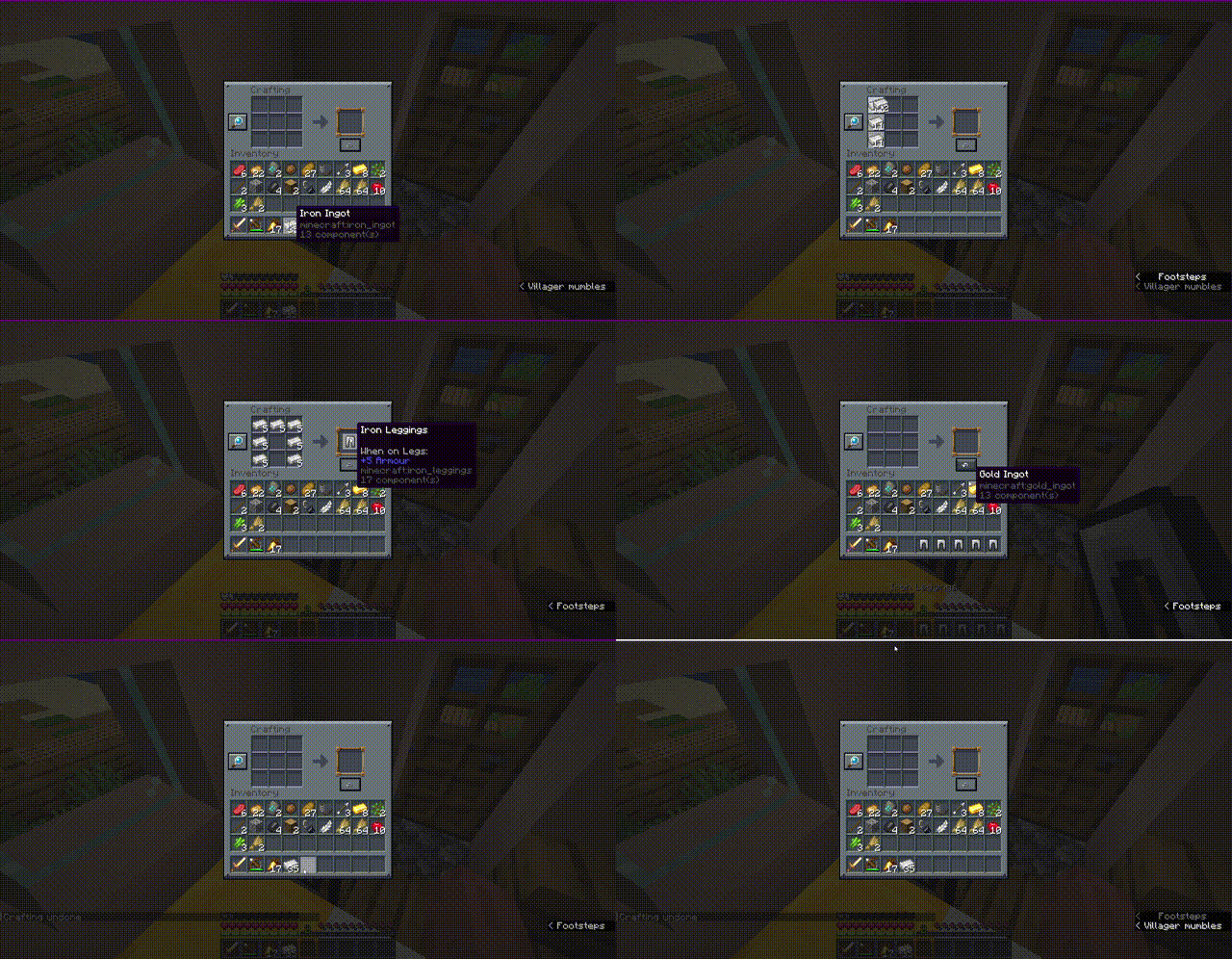
Have you ever accidentally crafted a stack of the wrong item or wasted valuable resources by misclicking at the crafting table? Undo Craft is here to save your day!
With this client-side utility mod, you can instantly undo your last crafting action, recover all your ingredients completely, and keep your inventory perfectly organized.
✨ Features
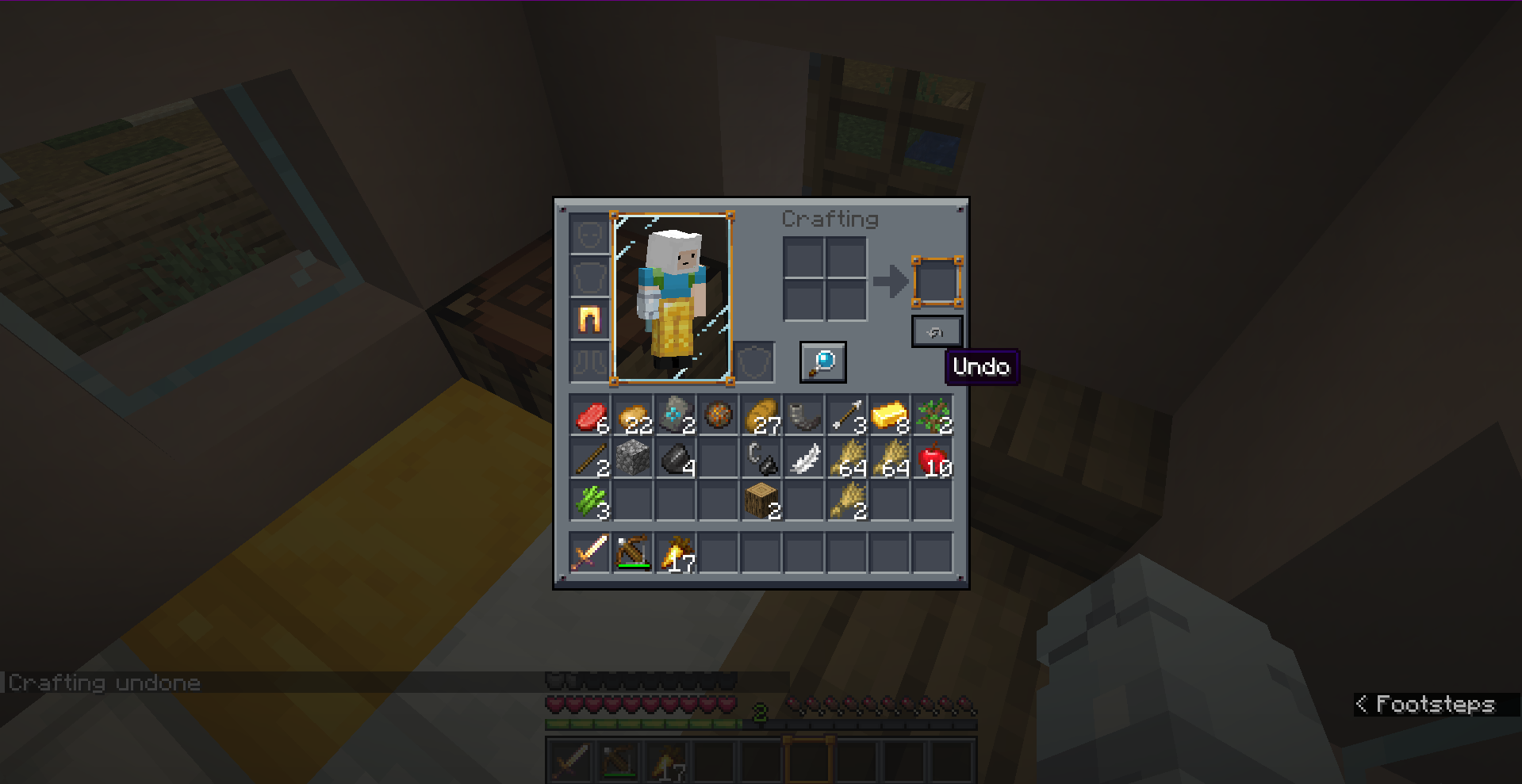
- Accidental Craft Recovery: Reverts the most recent crafting action (single crafts or full shift-clicked/quick-move stacks) instantly.
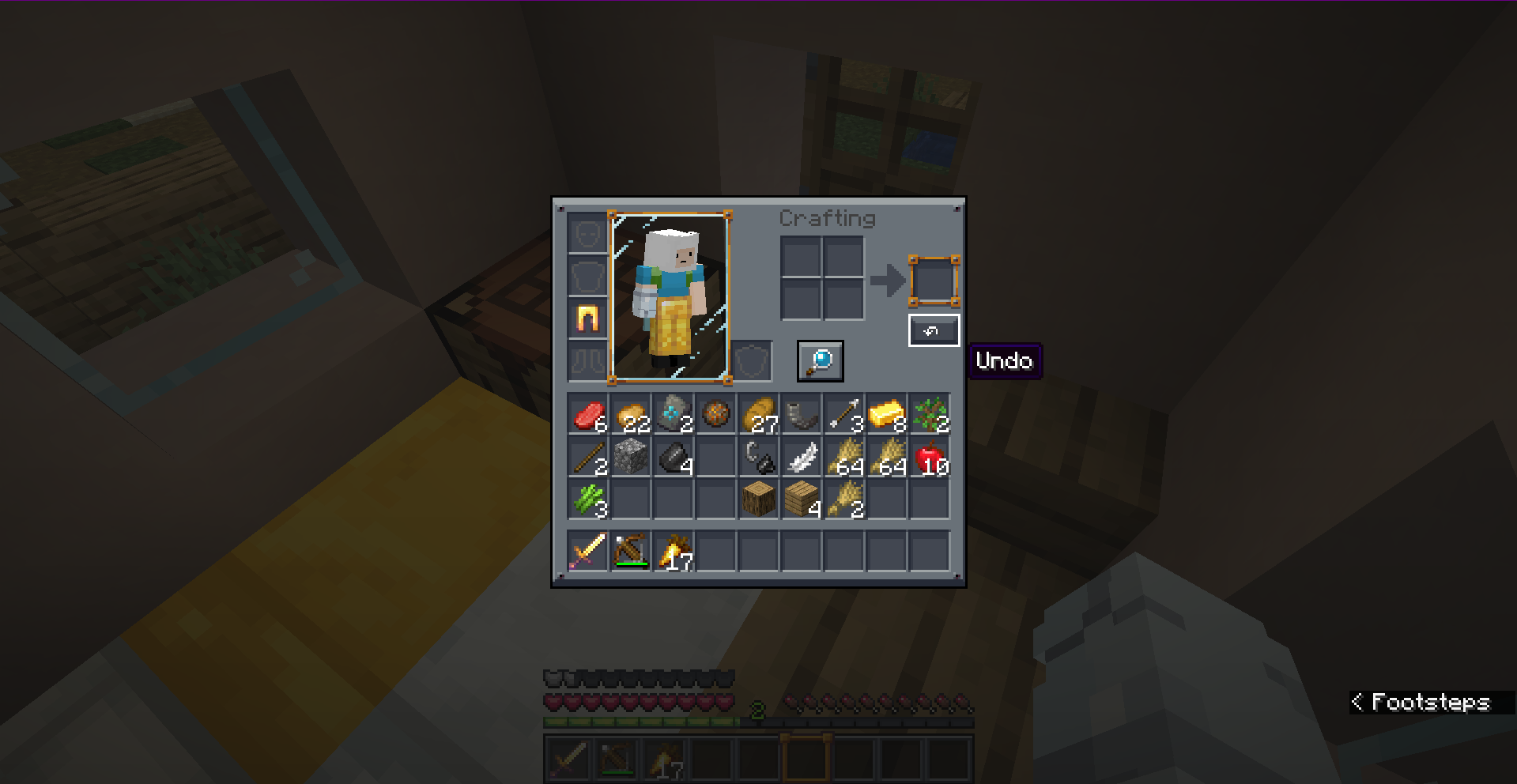
- Visual Position Editor: Features a fully interactive, tabbed drag-and-drop config screen. Easily place the Undo button exactly where you want it.
- Dual-Screen Settings: Set independent button coordinates for the 3x3 Crafting Table and the 2x2 Survival Inventory.
- Highly Custom Keybind: Press
CTRL + Zto trigger the undo action without even clicking the button! - 100% Client-Side: Safe to use on any server! Positioning, UI widgets, and validation are handled locally without requiring server-side installation.
- Multi-Version & Multi-Loader Support: Fully natively optimized for Fabric, Forge, and NeoForge across multiple versions.
📸 Screenshots
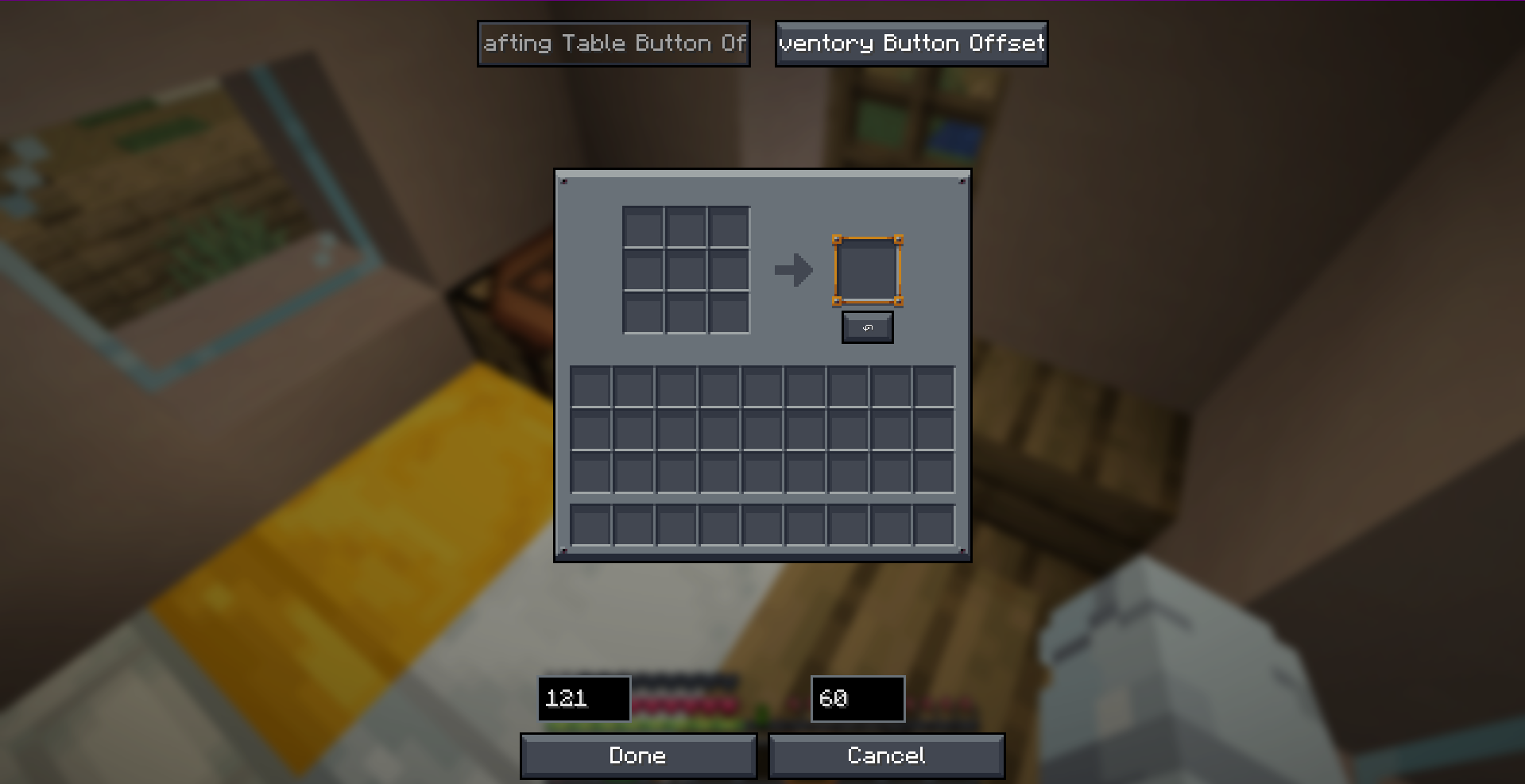
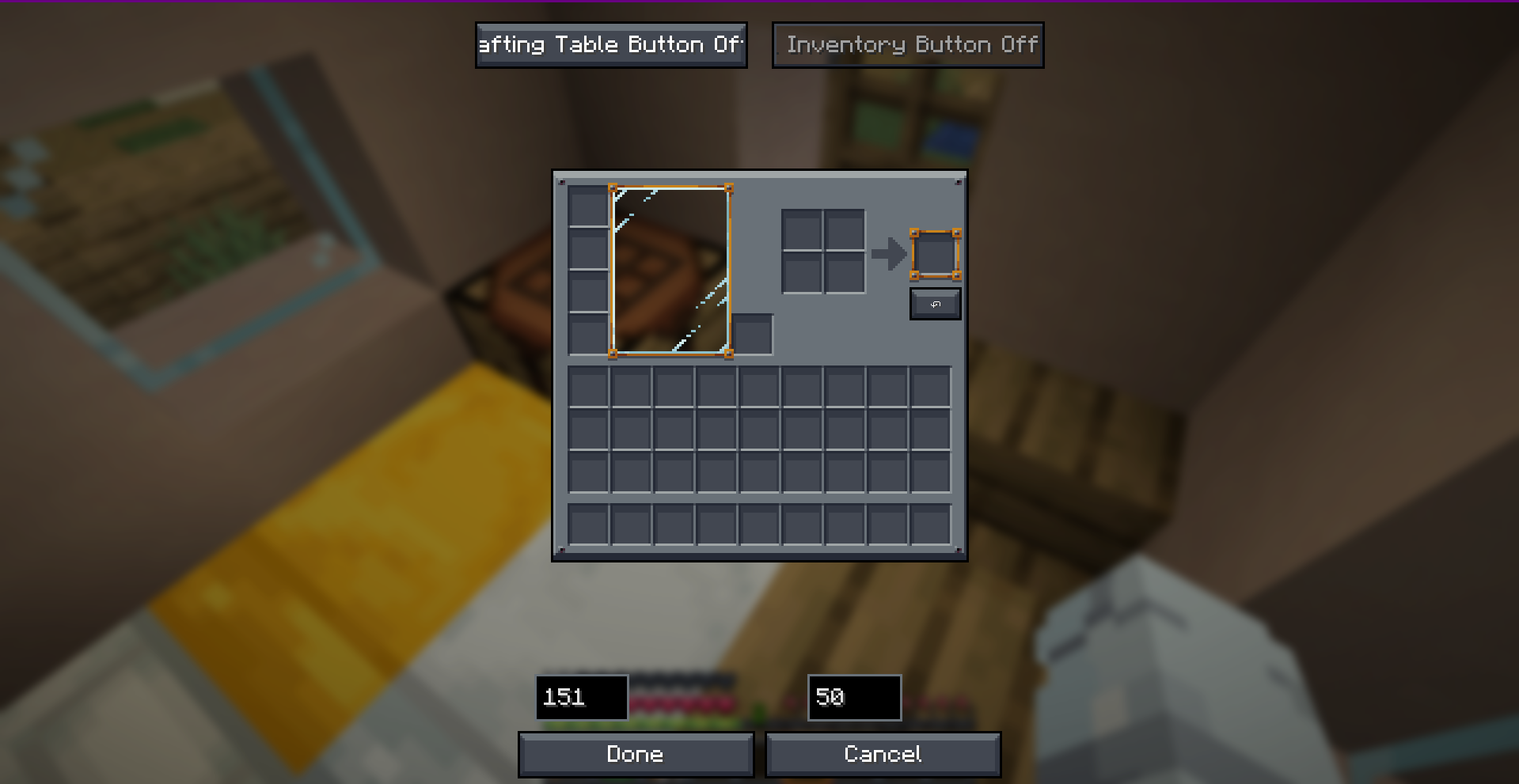
🎮 How to Use
- Open any Crafting Table or your Survival Inventory.
- Perform a crafting action.
- Click the ↶ (Undo) button on the screen, or simply press
CTRL + Z. - Get all your original crafting ingredients refunded instantly!
Note: The undo history only stores the very last crafting action. Opening a new crafting session, closing the screen, or performing another craft will reset the undo buffer.
🛠️ Configuration
You can fully customize the button offsets in real-time! Access the visual positioning editor through:
- Fabric: Configure button inside ModMenu.
- Forge / NeoForge: Access the client config editor directly.
- Alternatively, configure coordinates manually in
config/undo-craft.json.
📥 Loader & Version Compatibility
| Minecraft Version | Fabric | Forge | NeoForge |
|---|---|---|---|
| 1.20.1 | ✅ | ✅ | ❌ |
| 1.21.4 | ✅ | ✅ | ✅ |
| 26.1.2+ | ✅ | ✅ | ✅ |
Developer: Musa
- Edition: Minecraft Java
- File type: .jar
- Minecraft versions listed: 1.21.4, 1.20.1
- How to install: Install the matching mod loader (Forge, Fabric or NeoForge) for your Minecraft version. → Download the .jar. → Put it in the .minecraft/mods folder and launch that loader profile.
- Where to get it: Opens on CurseForge — not every file is mirrored on our own servers.
Install steps are the general flow for this file type — How to install Minecraft Java mods & modpacks walks through it step by step.
- Ships as undo-craft-mc-26.2-fabric-v1.0.1.jar — drop this file into the mods folder
- Download size: 58 KB
- Download link checked 3 Oct 2026 — working
These come from our own check of the pack file, not from the source page.