Dochi`s Warfare
Java mod listed for Minecraft 1.20. Downloads from the MC Java Mods app on Android.
This is Dochi’s Warfare, a mod that provides extensive customization options for building FPS maps and creating servers.
⬇ Download on CurseForgeThe author built this one for Minecraft 1.20.1 on Forge. On other versions it may install and then do nothing.
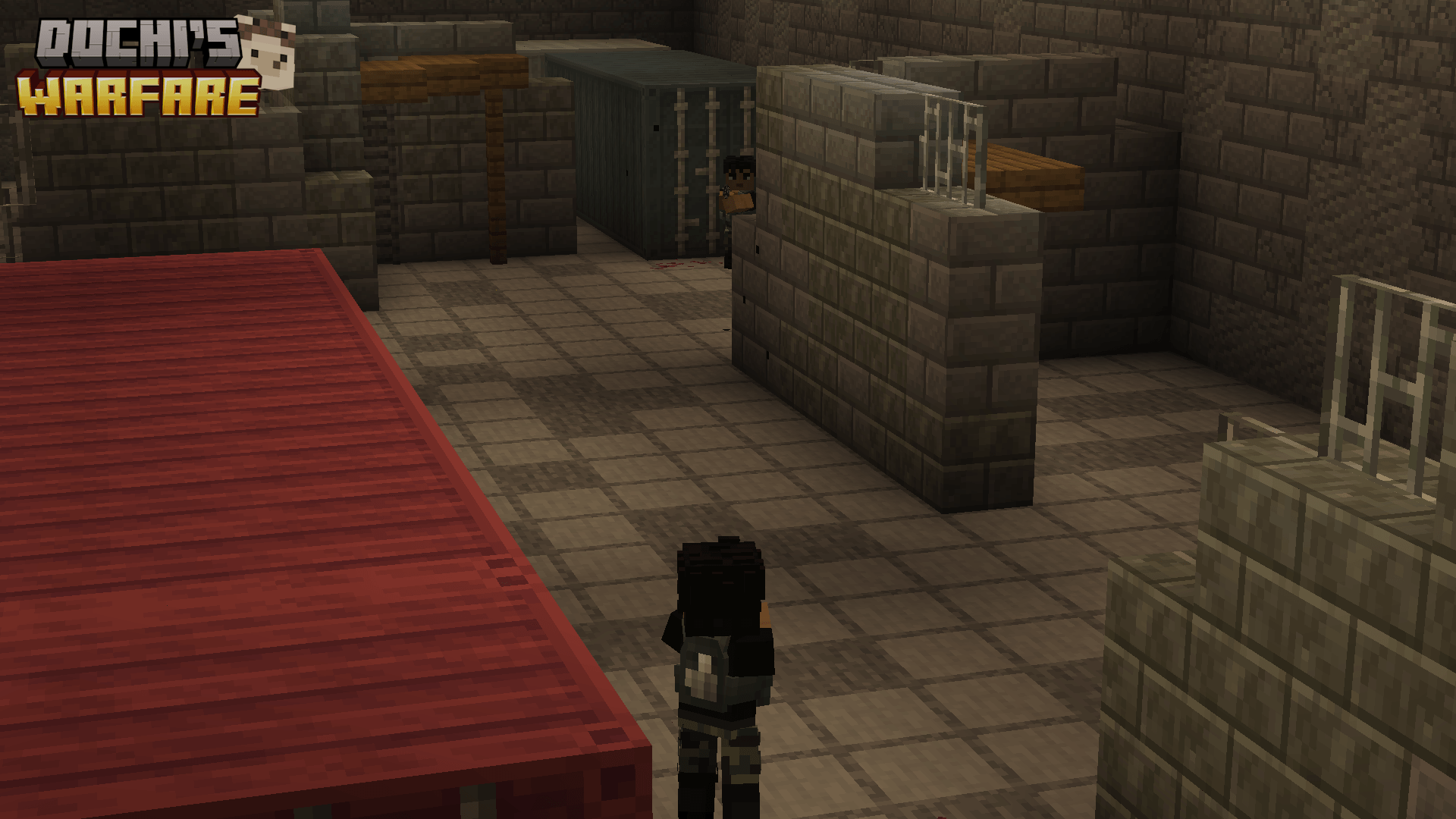
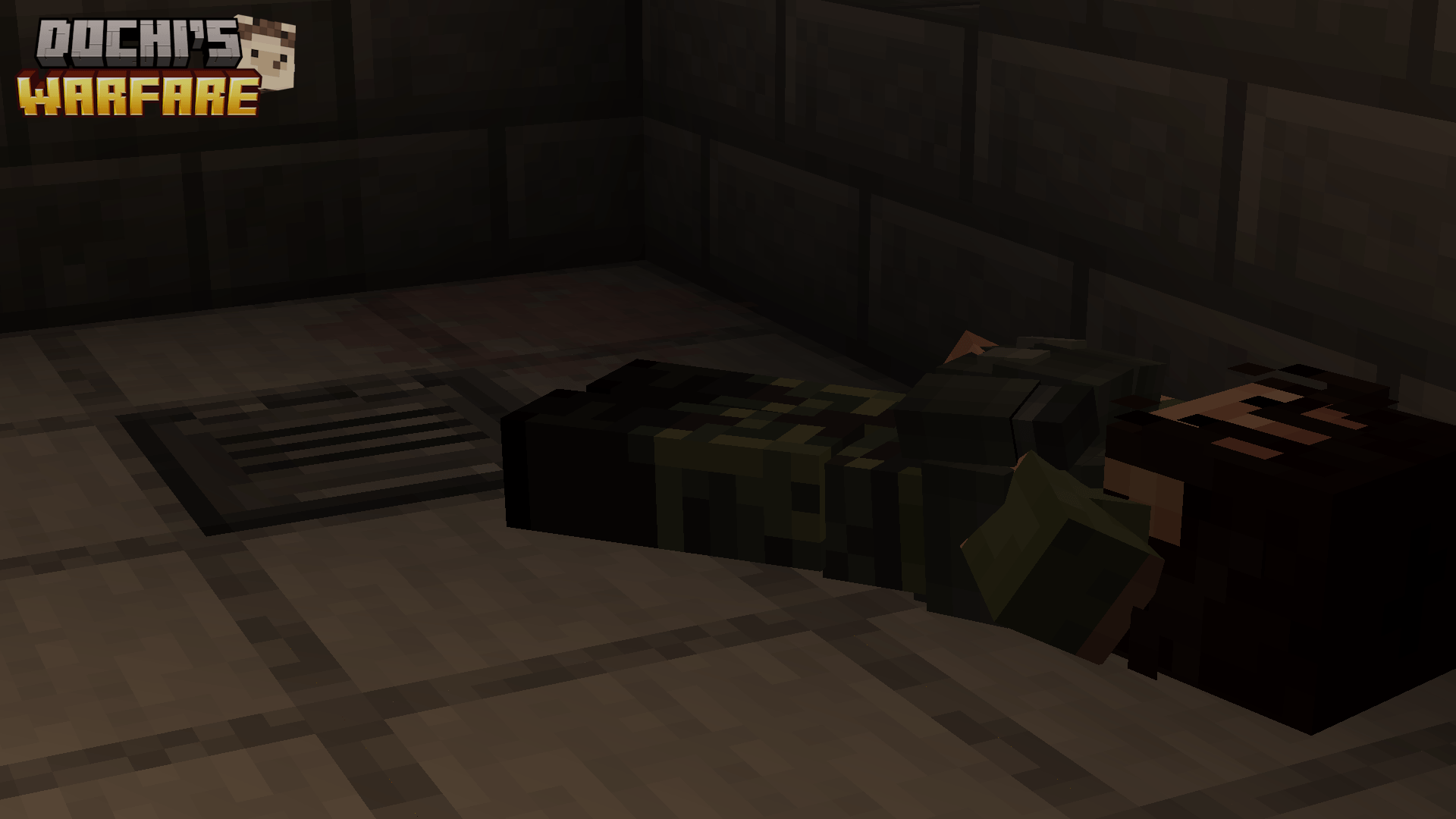
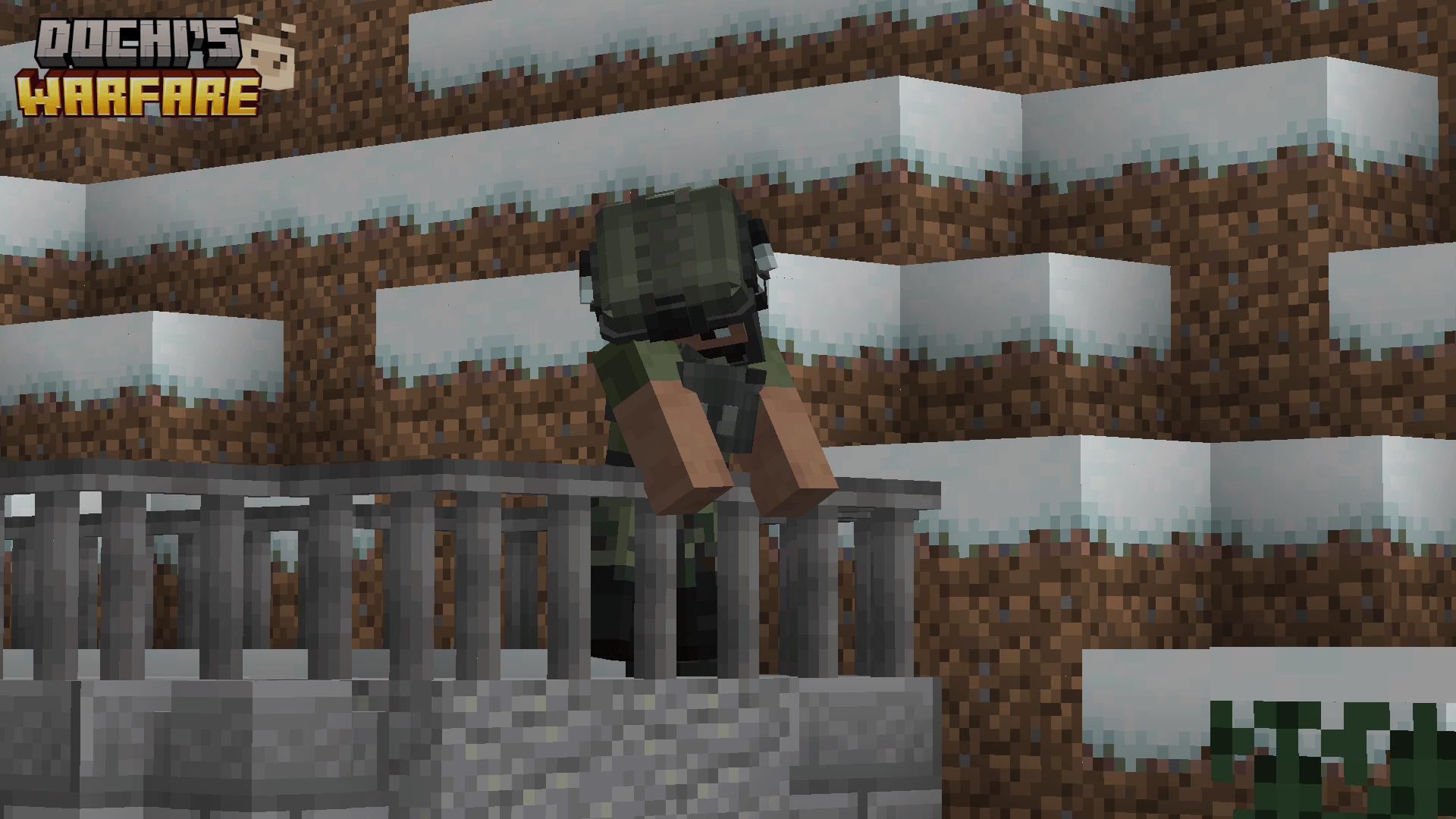
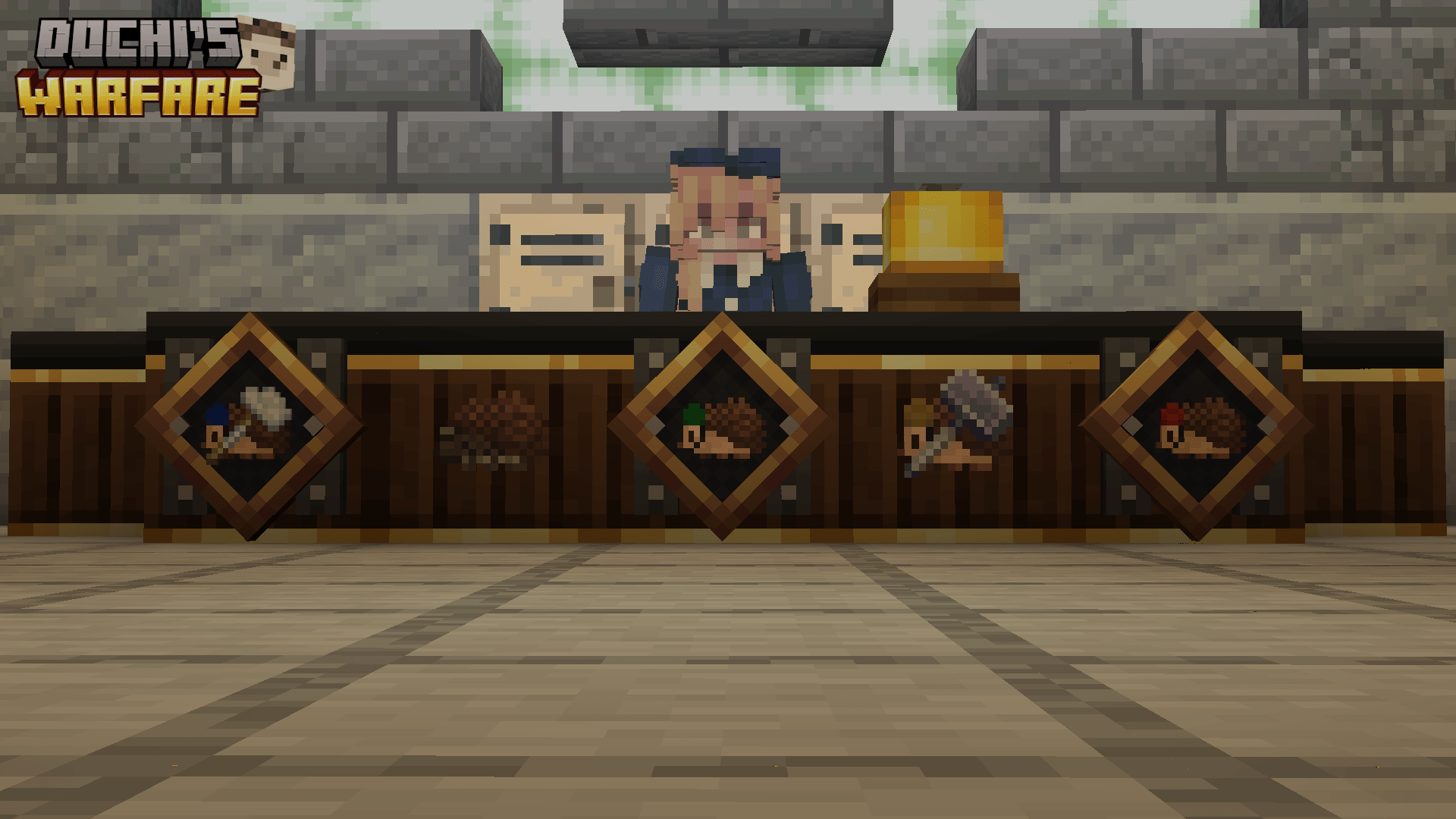
Dochi's Warfare
An FPS/RPG creation toolkit for map makers, server creators, and encounter designers.
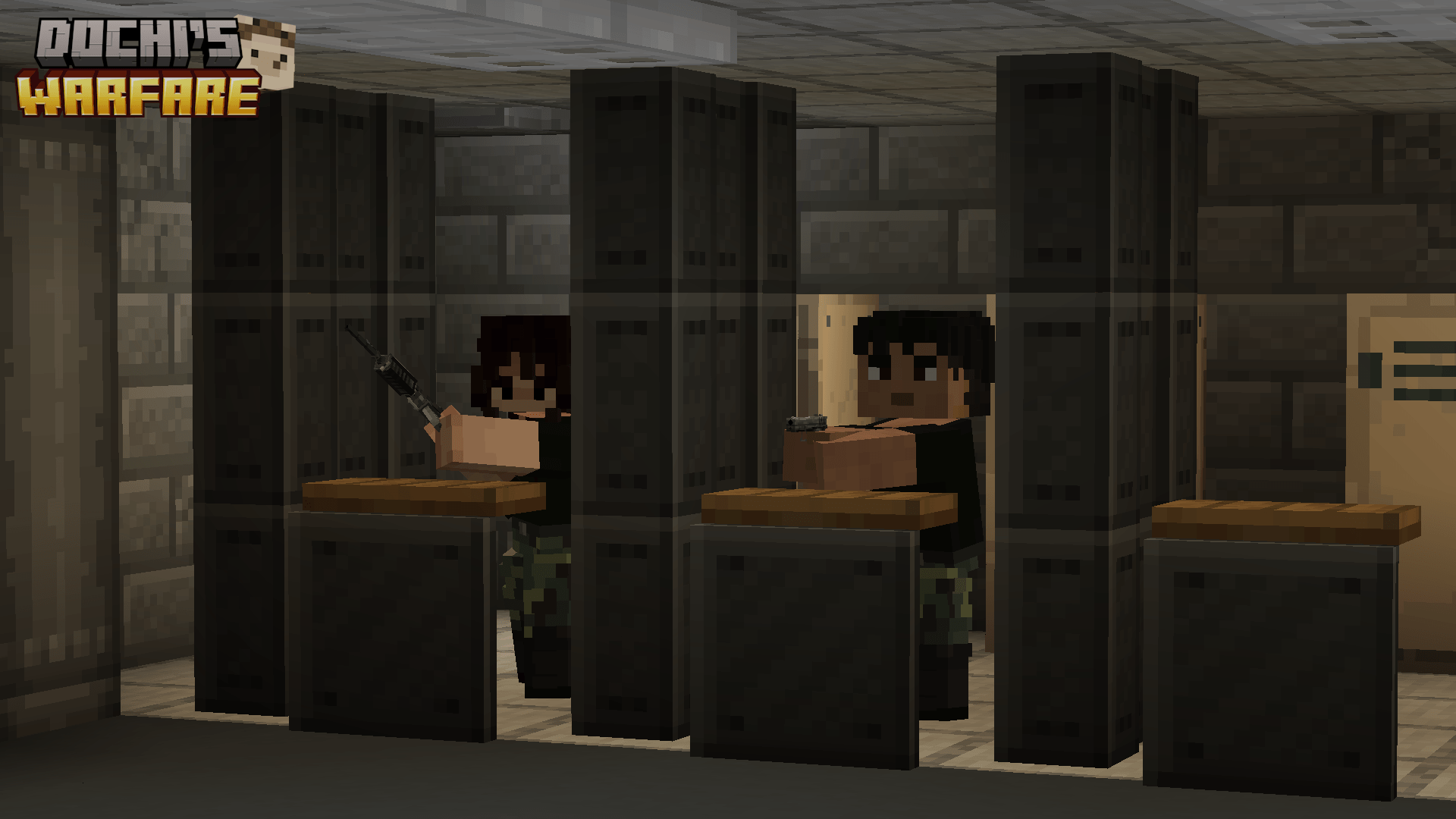
Dochi's Warfare is a Forge 1.20.1 mod for building configurable firearm NPCs, tactical encounters, autonomous combat vehicles, interactive traps, mercenary squads, and reusable scenario content.
The project began as CNPC TACZ Fire. Starting with version 0.2.4, it is named Dochi's Warfare to reflect its expanded scope. Existing internal tacznpcfire and legacy cnpc_tacz_fire identifiers remain in some code, data, and configuration paths for compatibility.
Current release: 0.2.4
What Version 0.2.4 Includes
- A complete per-NPC firearm combat editor for selected CustomNPCs NPCs
- Native TACZ combat plus optional PointBlank and SuperbWarfare gun bridges
- Tactical movement, awareness, hearing, cover, patrol, target, and ammo systems
- Easy Build, combat presets, reusable JSON profiles, and entity clone templates
- Weighted weapon, armor, local-texture, and HTTP/HTTPS skin pools
- Mercenary contracts with a player command HUD
- A pose editor and action-to-pose mapping system
- Password doors and containers, explosion traps, potion effects, and optional LRTactical grenade traps
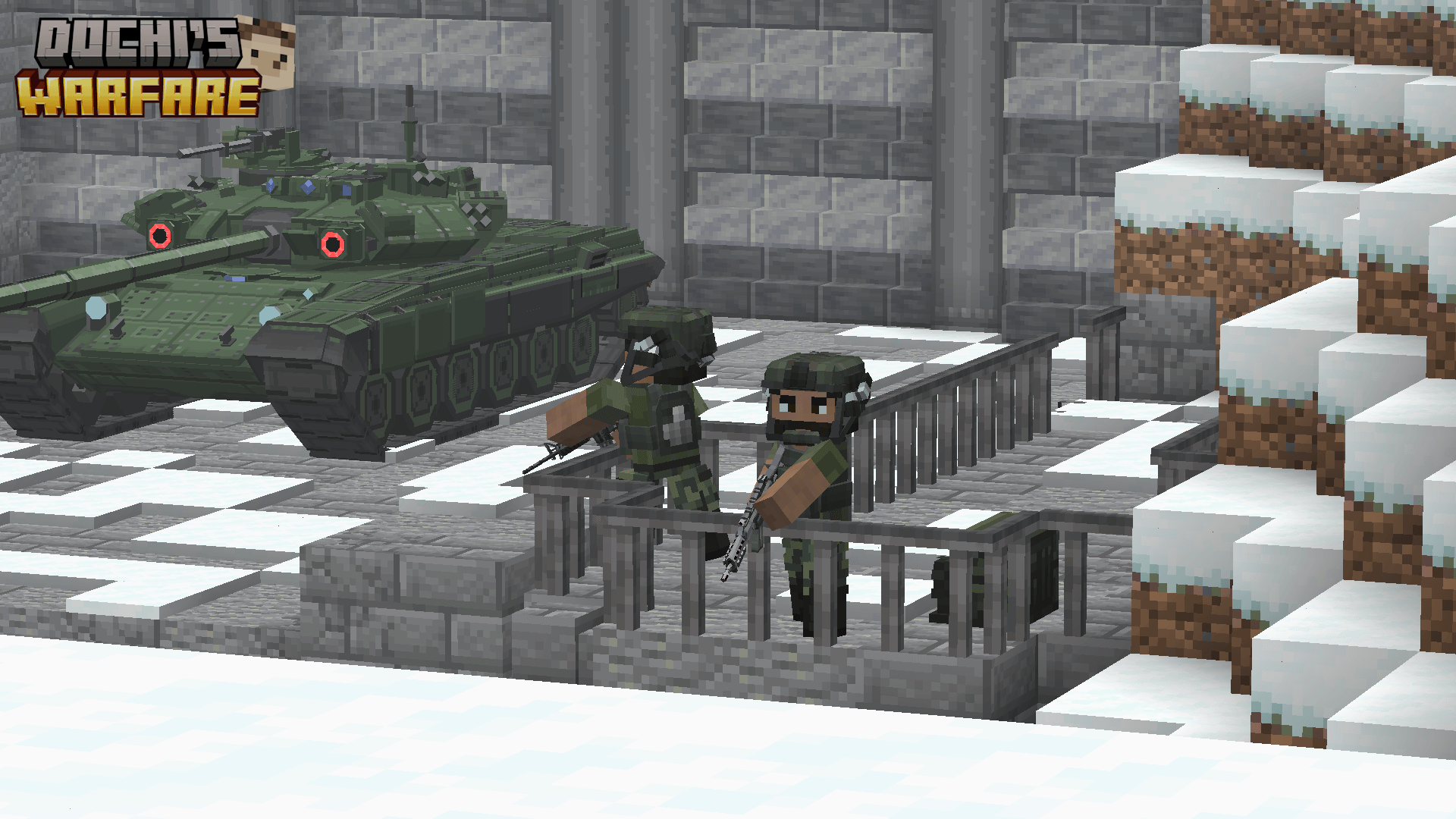
- Passengerless SuperbWarfare ground-vehicle AI with a dedicated editor, native weapons, patrols, target rules, and vehicle cloning
Only entities explicitly configured for Dochi's Warfare are managed. Ordinary CustomNPCs NPCs and unconfigured SuperbWarfare vehicles keep their normal behavior.
Per-NPC Firearm Configuration
Use the DW Npc Core in Creative mode and right-click a CustomNPCs NPC to open its combat editor.
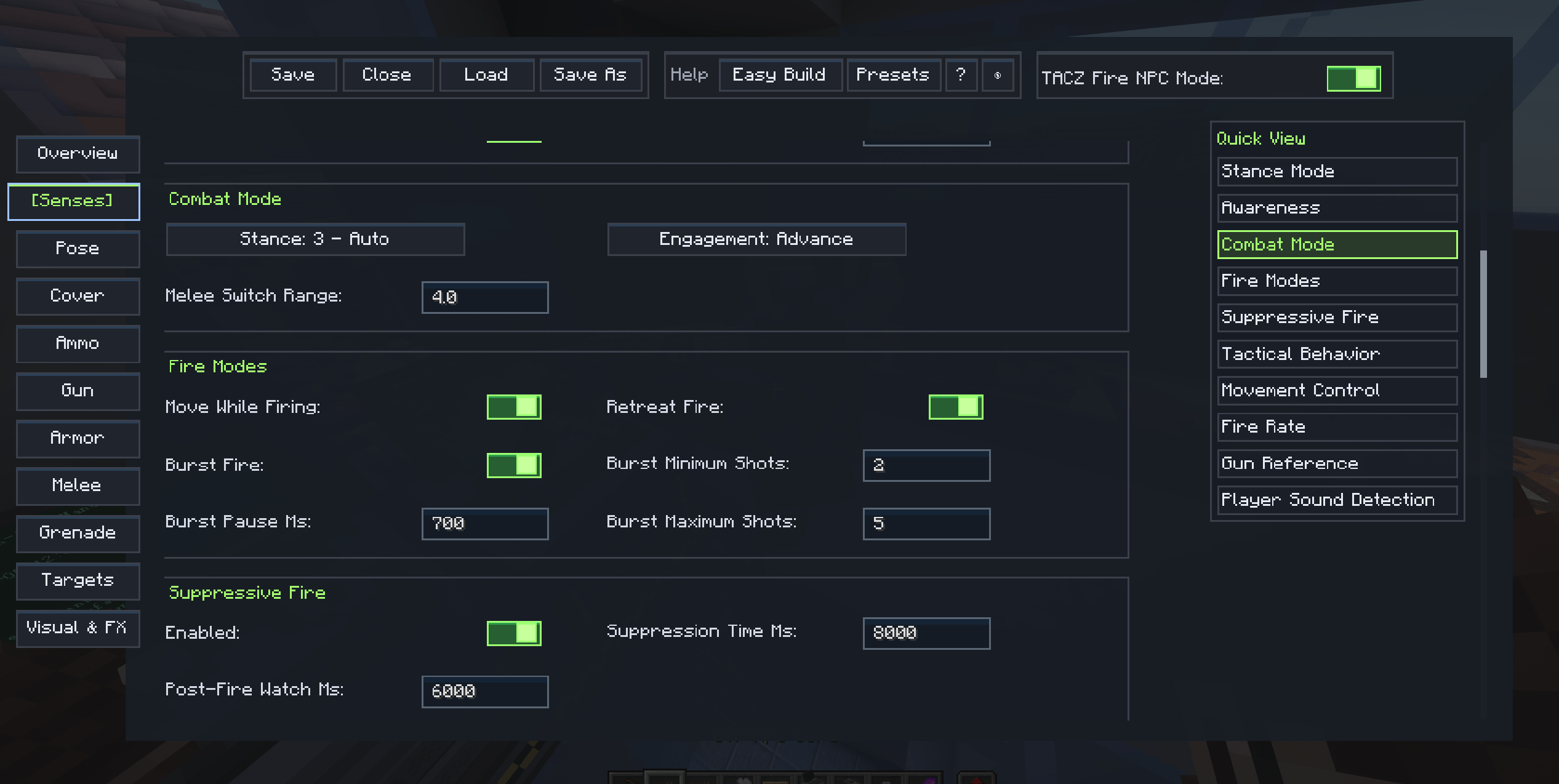
The editor provides dedicated pages for:
- A read-only
Overviewof the effective setup - TACZ, supported PointBlank, supported SuperbWarfare, and melee weapon selection
- Native, fixed, or random-range RPM modes
- Fixed accuracy or moving-player accuracy ramping
- Maximum range, random-length bursts, suppressive fire, and post-fire watch
- General and Advanced stance policies
- Visual detection, close detection, hearing, faction defense, and idle behavior
- Tactical movement, patrol routes, and experimental cover
- Infinite or finite ammunition, reload timing, fallback behavior, and automatic rearming
- Random weapon, skin, and armor pools
- Target entity, faction, and scoreboard-tag rules
- Alert icons, sounds, speech text, and optional grenade behavior
- Built-in or custom pose mapping for idle, combat, movement, firing, reload, melee, and grenade actions
The topbar separates Save, Close, Load, and Save As from help tools and the managed-NPC toggle. Long pages include Quick View navigation, contextual help, and an NPC preview that displays the selected model, skin, armor, and weapon together.
Easy Build And Combat Presets
Easy Build composes an editable combat setup through a guided questionnaire.
Beginnerasks broad questions about idle behavior, movement, range, reaction, firing, and survivalIntermediateadds awareness, engagement, repositioning, accuracy, suppression, cover, and ammo fallback choicesExpertexposes detailed distance, timing, speed, burst, suppression, and cover values- A review screen summarizes the result and warns about conflicting choices before it is applied
The separate Presets tool provides five ready-made combat doctrines:
- Guard Rifleman
- Patroller
- Assault
- Support Gunner
- Sniper
Easy Build and presets preserve selected weapons, armor, skins, targets, factions, grenades, combat FX, mercenary terms, and current ammo stock.
Native Gun Combat And Multi-Gun Support
Managed NPCs operate real gun items rather than simulated cosmetic ranged attacks.
TACZ
TACZ 1.1.8 or a compatible later 1.1.x release is the required gun-runtime baseline. TACZ guns use their real gun stack, magazine state, firing, reload, projectile, damage, muzzle effect, and sound behavior.
PointBlank
PointBlank is optional. Dochi's Warfare includes separate native-mechanics bridges for:
- PointBlank 1.11.1
- PointBlank 2.1.0
Install exactly one supported PointBlank version. PointBlank guns keep their native item rendering, hitscan or projectile behavior, sounds, reload phases, damage rules, and stack state.
SuperbWarfare Guns
SuperbWarfare is optional. The supported ABI is SuperbWarfare 0.8.9-final for Minecraft 1.20.1, build 6effe4385. Other SuperbWarfare versions fail closed instead of loading an unverified adapter.
Supported SuperbWarfare guns keep their native item models, renderers, projectiles, sounds, heat, recoil, bolt, durability, and stack persistence.
Across all supported gun mods, Dochi's Warfare owns the managed NPC's stance, movement, shot, reload, and transition animation policy. Gun adapters expose only a coarse mechanical weapon category and do not require another gun mod's player-animation assets.
Ammo And Reload Rules
NPC reserve ammunition is owned by Dochi's Warfare, making both unlimited guards and resource-limited encounters possible.
- Infinite or finite
Ammo Stock - Maximum reserve stock and timed regeneration
- Native or custom reload timing
- Empty and tactical reload handling
- Reload movement-speed control
- Fixed or randomized forced-reload thresholds
- Optional melee or unarmed fallback when loaded and reserve ammunition are exhausted
- Automatic return to the ranged weapon when it becomes usable again
- Optional delayed full-magazine rearm after continuously losing the target
Managed NPCs must never hold TACZ, PointBlank, or SuperbWarfare ammunition or magazine items in the offhand. Reserve ammunition exists only as Dochi's Warfare ammo stock, reload state, and the selected adapter's loaded-round stack state.
Tactical Movement, Cover, And Patrols
Build stationary guards, advancing squads, defensive shooters, roaming patrols, and mixed ranged/melee units.
Combat movement includes:
- Hold, Spread, Compact, Advance, and Retreat tactical modes
- Hold-position, approach-distance, and retreat-distance rules
- Move while firing, retreat fire, and keep-distance fire
- Configurable speed, movement steps, ally spacing, and reposition timing
- Stalled-path recovery, moving-target path refresh, and bounded approach retries
- Separation and return to ranged combat when height makes melee unreachable
Experimental per-NPC cover includes:
- Cover reactions for reload, incoming fire, heavy damage, low health, repeated hits, ammo exhaustion, suppression, and supported fragmentation-grenade threats
- Bounded searches and server-side pathfinding budgets
- Configurable movement speed, hold time, cooldown, maximum duration, and peek cycles
- Occlusion validation, crouch-capable hiding positions, and fast interrupted-path recovery
Idle movement includes Stationary, Area Patrol, Return Only, and Route Patrol. Routes may use ordered coordinates or an automatic home-area route. Unreachable waypoints are skipped after bounded retries instead of trapping an NPC against a wall.
Awareness, Hearing, Targets, And Factions
Managed NPCs can react differently according to distance, direction, sound, damage, faction relationships, entity type, and scoreboard tags.
- Detection distance, horizontal angle, and confirmation delay
- Immediate front-angle reactions and optional close detection
- Idle scanning, damage alerts, and last-seen memory
- Sound investigation modes: Off, Look Only, and Move To Source
- Separate hearing ranges for gunshots, reloads, block breaking, and block placement
- Optional same-faction defense alerts
- Target entity registry-ID selection with search, type filters, source-mod filters, and checked/unchecked views
- Required and excluded scoreboard tags
- Advanced target entity, faction, and tag conditions
- CustomNPCs faction-hostility inheritance
Creative-mode and spectator-mode players do not generate hearing stimuli for managed NPCs. Hearing ranges are limited by the NPC's configured detection distance. An empty explicit target list can still inherit genuine CustomNPCs faction hostility, but it does not make passive or unrelated entities valid targets.
Stances, Melee, And Animation Policy
Choose a simple role or build conditional behavior.
Idle,Ranged,Melee,Auto, andAuto Hidden- Advanced rules based on NPC health, target entity IDs, target factions, or target tags
- Target-independent
Alwaysand health rules - Optional General fallback when no Advanced rule matches
- Empty-hand melee support
- Weapon-based or fixed melee damage, knockback, and attack speed
- Optional Better Combat compatibility
- Real Better Combat weapon animations when Better Combat and Mob Player Animator are available
- Vanilla main-hand swing fallback when the melee animation integration is unavailable
Dochi's Warfare owns managed firearm-NPC animation through its PlayerAnimator layers and pose definitions. Better Combat remains the native provider for melee motion when its built-in animation applies cleanly.
Weapons, Skins, Armor, And Entity Clones
Randomize equipment and appearance through weighted pools.
- TACZ, supported PointBlank, and supported SuperbWarfare gun pools
- Melee weapon pools
- Local CustomNPCs texture-path skin pools
- HTTP/HTTPS URL skin pools handled by the CustomNPCs URL loader
- Per-entry Steve or Alex model selection
- Full armor sets using real head, chest, legs, and feet slots
- Inline chance editing and equalization
- Rolls on supported initialization, respawn, clone restore, soul-stone restore, and chunk-load flows
The DW Npc Core can save supported CustomNPCs NPCs and SuperbWarfare vehicles as server-owned entity clone JSON. Right-click the air with the core to search the clone library and summon a selected template into a safe loaded position. The saved template retains the entity's relevant native data and Dochi's Warfare configuration while new summons receive a new UUID.
Mercenary Contracts And Command HUD
Use the separate DW Mercenary Core to turn selected managed NPCs into server-authoritative, hireable mercenaries.
Creators can configure:
- Hiring item and count
- Contract duration
- Summon and recall windup times
- Faction-hostility response after owner attacks
- Independent automatic contract-break threshold
- Owner-hit reset window
Each player can maintain up to five active contracts. Hold the default J key to open the runtime command HUD.
Commands include:
- Follow, hold position, regroup, and front/rear formation
- Fire At Will and Hold Fire
- Defensive and Aggressive posture
- Summon and Recall
- Commands for selected mercenaries or the full squad
- Contract release with confirmation and no refund
Stored and summoning mercenaries pause their contract timer. Deployed and recalling mercenaries continue to consume active contract time.
Pose Editor And Action Mapping
Use DW Pose Core in Creative mode to create reusable poses for Steve/Alex CustomNPCs player models.
- Edit the head, body, arms, and legs by axis
- Leave selected axes under normal animation control or override them
- Adjust gun position, rotation, and scale
- Save a fallback transform for all guns or a transform for the current gun
- Start from Low Ready or High Ready
- Preview standing and walking poses before applying them
- Save reusable JSON pose profiles
The NPC editor maps built-in or saved poses to idle standing, idle walking, alert, combat aim, firing, moving fire, tactical advance, retreat, reload, weapon switching, melee, and grenade actions.
Booby Traps And Interactive Blocks
Use DW Booby Trap Core in Creative mode to turn compatible ordinary blocks into configurable gameplay objects. Right-click a block to edit it, or right-click the air to manage registered traps.
Available trap types include:
- Password Door
- Password Container
- Instant Explosion
- Delayed Explosion
- LRT Grenade when LRTactical is installed
Password challenges support a 4-12 digit PIN keypad or a text passphrase. The server authoritatively validates target-block compatibility and stores only salted password verification data.
Explosion and effect controls include:
- Trigger once and remove-block-after-trigger as separate options
- Explosion power, fire, and block destruction
- Immediate or persistent delayed activation
- Horizontal and vertical launch force with configurable targets and radius
- Configurable potion effects, duration, amplifier, targets, radius, and particles
- Optional LRTactical grenade type, fuse, launch power, angle, direction, count, and block-destruction behavior
Trap behavior can be saved and loaded as reusable JSON profiles. Coordinates, owner identity, revision state, and password secrets are excluded from exported profiles. Creative players holding the core can see nearby configured traps through bounded outlines and marker icons.
SuperbWarfare Vehicle AI
With the supported SuperbWarfare build installed, DW Npc Core can open a server-authoritative editor for supported passengerless wheeled and tracked ground vehicles.
Vehicle AI includes:
- Autonomous Roam, Guard, Engage, Move To, Patrol, and Return Home orders
- Stationary, Area Patrol, Return Only, and ordered Route Patrol idle behavior
- Hold, Advance, and Retreat combat movement
- Saved home position, home leash, patrol points, wait timing, body angle, and movement speed
- Detection distance and angle, target memory, hearing ranges, and response delay
- Searchable entity-ID targets, source-mod/type filters, required/excluded tags, and faction rules
- Nearest or custom target priority with infantry, ground-vehicle, air-target, retaliation, current-target, and switch-threshold weights
- Per-weapon enablement, preference, accuracy, effective range, conditions, and target categories
- Single, configured-count, or all-eligible native weapon use per attack opportunity
- Owner, team, faction, and friendly-fire corridor protection
- Minimum-range repositioning for close targets
- Reusable vehicle AI JSON profiles
The AI uses SuperbWarfare's native turret aiming, weapons, reloads, projectiles, sounds, energy, collision, and processInput ground-engine movement. Navigation is limited to loaded chunks and uses bounded path-planning work, vehicle-footprint checks, stuck recovery, turn-radius handling, and terrain/water safety rules. It does not create a fake passenger or steer by directly forcing velocity.
Supported SuperbWarfare vehicles can also be captured with empty CustomNPCs soul stones when no passenger is present. Deployment preserves native vehicle data and Dochi's Warfare combat configuration, assigns a new UUID and owner, and validates a safe placement before consuming the soul stone.
Wheelchairs, fixed emplacements, ships, helicopters, aircraft, and airships do not currently receive autonomous movement from this adapter.
Combat Feedback And Optional Grenades
NPC combat feedback includes:
- Visual alert icons
- Detected-event and shoot-event sounds
- Optional detected and shoot speech text
- Sound preview inside the editor
- Optional grenade selection with an item preview
- Grenade range, target search radius, health trigger, cooldown, fuse, power, and throw angle
- Optional cover response to nearby LRTactical fragmentation grenades
NPC grenade throwing requires compatible throwable content. Fragmentation-grenade cover does not treat smoke or stun grenades as explosive threats.
Requirements
Core requirements:
- Minecraft 1.20.1
- Forge 47 or newer
- TACZ 1.1.8 or newer within the 1.1.x line (
>=1.1.8,<1.2) - Player Animation Library 1.0.0 or newer on the client
- CustomNPCs 1.20.1 or newer for NPC, mercenary, pose, clone, and soul-stone workflows
Optional integrations:
- PointBlank 1.11.1 or PointBlank 2.1.0; install exactly one supported version
- SuperbWarfare 0.8.9-final, Minecraft 1.20.1 build
6effe4385 - Better Combat
- Mob Player Animator for Better Combat weapon-animation playback on NPCs
- LRTactical for its grenade trap and fragmentation-grenade threat integration
- Compatible throwable content for NPC grenade behavior
Install Dochi's Warfare on both the client and server for normal modded multiplayer use. Client and server builds must match because the editors use a versioned network protocol.
Quick Start
Firearm NPC
- Create a CustomNPCs NPC in a test world.
- Enter Creative mode and obtain
DW Npc Core. - Right-click the NPC and enable its managed firearm mode.
- Select one real TACZ gun.
- Start with Easy Build, a preset, or a simple
Ranged/Autostance withAmmo Stock: -1. - Save and test against one visible target in an open area.
- Add movement, finite ammo, advanced targets, pools, FX, cover, grenades, or mercenary terms after the basic firing loop works.
Interactive Trap
- Obtain
DW Booby Trap Corein Creative mode. - Right-click a compatible door, container, or ordinary block.
- Select a supported trap type and review the generated defaults.
- Configure its trigger, payload, lifecycle, and optional password.
- Save, put the core away, and test the trap.
SuperbWarfare Vehicle AI
- Install the exact supported SuperbWarfare build.
- Place a supported passengerless wheeled or tracked ground vehicle.
- Right-click it with
DW Npc Core. - Select an autonomous mode, configure targets and weapons, then save.
- Test it inside loaded terrain before expanding its route or engagement area.
Configuration And Data
The generated global Forge config remains at:
config/cnpc_tacz_fire-common.toml
Reusable server-owned data is stored under the current namespace:
- NPC setup profiles:
config/dochi_warfare/target_entities/ - Pose profiles:
config/dochi_warfare/poses/ - Booby-trap profiles:
config/dochi_warfare/booby_traps/profiles/ - Vehicle AI profiles:
config/dochi_warfare/vehicle_ai/profiles/ - Entity clone templates:
config/dochi_warfare/entity_clones/
Existing files under config/cnpc_tacz_fire/ are copied into the matching config/dochi_warfare/ directories when needed, without overwriting files already present in the new location.
Scripts and persistent CustomNPCs data remain available for advanced encounter logic, including combat control, stance, movement, ammunition, reload, range, RPM, gun queries, and vehicle AI configuration.
Languages
- English
- Korean
- Simplified Chinese
- Japanese
- Russian
Special Thanks
- Flowdrei
- Im_a_scrub335
Community
Discord: https://discord.gg/ryvWyRkr4c
- Edition: Minecraft Java
- File type: .jar
- Minecraft version listed: 1.20.1
- How to install: Install the matching mod loader (Forge, Fabric or NeoForge) for your Minecraft version. → Download the .jar. → Put it in the .minecraft/mods folder and launch that loader profile.
- Where to get it: Opens on CurseForge — not every file is mirrored on our own servers.
Install steps are the general flow for this file type — How to install Minecraft Java mods & modpacks walks through it step by step.
- Ships as cnpc_tacz_fire-0.2.2.jar — drop this file into the mods folder
- Download size: 961 KB
- Download link checked 3 Oct 2026 — working
These come from our own check of the pack file, not from the source page.