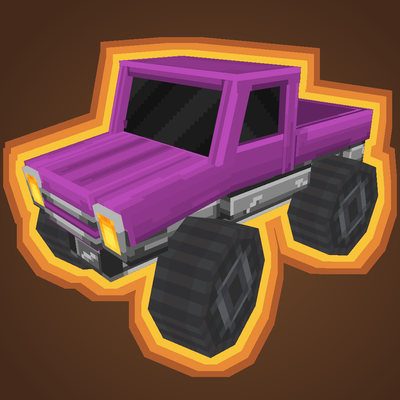
Dynamo: Vehicles
Minecraft Java mod. Downloads from the MC Java Mods app on Android.
⬇ Download on CurseForge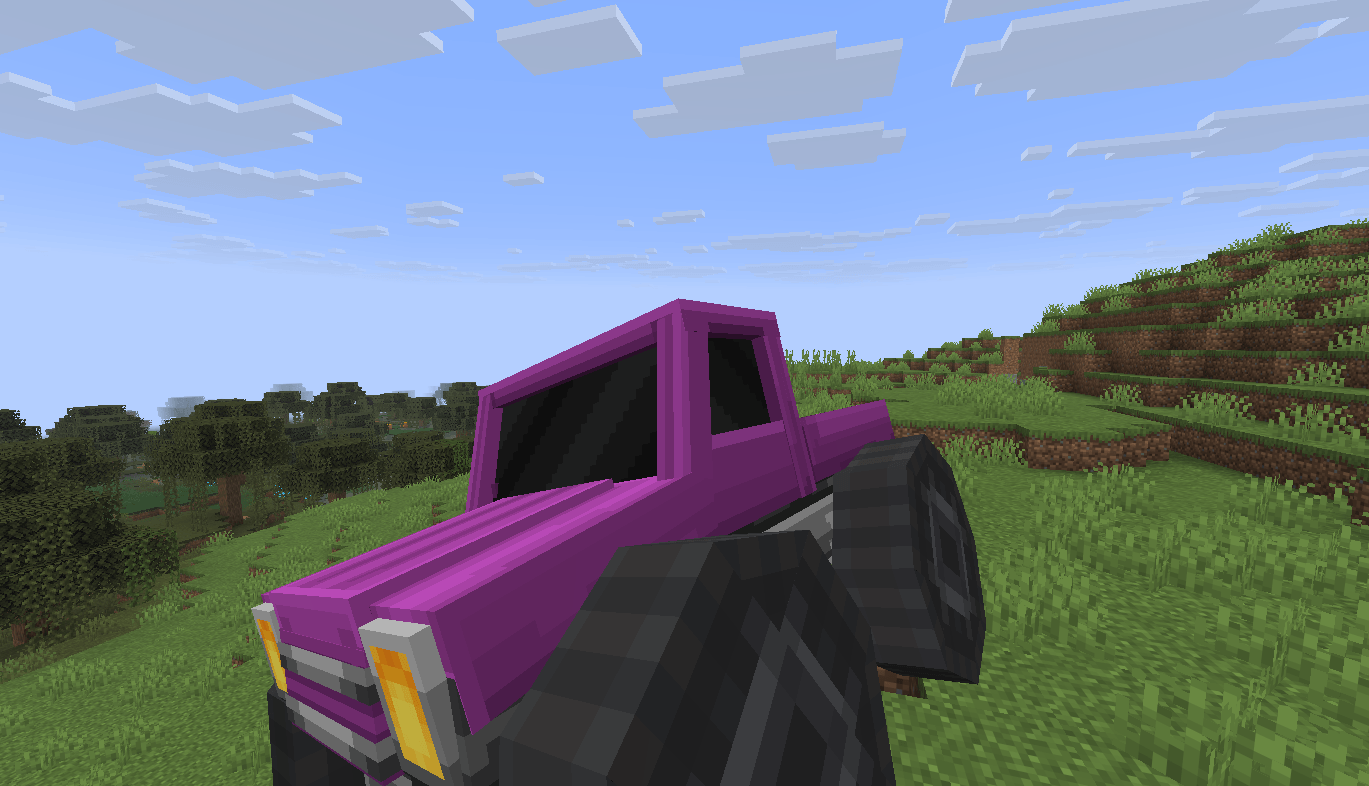
DYNAMO
Dynamo is a Minecraft mod that adds realistic physically simulated vehicles to the game using the Jolt physics engine.
You can define custom vehicles as JSON configuration files, which are automatically registered as entity types when placed in the config/dynamo/vehicles/ folder.
You can then drive these vehicles using standard controls (WASD for throttle, steering; jump for handbrake; sprint for boost).
Fully configurable vehicle physics
Each vehicle JSON file supports a wide range of properties:
- Dimensions and mass: half‑width, half‑height, half‑length, mass, friction, center of mass offset.
- Engine: minimum and maximum RPM, maximum torque.
- Transmission: automatic mode and a list of gear ratios.
- Differentials: per‑axle control of engine torque ratio, differential ratio, and limited‑slip ratio.
- Wheels: radius, width, steering angle, brake torque, handbrake torque, inertia, angular damping, suspension (min/max length, stiffness, damping mode), and a custom model per wheel.
- Anti‑roll bars: configurable left/right wheel indices and stiffness.
- Leaning: enable/disable, maximum lean angle, stiffness and damping, steering response, speed factor for two‑wheeled vehicles.
- Collision tester: choose between ray, cylinder, or sphere, with configurable radius.
- Lights: enable/disable, always‑on or toggleable.
- More stuff: boost force, honk sound, reset cooldown, fire resistance, and so on
Blockbench models
Vehicles use custom Blockbench models (.bbmodel), as well as .ajmodel and .ajblueprint files.
The mod automatically loads models from config/dynamo/models/ and provides a default car blockbench model and wheel item models. Wheel models can be specified per wheel.
Commands for server operators
/dynamo reload– reloads the main mod config and all vehicle JSON files from disk without restarting the server./dynamo stats– displays physics system statistics (total bodies, active rigid bodies)./dynamo clear– removes all dynamic physics elements from the current world./dynamo test-itemand/dynamo test-block– spawn test physics objects for debugging.
Server‑side design
Dynamo is built for server‑side use.
Players only need to join the server, no client mod is required.
The mod uses Polymer and the blockbench-import-library for entity visuals and integrates with the Jolt physics engine running on a dedicated thread.
All vehicle behaviour is driven by the server.
Getting started
- Install the mod
- Start the server once – the folder
config/dynamo/vehicles/will be created with adefault.jsonexample. - Edit existing JSON files or add new ones (each file defines one vehicle type). The
idfield (e.g."dynamo:my_car") becomes the entity identifier. - Run
/dynamo reloadto reload already loaded vehicle configs (does not register non-existing ones). - Spawn a vehicle using commands or a spawn item (if provided by your server setup).
For motorcycles, set "anti-roll-bars": [], set "motorcycle": true, enable "leaning", use two wheels (front and rear), and set "collision-tester" to "Sphere".
Adjust centre of mass, suspension damping, and lean controller parameters to achieve stable handling.
- Edition: Minecraft Java
- File type: .jar
- How to install: Install the matching mod loader (Forge, Fabric or NeoForge) for your Minecraft version. → Download the .jar. → Put it in the .minecraft/mods folder and launch that loader profile.
- Where to get it: Opens on CurseForge — not every file is mirrored on our own servers.
Install steps are the general flow for this file type — How to install Minecraft Java mods & modpacks walks through it step by step.
- Ships as dynamo-1.0.0-beta.4+26.2.jar — drop this file into the mods folder
- Download size: 12.5 MB
- Download link checked 3 Oct 2026 — working
These come from our own check of the pack file, not from the source page.