
Nearly Enough Items (NEI)
Minecraft Java mod. Downloads from the MC Java Mods app on Android.
⬇ Download on CurseForge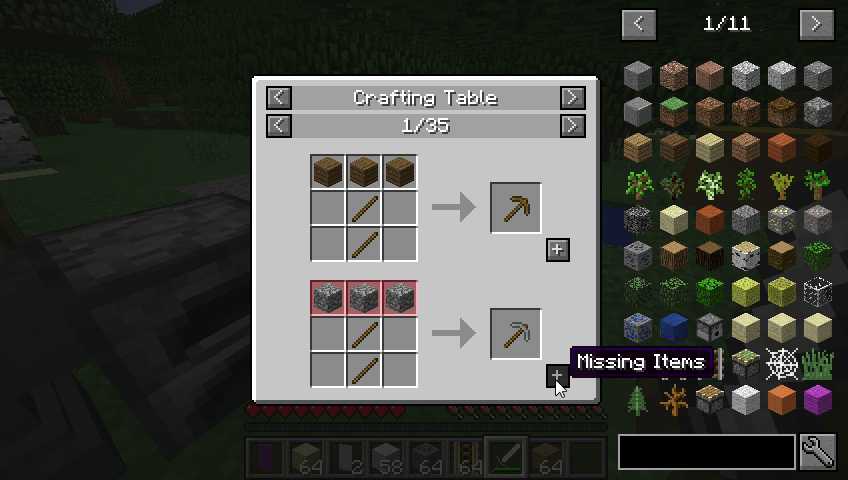
Just Enough Items (Legacy)
JEI (Legacy) is a backport of the modern JEI experience to Minecraft 1.7.10, designed around the native 1.7.10 architecture with compatibility for the existing NEI addon ecosystem.
Features
- Recipe and usage viewing
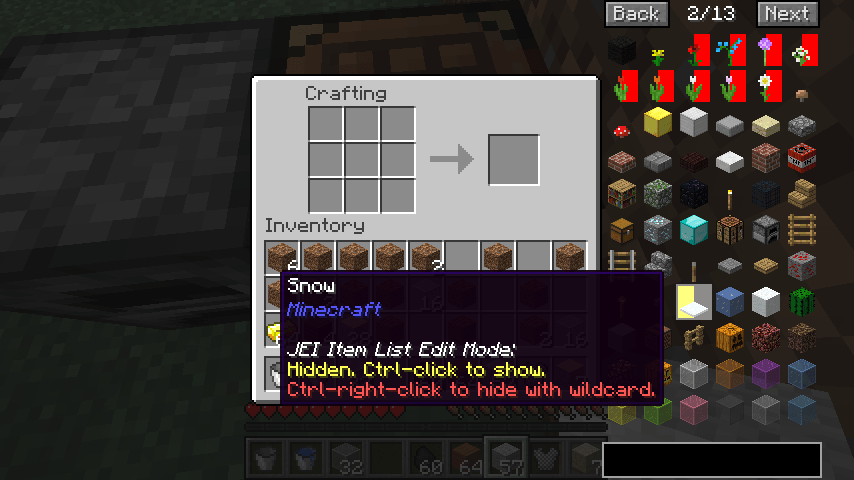
- Fast item search and filtering
- Clean JEI-style interface
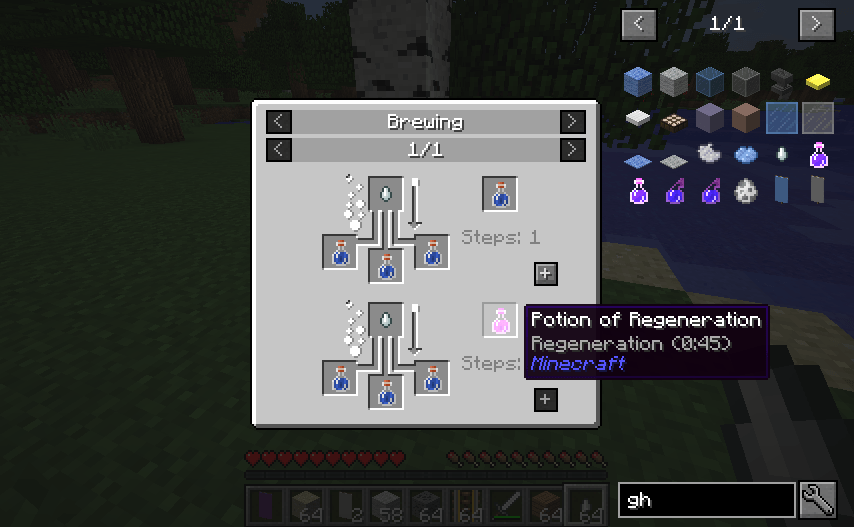
- Crafting, furnace, brewing, and modded recipe support
- Automatic item, block, and recipe discovery
- NEI API and addon compatibility
- Lightweight and optimized for 1.7.10
NEI Compatibility
JEI (Legacy) includes a compatibility layer for Not Enough Items (NEI), allowing existing NEI addons and mods that integrate with NEI to work with JEI (Legacy).
Supported NEI functionality includes:
- Recipe and usage handlers
- NEI configuration plugins
- Item-list modifications
- NEI API registration calls
For the original project, visit Not Enough Items on CurseForge.
1.7.10 Architecture
JEI (Legacy) uses Minecraft 1.7.10's native systems to automatically discover registered items, blocks, and recipes instead of requiring individual integrations for every mod.
This includes:
- Item variants and metadata
- Crafting recipes
- Furnace recipes
- Brewing recipes
- Fuel information
- Supported modded recipe systems
Original Mod
JEI (Legacy) is based on Just Enough Items (JEI) and Not Enough Items (NEI)
For the modern version, visit Just Enough Items on CurseForge.
For the original NEI, visit Not Enough Items on CurseForge.
For the unoffical version of NEI, visit NotEnoughItems Unofficial 1.7.10 on CurseForge.
Notes
JEI (Legacy) is a backport for Minecraft 1.7.10. Some modern JEI features may be simplified due to 1.7.10 limitations.
NEI compatibility may vary depending on which APIs or internal NEI classes an addon uses.
Modpack Use
JEI (Legacy) is free to include in public and private modpacks.
- Edition: Minecraft Java
- File type: .jar
- How to install: Install the matching mod loader (Forge, Fabric or NeoForge) for your Minecraft version. → Download the .jar. → Put it in the .minecraft/mods folder and launch that loader profile.
- Where to get it: Opens on CurseForge — not every file is mirrored on our own servers.
Install steps are the general flow for this file type — How to install Minecraft Java mods & modpacks walks through it step by step.
- Ships as nei-1.7.10-1.1.0.jar — drop this file into the mods folder
- Download size: 237 KB
- Download link checked 3 Oct 2026 — working
These come from our own check of the pack file, not from the source page.