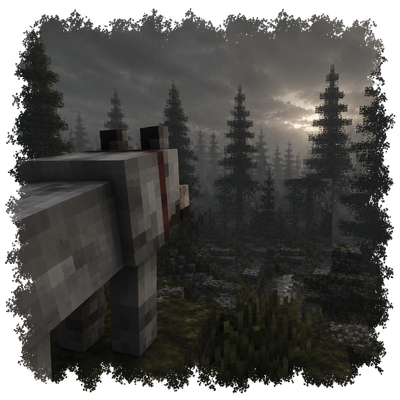
What did you see?
Tamed wolves growl to reveal threats, bark to reveal nearby monsters, assist iron golems, react to danger, obey chat commands, and can be petted.
⬇ Download on CurseForgeThe author built this one for Minecraft 1.20.1 on Forge. On other versions it may install and then do nothing.
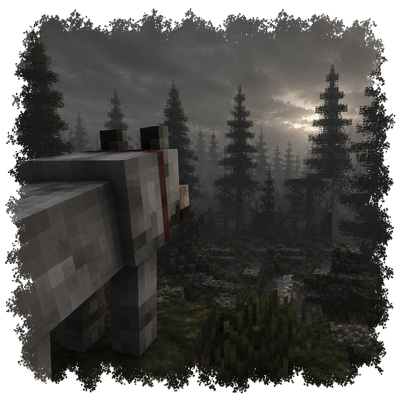
What did you see?
Threat Detection
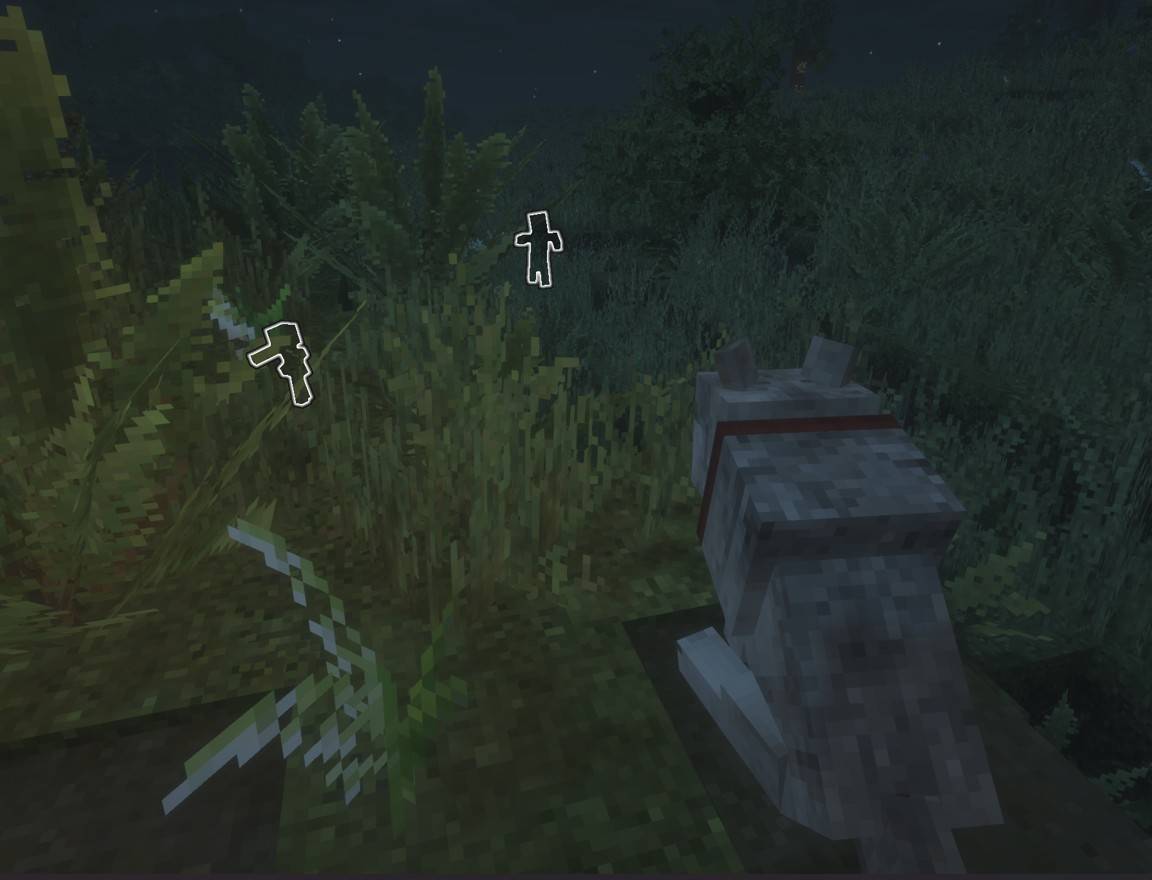
When a hostile mob spots a player, nearby tamed wolves will growl and reveal the monster with the Glowing effect while facing the direction of the nearest spotted monster.
If something is hunting you, your wolf will help you find it.
Guard Mode
Sitting wolves enter Guard Mode.
While guarding, wolves continuously watch the surrounding area and reveal nearby hostile mobs with the Glowing effect.
When a threat is spotted, the wolf will face the monster and bark an alert to warn nearby players.
This allows wolves to function as:
• Village guards
• Camp sentries
• Perimeter alarms
Place wolves around your base, village, or favorite building and they'll keep watch while you're busy doing other things.
Iron Golem Integration
Monsters revealed by wolves become targets for nearby iron golems.
Wolves spot the threat.
Iron golems deal with it.
Together they create an effective village defense system.
Emergency Response
If a player takes damage, their sitting wolves will immediately stop sitting and come to their aid.
Your guard dogs won't stay planted on the ground while you're getting chased by zombies.
Chat Commands
Communicate directly with your wolves using chat commands.
• Sit — Orders nearby tamed wolves to sit.
• Come — Calls nearby tamed wolves to follow you.
Petting
Show your companions some affection.
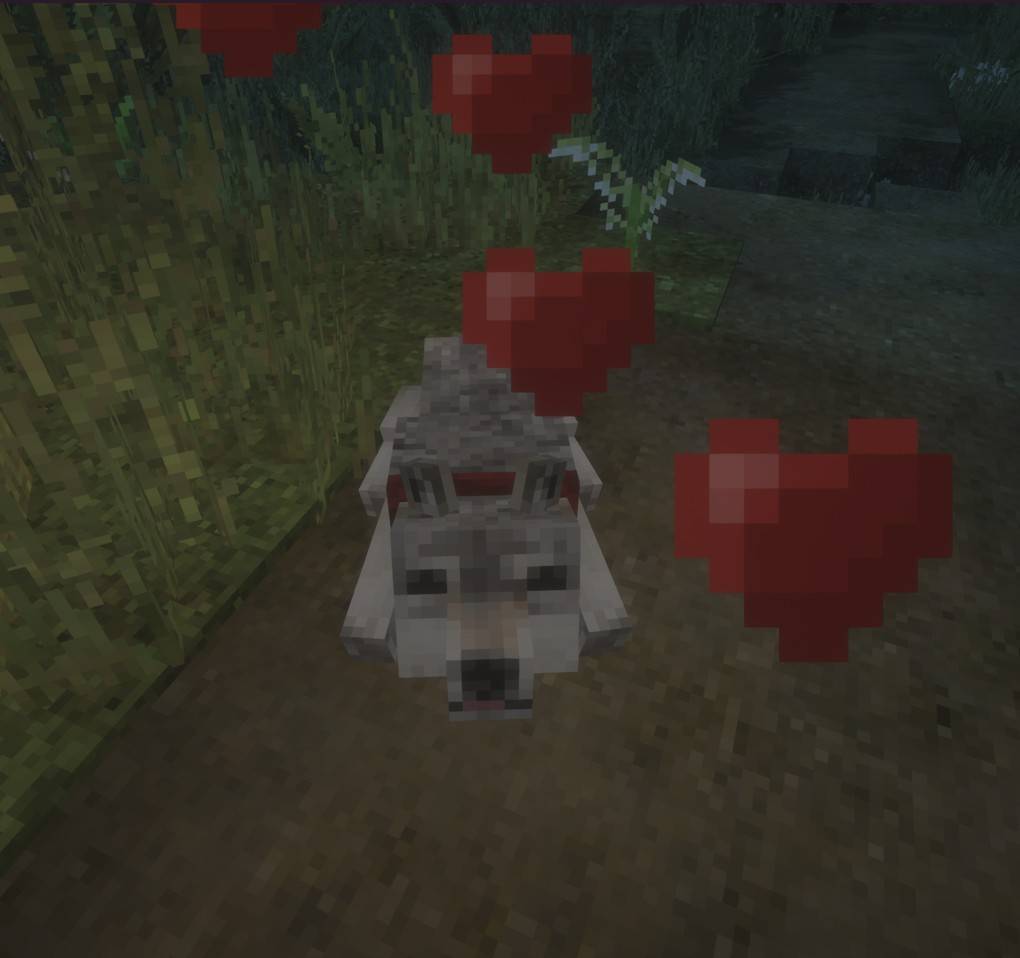
• Left-click a calm tamed wolf to pet them, causing heart particles and a happy sound.
Because every dog deserves pets.
Quality of Life Improvements
• Wolves no longer bark randomly.
• Tamed wolves are immune to damage from players.
• Wolves can still be interacted with when hidden by grass and similar plants.
Check out my other mods!
- Edition: Minecraft Java
- File type: .jar
- Minecraft version listed: 1.20.1
- How to install: Install the matching mod loader (Forge, Fabric or NeoForge) for your Minecraft version. → Download the .jar. → Put it in the .minecraft/mods folder and launch that loader profile.
- Where to get it: Opens on CurseForge — not every file is mirrored on our own servers.
Install steps are the general flow for this file type — How to install Minecraft Java mods & modpacks walks through it step by step.
- Ships as watchdog-1.0.1-forge-1.20.1.jar — drop this file into the mods folder
- Download size: 638 KB
- Download link checked 13 Sept 2026 — working
These come from our own check of the pack file, not from the source page.