BlueMap: FTBChunks
Java mod listed for Minecraft 1.20–1.21. Downloads from the MC Java Mods app on Android.
I don't know my version or loader
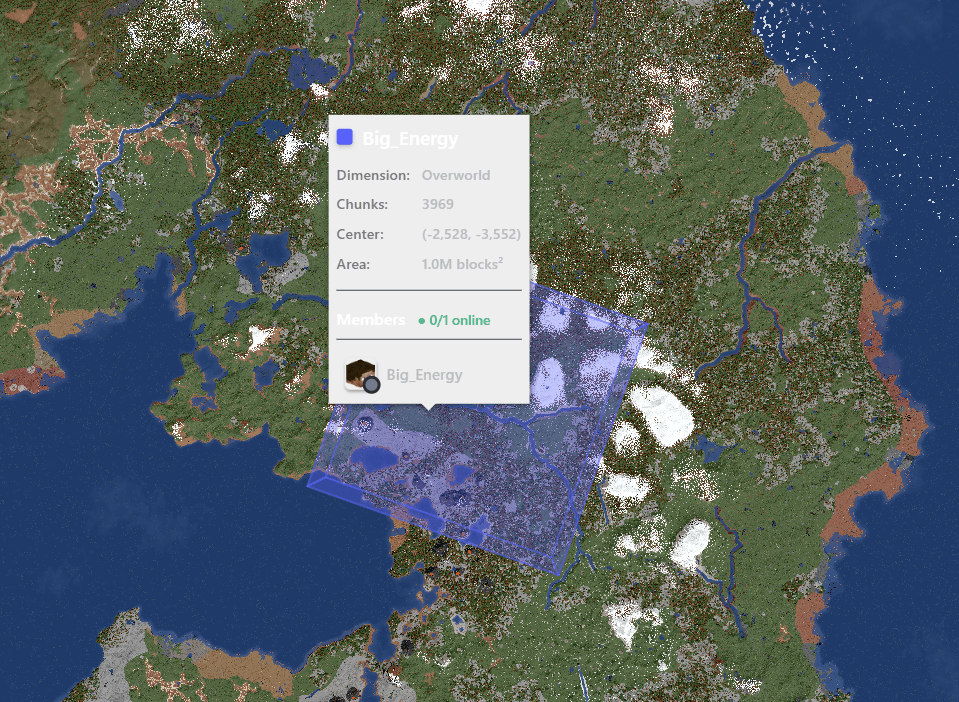
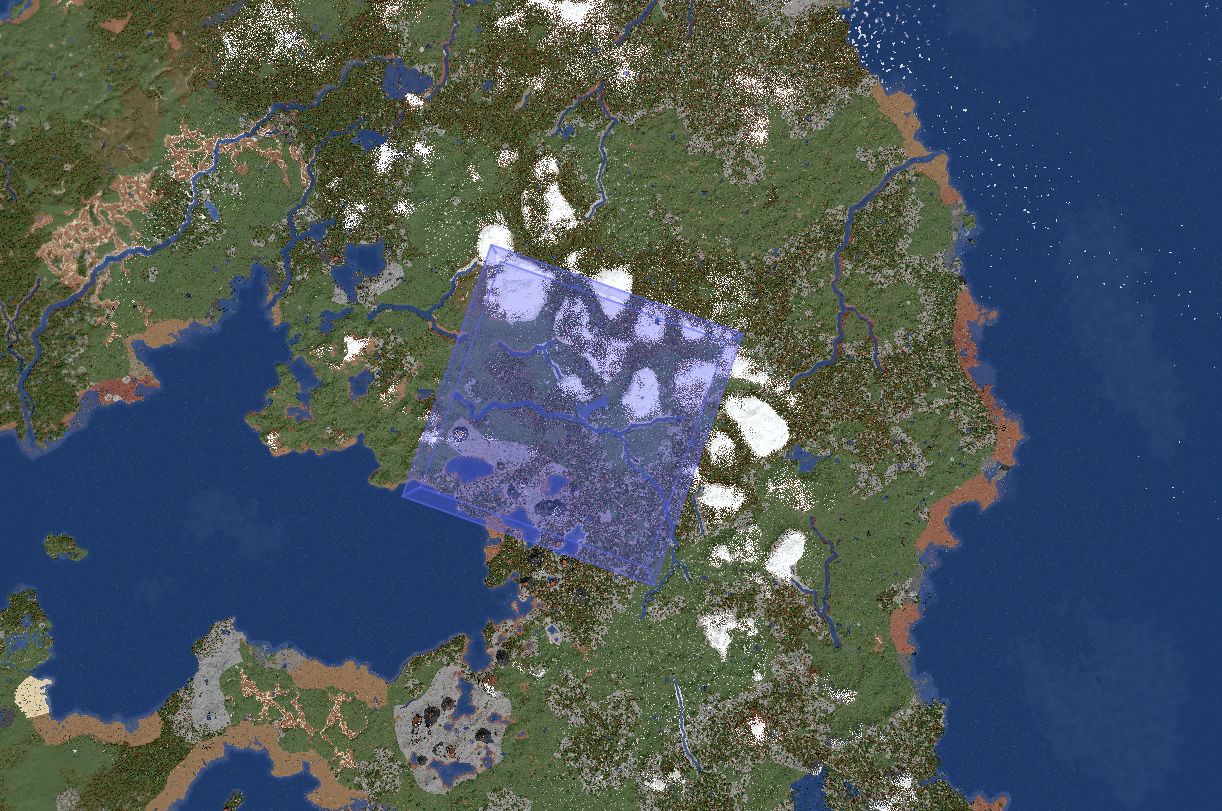
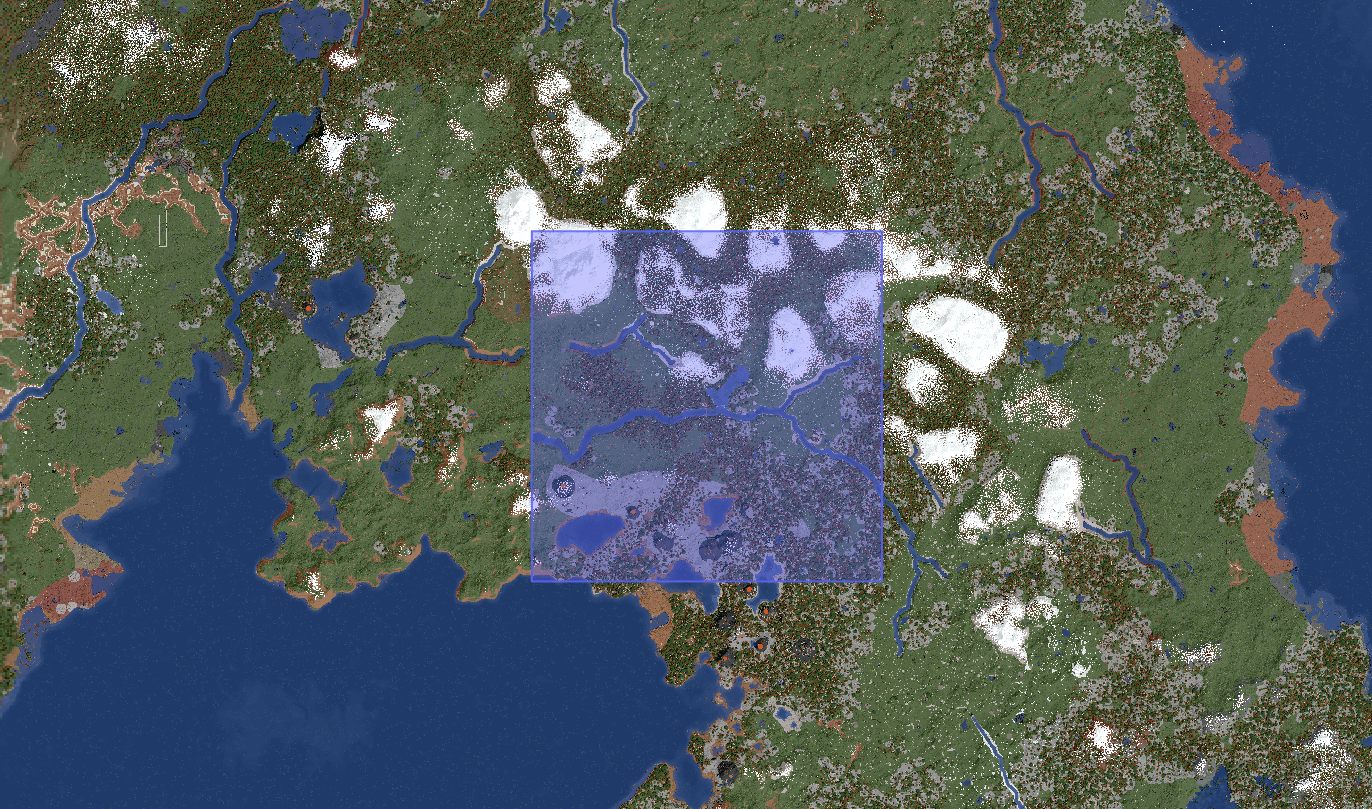
Server-side addon that shows FTB Chunks team claims on your BlueMap web map. See who owns what at a glance, with rich team info popups.
⚠️ 1.20.1 build requires Java 21 and BlueMap 5.12+. It will not work on Java 17 or older BlueMap versions.
What it does
- Renders every claimed chunk from FTB Chunks as a colored marker on BlueMap
- Both flat 2D and 3D extruded marker layers, toggleable per-map
- Groups adjacent claims into single regions (no per-chunk marker spam)
- Click a claim to see team info: name, color, members (online/offline), avatars, area, center coords
- Live updates when chunks are claimed / unclaimed
- Persists state across restarts so the map is correct immediately after server start
- Works across all dimensions (Overworld, Nether, End, custom)
Commands
All under /blueftbchunks (requires permission level 2 / op):
| Command | What it does |
|---|---|
/blueftbchunks reload |
Full memory flush, reload from disk, re-sync with FTB Chunks, re-render all markers |
/blueftbchunks data save |
Force a save of the current claim state to disk |
/blueftbchunks data init |
Clear data, reload from file, re-sync — without touching markers |
/blueftbchunks data status |
Show how many chunks / teams / dimensions are tracked, and time since last save |
Config
Created on first run at config/blueftbchunks-common.toml:
Saved claim state lives in <world>/blueftbchunks/claim_data.json. Auto-saves every 5 minutes if dirty.
Notes
- This is a fork / port of FTB Chunks for BlueMap by Fabra, originally written for NeoForge 1.21.1. This release is a backport to Forge 1.20.1 for servers on the 1.20.1 line who want claim visibility on BlueMap 5.12.
- Issues / suggestions → GitHub (link below)
Credits
- Fabra — original NeoForge 1.21.1 version
- PiglinMine / Big_Energy — Forge 1.20.1 port
- BlueColored — BlueMap
- FTB Team — FTB Chunks / Teams / Library
License
MIT
- Edition: Minecraft Java
- File type: .jar
- Minecraft versions listed: 1.21.1, 1.20.1
- How to install: Install the matching mod loader (Forge, Fabric or NeoForge) for your Minecraft version. → Download the .jar. → Put it in the .minecraft/mods folder and launch that loader profile.
- Where to get it: Opens on CurseForge — not every file is mirrored on our own servers.
Install steps are the general flow for this file type — How to install Minecraft Java mods & modpacks walks through it step by step.
- Ships as bluemap-ftbchunks-1.0.1-1.20.1.jar — drop this file into the mods folder
- Download size: 87 KB
- Download link checked 3 Oct 2026 — working
These come from our own check of the pack file, not from the source page.