ModsJava
RPG Auction House
Java mod listed for Minecraft 1.20. Downloads from the MC Java Mods app on Android.
I don't know my version or loader
Open the Minecraft launcher and look at the profile you play on — it names both, like fabric-loader-1.21.4. The version also shows in the bottom-right corner of the game's main menu.
No loader in the profile name? Then it's plain Minecraft, and these mods won't run — you need Fabric or NeoForge installed first.
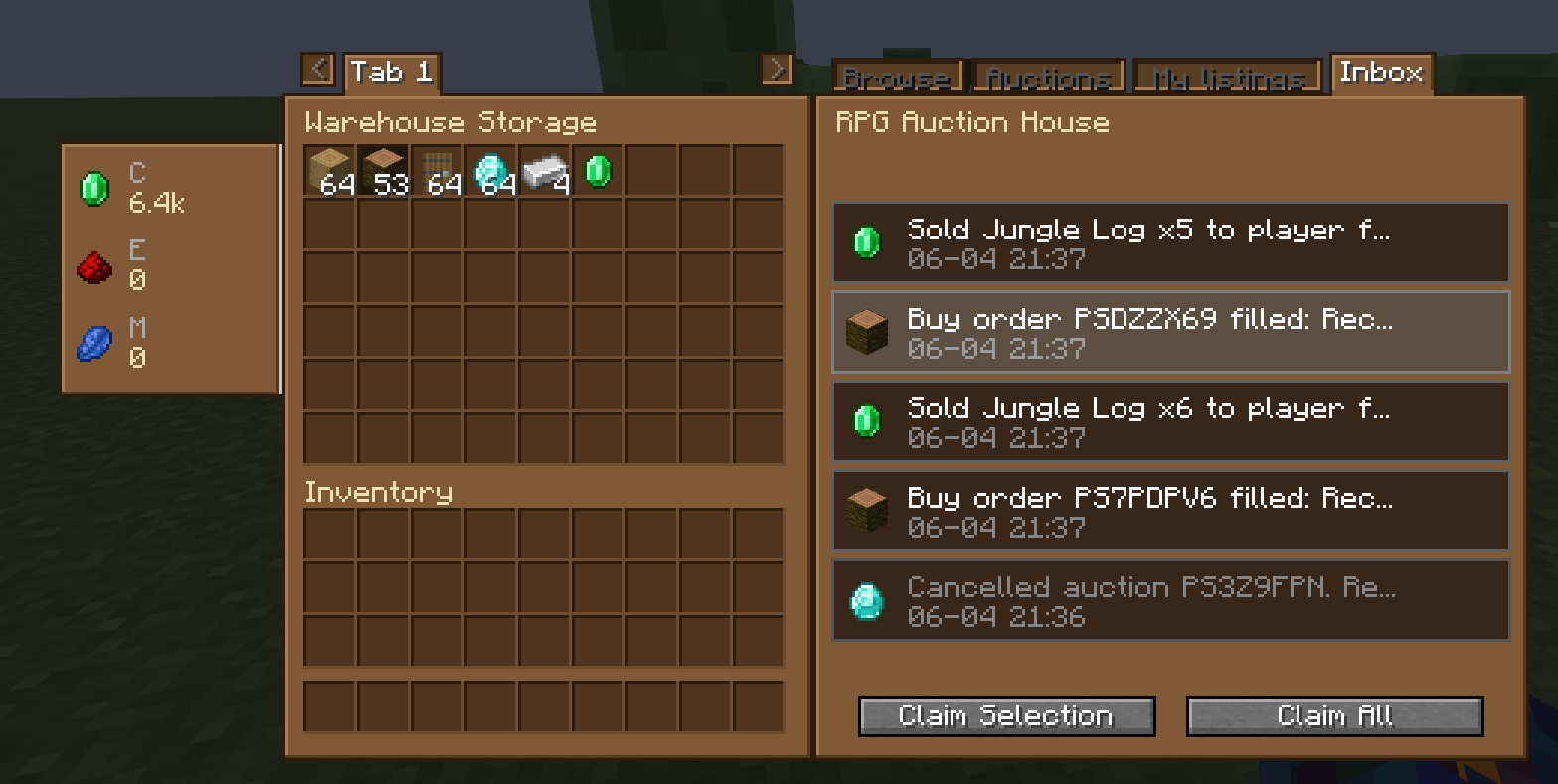
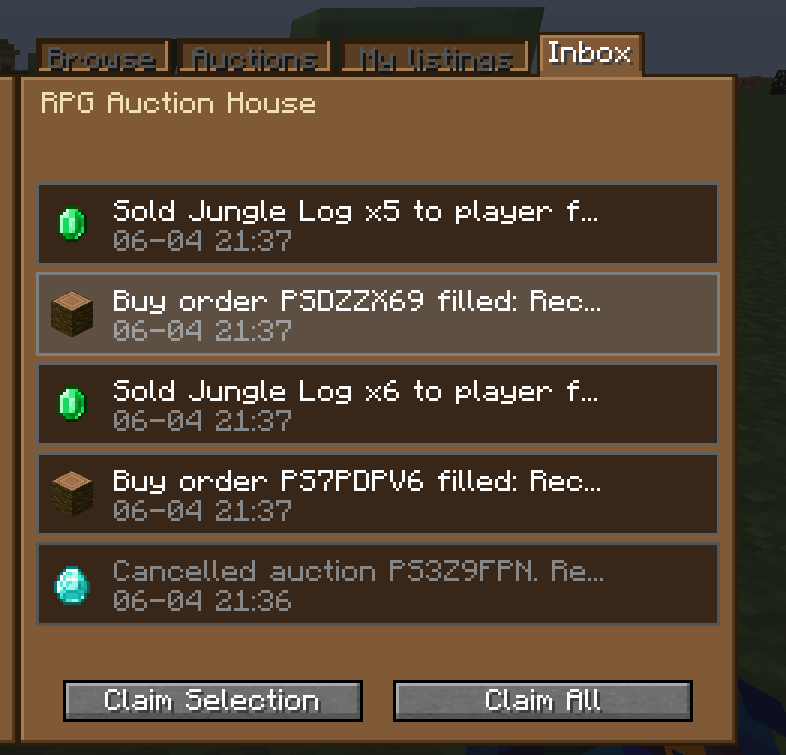
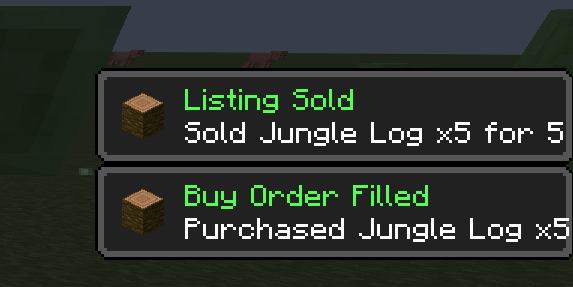
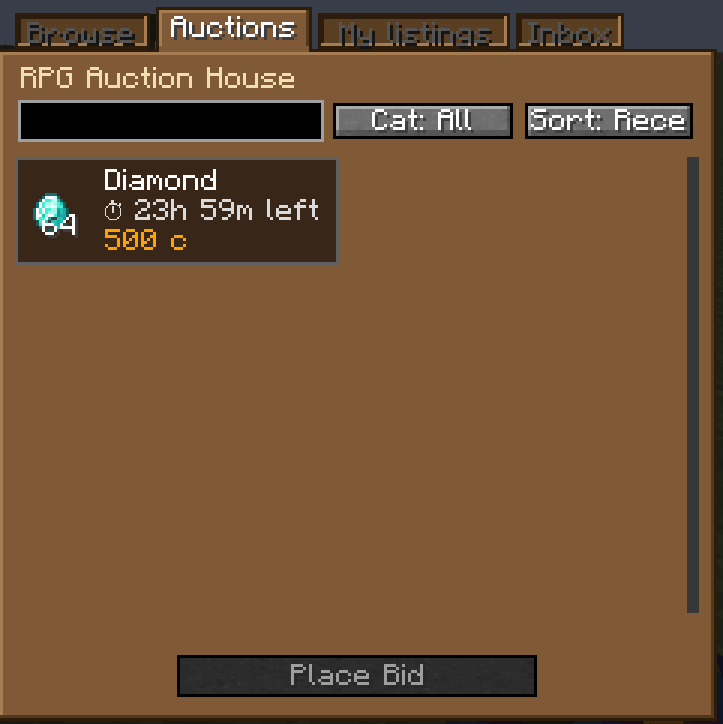
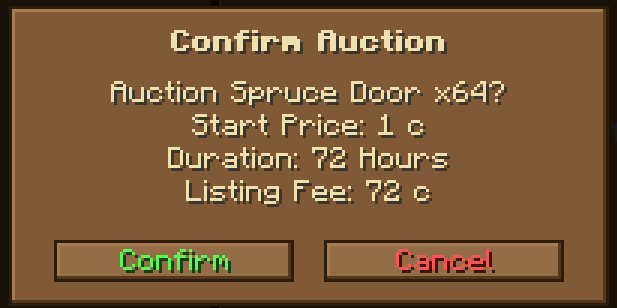
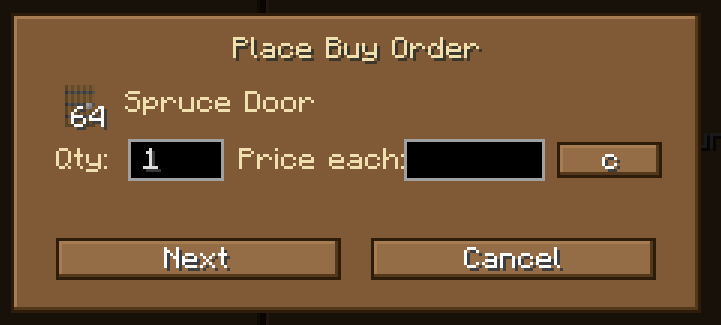
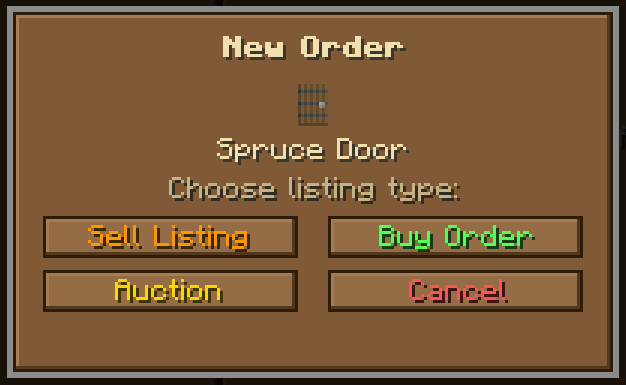
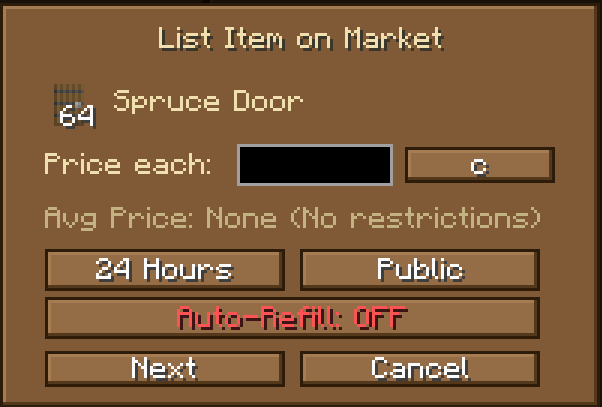
A fully-featured player-to-player auction and marketplace mod for Minecraft servers.
Place items up for auction with custom durations (1h, 4h, 6h, 12h, 1 day, 3 days, 7 days).
Other players can place competing bids — when the timer ends, the highest bidder wins the
item and the seller receives the payout automatically.
Post instant sell listings or buy orders and let the server match them for you. If a seller's
price meets a buyer's offer, the deal closes automatically — no player interaction needed.
Partial fills are supported, so large stacks can be bought in pieces.
Everything is persistent and offline-safe. If you're not online when your auction closes or
your item sells, the proceeds and items wait in your private inbox until you log back in
and claim them. Outbid on an auction? Your funds are immediately returned to your inbox.
Server admins can set infinite buy and sell orders to act as price anchors — a server sell
order acts as a price ceiling (no one can charge more), and a server buy order acts as a
price floor (players can always sell for at least that amount).
Optional market stability controls restrict listing prices to within ±50% of recent
sale averages, preventing price manipulation.
Custom sound effects play for bids, outbids, sales, cancellations, and inbox claims.
How to use
Open the Auction House interface with:
/rpg_auctionhouse open
Or right-click the block placed with:
/rpg_auctionhouse admin create-auction-house
Admin commands
Place or remove the Auction House block:
/rpg_auctionhouse admin create-auction-house
/rpg_auctionhouse admin remove-auction-house
Manage browse category filters:
/rpg_auctionhouse admin category create <name>
/rpg_auctionhouse admin category delete <name>
/rpg_auctionhouse admin category assign <categoryName>
Set server-controlled price anchors (infinite orders):
/rpg_auctionhouse admin server-auction (buy|sell) infinite <itemID> <price> <currency>
/rpg_auctionhouse admin server-auction (buy|sell) hand <currency> <price>
/rpg_auctionhouse admin server-auction remove <itemID> (buy|sell)
/rpg_auctionhouse admin server-auction (buy|sell) hand <currency> <price>
/rpg_auctionhouse admin server-auction remove <itemID> (buy|sell)
/rpg_auctionhouse admin server-auction list
Modify or cancel active player listings:
/rpg_auctionhouse admin modify-listing <id> (cancel|complete|price|view)
Audit and back up the database:
/rpg_auctionhouse admin audit-log [playerName] [page]
/rpg_auctionhouse admin backup (complete|player)
Quick facts
- Edition: Minecraft Java
- File type: .jar
- Minecraft version listed: 1.20.1
- How to install: Install the matching mod loader (Forge, Fabric or NeoForge) for your Minecraft version. → Download the .jar. → Put it in the .minecraft/mods folder and launch that loader profile.
- Where to get it: Opens on CurseForge — not every file is mirrored on our own servers.
Install steps are the general flow for this file type — How to install Minecraft Java mods & modpacks walks through it step by step.
File checked by MCModsHub
- Ships as rpgwarehouse-auction-house-forge-1.20.1-1.0.3-b134.jar — drop this file into the mods folder
- Download size: 594 KB
- Download link checked 3 Oct 2026 — working
These come from our own check of the pack file, not from the source page.