
MusicXCST
Minecraft Java mod. Downloads from the MC Java Mods app on Android.
This project adds writable custom music discs with a CD Writer, local audio uploads, custom disc names/colors, and jukebox playback.
⬇ Download on CurseForge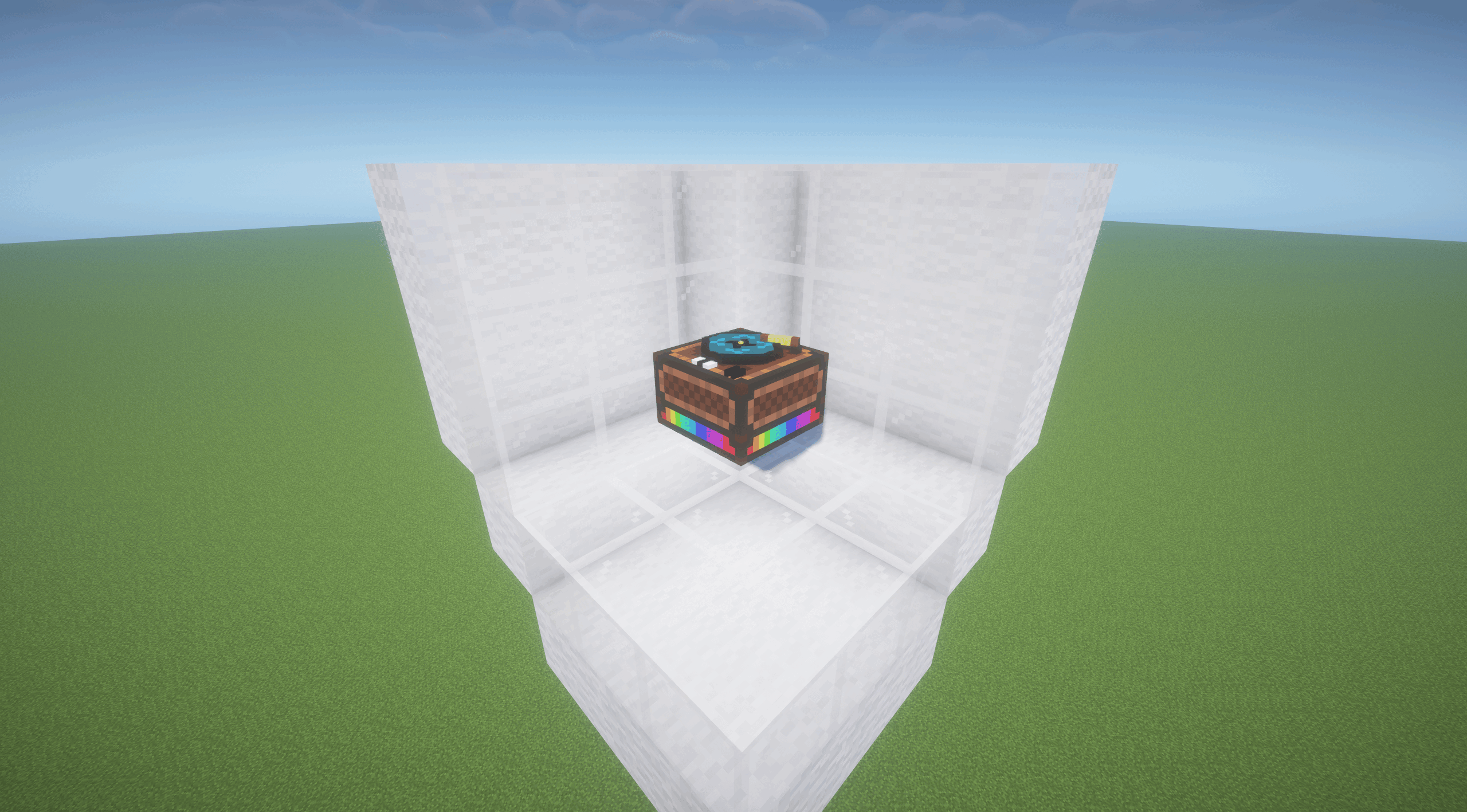
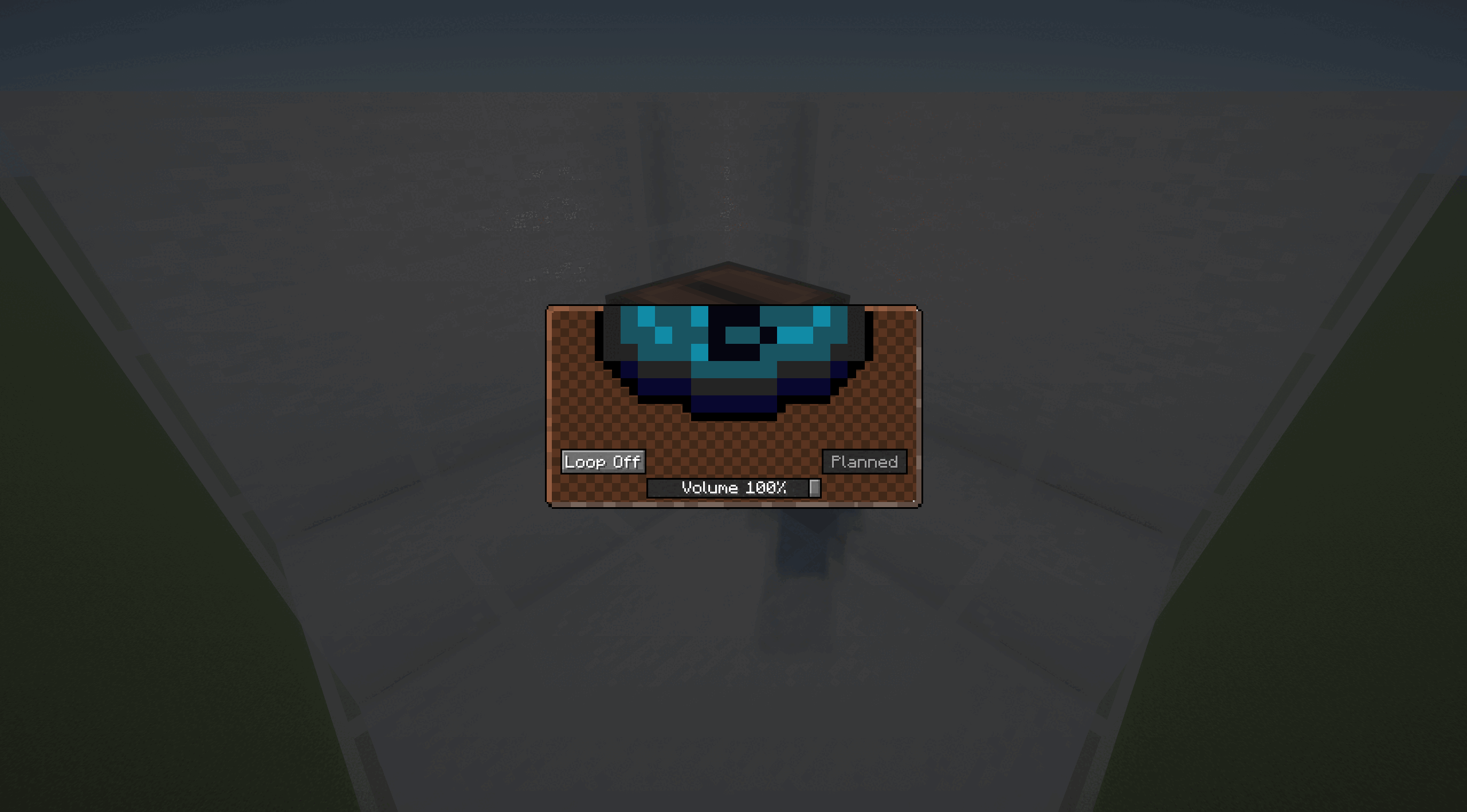
MusicXCST is a Fabric mod that adds writable custom music discs to Minecraft.
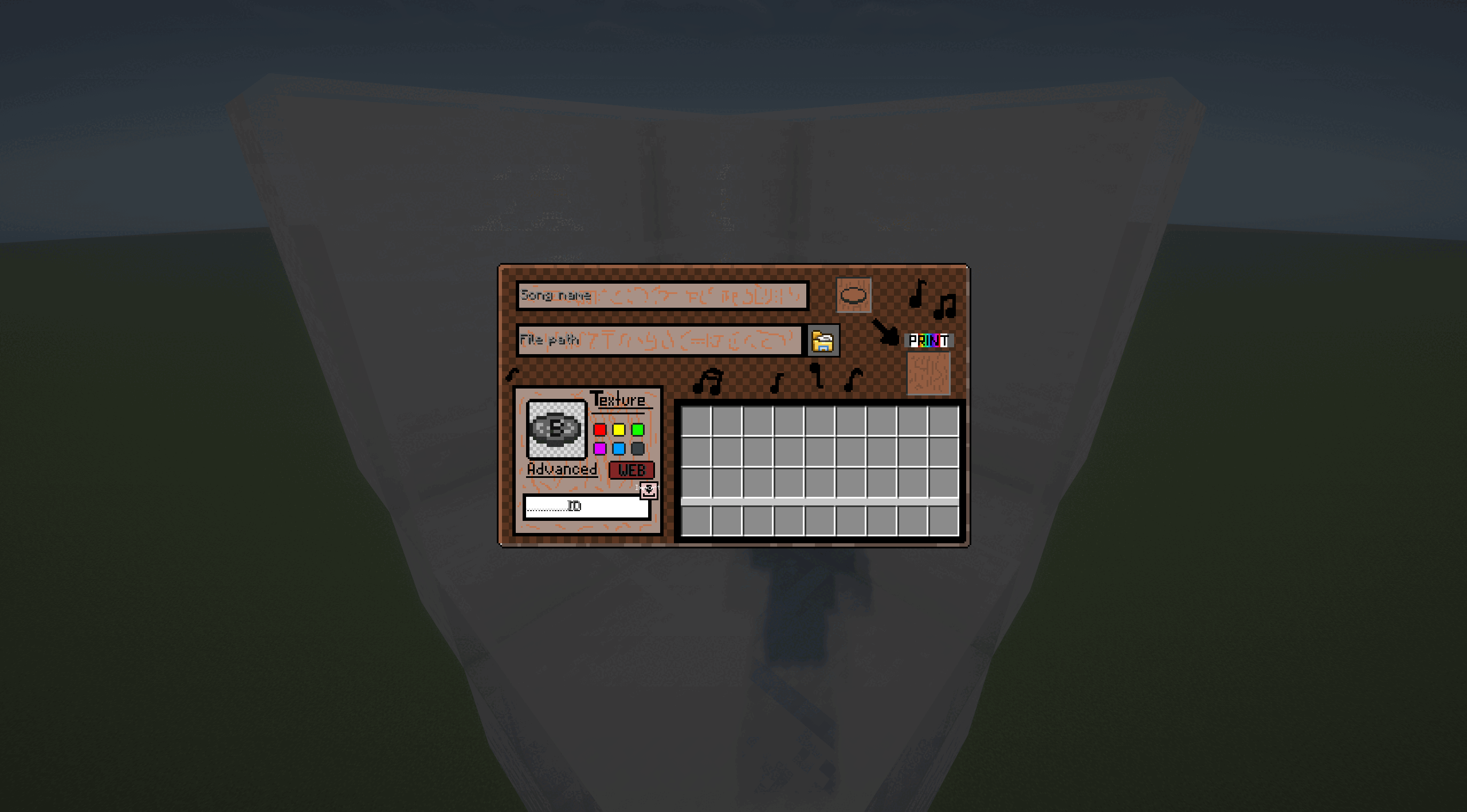
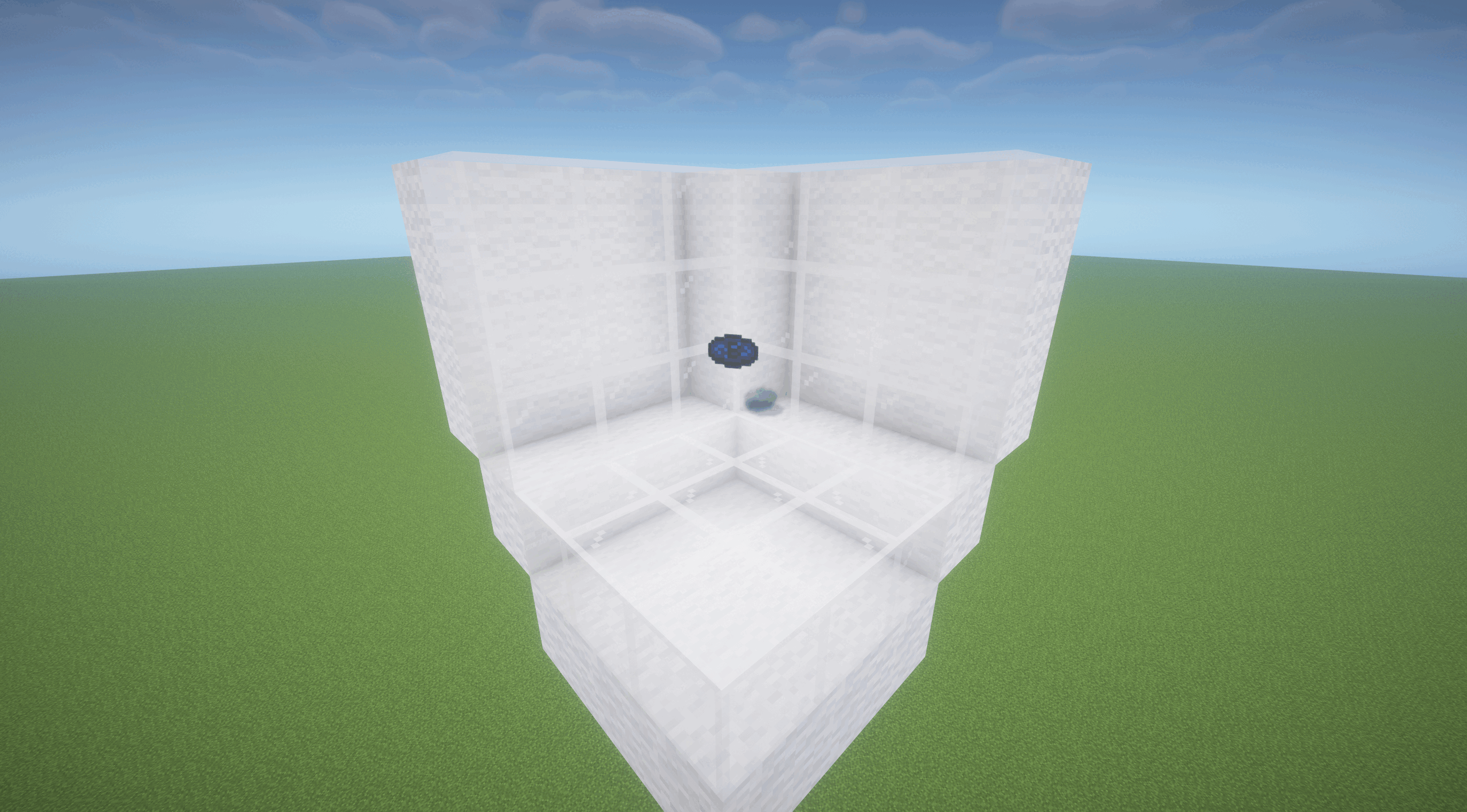
Use the CD Writer block to turn local audio files into playable Blueprint CDs. Give each disc a custom name, color, and pixel-art disc design, then play it in a jukebox. MusicXCST works for singleplayer worlds, LAN worlds, multiplayer servers, and modpacks.
Features
- Writable Blueprint CDs
- CD Writer block and GUI
- Local audio upload and conversion workflow
- Custom disc names, colors, and disc designs
- Working advanced disc texture editor for custom Blueprint CD artwork
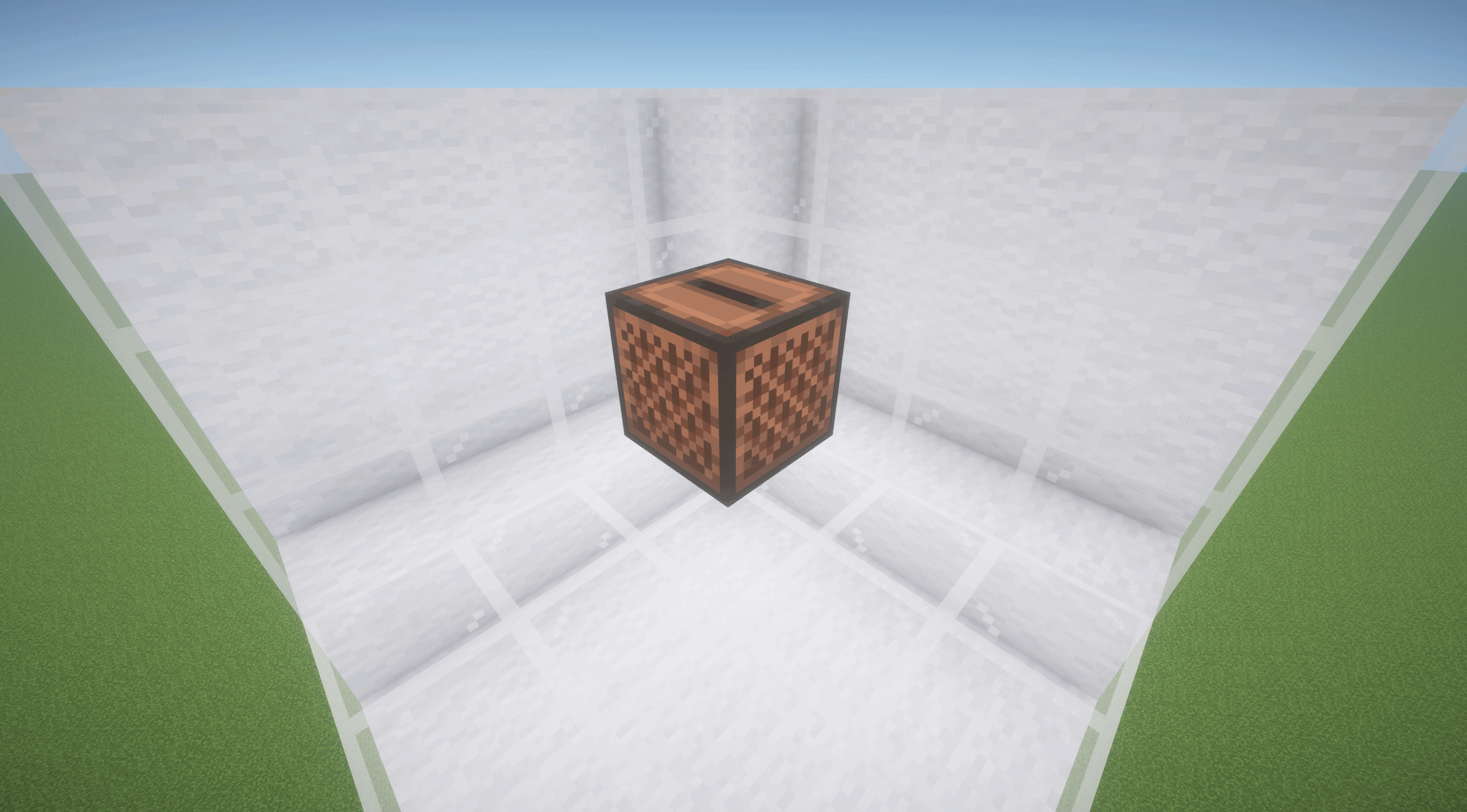
- Jukebox playback through MusicXCST's custom audio engine
- Server-side audio storage and ownership metadata
- Client audio cache with checksum validation
- Configurable file size, duration, storage quota, and per-player limits
- Admin commands for music library management
- FFmpeg setup options for audio conversion
Supported input formats include mp3, mp4, wav, ogg, flac, m4a, aac, webm, and avi. FFmpeg may be required for converting non-OGG files. If FFmpeg is missing, MusicXCST can guide the player through setup or allow OGG-only usage.
MusicXCST is useful for players who want personal music discs, server owners who want controlled custom audio, modpack creators, and developers building around custom music workflows.
Requirements
- Minecraft 26.1.2
- Fabric Loader 0.19.2 or newer
- Fabric API
- GeckoLib 5.5.1 or newer
The mod should be installed on both client and server for multiplayer use.
Audio Rights
MusicXCST does not include copyrighted music. Users and server owners are responsible for making sure they have the rights to any audio they upload, distribute, or play.
- Edition: Minecraft Java
- File type: .jar
- How to install: Install the matching mod loader (Forge, Fabric or NeoForge) for your Minecraft version. → Download the .jar. → Put it in the .minecraft/mods folder and launch that loader profile.
- Where to get it: Opens on CurseForge — not every file is mirrored on our own servers.
Install steps are the general flow for this file type — How to install Minecraft Java mods & modpacks walks through it step by step.
- Ships as musicxcst-0.1.7.jar — drop this file into the mods folder
- Download size: 510 KB
- Download link checked 3 Oct 2026 — working
These come from our own check of the pack file, not from the source page.