Double Hotbar NeoForge
Java mod listed for Minecraft 1.21. Downloads from the MC Java Mods app on Android.
⬇ Download on CurseForgeThe author built this one for Minecraft 1.21.1 on NeoForge. On other versions it may install and then do nothing.
Double Hotbar [NeoForge]
Disclaimer: This is an unofficial port of the "Double Hotbar" mod for the NeoForge mod loader. All credit for the original idea, design, and source code belongs to sidezbros. This port is published in accordance with the GPLv3 license. You can find the original Fabric/Forge version here: CurseForge Page | Original GitHub.
Overview
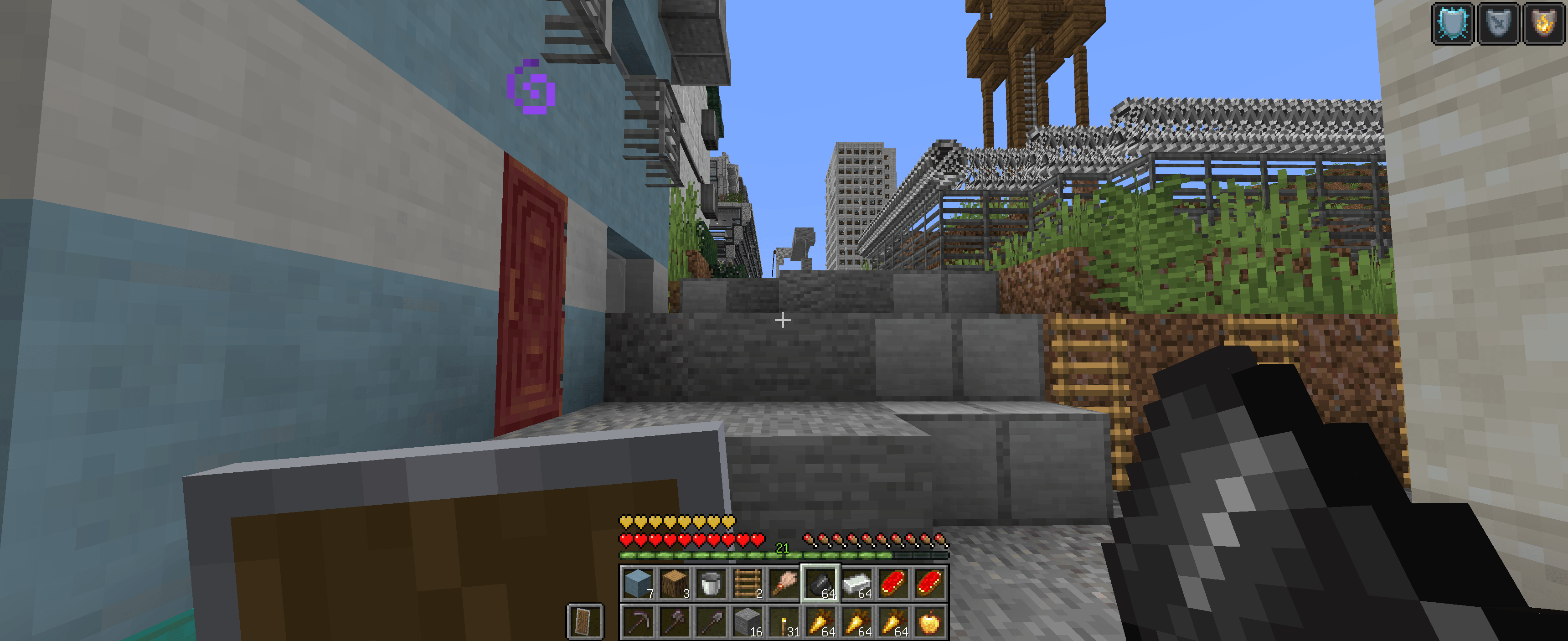
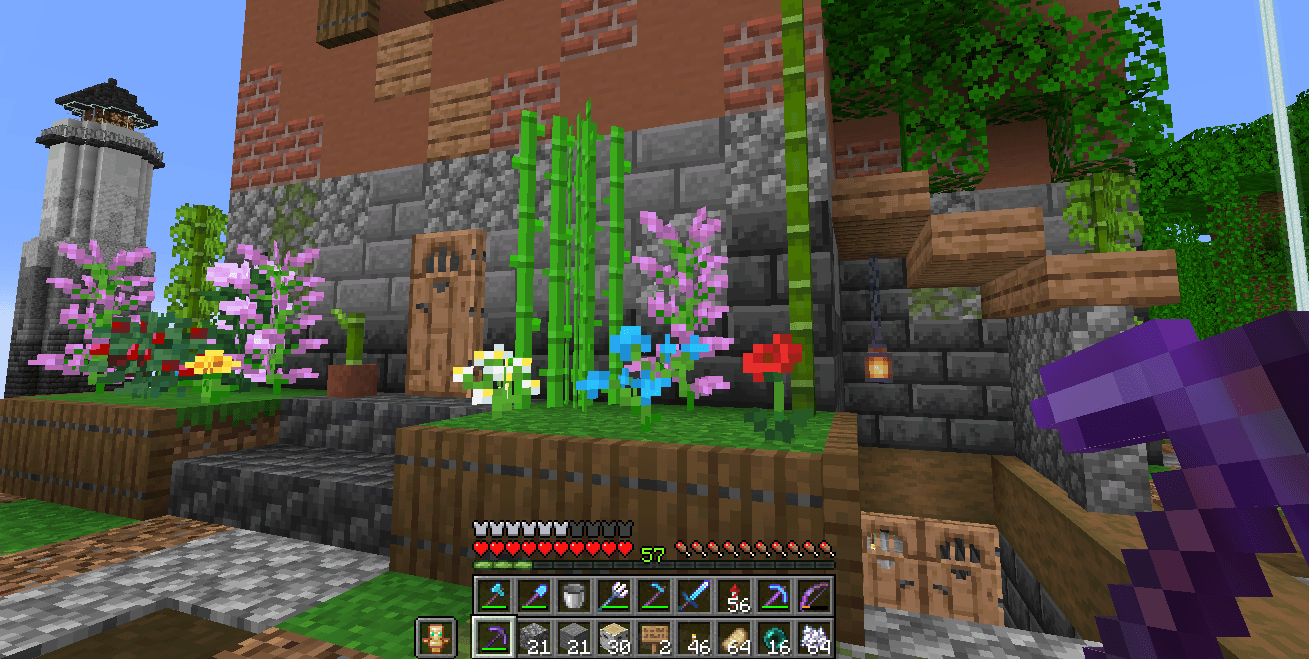
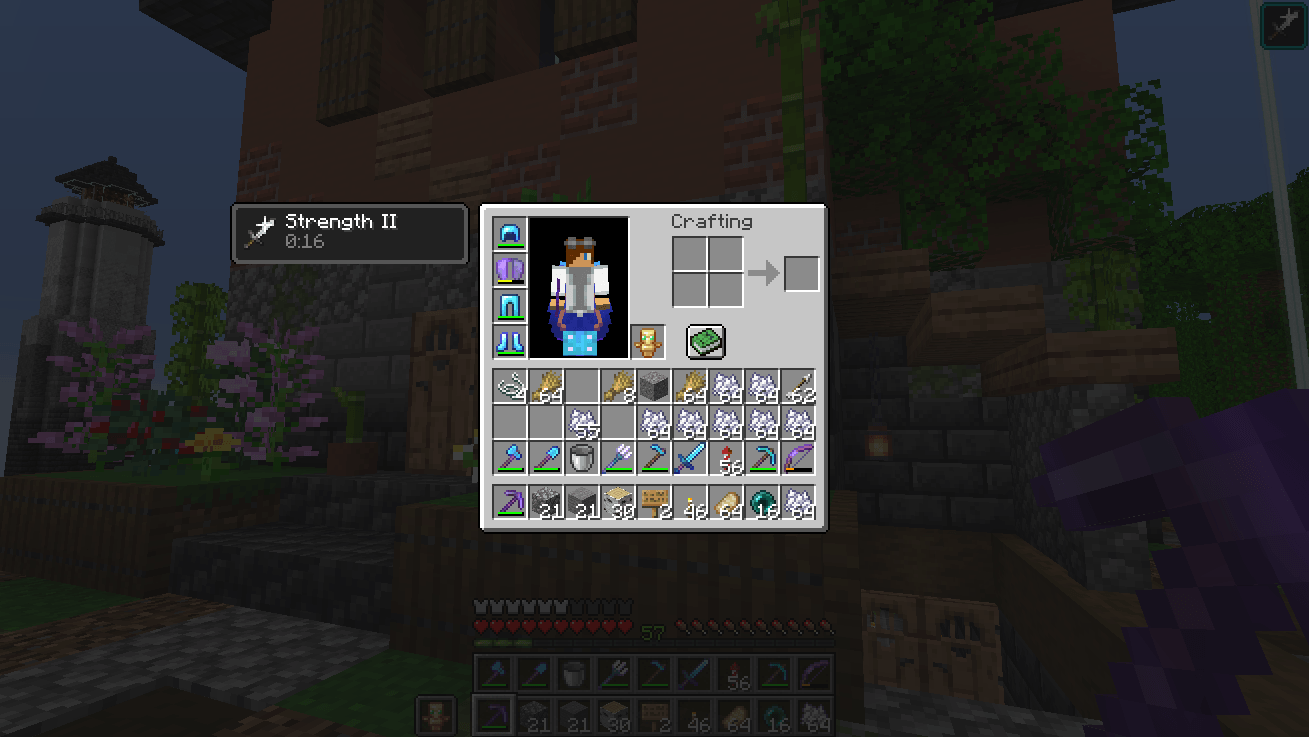
Double Hotbar adds a second hotbar that displays the third row of the inventory on the HUD. This provides a dual hotbar setup where you can easily swap, hotswap, or cycle which of the two hotbars is active. It completely eliminates the need to constantly open your inventory to move items around.
Features
- Dual Hotbar Display: Always see the third row of your inventory directly on your screen.
- Mouse scroll: Mod allows you not to swap hotbars, but to move between slots using the mouse wheel. You can find disable this feature in settings
- Quick Swap: Press the dedicated keybind (default 'R') to instantly swap your main hotbar with the secondary one.
- Hold to Swap: Hold the swap key to temporarily switch to the second hotbar, and release it to switch back.
- Double Tap: Double-tap a specific hotbar slot key (1-9) to swap just that single item instead of the entire row.
- Dynamic HUD Compatibility: Automatically shifts vanilla status bars (health, hunger, experience) up so nothing overlaps.
- Highly Configurable: Access the in-game settings to change the vertical shift, adjust sound volume, disable specific mechanics, or reverse the hotbar order.
Requirements
- Minecraft: 1.21.1
- Mod Loader: NeoForge (Version 21.1.65+)
- Dependencies: Cloth Config API (NeoForge) is highly recommended for accessing the configuration menu.
- Edition: Minecraft Java
- File type: .jar
- Minecraft version listed: 1.21.1
- How to install: Install the matching mod loader (Forge, Fabric or NeoForge) for your Minecraft version. → Download the .jar. → Put it in the .minecraft/mods folder and launch that loader profile.
- Where to get it: Opens on CurseForge — not every file is mirrored on our own servers.
Install steps are the general flow for this file type — How to install Minecraft Java mods & modpacks walks through it step by step.
- Ships as double_hotbar-1.2.1-mc1.21.1-neoforge.jar — drop this file into the mods folder
- Download size: 27 KB
- Download link checked 24 Oct 2026 — working
These come from our own check of the pack file, not from the source page.