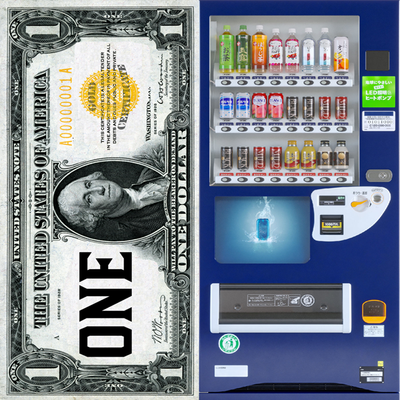
SpeakePie's Economy
Java mod listed for Minecraft 1.20–1.21. Downloads from the MC Java Mods app on Android.
SpeakePie's Economy is a Forge economy mod for Minecraft that adds physical money, multi-currency trading, vending machines, ATMs, wallets, and…
I don't know my version or loader
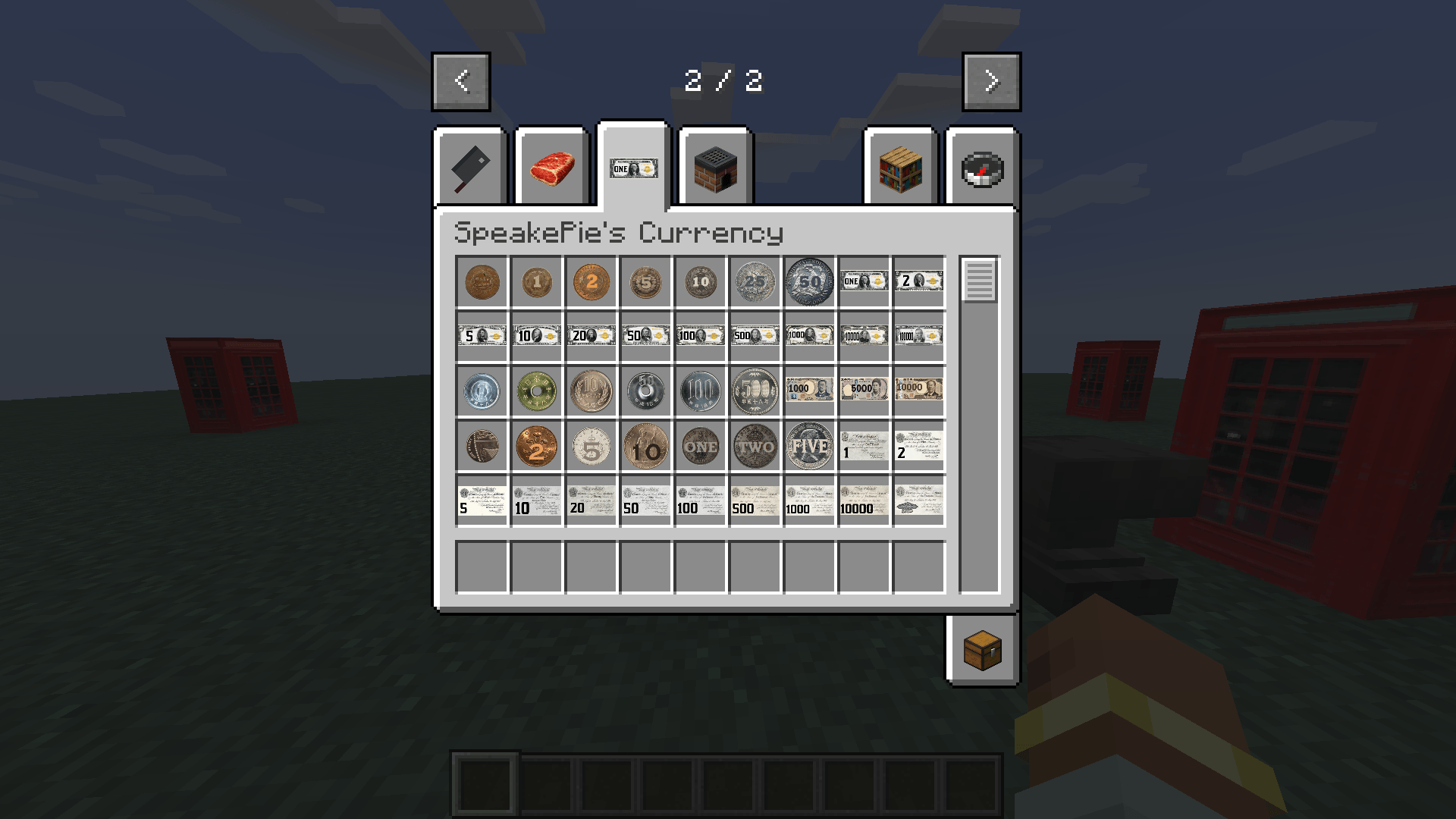
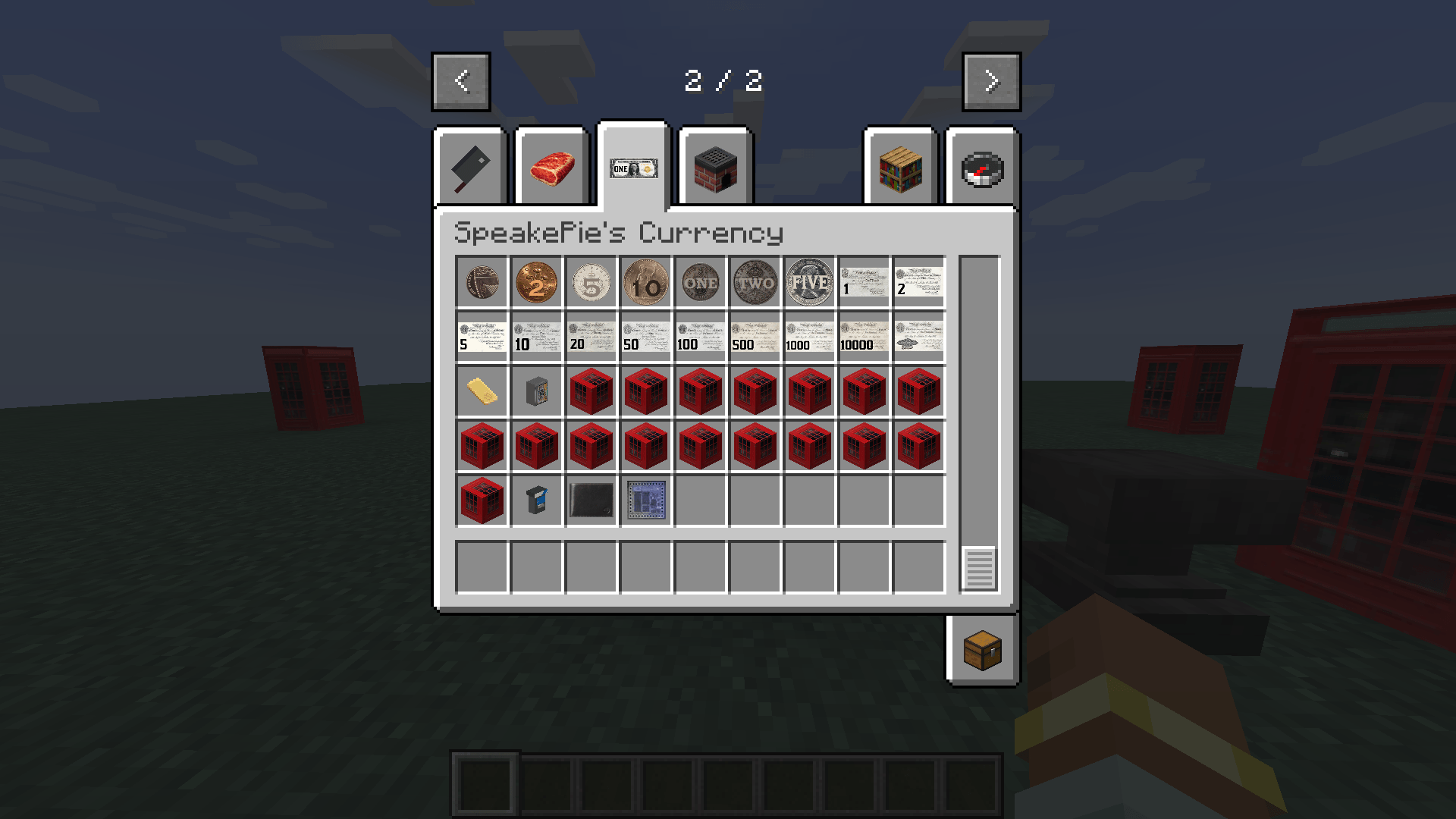
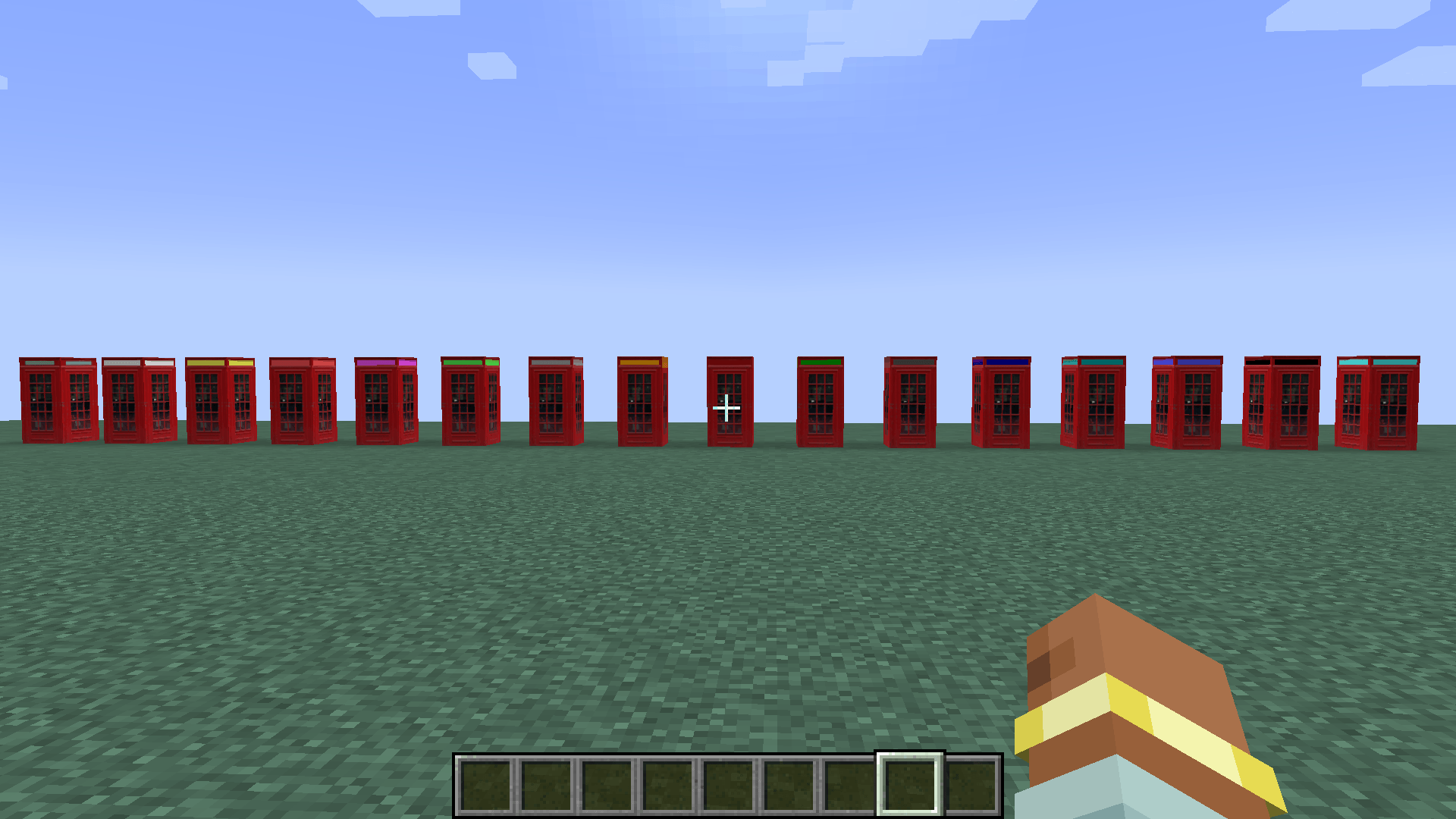
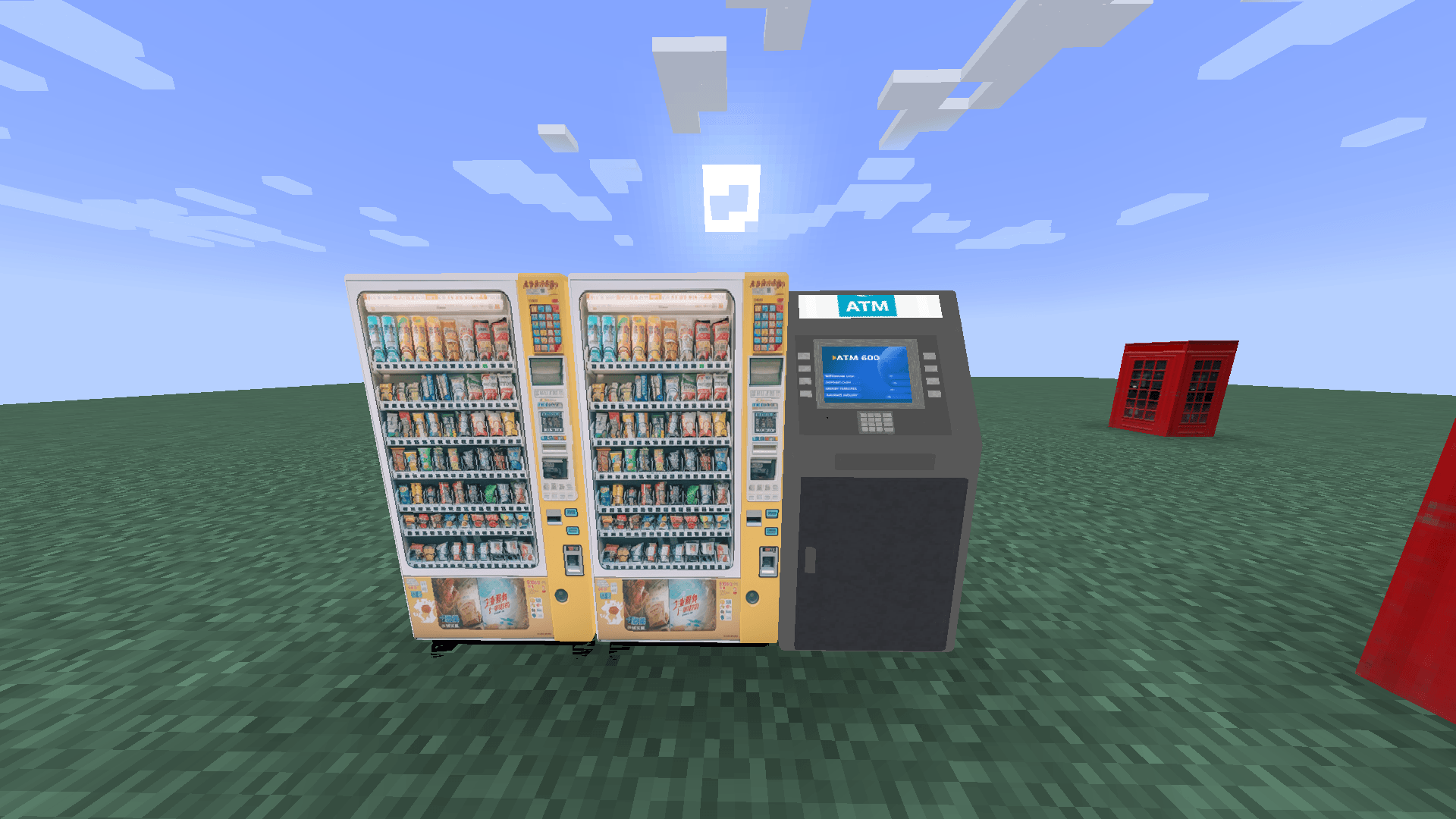
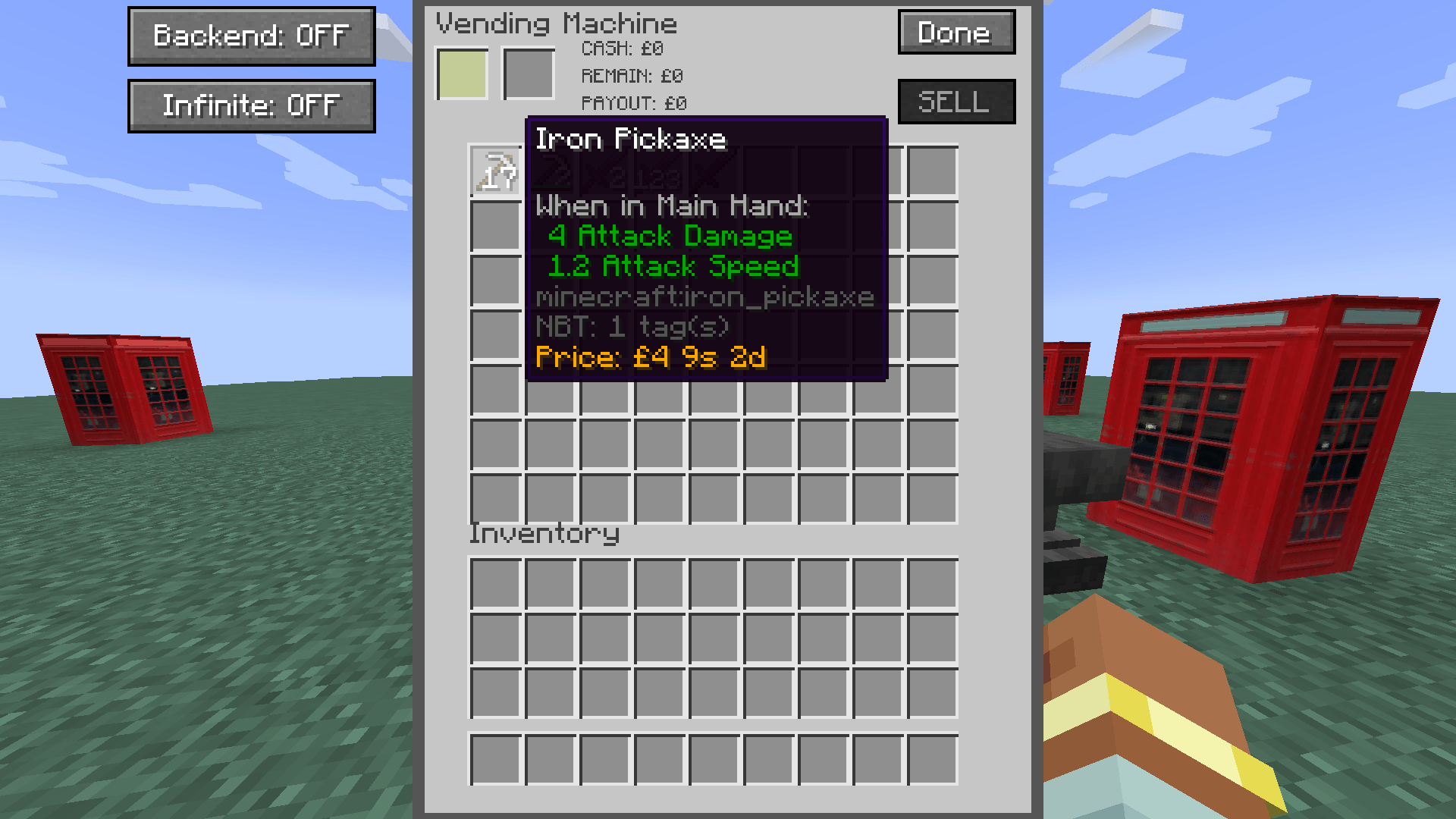
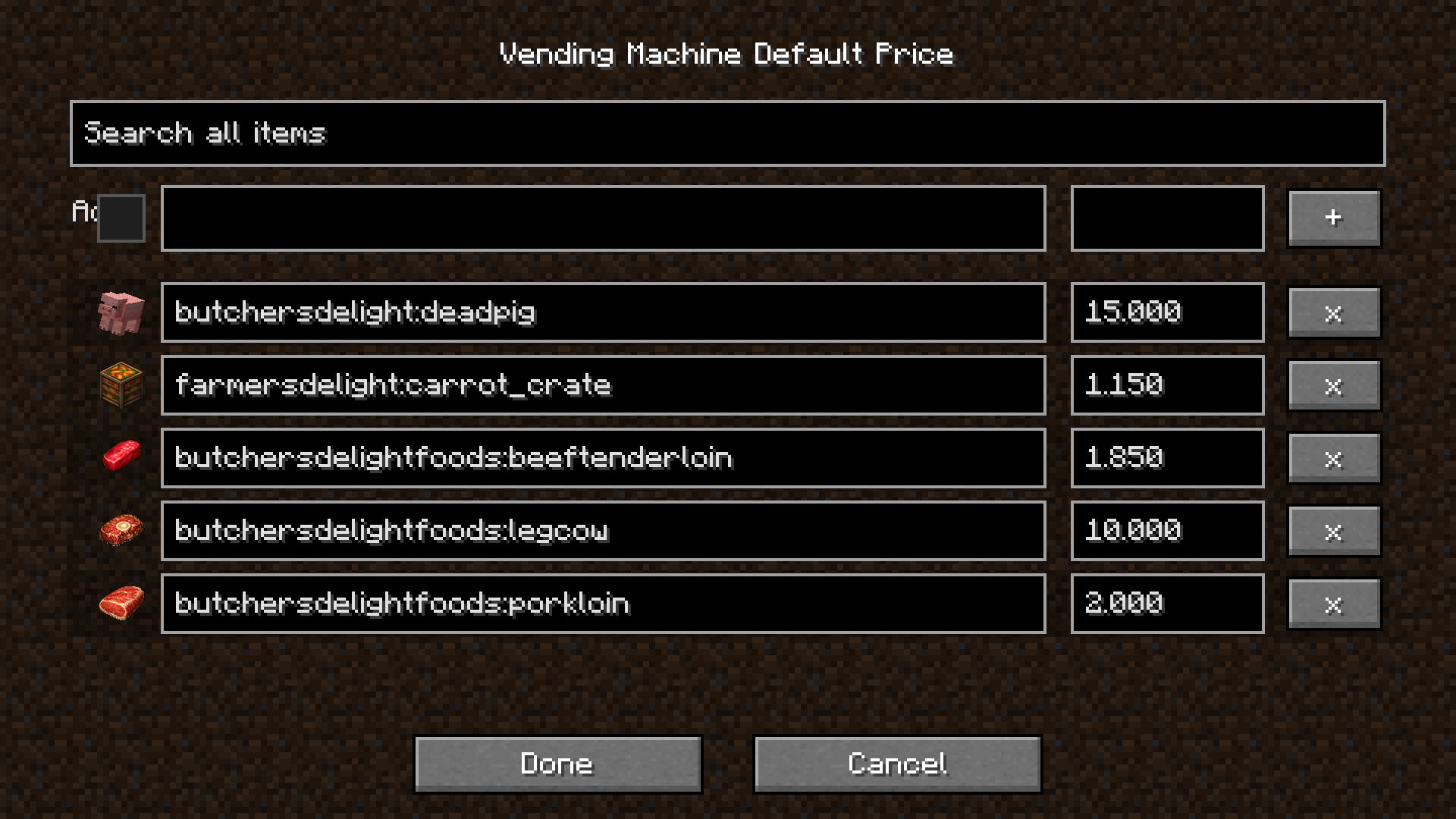
SpeakePie Economy brings a complete physical-cash economy to Minecraft. Build shops, manage personal banking, exchange currencies, create paid travel networks, and run a world where money is something players can actually hold, spend, deposit, withdraw, and earn.
The mod supports Dollar, Pound, and Yen currencies, each with its own notes, coins, prices, formatting, and exchange behavior. Server owners can choose one world currency or enable Unlisted mode, allowing different ATMs, Vending Machines, and TeleStations to use different currencies in the same world.
SpeakePie Economy is built for survival servers, roleplay worlds, city maps, shops, transport networks, and economy-focused modpacks.
Main Features
- Physical Dollar, Pound, and Yen currency
- Currency-specific notes and coins
- Wallet support for carrying money
- Configurable active currency
- Configurable exchange rates
- Per-world economy settings
- Unlisted mode for mixed-currency worlds
- Vending Machines
- ATMs and personal bank accounts
- TeleStations and paid travel
- Currency exchange
- Loans and repayments
- Player-to-player bank transfers
- Automatic change payouts
- Per-slot Vending Machine prices
- Owner earnings and cash-out tools
- Unlimited machine options for creative or administrator setups
Vending Machines
Create player-run shops with physical cash payments.
Players can:
- Insert physical money into a Vending Machine
- Buy stocked items
- Sell accepted items back to a machine
- Receive automatic change
- Return items before completing a purchase
- Receive unsold items back when a limited machine cannot afford the full sale
Owners can:
- Stock machines with items
- Set different prices for each inventory slot
- Use fixed slot prices for identical items sold at different prices
- Manage backend settings
- Collect machine earnings
- Manage cash through the machine cash-box interface
- Choose a machine currency in Unlisted mode
- Use Unlimited mode for administrator, map, or Creative setups
Limited Vending Machines pay for as many sold items as they can afford. If a player offers 100 items but the machine can only buy 18, it buys 18 and leaves the other 82 with the player.
ATM
ATMs provide a complete banking system tied to player accounts.
Players can:
- Deposit physical cash
- Withdraw physical cash
- Transfer balance to other players
- Exchange Dollar, Pound, and Yen
- Break notes and coins into smaller denominations
- Take loans
- Repay loans
- Manage money through physical cash and bank balance
Administrators and Creative players can manage balances and configure Unlimited ATM behavior where needed.
TeleStation
TeleStations create paid travel networks for your world.
Players can:
- Create named destinations
- Search destination lists
- Pay a fare to teleport
- Use currency-aware travel prices
- Travel through Dollar, Pound, Yen, or selected Unlisted-mode currency networks
TeleStations are ideal for city transport, train-style routes, roleplay worlds, survival hubs, and large multiplayer maps.
Currency Modes
Dollar
Uses Dollar notes and coins, including fractional currency.
Pound
Uses the mod's Pound, shilling, and pence format.
Yen
Uses Yen notes and coins, including the 2,000 Yen note.
Unlisted
Unlisted mode removes the single world-currency restriction. Each supported ATM, Vending Machine, or TeleStation can be set to Dollar, Pound, or Yen independently.
This allows one city shop to use Dollar, another to use Yen, and a nearby TeleStation to charge Pound fares in the same world.
Designed For
- Survival servers
- Roleplay servers
- Town and city worlds
- Shop-based economies
- Transport networks
- Multiplayer communities
- Economy-focused modpacks
- Adventure maps
- Creative city projects
- Edition: Minecraft Java
- File type: .jar
- Minecraft versions listed: 1.20.1, 1.21.1
- How to install: Install the matching mod loader (Forge, Fabric or NeoForge) for your Minecraft version. → Download the .jar. → Put it in the .minecraft/mods folder and launch that loader profile.
- Where to get it: Opens on CurseForge — not every file is mirrored on our own servers.
Install steps are the general flow for this file type — How to install Minecraft Java mods & modpacks walks through it step by step.
- Ships as speakepie_economy-1.2.0-NeoForge-1.21.1.jar — drop this file into the mods folder
- Download size: 3.8 MB
- Download link checked 3 Oct 2026 — working
These come from our own check of the pack file, not from the source page.