Palette Swap for MineColonies
Java mod listed for Minecraft 1.20–1.21. Download on the author's site.
A MineColonies & Structurize addon for swapping build materials. Re-palette any blueprint per block with an in-game picker (build wand & Build Options) or…
⬇ Download on CurseForge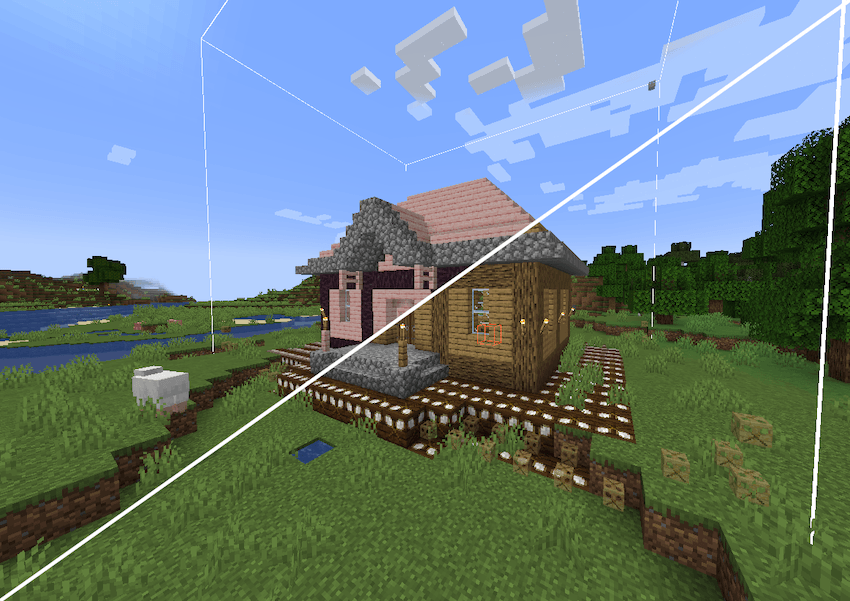
Palette Swap for MineColonies
Tired of every MineColonies village being built from the same vanilla blocks? Palette Swap lets you re-skin the block palette of any MineColonies, SlimColonies or Structurize blueprint — change materials block-by-block with an in-game picker, or define automatic rules in a datapack. It's non-destructive and applied at placement, so your original schematics and packs are never modified.
Disclosure of AI generated content
This mod contains code written with AI assistance. No other assets were and will never be generated using AI.
Features
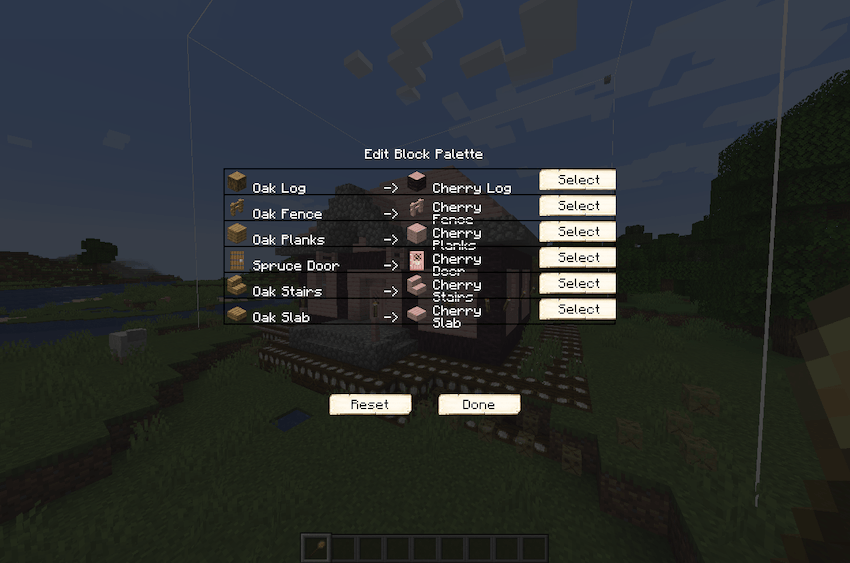
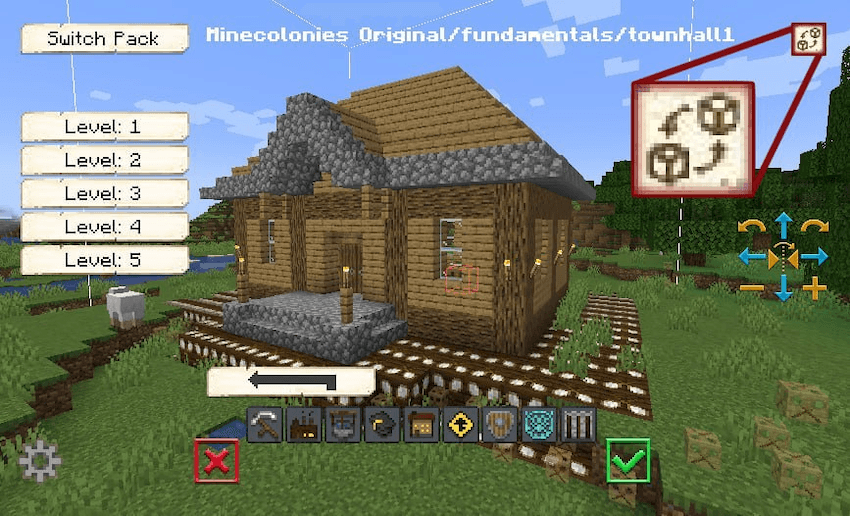
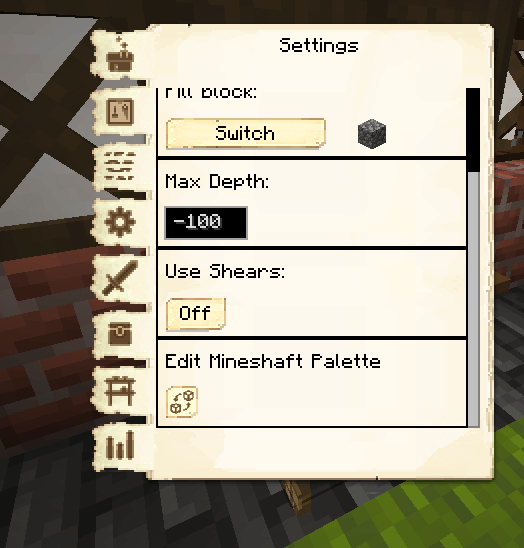
- 🎨 In-game palette editor. A Replace button on the Structurize build wand and on MineColonies' Build Options window opens the Edit Block Palette picker — one row per material in the build. Pick a replacement from a candidate pool and the holographic preview updates instantly. A Reset button puts everything back to default.
- 🏘️ Per-building palettes (MineColonies & SlimColonies). Set a building's palette once: your picks are saved to the colony, synced to everyone, and re-applied every time the builder builds or upgrades it. A Current / Upgrade toggle lets you edit the tier you already have or the tier you're about to build.
- 📜 Datapack rules. Define automatic substitutions in JSON — fixed swaps or interactive "pick from a pool" rules, matched by block or block tag, with blockstate property carry-over and priorities. Perfect for modpacks that want builds to use their own materials.
- 👷 Full builder support. The colony's builder, miner and quarrier all place through Structurize, so substitutions apply to everything they build — material requests, placement, and build-progress tracking all stay in sync.
- 🧱 Domum Ornamentum aware. DO "materialized" blocks (panels, bricks, framed blocks, …) have their stored materials swapped too, not just plain blocks.
- 🔄 Non-destructive. Blueprints are never altered on disk; substitution happens only as blocks are placed.
Optional: ready-made palettes
The mod ships an opt-in default datapack — off by default (enable it from the world's Data Packs screen, or use /datapack enable structurizereplacements_defaults command to enable while already in world) — that adds interactive pick pools for common vanilla families:
wood (planks, logs, stairs, slabs, fences, gates, doors, trapdoors, buttons, plates, signs) · wool · terracotta · glazed terracotta · stained glass · concrete & concrete powder · beds · flowers (small & tall) · leaves · saplings · mushrooms · potted plants · sand & sandstone
Turn it on for an instant working picker, or leave it off and ship your own rules.
For modpack & datapack authors
Drop rules in data/<namespace>/block_substitutions/<name>.json:
{
  "replacements": [
    { "from": "minecraft:cobblestone", "to": "minecraft:mossy_cobblestone" },
    { "from_tag": "minecraft:planks", "to_tag": "minecraft:planks" }
  ]
}
"to" is an automatic swap; "to_tag" is an interactive pool the player chooses from in the Replace GUI. Optional apply_properties / copy_properties carry blockstate values across, and priority lets one pack override another. Everything is /reload-able.
Compatibility
- Minecraft 1.20.1 · Forge | NeoForge 1.21.1
- Requires: Structurize (plus BlockUI and Domum Ornamentum — Structurize's own dependencies)
- Optional: MineColonies or SlimColonies (1.20.1-17.4+) — when either is present, the per-building Build Options editor and the builder integration activate. Without a colony mod, you still get the full Structurize build-wand experience.
Links
- 📦 MineColonies
- 🏙️ SlimColonies
- 🏗️ Structurize
Palette Swap for MineColonies is an independent addon and is not affiliated with the MineColonies or SlimColonies teams.
- Edition: Minecraft Java
- File type: .jar
- Minecraft versions listed: 1.21.1, 1.20.1
- How to install: Install the matching mod loader (Forge, Fabric or NeoForge) for your Minecraft version. → Download the .jar. → Put it in the .minecraft/mods folder and launch that loader profile.
- Where to get it: Opens on CurseForge — not every file is mirrored on our own servers.
Install steps are the general flow for this file type — How to install Minecraft Java mods & modpacks walks through it step by step.
Palette Swap for MineColonies is a free Minecraft Java mod. Compatible with Minecraft 1.21.1, 1.20.1. Downloaded 975 times (via CurseForge). Download it and open it directly in the game.