Stop Minimizing on Focus Loss
Java mod listed for Minecraft 1.16–1.21. Downloads from the MC Java Mods app on Android.
I don't know my version or loader
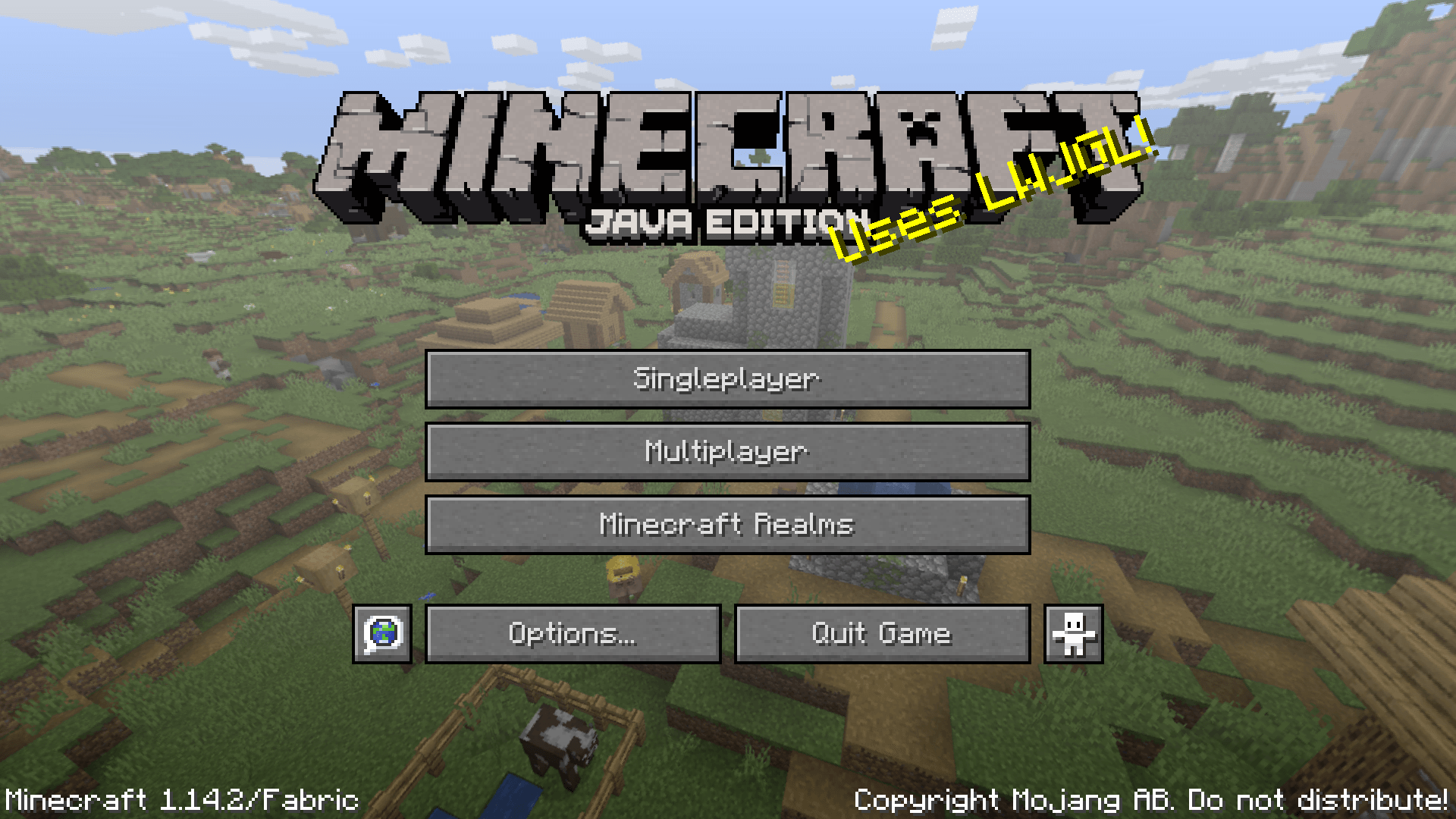
Stop Minimizing on Focus Loss keeps Minecraft from minimizing itself when you alt-tab, click another monitor, or otherwise move focus away from the game while using native fullscreen.
It is a tiny client-side utility mod. Install the jar that matches your Minecraft version and loader, and the fullscreen window should stay open when focus changes.
What it does
- Prevents native fullscreen Minecraft windows from auto-minimizing on focus loss.
- Works at the window-system level used by Minecraft's LWJGL backend.
- Reapplies the fix when Minecraft creates the window and when fullscreen mode changes, where the target version exposes those hooks.
What it does not do
- It does not force Minecraft to stay focused.
- It does not disable pause-on-lost-focus behavior.
- It does not change borderless fullscreen, normal windowed mode, or operating-system window-manager policies.
- It does not restore a window that has already been minimized by something else.
Minecraft version and mod loader support on CurseForge
On Fabric and Quilt, this mod aims to actively support all Minecraft versions starting from 1.14 to the newest release. Quilt builds are dedicated Quilt ports, not reused Fabric jars.
On Forge, modern GLFW-based ports support 1.13.2, 1.16.5, 1.17.x, 1.18.x, 1.19.x, 1.20.1, and 1.20.6. Legacy LWJGL2 Forge ports are also available for 1.7.10, 1.8.9, and 1.12.x.
On NeoForge, this mod supports 1.20.1, 1.20.6, and versions starting from 1.21 to the newest release.
LiteLoader, Babric, and Better Than Adventure builds are not distributed on CurseForge. Those versions are available on the Modrinth page instead.
The mod has zero dependencies. Even the Fabric version does not use Fabric API.
Technical details
Modern Minecraft versions use LWJGL3 and GLFW. GLFW has a GLFW_AUTO_ICONIFY window attribute which, by default, can minimize a native fullscreen window when it loses focus. The modern ports set that attribute to GLFW_FALSE on Minecraft's GLFW window handle:
glfwSetWindowAttrib(windowHandle, GLFW_AUTO_ICONIFY, GLFW_FALSE);Different Minecraft versions expose the native window through different classes, so each target hooks the version-appropriate window class:
- Modern Fabric, Forge, NeoForge, and Quilt builds inject into
com.mojang.blaze3d.platform.Windowafter<init>andsetMode. - Some versions name the native handle field
window, while others name ithandle. - The standalone Forge
1.16.5port injects intonet.minecraft.client.MainWindow.
Legacy Forge LWJGL2 ports
Minecraft 1.7.10, 1.8.9, and 1.12.x use LWJGL2, not LWJGL3/GLFW. LWJGL2 does not have GLFW_AUTO_ICONIFY, so the legacy Forge ports cannot use the same one-line GLFW fix.
Instead, the Forge LWJGL2 ports patch the relevant Minecraft and LWJGL2 display code directly:
- Forge
1.7.10, Forge1.8.9, and Forge1.12.xuse Forge/FML coremod transformers. - On Linux and other Unix-like LWJGL2 backends, including many BSD systems, the mod patches
org.lwjgl.opengl.LinuxDisplayto skip the fullscreen focus-loss iconify path. - On Windows, the mod patches
org.lwjgl.opengl.WindowsDisplayto skip the fullscreen focus-loss minimize/display-mode-reset path. - On affected Minecraft versions such as
1.7.10,1.8.9, and1.12.x, the mod also suppresses Minecraft's own lost-focus fullscreen toggle logic.
macOS is the main limitation for LWJGL2 builds. The relevant fullscreen behavior is handled through LWJGL2's native Cocoa backend rather than patchable Java-side display code. Because of that, LWJGL2 macOS support may be limited compared to Linux, Windows, and Unix-like systems such as FreeBSD or OpenBSD. The modern LWJGL3/GLFW ports do not have this same limitation.
- Edition: Minecraft Java
- File type: .jar
- Minecraft versions listed: 1.21, 1.21.8, 1.21.5
- How to install: Install the matching mod loader (Forge, Fabric or NeoForge) for your Minecraft version. → Download the .jar. → Put it in the .minecraft/mods folder and launch that loader profile.
- Where to get it: Opens on CurseForge — not every file is mirrored on our own servers.
Install steps are the general flow for this file type — How to install Minecraft Java mods & modpacks walks through it step by step.
- Ships as stop_minimizing_on_focus_loss-0.1.0+26.2-quilt.jar — drop this file into the mods folder
- Download size: 5 KB
- Download link checked 3 Oct 2026 — working
These come from our own check of the pack file, not from the source page.