
Optimized Vulkan
Java modpack listed for Minecraft 1.21. Downloads from the MC Java Mods app on Android.
⬇ Download on CurseForgeThe author built this one for Minecraft 1.21.1 on Fabric. On other versions it may install and then do nothing.
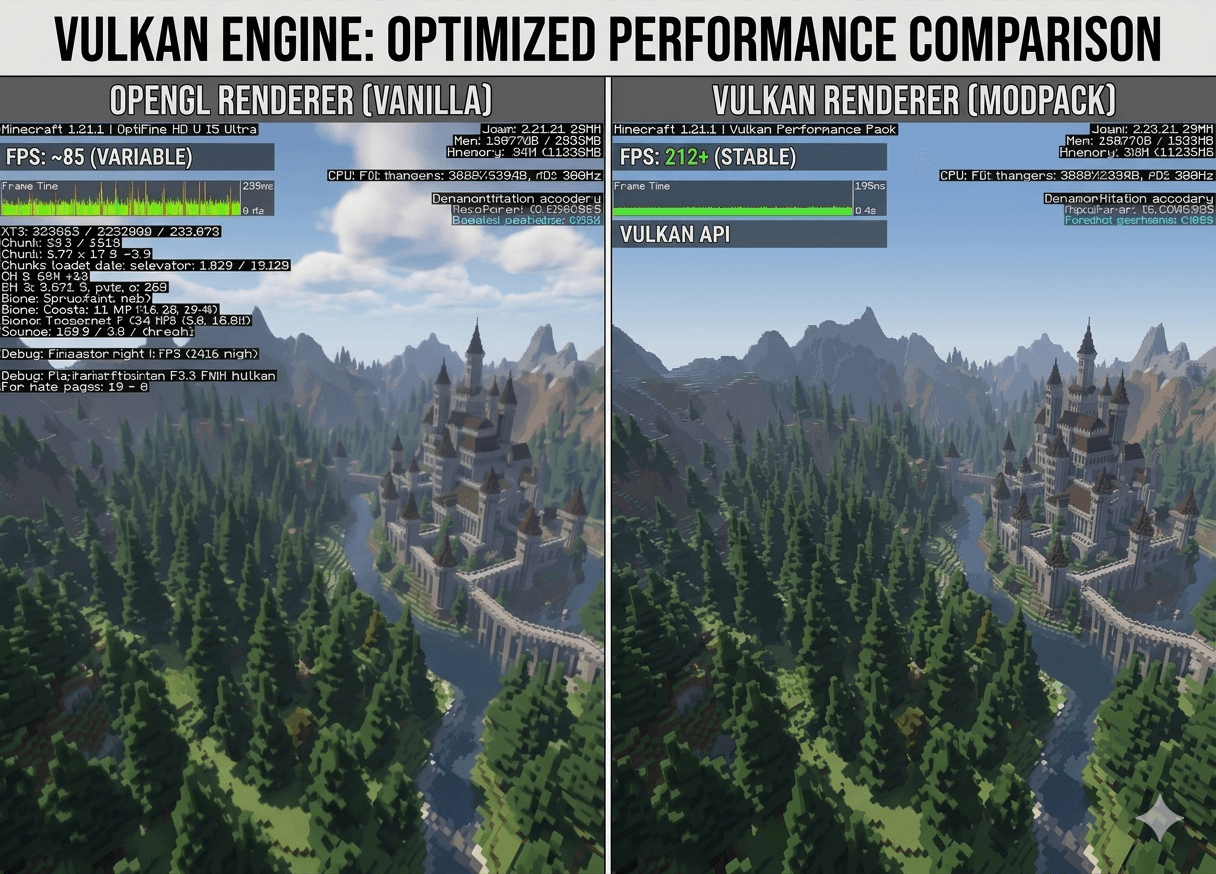
🎮 Vulkan Engine - Ultimate Performance Pack Stop playing Minecraft slideshows.
If your FPS drops the moment you look at a big base or explore new terrain, standard optimization isn't enough. Vulkan Engine is a next-generation performance modpack that strips away Minecraft's ancient rendering systems and forces your hardware to work the way it was meant to—utilizing the ultra-fast Vulkan API.
🔥 Why choose Vulkan Engine? Next-Gen Rendering: Say goodbye to OpenGL. Vulkan distributes the load evenly across your CPU cores and unleashes your GPU's true potential.
Insane FPS Boosts: Expect massive frame rate increases, especially on modern AMD, NVIDIA, and Intel Arc graphics cards.
Zero Junk, Pure Speed: No unnecessary cosmetic mods. This pack is strictly engineered to give you the highest performance possible.
Server Friendly: 100% client-side. You can join any vanilla or modded server with maximum frame rates.
📈 What to expect (Benchmarks) Vanilla Minecraft: 60-120 FPS (With frequent frame drops and high CPU temperatures).
With Vulkan Engine ⚡: 200+ FPS (Silky smooth 1% lows, less stuttering, and a cooler running system).
⚙️ Quick Setup Guide Driver Check: Before launching, make sure your GPU drivers are updated to the latest version.
RAM Allocation: Allocate at least 4GB in your launcher settings for optimal chunk loading.
Shaders: If you love shaders, use Iris/Oculus (included) for the best Vulkan-compatible visual experience.
💡 Pro-Tip: Vulkan builds its "cache" while you play. If you see a tiny hiccup in the first 30 seconds of loading a world, don't worry! It's just the engine learning the map. After that, it's pure smoothness.
- Edition: Minecraft Java
- File type: .jar
- Minecraft version listed: 1.21.1
- How to install: Install the matching mod loader (Forge, Fabric or NeoForge) for your Minecraft version. → Download the .jar. → Put it in the .minecraft/mods folder and launch that loader profile.
- Where to get it: Opens on CurseForge — not every file is mirrored on our own servers.
Install steps are the general flow for this file type — How to install Minecraft Java mods & modpacks walks through it step by step.
- Downloads as Optimized vulkan-1.0.zip
- Download size: 8 KB
- Download link checked 3 Oct 2026 — working
These come from our own check of the pack file, not from the source page.