FreshAnimations - Reload (Fabric Edition)



-blue.svg)
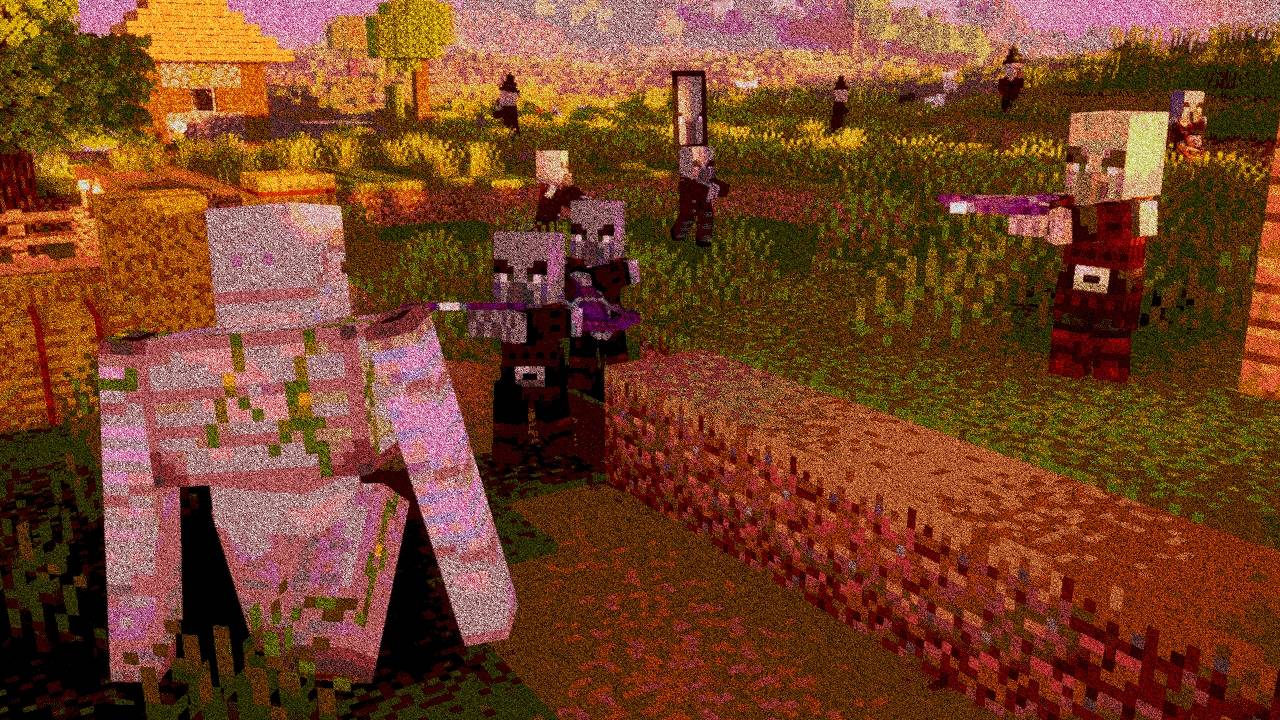
Make your game like the trailers! Dynamic animated entities to freshen your Minecraft experience.
FreshAnimations - Reload is an enhanced, modernized, and fine-tuned version of the brilliant original Fresh Animations resource pack, tailored specifically for Fabric users. If you've always wanted Minecraft mobs to be as lively, expressive, and dynamic as they are in the official Mojang trailers, this pack is made for you!
This reload edition optimizes animations, fixes known bugs, and expands the list of supported creatures to make your Fabric gameplay experience even smoother, more stable, and highly immersive.
✨ Features
- 🎬 Trailer-Style Animations: Completely reworked, organic movements for villagers, zombies, skeletons, pigs, and almost every iconic Minecraft creature.
- 👀 Expressive Eyes and Faces: Mobs now blink, track you with their gaze, and express emotions depending on the situation.
- 🚀 Fabric Optimization: Finely tuned to run flawlessly alongside modern Fabric performance mods (like Sodium), providing zero lag and maximum FPS.
- 🔄 Extended Compatibility: Improved cooperation with Fabric-native mods and the latest game versions.
🛠️ Requirements
Since the base game does not natively support custom entity models, you must have the following mods installed in your Fabric mods folder for the animations to render correctly:
- 🟢 Fabric API (The essential library for Fabric mods)
- 🧬 Entity Model Features (EMF) (Enables custom entity models on Fabric)
- 🎨 Entity Texture Features (ETF) (Enables custom/random texture features required for expressions)
(Note: OptiFine is NOT supported or needed! EMF and ETF provide much better performance and compatibility on Fabric.)
⚙️ Installation Guide
- Make sure you have Fabric Loader, Fabric API, EMF, and ETF installed and running.
- Download the FreshAnimations - Reload
.zipfile. - Launch Minecraft, then go to Options -> Resource Packs.
- Click the Open Pack Folder button.
- Copy and paste the downloaded
.zipfile into this folder. - Select the pack in-game (move it to the right side) and enjoy the brand-new animations!
⚠️ IMPORTANT: Make sure this resource pack is placed at the top of your resource pack list to override any other default models!
📜 License & Credits
- Huge thanks to FreshX1cX for creating the original Fresh Animations.
- This project is a fan-made Fabric-focused rework/update (Reload), created with full respect to the original concept.
💬 Having issues or found a bug? Feel free to drop a comment below or report it on the Issue Tracker!
- Edition: Minecraft Java
- File type: .zip (resource pack)
- Minecraft versions listed: 1.21, 1.21.8, 1.21.5
- How to install: Download the .zip resource pack — do not unzip it. → Put it in .minecraft/resourcepacks. → Enable it in Options → Resource Packs.
- Where to get it: Opens on CurseForge — not every file is mirrored on our own servers.
Install steps are the general flow for this file type — How to install Minecraft Java resource packs walks through it step by step.
- Downloads as FreshAnimationsReload_v1.10.5.zip
- Download size: 621 KB
- Download link checked 23 Aug 2026 — working
These come from our own check of the pack file, not from the source page.