Open Together
I don't know my version or loader
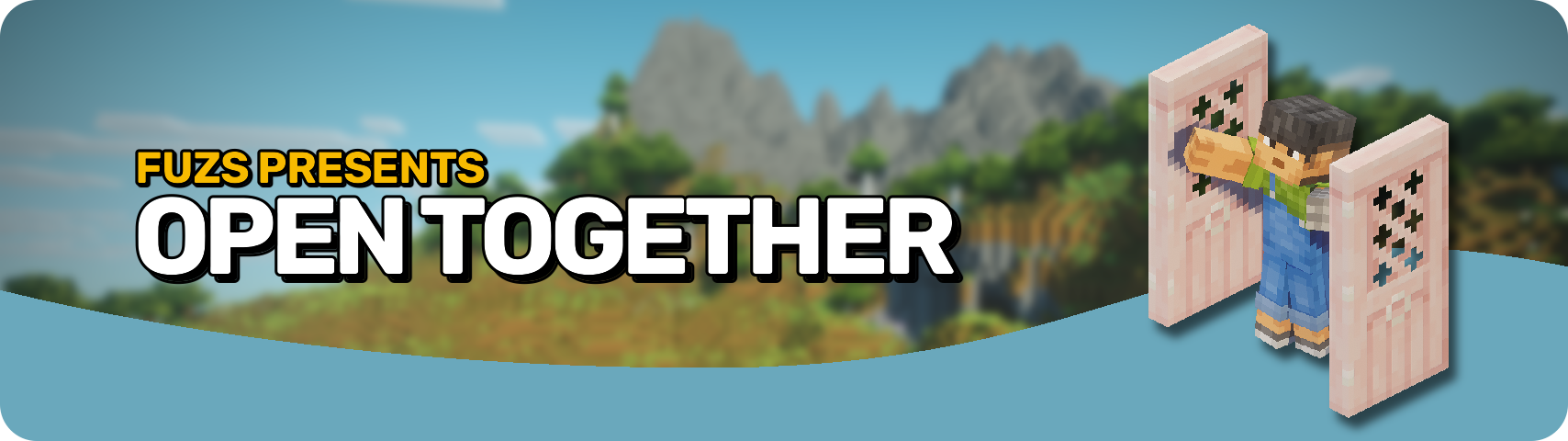








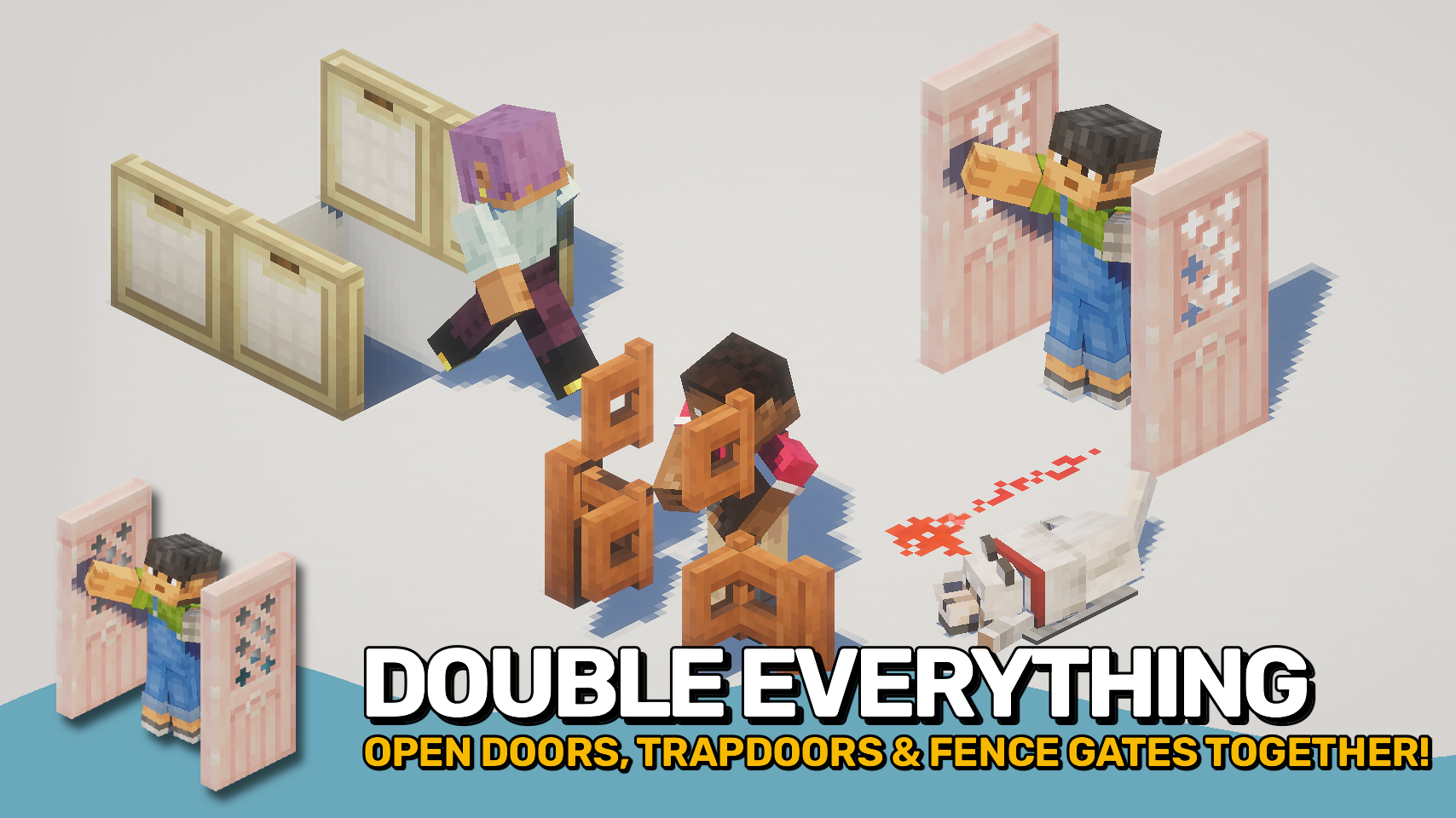
Open Together makes matching doors, trapdoors, and fence gates open as a group when placed next to each other. Open one block, and connected neighbours follow automatically, making double doors and wider entrances feel natural to use. 🚪
The mod removes repetitive clicks during everyday gameplay while preserving vanilla behaviour and building styles. It works with manual interactions and can also support vanilla mechanics such as redstone when installed on the server. ⚡
Unlike most similar solutions, the mod can be installed on the client, the server, or both. Server installation provides the most complete and consistent experience for all players. Client-only use also works on multiplayer servers without the mod, but only for your own manual interactions and not for server-side effects like redstone. 🌐

- 🚪 Double Doors: Open matching neighbouring doors together for smoother entrances and cleaner builds.
- 🪤 Double Trapdoors: Linked trapdoors open together, making floor hatches and decorative builds easier to use.
- 🚧 Double Fence Gates: Adjacent fence gates can open as one, perfect for wider paths, farms, and animal pens.
- ⚡ Redstone Support: When installed server-side, supported blocks can open together through vanilla-style interactions, including redstone.
- 🌐 Flexible Installation: Works on client, server, or both, with server installation providing the most complete multiplayer experience.
- 👤 Client-Only Multiplayer Use: Can still help on servers without the mod installed by opening nearby matching blocks.
- 🛠️ Configurable Behaviour: Enable or disable grouped opening for each supported block type and adjust behaviour to suit your preferences.
- 🏷️ Modded Block Support: Compatible modded doors, trapdoors, and fence gates can be included through block tags.
- ⌨️ Quick Toggle: Includes an optional keybind to temporarily enable or disable grouped opening.


⏩ INSTALLATION OPTIONAL ON CLIENT & OPTIONAL ON SERVER
⏩ REQUIRES PUZZLES LIB TO BE INSTALLED (FABRIC & NEOFORGE)
⏩ REQUIRES FABRIC API TO BE INSTALLED (FABRIC)
⏩ REQUIRES FORGE CONFIG API PORT TO BE INSTALLED (FABRIC)

If available for a mod, configuration is possible directly from in-game using the mod menu (requires Mod Menu by Prospector to be installed on Fabric).
For manual configuration using an external text editor all files are found at .minecraft/config, named as MOD_ID-client.toml, MOD_ID-common.toml, or MOD_ID-server.toml, depending on the type of config. Not all types might exist for a mod, if any at all.
 |
 |
|
 |
 |
|
 |
 |
|
 |
 |
|
 |
 |
|

- Edition: Minecraft Java
- File type: .jar
- Minecraft versions listed: 1.21.1, 1.21.11
- How to install: Install the matching mod loader (Forge, Fabric or NeoForge) for your Minecraft version. → Download the .jar. → Put it in the .minecraft/mods folder and launch that loader profile.
- Where to get it: Opens on CurseForge — not every file is mirrored on our own servers.
Install steps are the general flow for this file type — How to install Minecraft Java mods & modpacks walks through it step by step.
- Ships as OpenTogether-v26.2.0-mc26.2.x-NeoForge.jar — drop this file into the mods folder
- Download size: 51 KB
- Download link checked 13 Sept 2026 — working
These come from our own check of the pack file, not from the source page.