
Create: Factory Controller
Java mod listed for Minecraft 1.20–1.21. Downloads from the MC Java Mods app on Android.
I don't know my version or loader
Create: Factory Controller
CurseForge | Modrinth | Discord | Manual
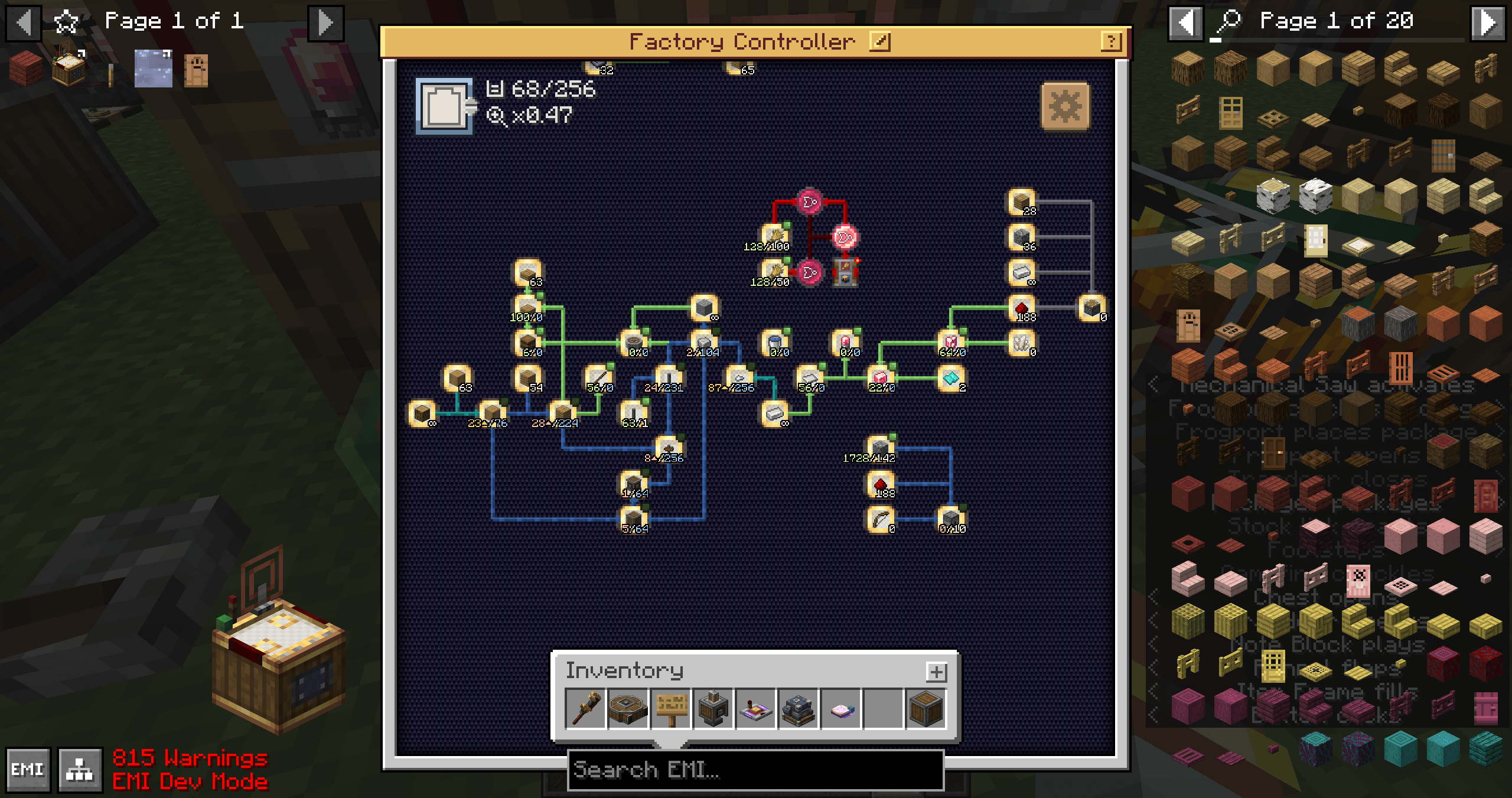
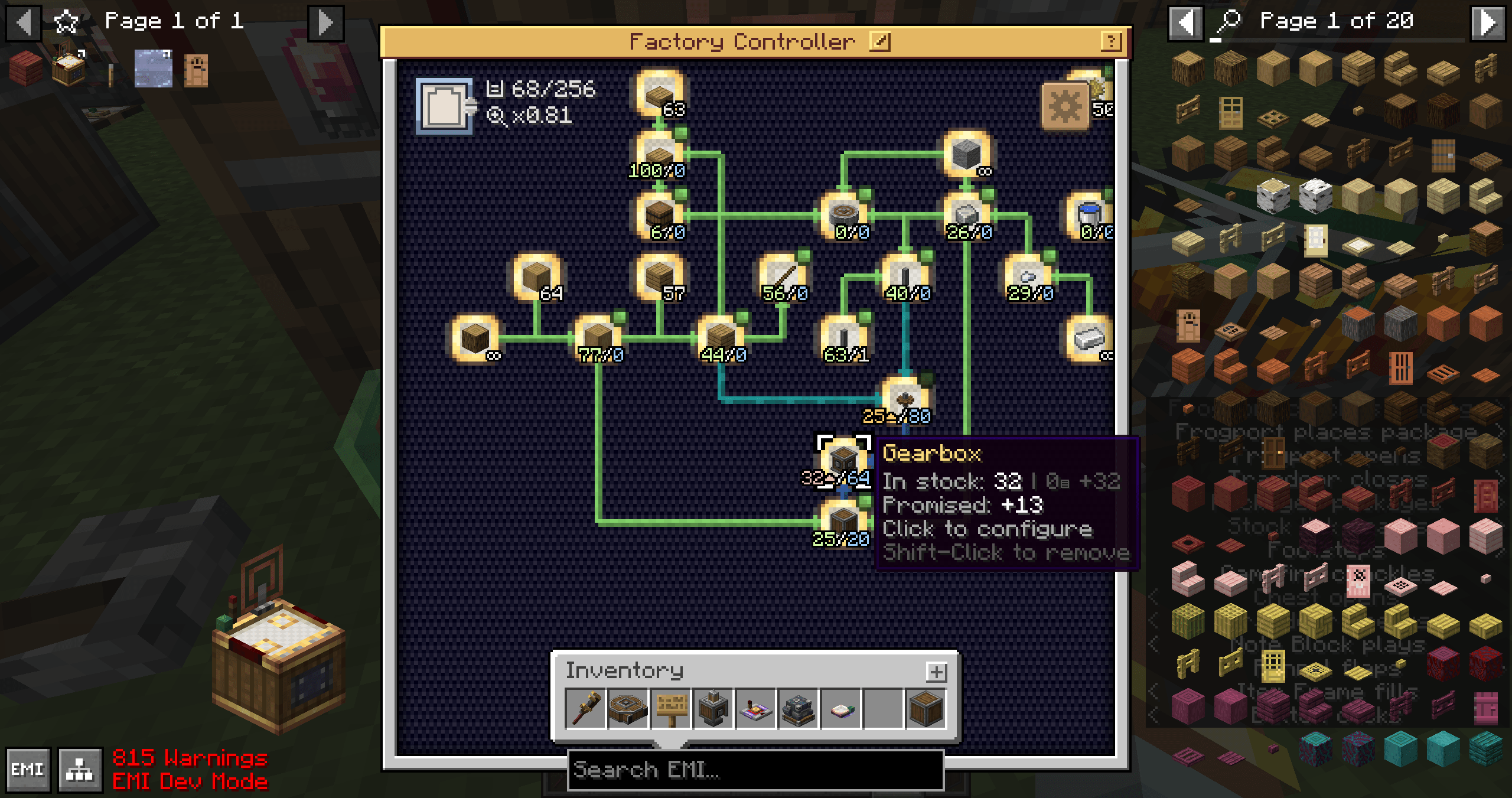
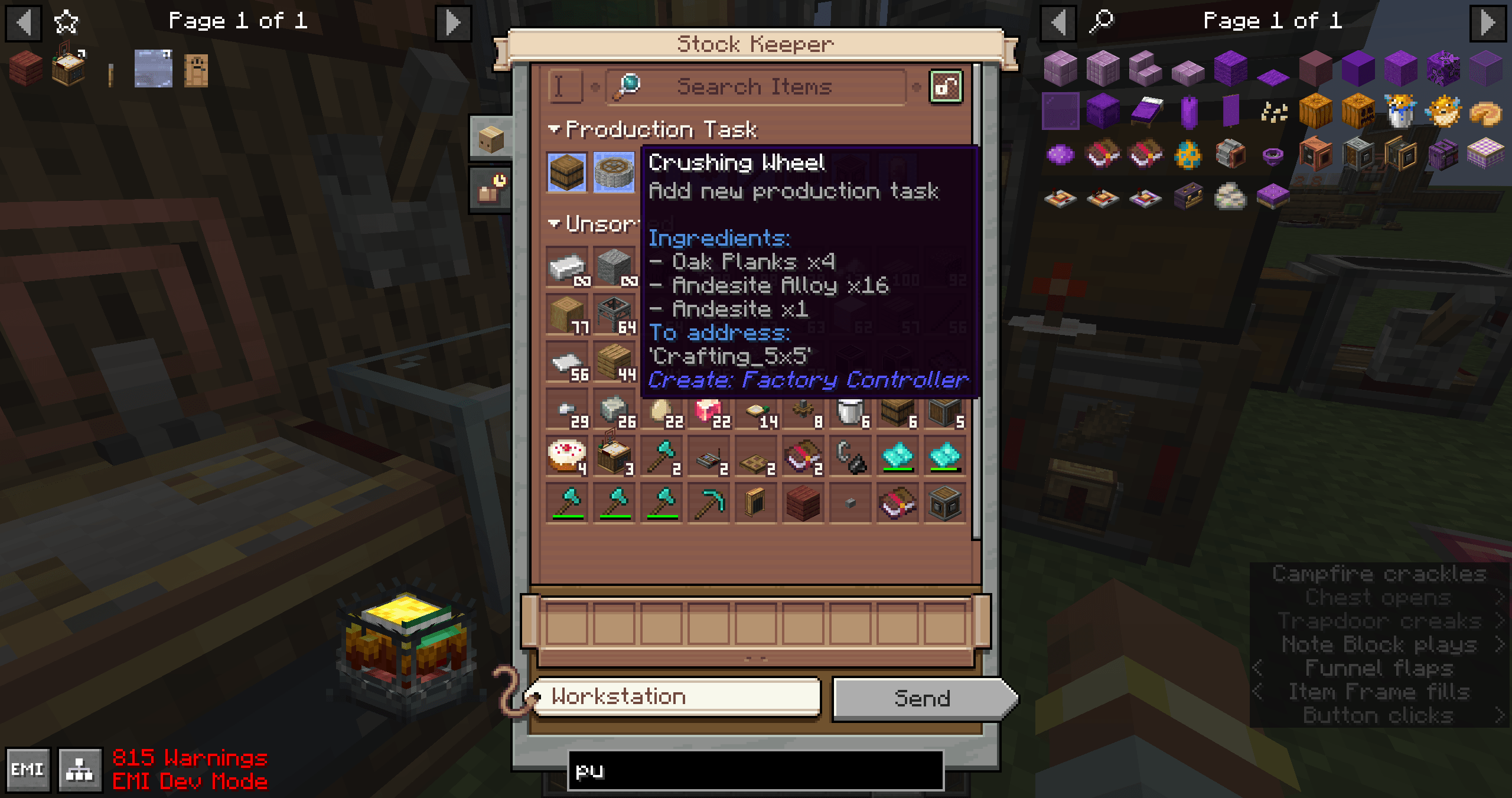
Having a large wall of factory gauges can get unwieldy. This addon introduces the "factory controller", where you can place factory gauges (and more) in a virtual dashboard, condensing the wall of gauges into a single block.
Additionally, using a factory controller allows you to:
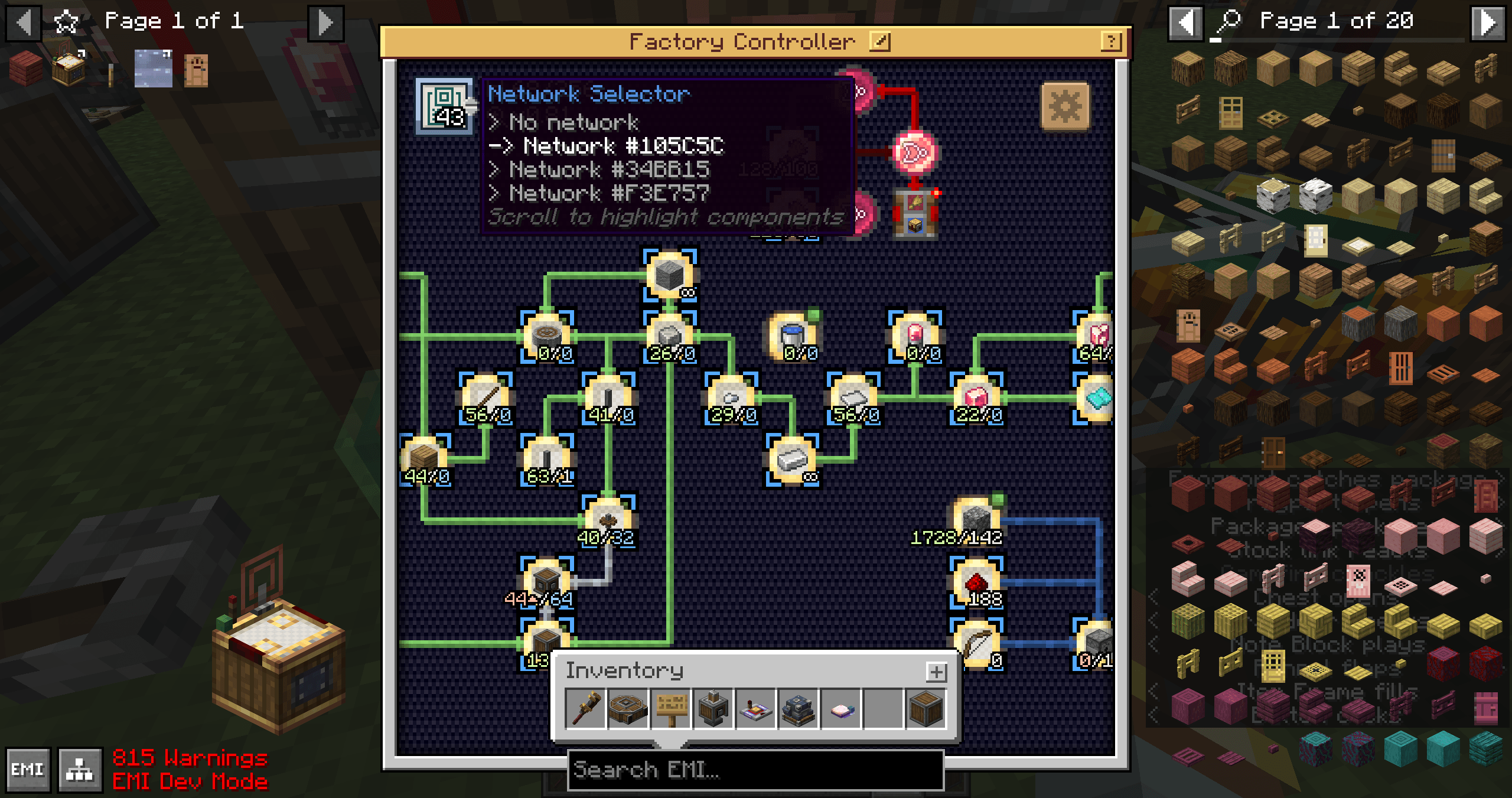
- Quickly tune a new factory gauge to a network already tuned to by existing gauges. 🕮
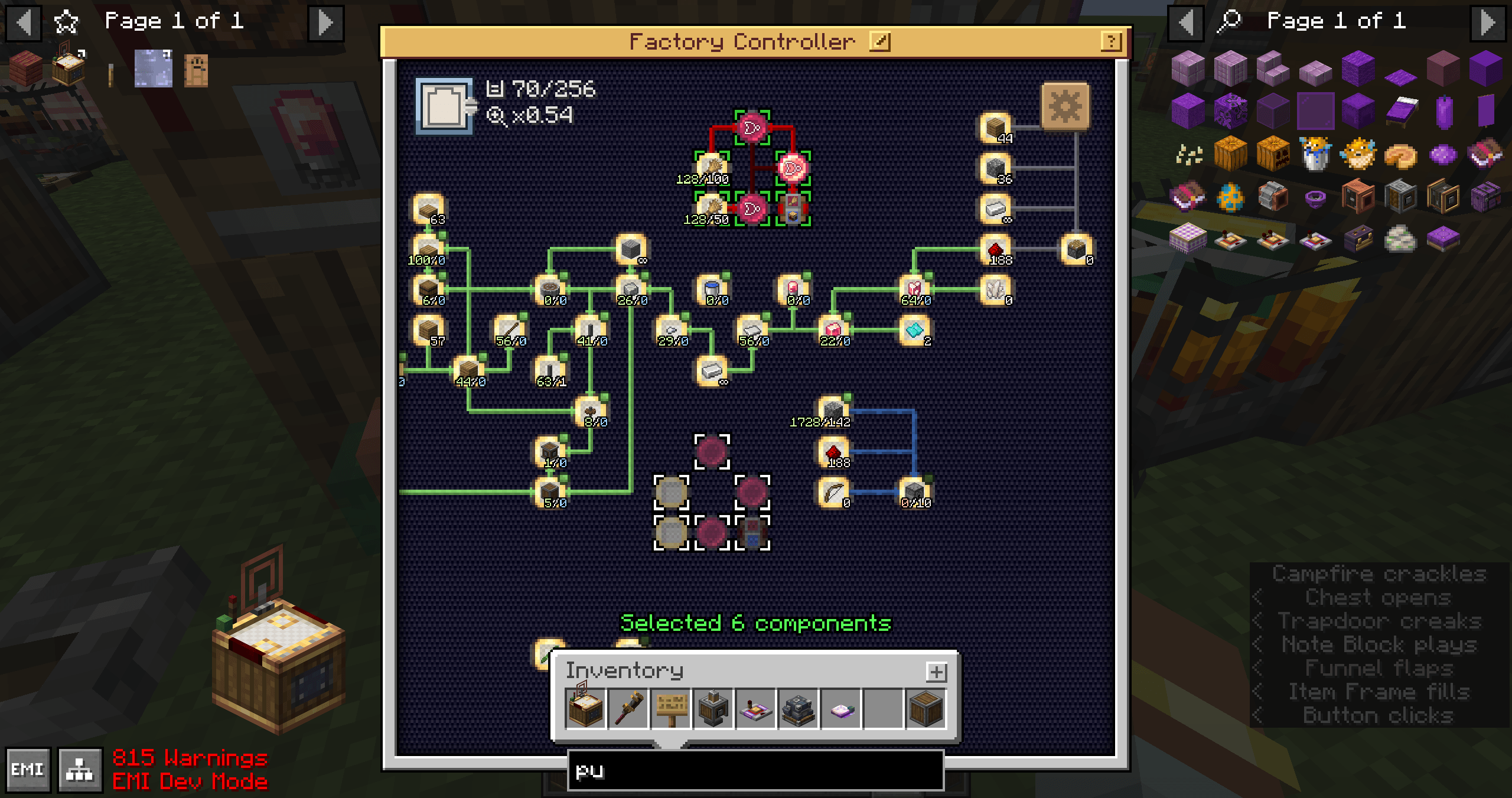
- Select and move multiple gauges at once. 🕮
- Save your setups in blueprints. 🕮
- See the item count labels of all gauges at once.
- Disable all factory gauges in the controller with redstone. 🕮
- Change individual connection's arrow bending path. 🕮
- Display information with a display link. 🕮
- Import existing gauge walls into a factory controller. 🕮
Factory gauges placed in factory controllers also receive a number of functional enhancements:
- More than 1 stack of the same ingredient.
- Up to 9 stacks of expected outputs.
- Mechanical crafting:
- Optionally ignore item NBT data. 🕮
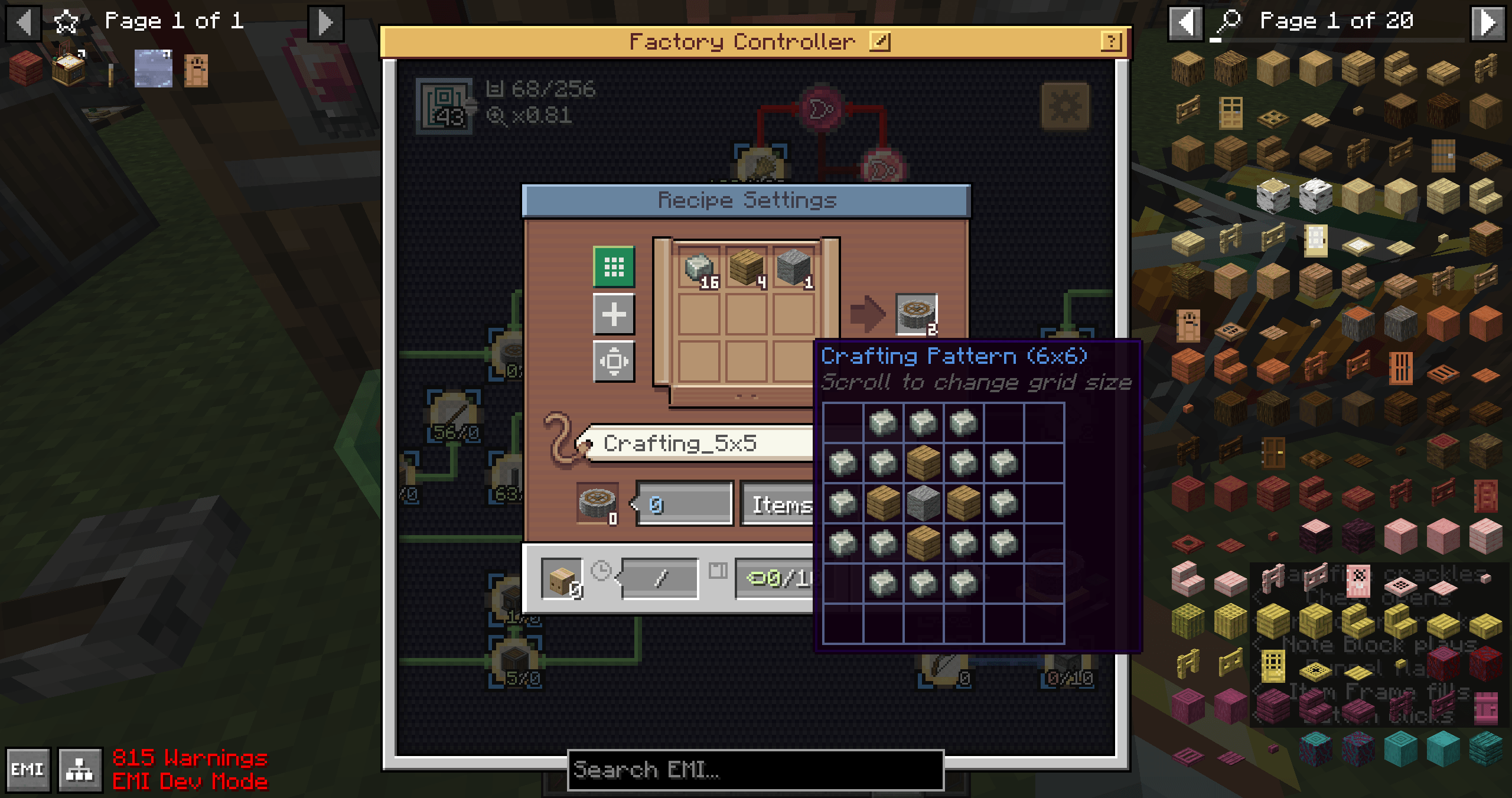
- Custom-arrange ingredients into arbitrary patterns (for sequence assembly or vanilla crafter). 🕮
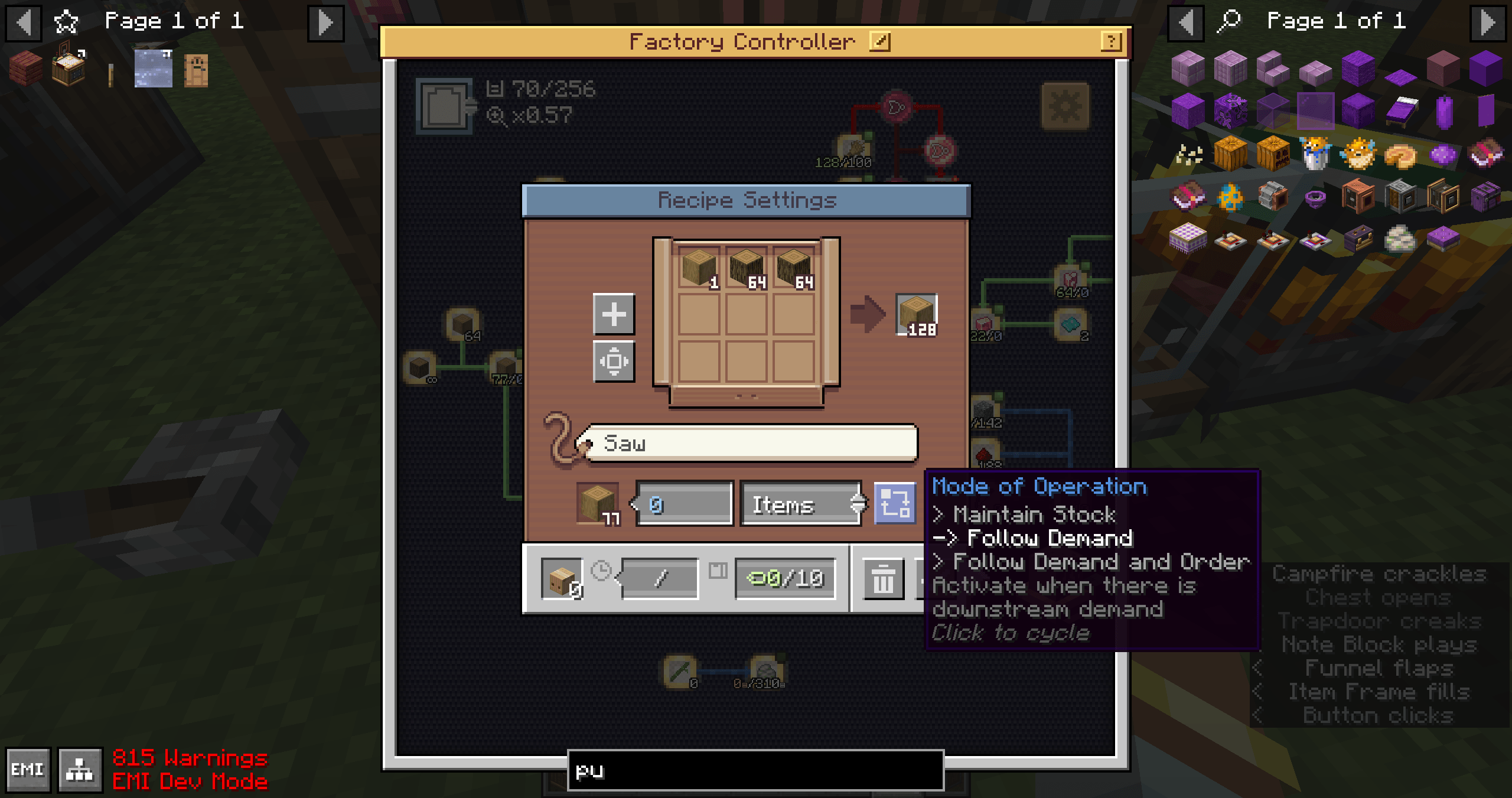
- Produce only when there is demand, minimize intermediate items in storage. 🕮
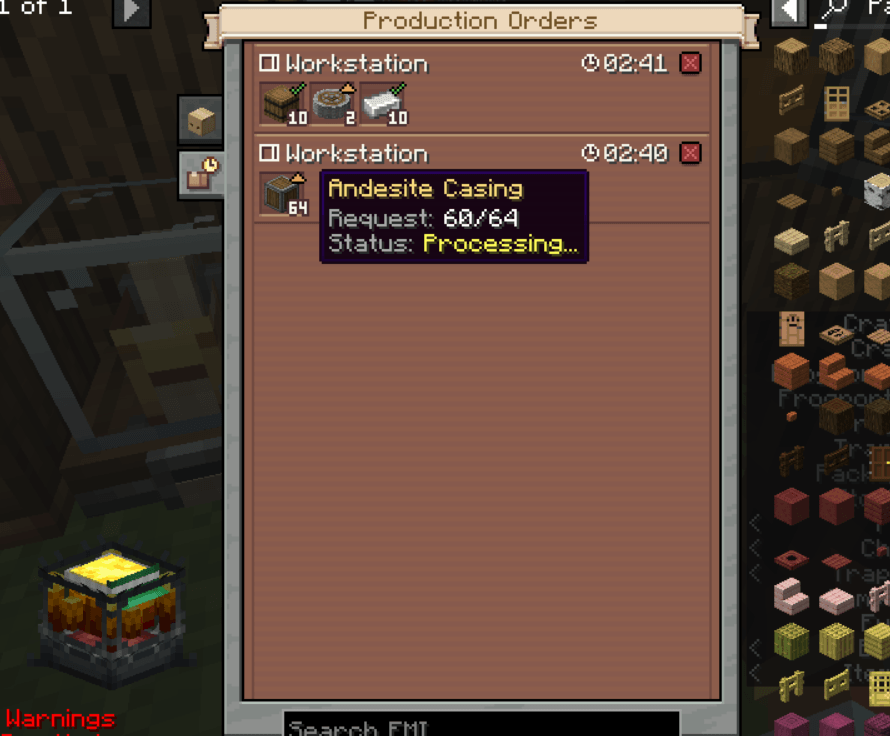
- Produce according to manually placed orders from a stock keeper. 🕮
- Requests multiple sets of ingredients at once if stock allows. 🕮
- Customize request interval of individual gauges. 🕮
- Limit promises created by the gauge. 🕮
- Limit promises by shared destination address. 🕮
You can also place these in factory controllers:
This mod does not:
- Manage an external wall of factory gauges.
Mod Compatibility
This mod replicates the logic of the vanilla factory gauge system. It is unlikely to conflict with other mods that modifies vanilla gauge behaviour, but it cannot also receive their enhancements, unless explicit support was made.
Explicit support is also required for items added by other mods to be placeable in a factory controller. See supported components. Notably, Create: Extra Gauges can coexist in a game installation, but the extra gauges may not be placed in factory controllers.
See also:
Dependencies
| Dependency | Version |
|---|---|
| Minecraft | 1.21.1 |
| NeoForge | 21.1.227 |
| Create | 6.0.10 |
| Deployer (Recommended) | 0.1.2 |
Contributing
- Game translation: https://crowdin.com/project/createfactorycontroller
- Documentation translation: https://weblate.fiveyellowmice.com/engage/create-factory-controller/
Credits
Graphics & documentation:
Translations:
- Russian: Makisk
- Polish: Makisk
- Franch: totof-prod
Sounds:
- Winding Noise - Music Box by charcrone -- https://freesound.org/s/347035/ -- License: Creative Commons 0
- Pocket watch. Clicking open and closed, chain noise and picking up by JarredKarp -- https://freesound.org/s/490968/ -- License: Attribution NonCommercial 4.0
AI Disclosure
I never expect that I need to extend this part to more than 1 line, but I have to do this now, which makes me very disappointed.
In short, AI has been used in this project for some parts of code implementation, documentation, debugging and solution improvement, but I have reviewed all AI's involvement, and code architecture design, complex code implementations and all graphics assets are still produced by me and my friend. However, I won't consider include AI in the modding process means I produced "AI slop" mod or low-effort mod; AI slop mod won't put AI disclosure section in their mod description.
As a software engineer and an experienced mod developer, I don't trust AI's work, but AI is a new tool and a collaborator for me. For small and well-defined task, AI does extremely well; they can often produce functional code without my modification (but sometimes I still need to fix things after close review). Therefore, it save my time so I can focus on design the code architecture of larger features, doing testing, etc. In this case, AI is a tool to allow me to parallel the development process, which is important since I don't have plenty of time after work.
For large feature, AI's solution is problematic; it can only use for prototyping but also enable me to understand the underlying technical limitation before spend large amount of time in development. Meanwhile, AI is also used in design improvement; it reviews my code & design and may sometime point me a new direction of solving problems, which could be more efficient and optimized. AI's suggestion may not always be true, but it is so valuable to get another technical point of view during the development, to make the mod more optimized and allow me to identify bugs early. In fact, I found that this collaboration pattern significantly reduced the bugs produced, compare to my previous mod; I received almost no bug reports during the first month of release, which is hard to believe when put this amount of features into one system.
In this case, AI has improved the quality of the mod and my productivity, instead of produced "AI slop mod". In fact, I am more worry about the growing "AI hate" in the community. If people keep getting pissed by any AI involve project regardless how AI get used, fewer developers would decide to disclose the use of AI, and player will have to facing more mods without labeled how AI get used.
- Edition: Minecraft Java
- File type: .jar
- Minecraft versions listed: 1.20.1, 1.21.1
- How to install: Install the matching mod loader (Forge, Fabric or NeoForge) for your Minecraft version. → Download the .jar. → Put it in the .minecraft/mods folder and launch that loader profile.
- Where to get it: Opens on CurseForge — not every file is mirrored on our own servers.
Install steps are the general flow for this file type — How to install Minecraft Java mods & modpacks walks through it step by step.
- Ships as createfactorycontroller-0.1.1-alpha.jar — drop this file into the mods folder
- Download size: 1.1 MB
- Download link checked 3 Oct 2026 — working
These come from our own check of the pack file, not from the source page.