Build Assist Wands
Java mod listed for Minecraft 1.20. Downloads from the MC Java Mods app on Android.
⬇ Download on CurseForgeThe author built this one for Minecraft 1.20.1 on Forge. On other versions it may install and then do nothing.
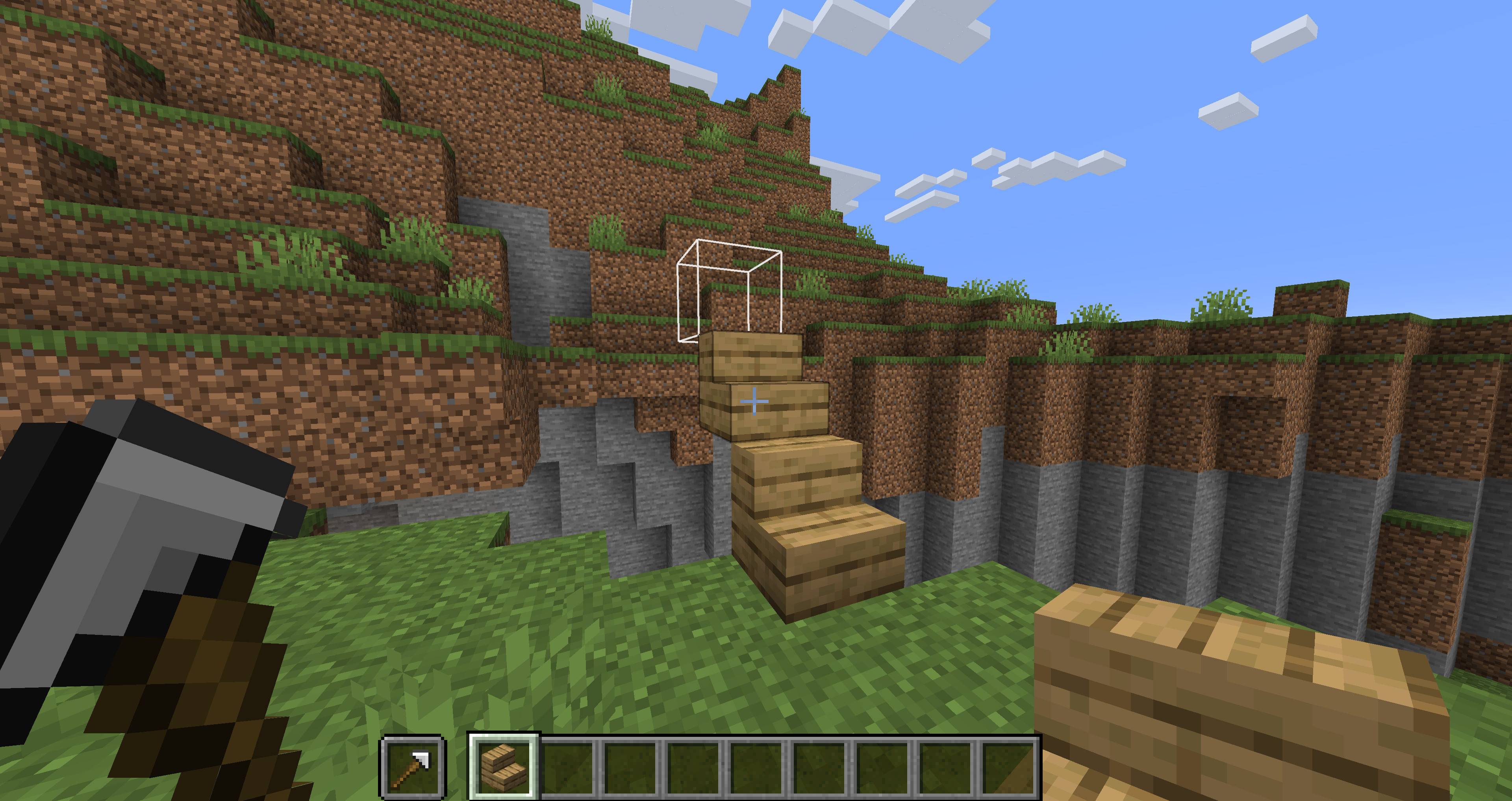
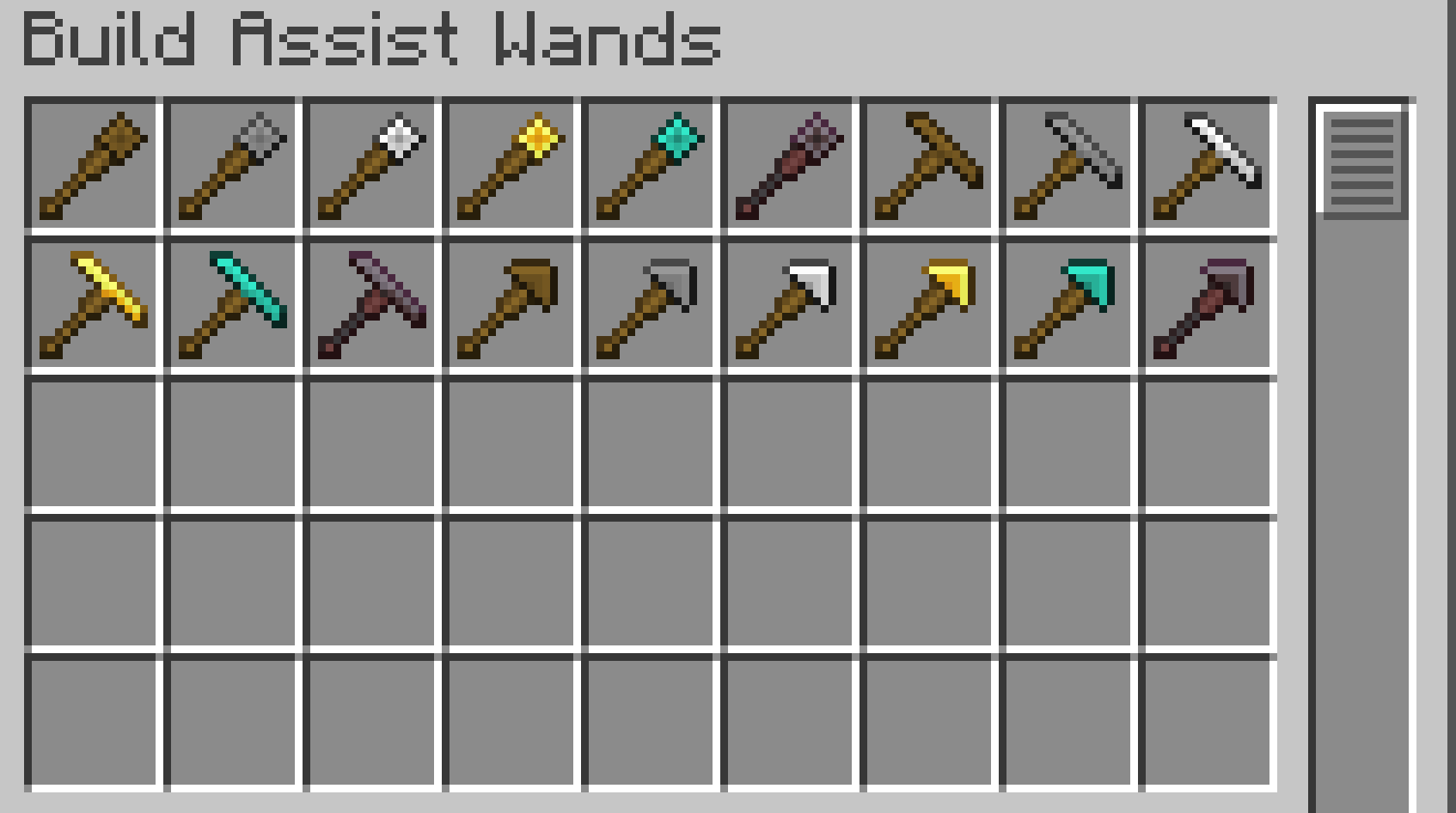
Build Assist Wands is a small Minecraft mod that adds three types of building-assist wands.
When you place a block while holding a wand in your offhand, the wand automatically searches for a placement position based on its type.
A placement preview outline shows where the next block will be placed, making it easier to build accurately.
This makes it easy to build pillars, walls, floors, bridges, and stairs, making building and exploration more convenient.
✨Wands
Each wand has material tiers similar to vanilla Minecraft tools.
| Material Tier | Durability | Search Range |
|---|---|---|
| Wooden | 89 | 3 blocks |
| Stone | 196 | 5 blocks |
| Iron | 375 | 8 blocks |
| Golden | 89 | 32 blocks |
| Diamond | 2341 | 16 blocks |
| Netherite | 3046 | 24 blocks |
Each material tier has different durability and maximum search range.
Golden Wands have low durability, but they can search a very large area.
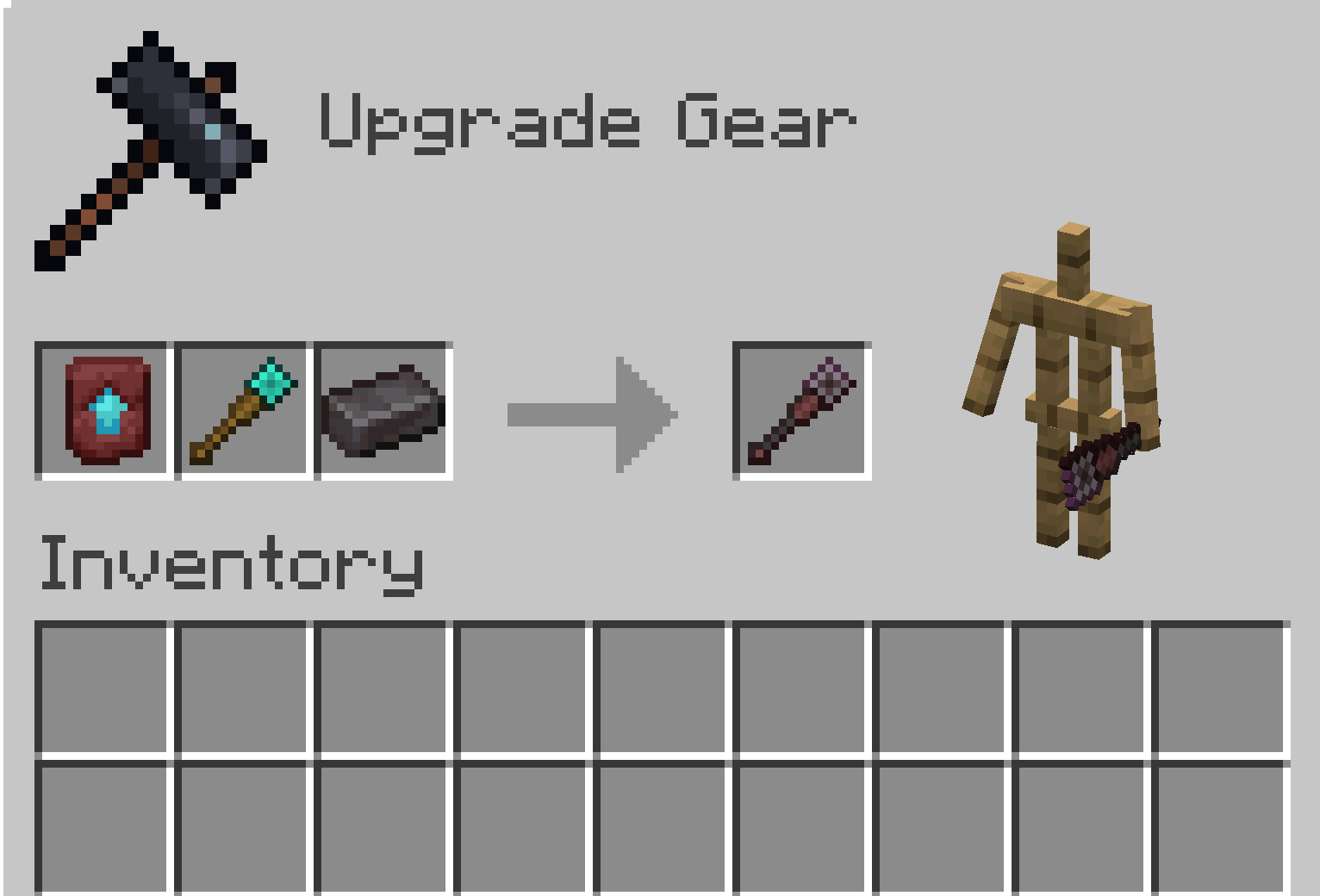
Netherite Wands cannot be crafted directly in a Crafting Table.
To obtain a Netherite Wand, upgrade the corresponding Diamond Wand using a Smithing Table.
Wall Wand
Useful for building walls, pillars, and vertical structures.

Normal Mode
Searches upward and places a block at the first available space.

Alternate Mode
Searches downward and places a block at the first available space.
Bridge Wand
Useful for extending bridges, floors, platforms, and straight or diagonal paths.

Normal Mode
Searches horizontally and places a block at the first available space.

Alternate Mode
Searches diagonally and places a block at the first available space.

Stair Wand
Useful for building stair-like paths and diagonal upward or downward structures.

Normal Mode
Searches diagonally upward and places a block at the first available space.

Alternate Mode
Searches diagonally downward and places a block at the first available space.
🔁Mode Switching
Wands have two placement modes, Normal Mode and Alternate Mode.
To switch modes, hold the wand in your main hand and left-click.
Left-click again to switch back to the original mode.
A sound will play when the mode is changed.
The selected mode is saved on each wand individually.
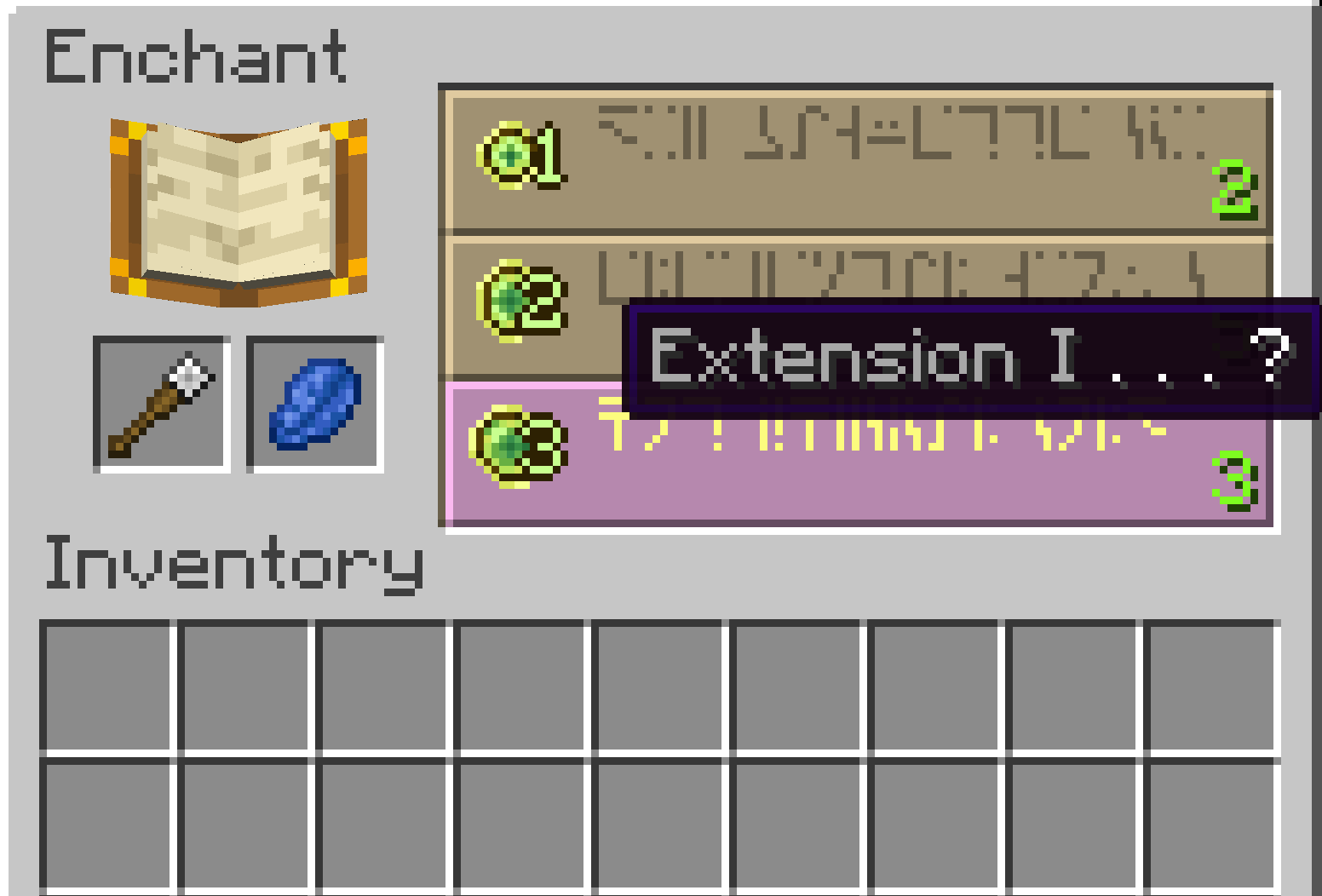
📖Enchantment
Extension
A wand-specific enchantment that increases the maximum search range.
- Extension I: +3 blocks
- Extension II: +6 blocks
- Extension III: +9 blocks
- Extension IV: +12 blocks
- Extension V: +15 block
💡How to Use
- Hold a wand in your offhand.
- Hold the block you want to place in your main hand.
- Right-click to place a block.
- The wand searches in its current direction and places the block at the first available empty space.
When using a wand, an outline preview shows where the next block will be placed.
Sneaking disables the wand effect and allows normal block placement.
To change a wand’s mode, hold it in your main hand and left-click.
⚙️Configuration
You can configure the maximum search range for each material tier and the bonus range of the Extension enchantment.
Generated config file:
config/buildassistwands-common.toml
Notes
Some special blocks may not behave exactly the same as normal manual placement.
If you encounter an issue, please report the block type and the situation where it happened.
- Edition: Minecraft Java
- File type: .jar
- Minecraft version listed: 1.20.1
- How to install: Install the matching mod loader (Forge, Fabric or NeoForge) for your Minecraft version. → Download the .jar. → Put it in the .minecraft/mods folder and launch that loader profile.
- Where to get it: Opens on CurseForge — not every file is mirrored on our own servers.
Install steps are the general flow for this file type — How to install Minecraft Java mods & modpacks walks through it step by step.
- Ships as buildassistwands-1.0.5-forge-mc1.20.1.jar — drop this file into the mods folder
- Download size: 143 KB
- Download link checked 3 Oct 2026 — working
These come from our own check of the pack file, not from the source page.