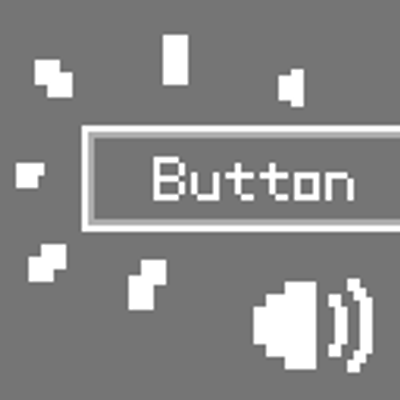
TicTac Buttons
Java mod listed for Minecraft 1.20. Downloads from the MC Java Mods app on Android.
I don't know my version or loader
Buttons in Minecraft are very quiet, they only play a sound effect when you click them.
If you want Minecraft to provide clear auditory feedback when you hover over a button (like most modern games do), then this mod is for you!
This mod plays a sound effect when the mouse hovers over a button, or when a button is selected using the Tab key.
The default sound is a pitch‑shifted version of the Hat note‑block sound (minecraft:note/hat).
You can replace it with a custom resource pack:
assets/tictac_buttons/sounds.json:
{
  "default": {
    "replace": true,
    "sounds": [
      "tictac_buttons:custom"
    ]
  }
}
Then place your sound file, named custom.ogg, in the folder assets/tictac_buttons/sounds/custom/.
Load the resource pack in the game, and the mod’s sound effect will be replaced!
- Edition: Minecraft Java
- File type: .jar
- Minecraft version listed: 1.20.1
- How to install: Install the matching mod loader (Forge, Fabric or NeoForge) for your Minecraft version. → Download the .jar. → Put it in the .minecraft/mods folder and launch that loader profile.
- Where to get it: Opens on CurseForge — not every file is mirrored on our own servers.
Install steps are the general flow for this file type — How to install Minecraft Java mods & modpacks walks through it step by step.
- Ships as tictac_buttons-fabric-1.20.1-1.1.jar — drop this file into the mods folder
- Download size: 17 KB
- Download link checked 13 Nov 2026 — working
These come from our own check of the pack file, not from the source page.