Neon Light
Java mod listed for Minecraft 1.21. Downloads from the MC Java Mods app on Android.
A simple mod that adds a singular block featuring 17 color variants, the Neon Sign! A glowing modular block suitable for large sign creation and…
⬇ Download on CurseForgeThe author built this one for Minecraft 1.21.1 on NeoForge. On other versions it may install and then do nothing.
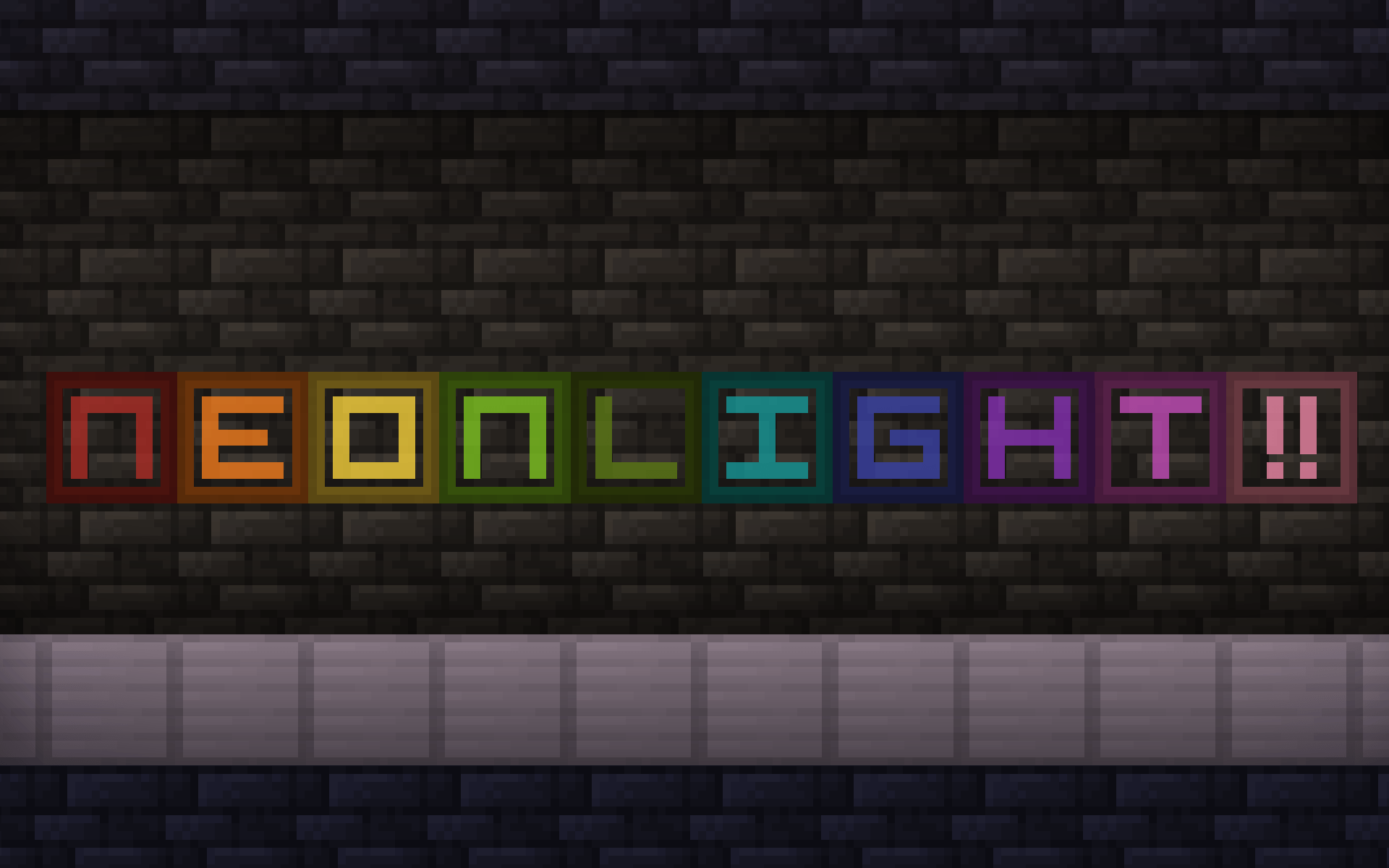
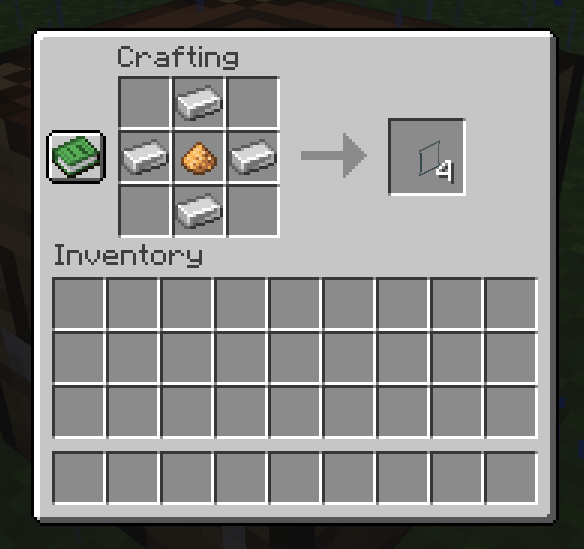
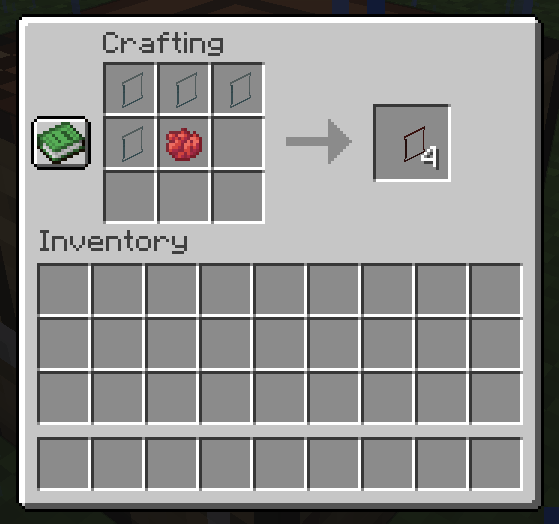
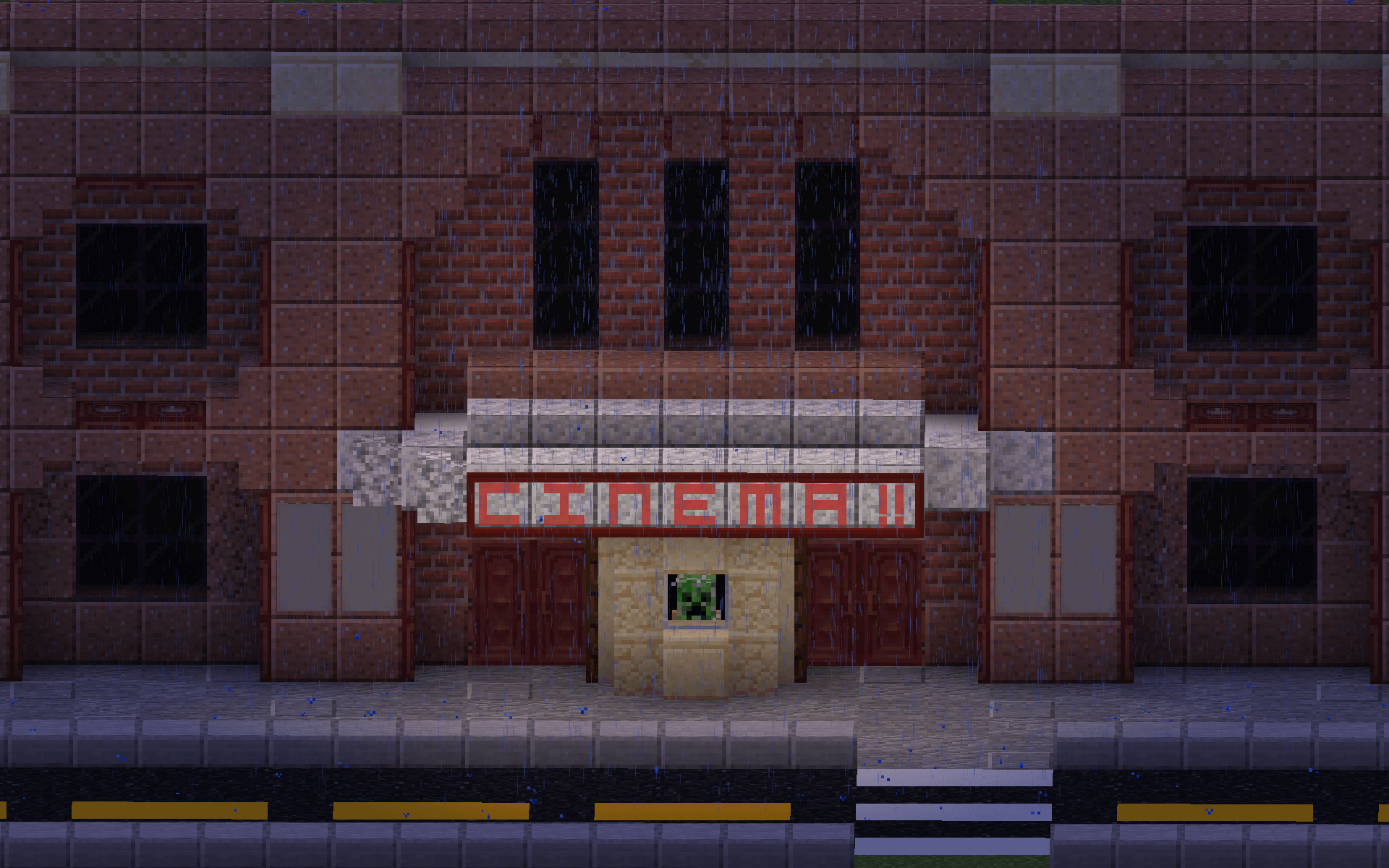
Neon Light currently adds one block, the Neon Sign! Crafted with 1 glowstone dust surrounded by 4 iron ingots. Neon Signs can be recolored with 4 Neon Signs + 1 dye.
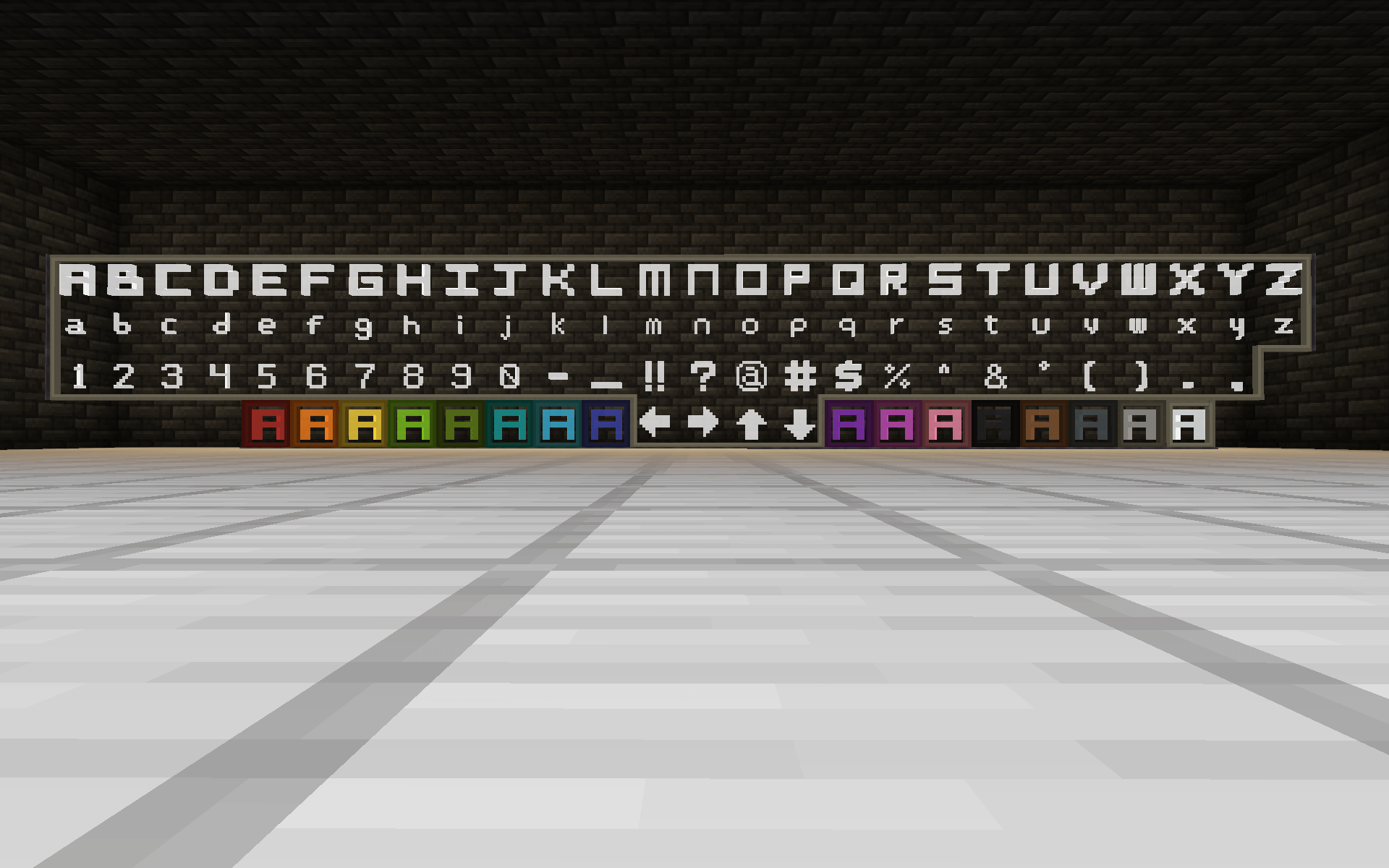
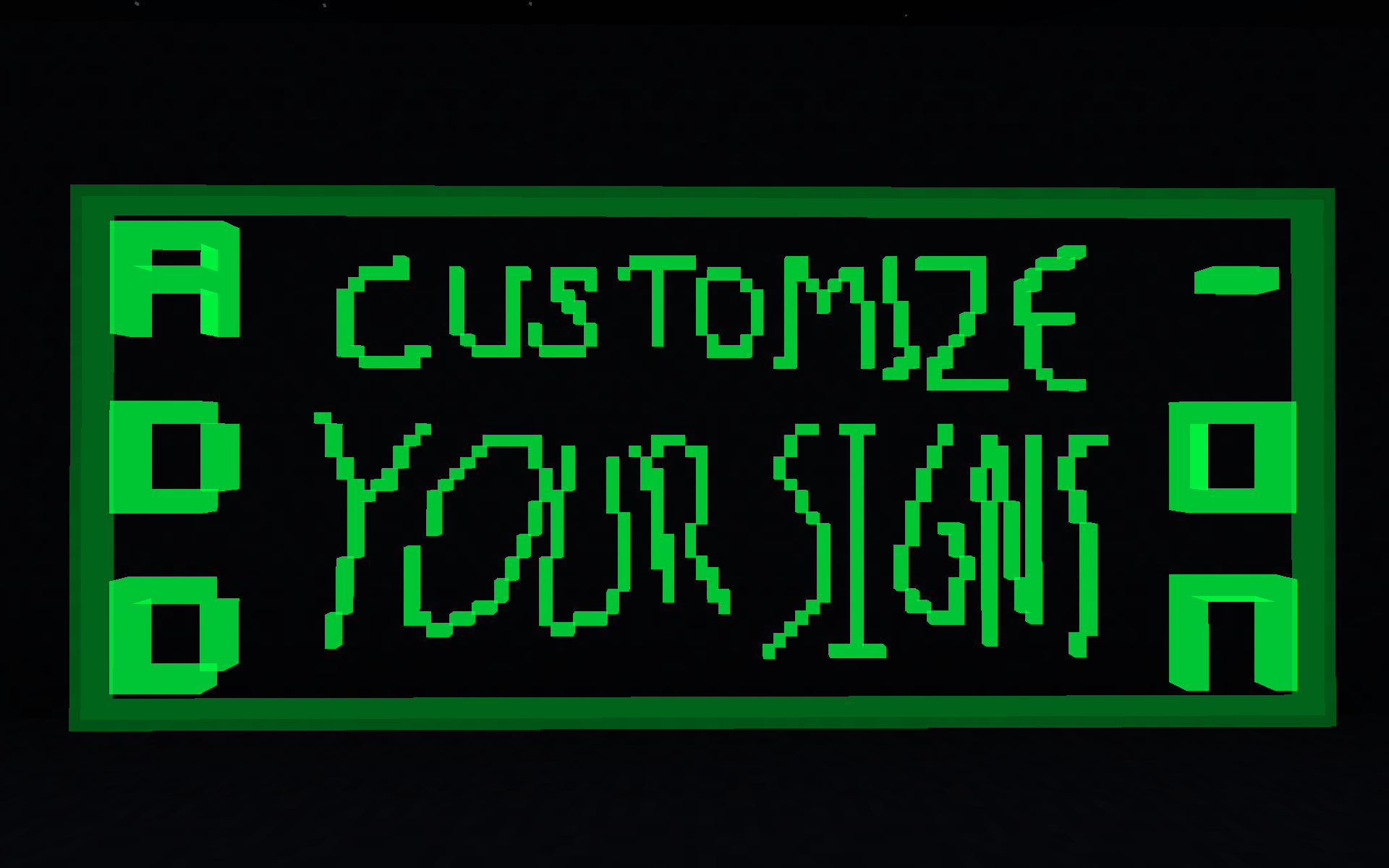
Neon Signs connect to adjacent signs of the same color, allowing for large displays. Interact with an individual sign block and press a key to display it! Signs support all lower & upper case letters, numbers and various symbols. Signs will turn on once displaying a symbol and can be turned off via redstone connections.
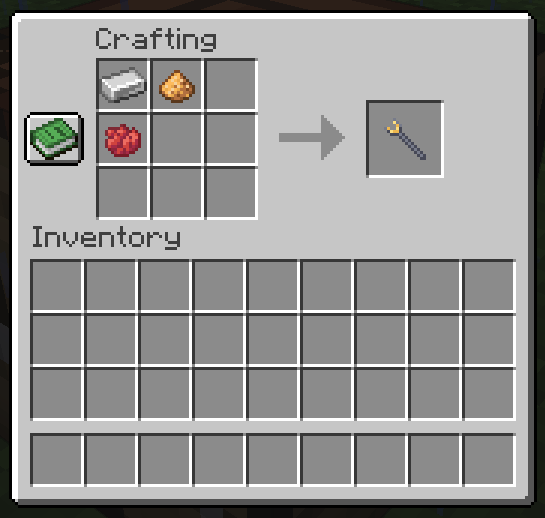
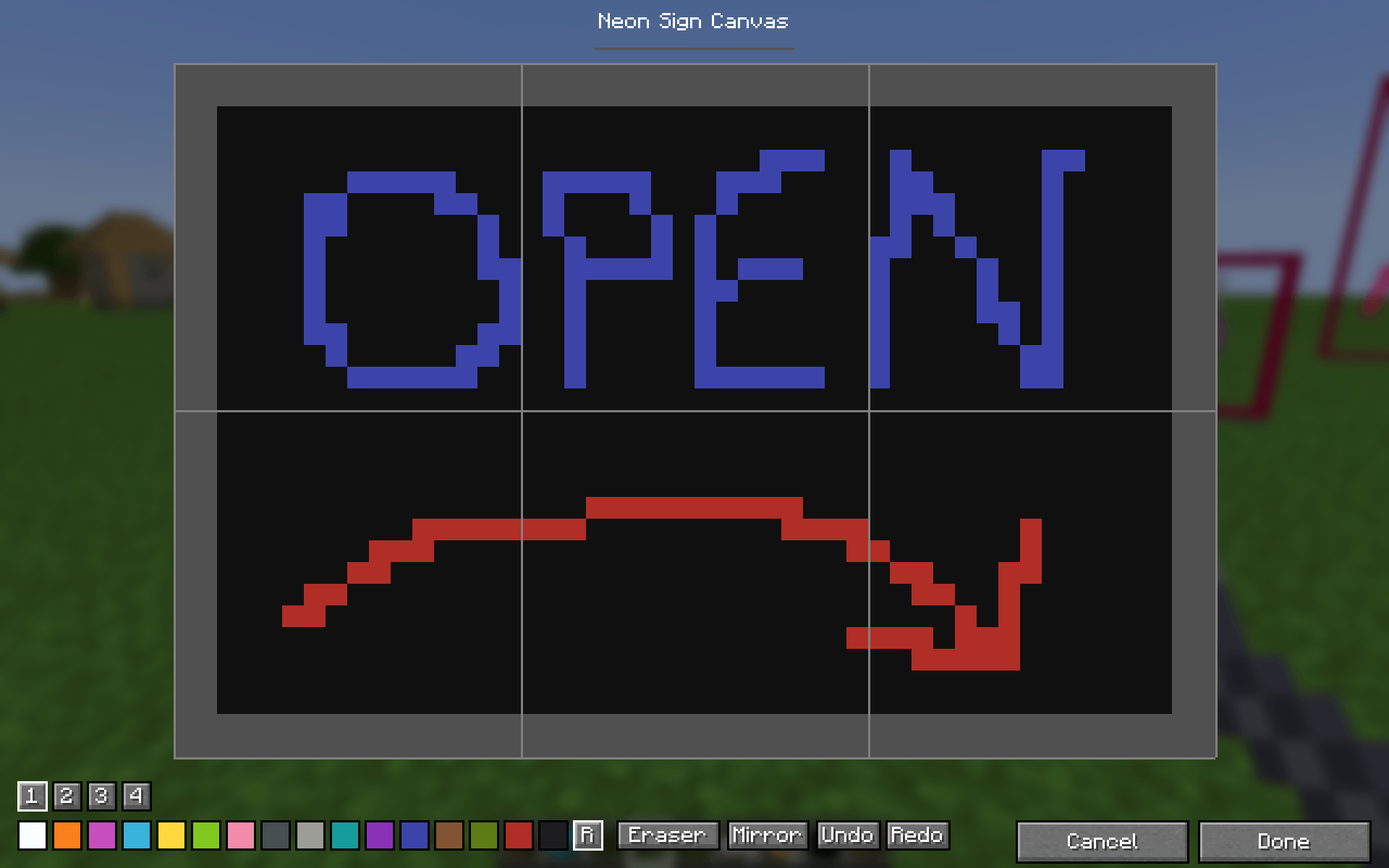
Neon Signs can be customized using the Glowstone Wrench! Crafted with 1 Iron Ingot + 1 Glowstone Dust + Any Dye, the Glowstone Wrench can be used on collections of blank Neon Signs to create a custom sign! Draw any shapes in any colors you want. The Glowstone Wrench can also be used on signs with a symbol to change its color.
- Edition: Minecraft Java
- File type: .jar
- Minecraft version listed: 1.21.1
- How to install: Install the matching mod loader (Forge, Fabric or NeoForge) for your Minecraft version. → Download the .jar. → Put it in the .minecraft/mods folder and launch that loader profile.
- Where to get it: Opens on CurseForge — not every file is mirrored on our own servers.
Install steps are the general flow for this file type — How to install Minecraft Java mods & modpacks walks through it step by step.
- Ships as neonlight-1.0.1.jar — drop this file into the mods folder
- Download size: 170 KB
- Download link checked 3 Oct 2026 — working
These come from our own check of the pack file, not from the source page.