AutoConnect by m1dLL3
Minecraft Java mod. Downloads from the MC Java Mods app on Android.
⬇ Download on CurseForge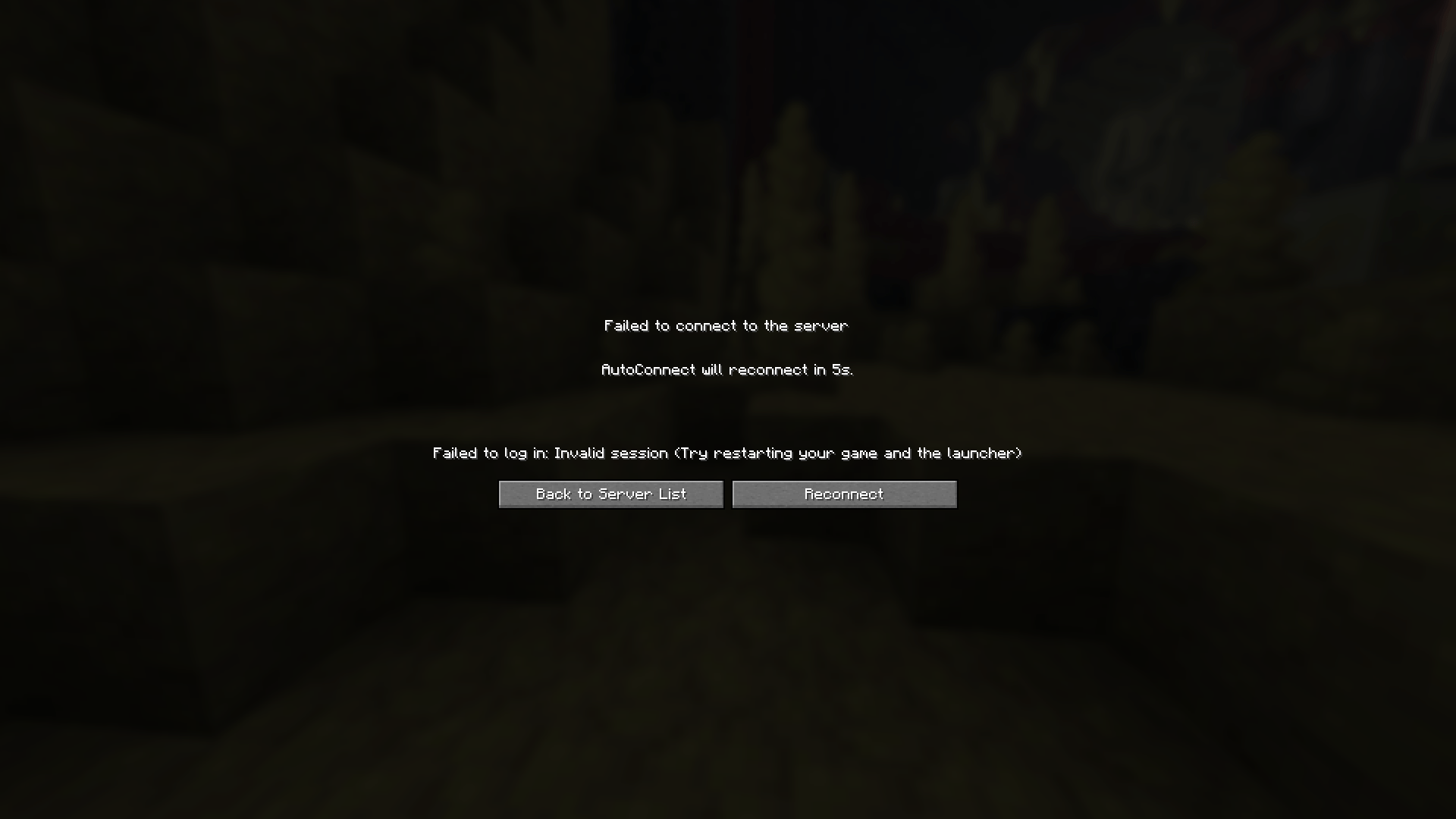
AutoConnect
AutoConnect is a lightweight client-side mod that joins your saved multiplayer server when you open the Multiplayer screen.
It is useful if you usually play on the same server and want to skip opening the server list, selecting the server, and pressing Join every time. The server address can be entered manually, or updated automatically when you join a server from the normal multiplayer list.
AutoConnect only changes the client-side connection flow. It does not bypass authentication, whitelists, bans, player limits, server rules, or any other server-side restriction.
Features
- Automatically connects after you open Multiplayer
- Saves the last server you joined manually
- Lets you manually edit the saved server address
- Optional retry-on-failure behavior
- Configurable retry count and retry delay
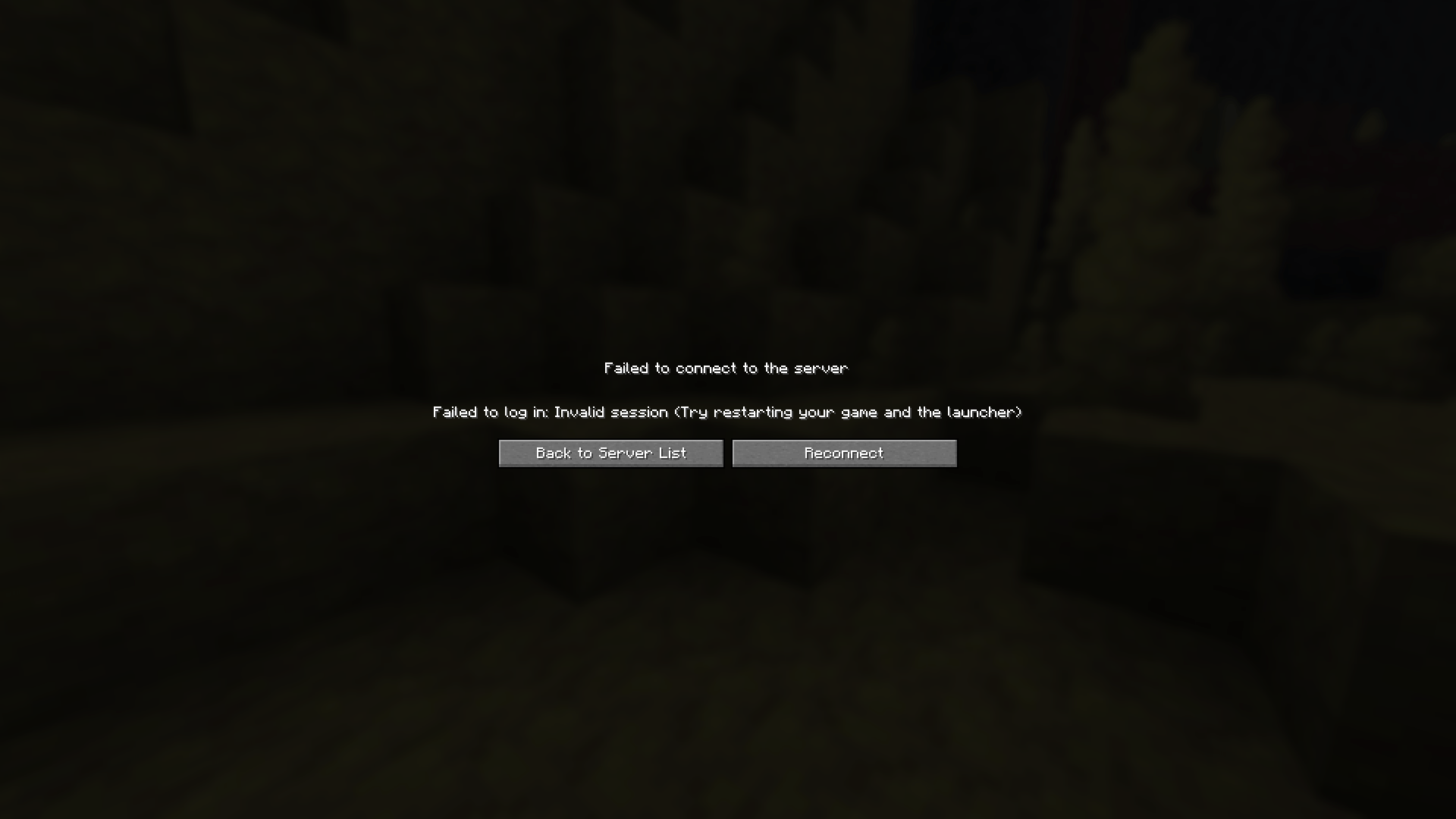
- Adds a Reconnect button to failed connection screens
- Client-side only
- Supports Fabric, Forge, NeoForge, and Quilt
Configuration
AutoConnect can be configured in-game where supported:
- Fabric: through Mod Menu when Mod Menu and Cloth Config are installed
- Forge: through the built-in mod list/config screen
- NeoForge: through the built-in mod list/config screen
- Quilt: through Mod Menu when available
The config file can also be edited directly:
config/autoconnect.jsonSettings
| Setting | Description | Default |
|---|---|---|
| Enabled | Turns AutoConnect on or off. | true |
| Server Address | The server AutoConnect should join. Joining a server manually updates this value. | Empty |
| Retry on Failure | Allows AutoConnect to retry after a failed connection. | false |
| Retries Count | Number of retry attempts after the first failed connection. | 0 |
| Automatic Retry Timeout (in seconds) | Delay before an automatic retry. 0 retries immediately. |
0 |
Compatibility
Minecraft versions:
26.126.1.126.1.226.2
Loaders:
- Fabric
- Forge
- NeoForge
- Quilt
Optional Dependencies
For Fabric and Quilt, Mod Menu can provide an in-game configuration entry. Fabric also uses Cloth Config for the Mod Menu configuration screen.
AutoConnect does not require Fabric API.
- Edition: Minecraft Java
- File type: .jar
- How to install: Install the matching mod loader (Forge, Fabric or NeoForge) for your Minecraft version. → Download the .jar. → Put it in the .minecraft/mods folder and launch that loader profile.
- Where to get it: Opens on CurseForge — not every file is mirrored on our own servers.
Install steps are the general flow for this file type — How to install Minecraft Java mods & modpacks walks through it step by step.
- Ships as autoconnect-fabric-26.7.1-26.2.jar — drop this file into the mods folder
- Download size: 69 KB
- Download link checked 3 Oct 2026 — working
These come from our own check of the pack file, not from the source page.