Voxy with Shaders(ultra optimization modpack)
Java modpack listed for Minecraft 1.21. Downloads from the MC Java Mods app on Android.
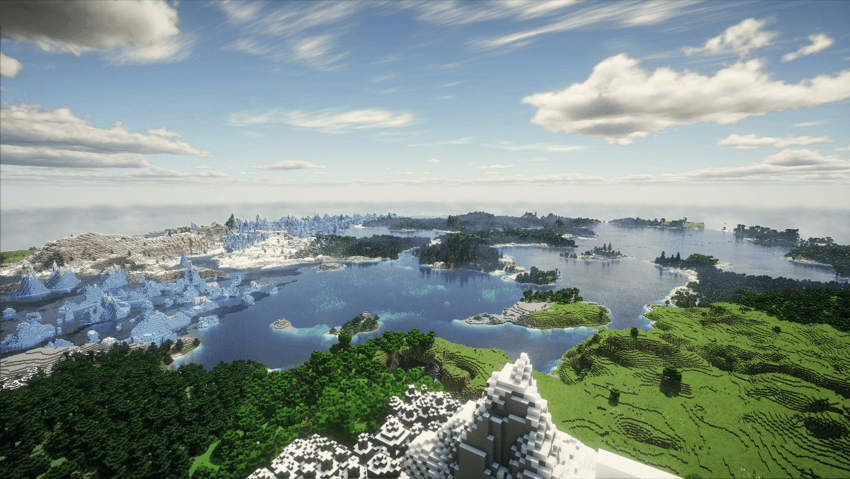
Voxy with Shaders is a multi-version, ultra-optimized graphics modpack engineered to deliver breathtaking cinematic Minecraft experiences across different…
I don't know my version or loader

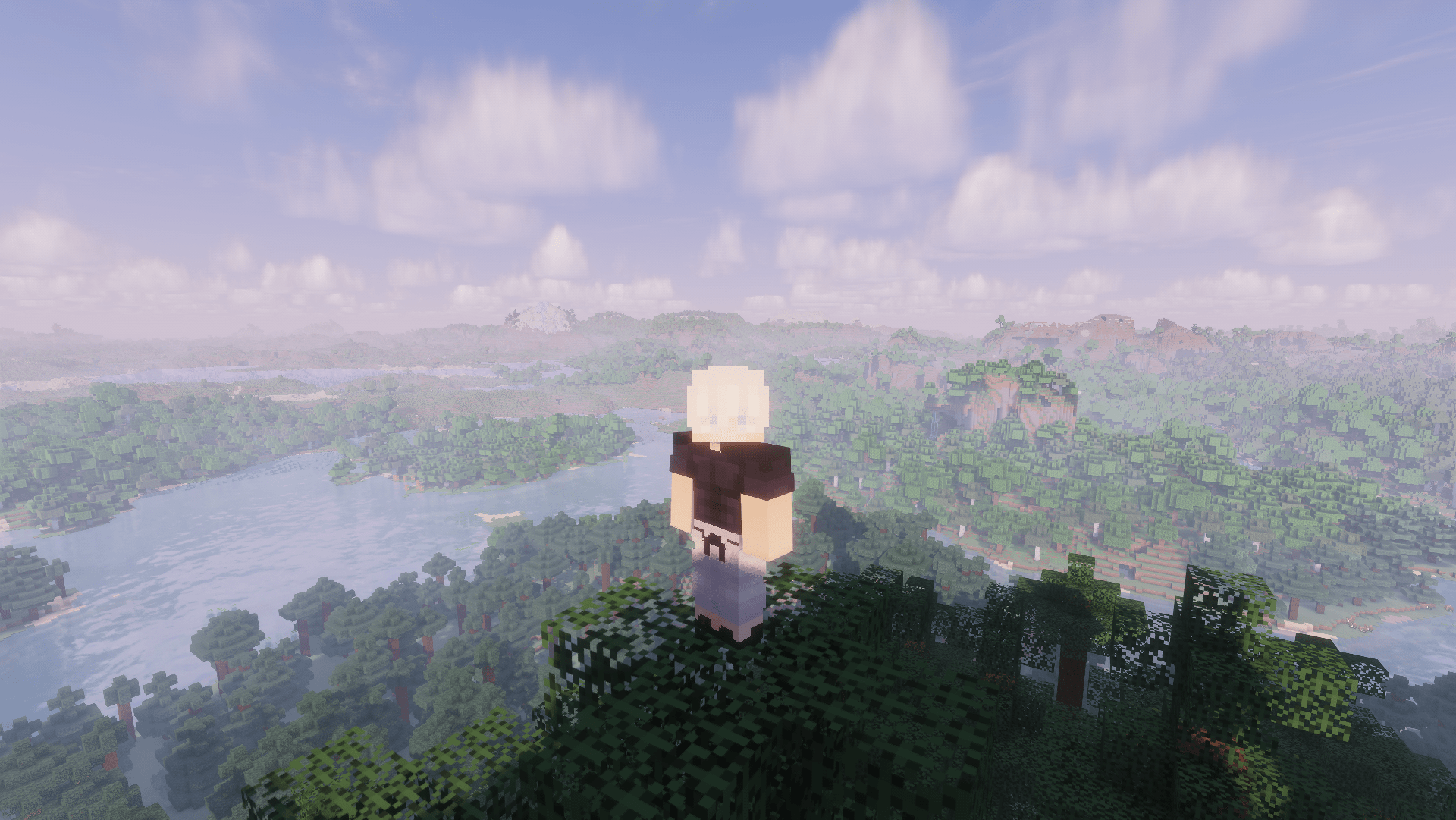
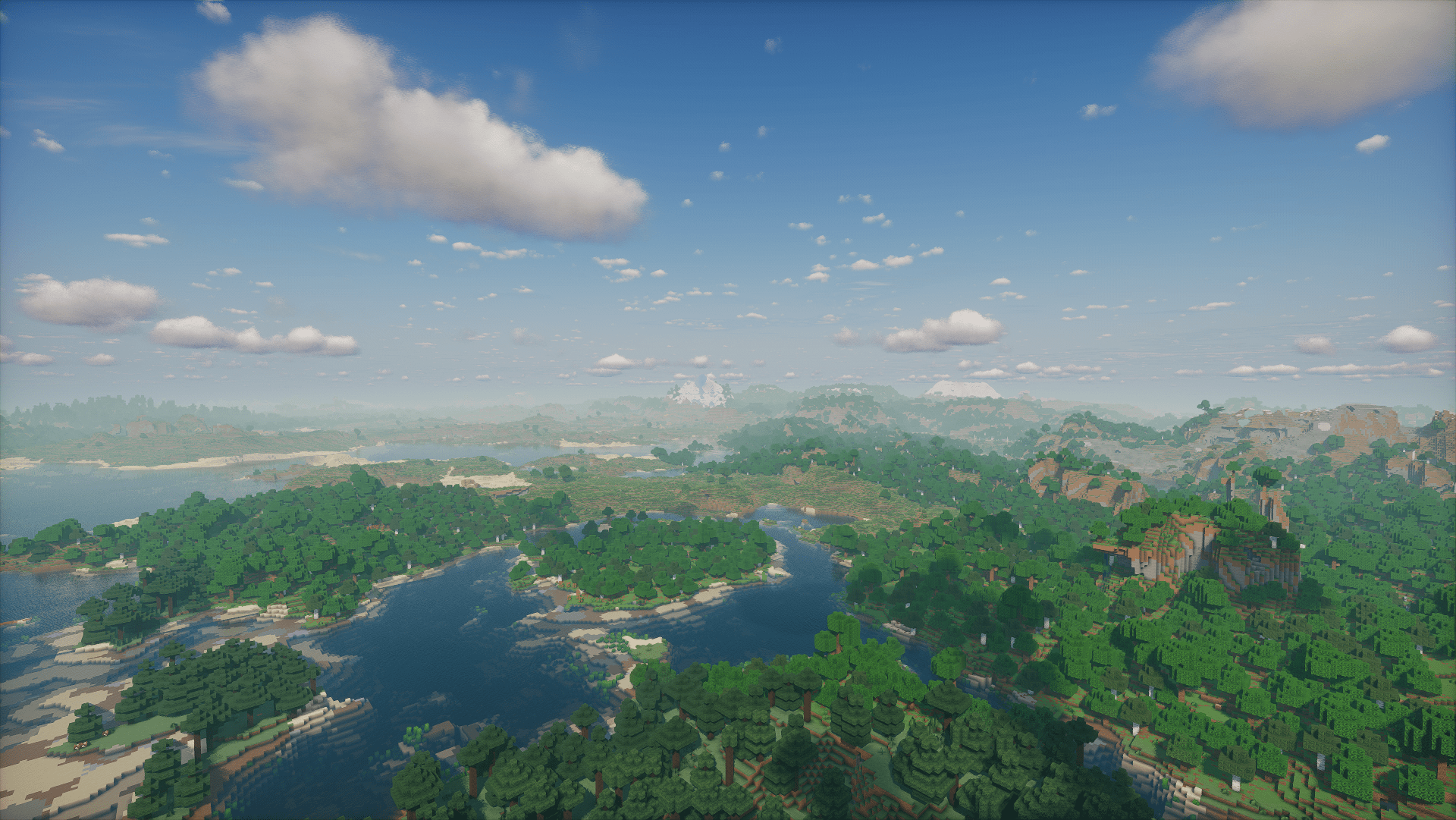
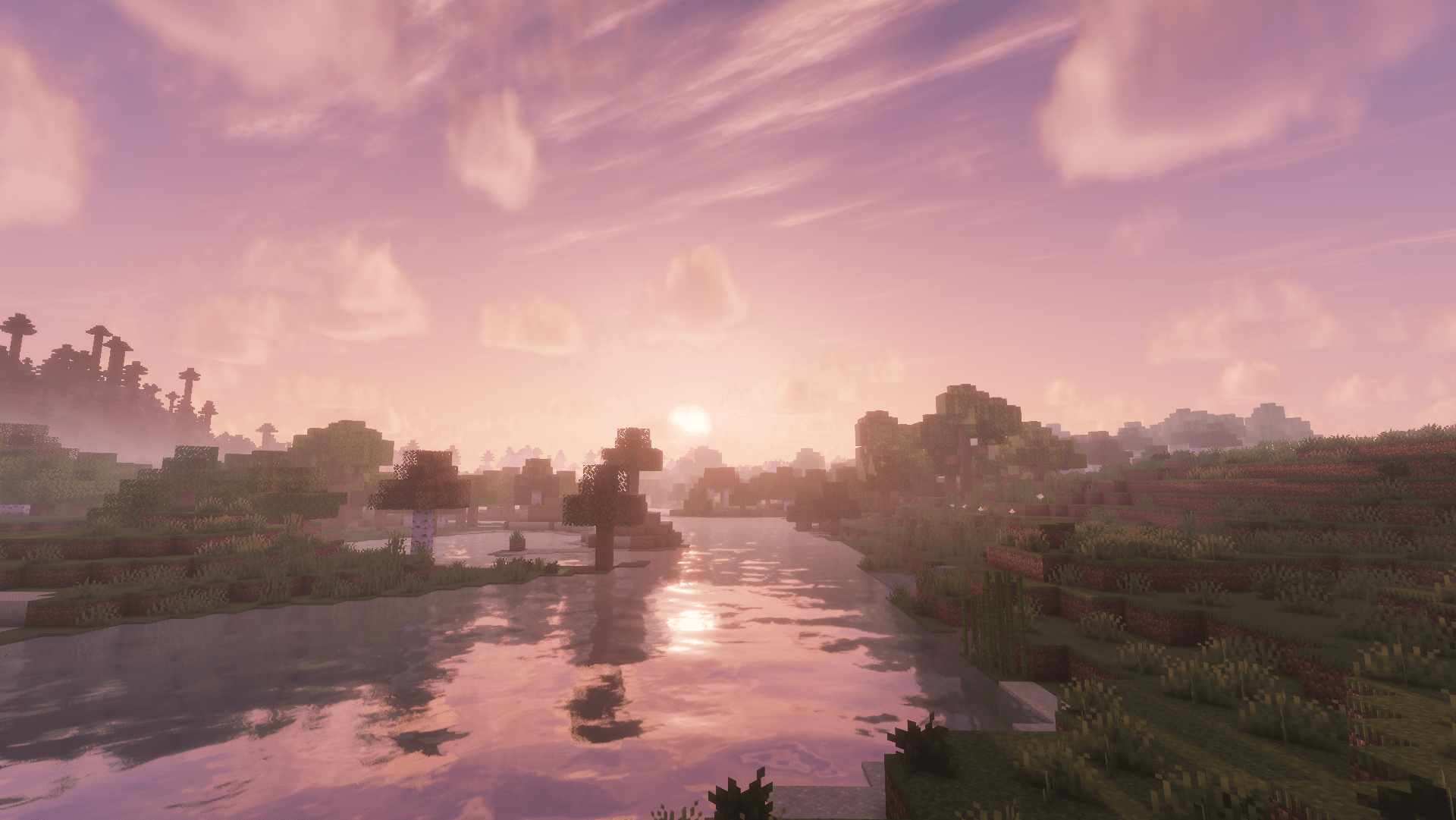
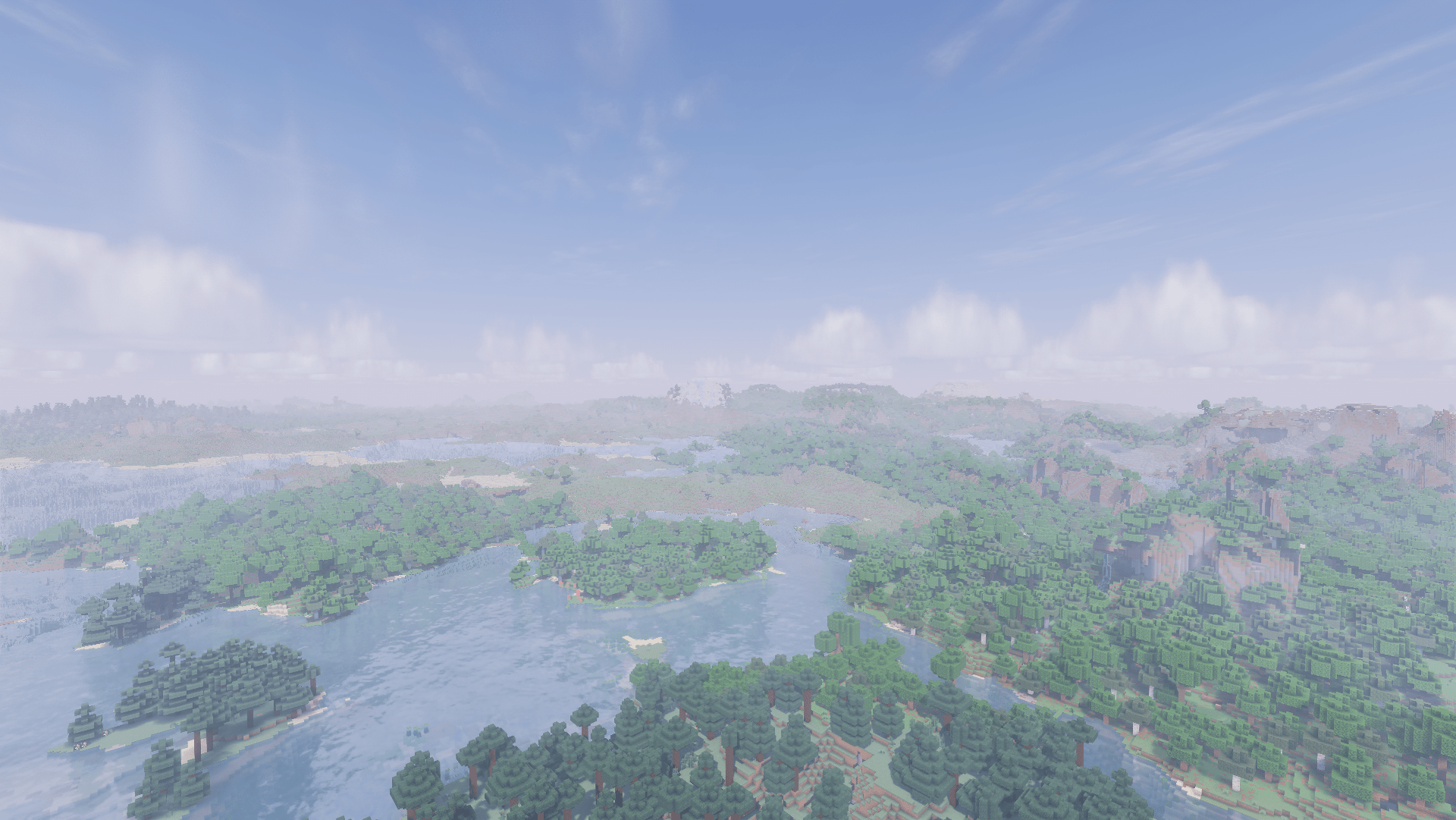
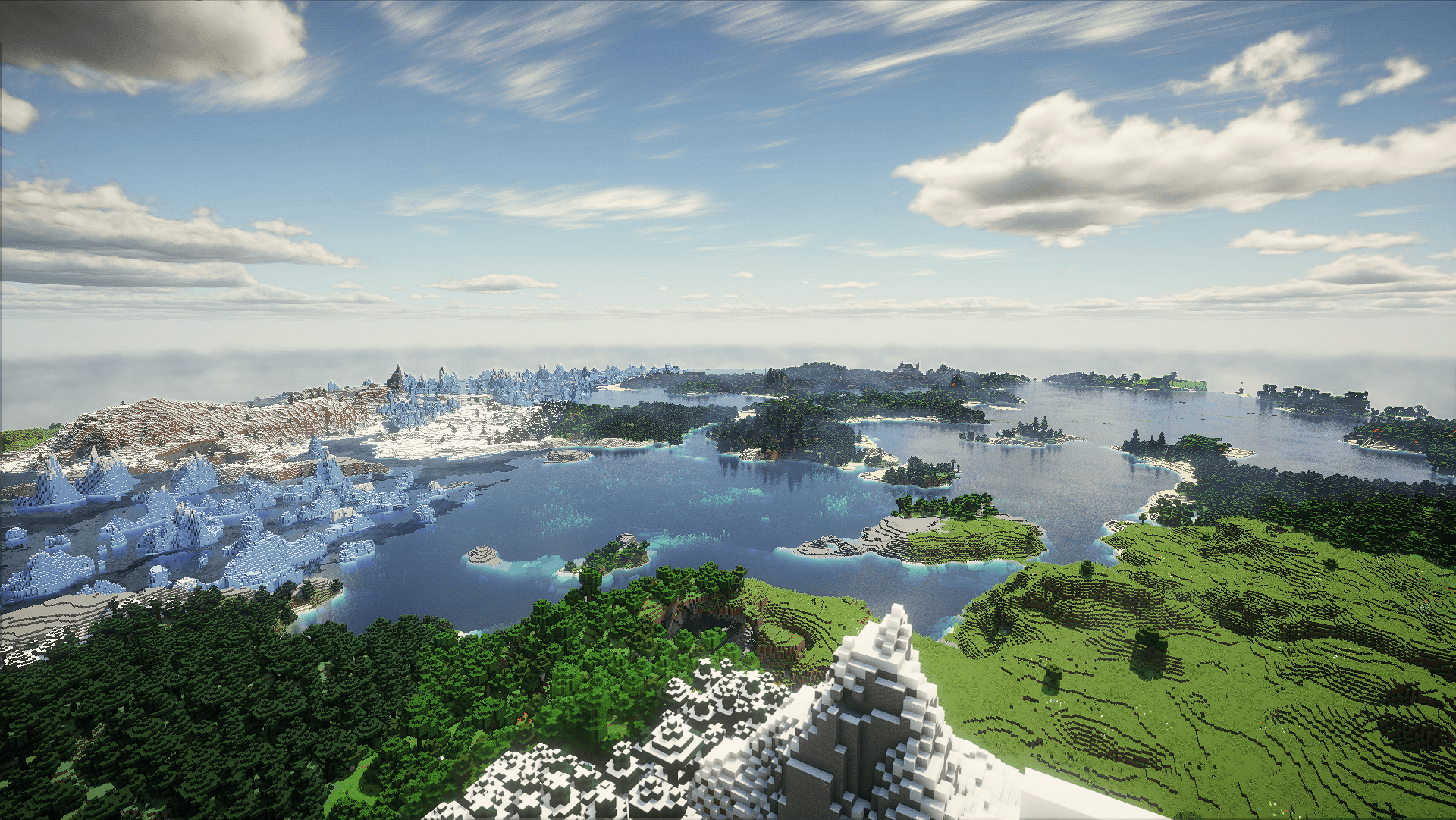
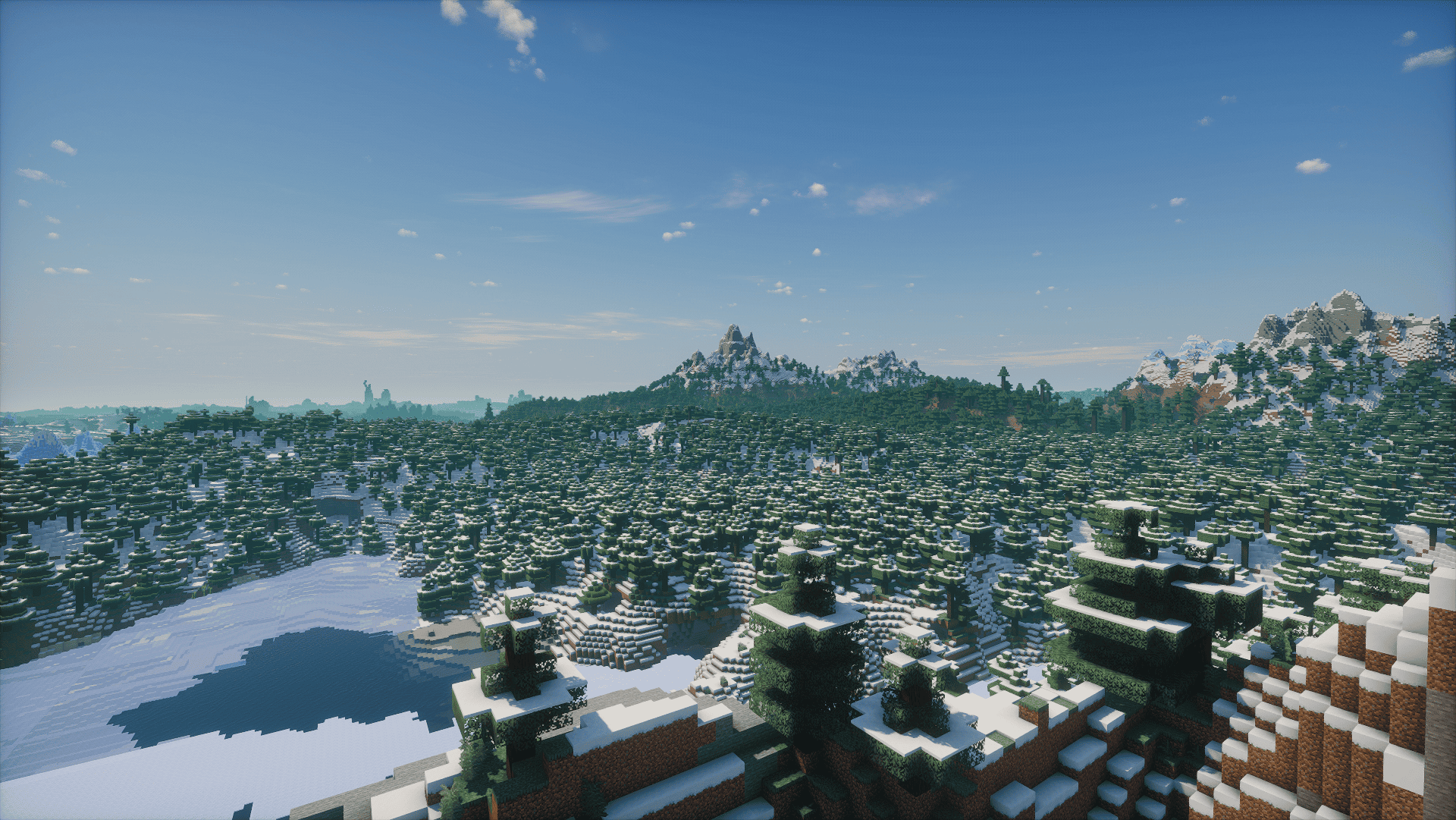
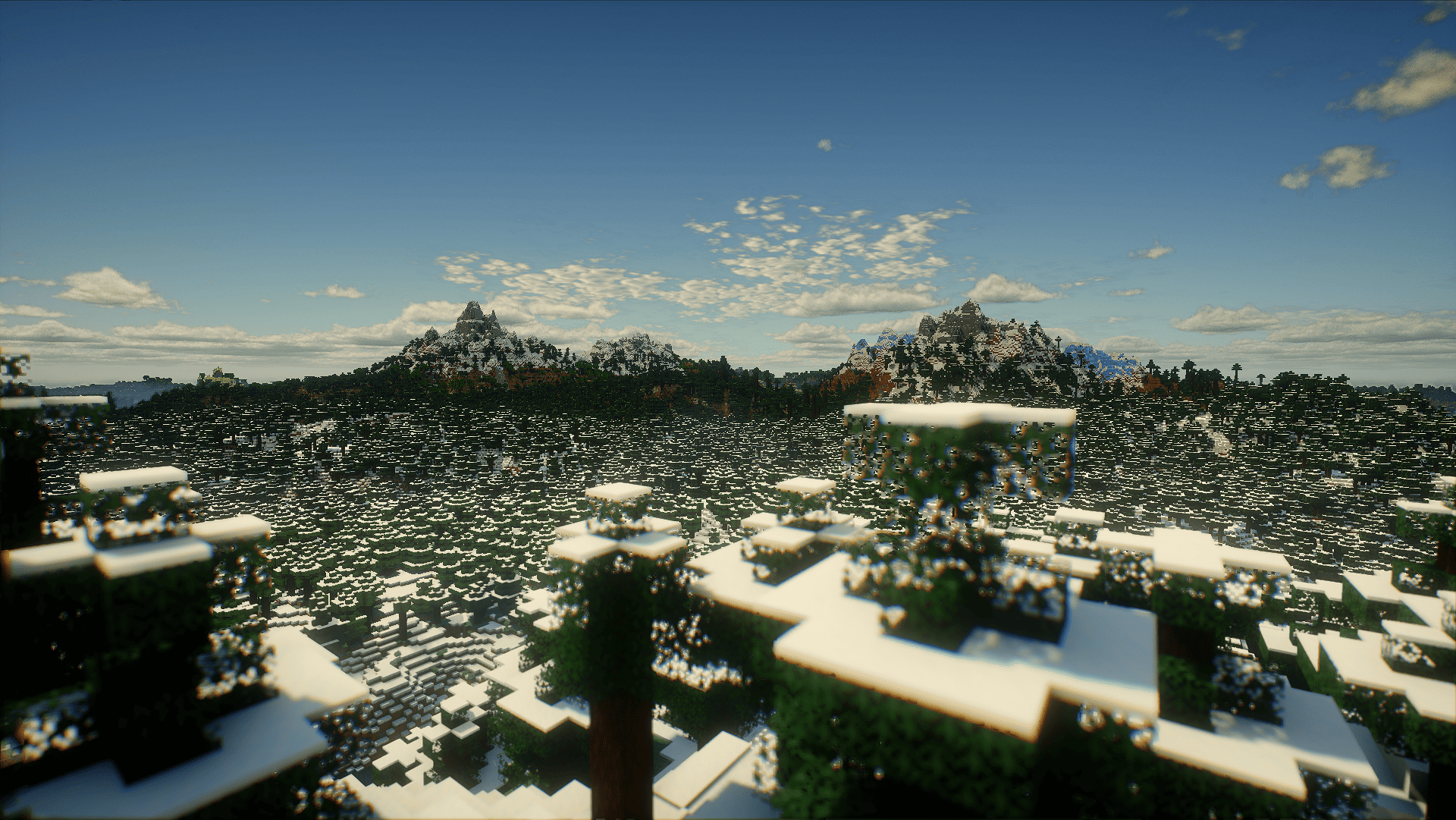
hello guys Voxy with Shaders** is a multi-version, ultra-optimized graphics modpack engineered to deliver breathtaking cinematic Minecraft experiences. It completely eliminates the old, tedious methods of manual world pre-generation and replaces them with a modern, fully automated system. Enjoy massive voxel-based render distances combined with stunning shaders and rock-solid performance.
| Requirement Level | Target Performance | Recommended GPU | Recommended VRAM | Voxy Render Distance |
| Minimum | 1080p / 60 FPS (Light Shader) | GTX 1060 / GTX 1650 Super / RX 580 | 4 GB VRAM | 32 - 64 Chunks |
| Recommended | 1080p / 90+ FPS (Medium Shader) | RTX 3050 / RTX 2060 / RX 5500 XT | 6 GB VRAM | 64 - 128 Chunks |
| High-End | 1080p/1440p / 120+ FPS (Ultra Shader) | RTX 3060 / RTX 4060 / RX 6600 / RX 6700 XT | 8 GB VRAM | 128 - 256 Chunks |
| Extreme | 1440p / 4K Ultra LOD (Extreme Shader) | RTX 4070 / RX 7800 XT & above | 12 GB+ VRAM | 256+ Chunks |
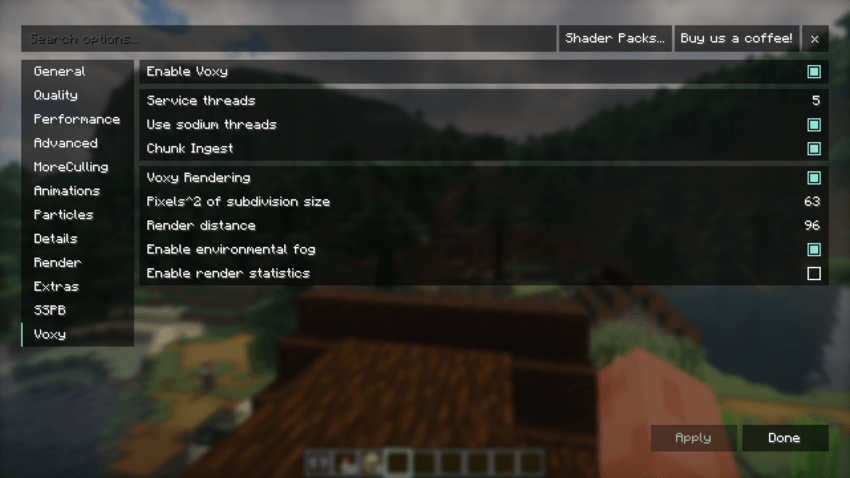
- Optimal Voxy Core Rendering Settings (Pre-Configured)
The core Voxy rendering settings in this pack are carefully balanced to maximize LOD distance while protecting your GPU VRAM and preventing micro-stutters during shader rendering.
⚙️ Setting Explanations & Tweaking Guide
Enable Voxy (On): Toggles the primary Voxy LOD rendering engine.
📈 On: Enables distant terrain rendering beyond vanilla limits.
📉 Off: Disables Voxy completely, reverting back to standard Minecraft rendering.
Service Threads (5): Sets the number of background CPU threads allocated for Voxy processing.
📈 Increase (e.g., 6-8): Speeds up background mesh building if you have a high-end processor.
📉 Decrease (e.g., 3-4): Frees up CPU threads for lower-tier processors to prevent system lag.
Use Sodium Threads (On): Synchronizes Voxy's threading pipeline with Sodium's chunk update threads.
📈 On: Recommended. Improves CPU efficiency and keeps chunk updates harmonious.
📉 Off: May cause uneven chunk updates or minor stuttering.
Chunk Ingest (On): Handles the active transfer of newly loaded chunk data into Voxy's LOD system.
📈 On: Essential for real-time LOD updates as you explore new areas.
📉 Off: Pauses LOD generation for new chunks.
Pixels^2 of Subdivision Size (63): Controls the geometric detail/density of distant Voxy chunks.
📈 Increase (e.g., 100+): Lowers visual detail, significantly reducing GPU/VRAM load and boosting FPS.
📉 Decrease (e.g., 32-16): Increases mesh detail for sharper landscapes, but heavily taxes VRAM and GPU power.
Render Distance (96): Sets the absolute boundary in chunks for Voxy's distant terrain rendering.
📈 Increase (e.g., 128+): Pushes horizons further out, requiring significantly more VRAM.
📉 Decrease (e.g., 64-32): Saves massive amounts of GPU memory and ensures stability on GPUs with 6GB or less VRAM.
Enable Environmental Fog (On): Blends the edge of Voxy LOD chunks smoothly into the atmosphere.
📈 On: Creates a seamless, immersive transition to the horizon.
📉 Off: Sharp cutoffs at distant edges, slightly lighter on GPU.
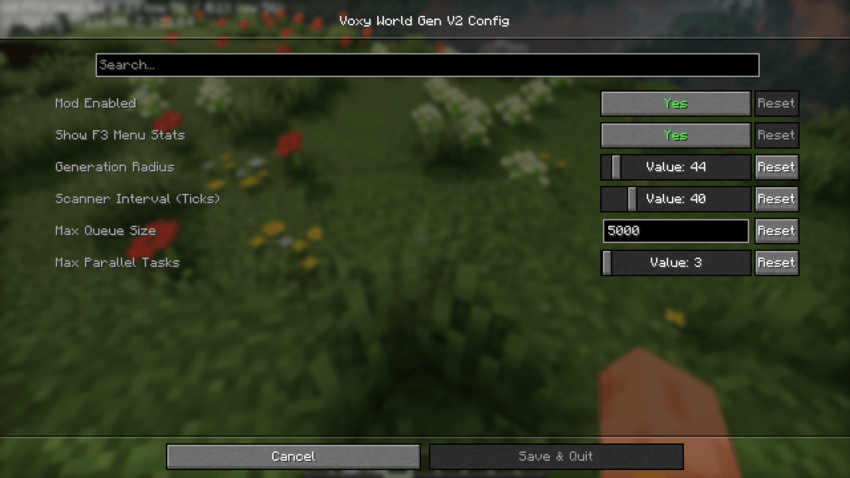
- Optimal Voxy World Gen Settings (Pre-Configured)
The Voxy World Gen V2 configuration in this pack comes pre-tuned with optimized, lower values out of the box. High generation settings cause heavy CPU spikes and severe micro-stutters when moving through new terrain. These presets ensure a 100% stutter-free and smooth experience across all hardware configurations.
⚙️ Setting Explanations & Tweaking Guide
Generation Radius (44): Determines how far away from the player new terrain chunks will be generated.
📈 Increase: Generates terrain further ahead so distant landscapes appear sooner, but increases CPU load.
📉 Decrease: Reduces load on your processor, ideal if you experience lag while flying or riding fast.
Scanner Interval in Ticks (40): Controls how frequently the mod checks for missing chunks that need generating (20 ticks = 1 second).
📈 Increase (e.g., 60-80): Makes checks less frequent, freeing up CPU resources for smoother FPS.
📉 Decrease (e.g., 10-20): Scans more rapidly for faster chunk loading, but can cause CPU lag spikes.
Max Queue Size (5000): Limits the number of chunks waiting in line to be generated.
📈 Increase: Keeps large generation tasks stacked during fast travel, but consumes more RAM/VRAM.
📉 Decrease: Prevents memory buildup on lower-tier systems.
Max Parallel Tasks (2): Sets the maximum number of CPU threads used simultaneously for world generation.
📈 Increase (e.g., 4 or 12): Dramatically speeds up world loading if you have a powerful multi-core CPU.
📉 Decrease (1 or 2): Prevents CPU overloading and eliminates lag spikes on mid-to-entry-level processors.
📊 Official Developer Performance & FPS Benchmark
The modpack has been thoroughly tested on the developer's official hardware configuration, delivering highly stable performance:
RTX 3050 6gb vram - i5 12450 h test Allocate 6 GB to Minecraft
🚀 Vanilla Mode (No Shaders): 350+ FPS (Ultra-smooth, zero-lag gameplay. Very lightweight on the GPU!)
🌌 Photon Shaders Enabled: 105+ FPS (Stunning cinematic visual quality while maintaining high fluid performance)
- Edition: Minecraft Java
- File type: .jar
- Minecraft versions listed: 1.21.10, 1.21.11, 1.21.9
- How to install: Install the matching mod loader (Forge, Fabric or NeoForge) for your Minecraft version. → Download the .jar. → Put it in the .minecraft/mods folder and launch that loader profile.
- Where to get it: Opens on CurseForge — not every file is mirrored on our own servers.
Install steps are the general flow for this file type — How to install Minecraft Java mods & modpacks walks through it step by step.
- Downloads as Voxy with Shader 26.1.2-v1.0.zip
- Download size: 11.9 MB
- Download link checked 3 Oct 2026 — working
These come from our own check of the pack file, not from the source page.