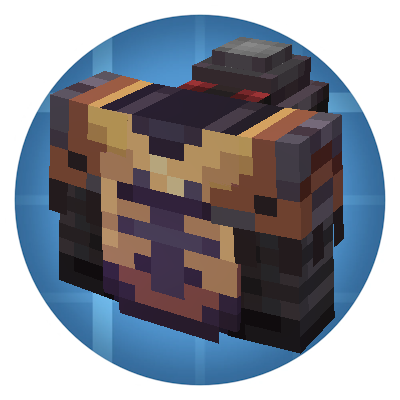
Trimmable Create Armor
Java mod listed for Minecraft 1.20. Downloads from the MC Java Mods app on Android.
I don't know my version or loader
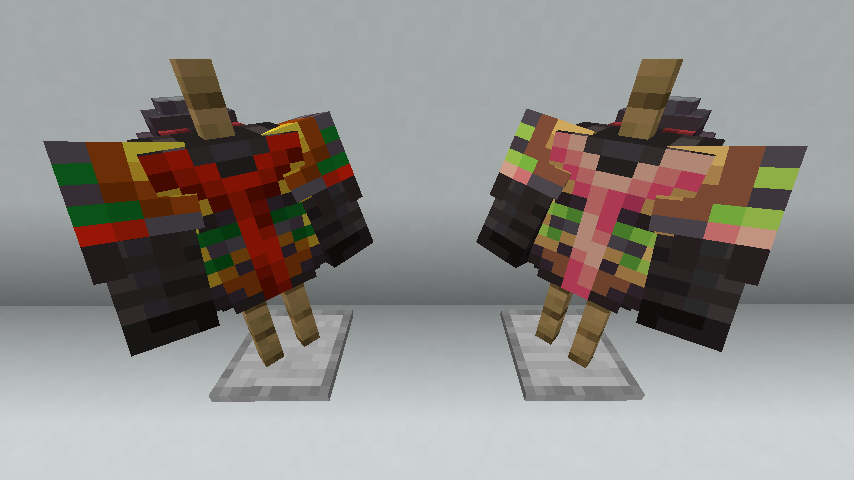
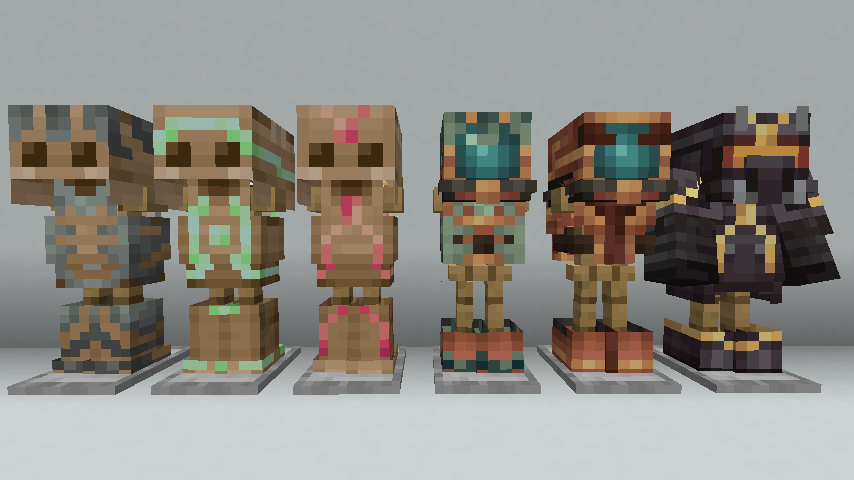
This Create addon allow you to put trims on your diving helmets, boots, and backtanks. This is compatible with Stacked Armor Trims. Copper trims render darker on copper copper gear, and copper backtanks use the trim textures for cardboard.
It also adds 5 new trims for Create:
- brass
- zinc
- rose quartz
- andesite alloy
- experience nugget
These trims even work on cardboard armor!
Lastly, this addon allows trim patterns from other mods to render on cardboard armor even if missing a specialized texture. A specialized resource pack is still recommended if you want the trim to stop at the edges of the armor, but this will prevent black and magenta missing textures.
You will still need to make a resourse pack for the atlas json files in order to use this mod's trim materials with another mod's patterns.
Special thanks to my brother for helping me with the Stacked Armor Trims compatability.
The trim palettes in this mod are based on other MIT licensed Create addons, Create: Trimmed and Create: Armor Trim, with added support for cardboard armor.
- Edition: Minecraft Java
- File type: .jar
- Minecraft version listed: 1.20.1
- How to install: Install the matching mod loader (Forge, Fabric or NeoForge) for your Minecraft version. → Download the .jar. → Put it in the .minecraft/mods folder and launch that loader profile.
- Where to get it: Opens on CurseForge — not every file is mirrored on our own servers.
Install steps are the general flow for this file type — How to install Minecraft Java mods & modpacks walks through it step by step.
- Ships as trimmable_create_armor-0.1-1.20.1-forge.jar — drop this file into the mods folder
- Download size: 202 KB
- Download link checked 3 Oct 2026 — working
These come from our own check of the pack file, not from the source page.