ModsJava
Cobblemon Utilities
Java mod listed for Minecraft 1.20–1.21. Downloads from the MC Java Mods app on Android.
I don't know my version or loader
Open the Minecraft launcher and look at the profile you play on — it names both, like fabric-loader-1.21.4. The version also shows in the bottom-right corner of the game's main menu.
No loader in the profile name? Then it's plain Minecraft, and these mods won't run — you need Fabric or NeoForge installed first.
CobblemonUtils (Cobblemon Addon)
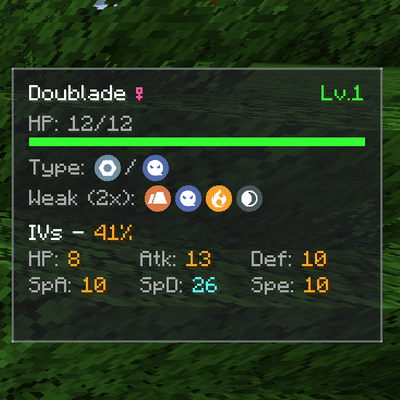
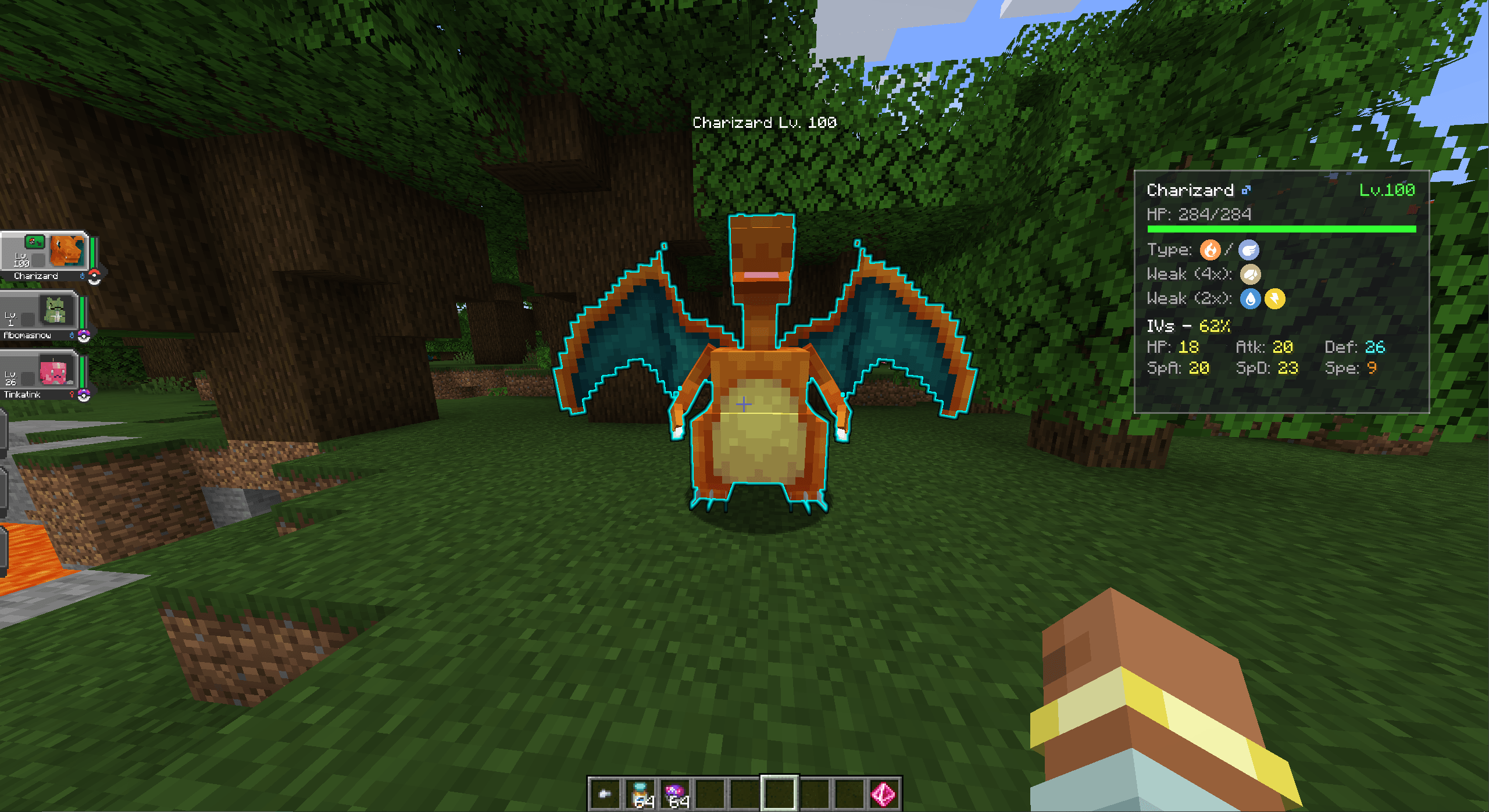
CobblemonUtils is a client-side mod designed as a QoL addon for the Cobblemon mod. It provides powerful visual aids and real-time information to enhance your Pokémon hunting, catching, and battling experience.
Features
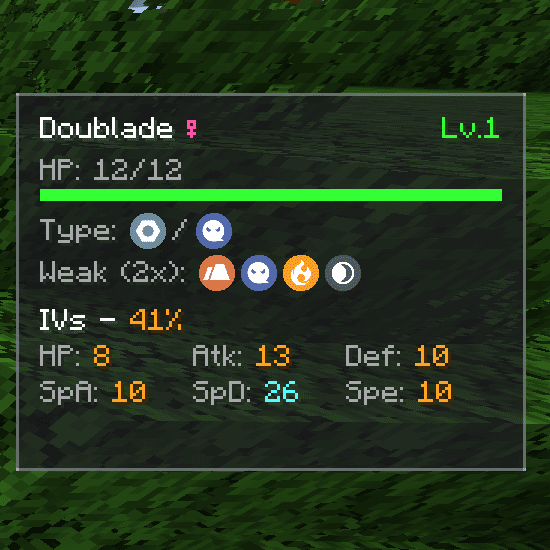
- Info Overlay – Display information about the targeted Pokémon directly on your screen: Elemental Types, Weaknesses (4x, 2x), and precise IVs.
- Highlighter – Visually highlights specific Pokémon in the overworld using glowing outlines or beams, making it easier to spot your desired targets from a distance.
- Rare Spawn Detection – Automatically notify and highlights Shiny and Legendary Pokémon nearby, ensuring you never miss a rare encounter again.
Keybind
C→ Open the Configuration Menu to customize overlay positions, highlight colors, and detection filters. NOTE: Resolve Keybind Conflict unless GUI wont show
Requirements
- Minecraft: 1.20.1
- Mod Loader: Forge
- Required Dependency: Cobblemon
Usage
- Press
Cin-game to open the configuration GUI and tailor the mod to your preferences. - Look at any Pokémon in the wild or during a battle to instantly see its stats, types, and weaknesses on the overlay.
- Explore the world while the mod automatically scans and highlights rare Pokémon (Shinies/Legendaries) for you.
Credits
- Mod Author: Duox29
- Discord: https://discord.gg/Zhsz3fWgWn
Quick facts
- Edition: Minecraft Java
- File type: .jar
- Minecraft versions listed: 1.21.1, 1.20.1
- How to install: Install the matching mod loader (Forge, Fabric or NeoForge) for your Minecraft version. → Download the .jar. → Put it in the .minecraft/mods folder and launch that loader profile.
- Where to get it: Opens on CurseForge — not every file is mirrored on our own servers.
Install steps are the general flow for this file type — How to install Minecraft Java mods & modpacks walks through it step by step.
File checked by MCModsHub
- Ships as cobblemonutils-1.0.0.jar — drop this file into the mods folder
- Download size: 99 KB
- Download link checked 3 Oct 2026 — working
These come from our own check of the pack file, not from the source page.