Transparent Inventory - Java Edition
Transparent Inventory - Java Edition gives Minecraft a clean, transparent inventory UI for better visibility while playing. Perfect for PvP, BedWars…
⬇ Download on CurseForge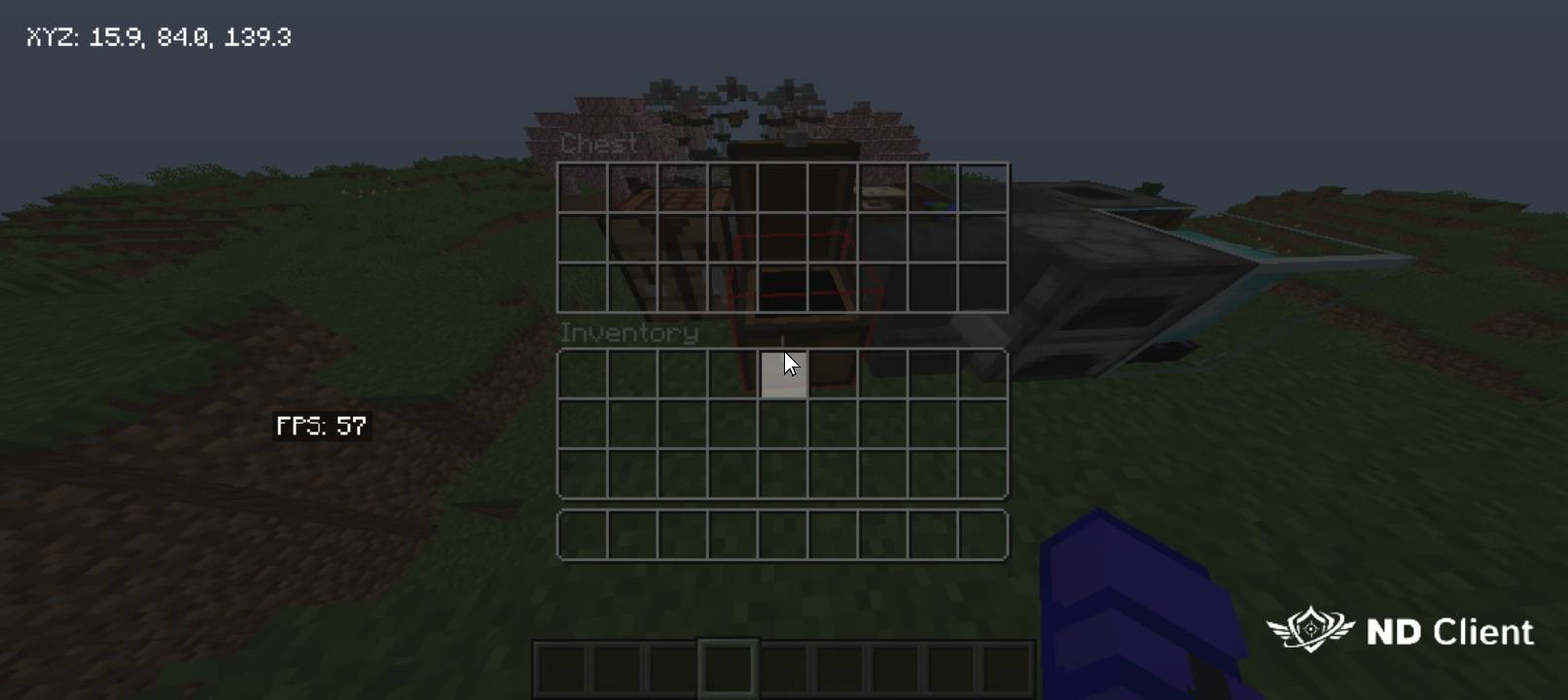
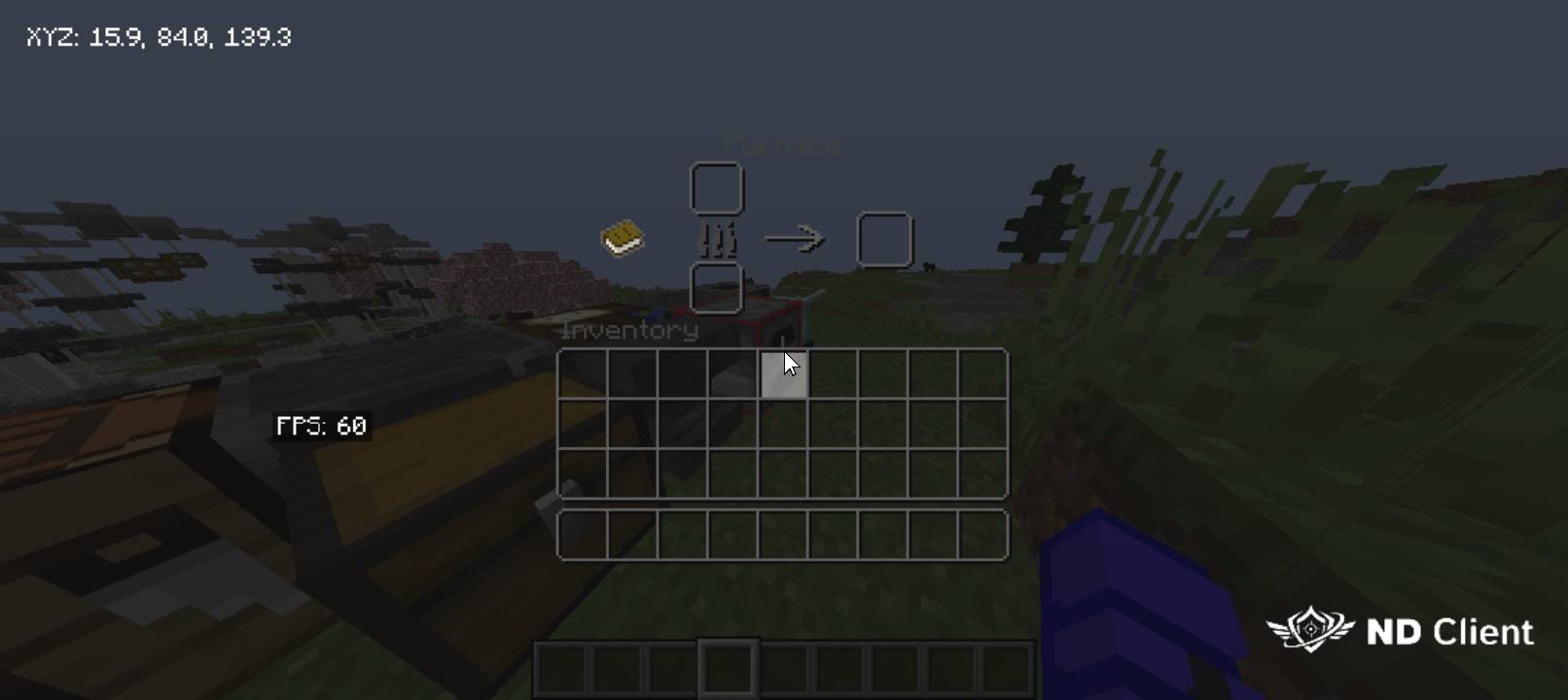
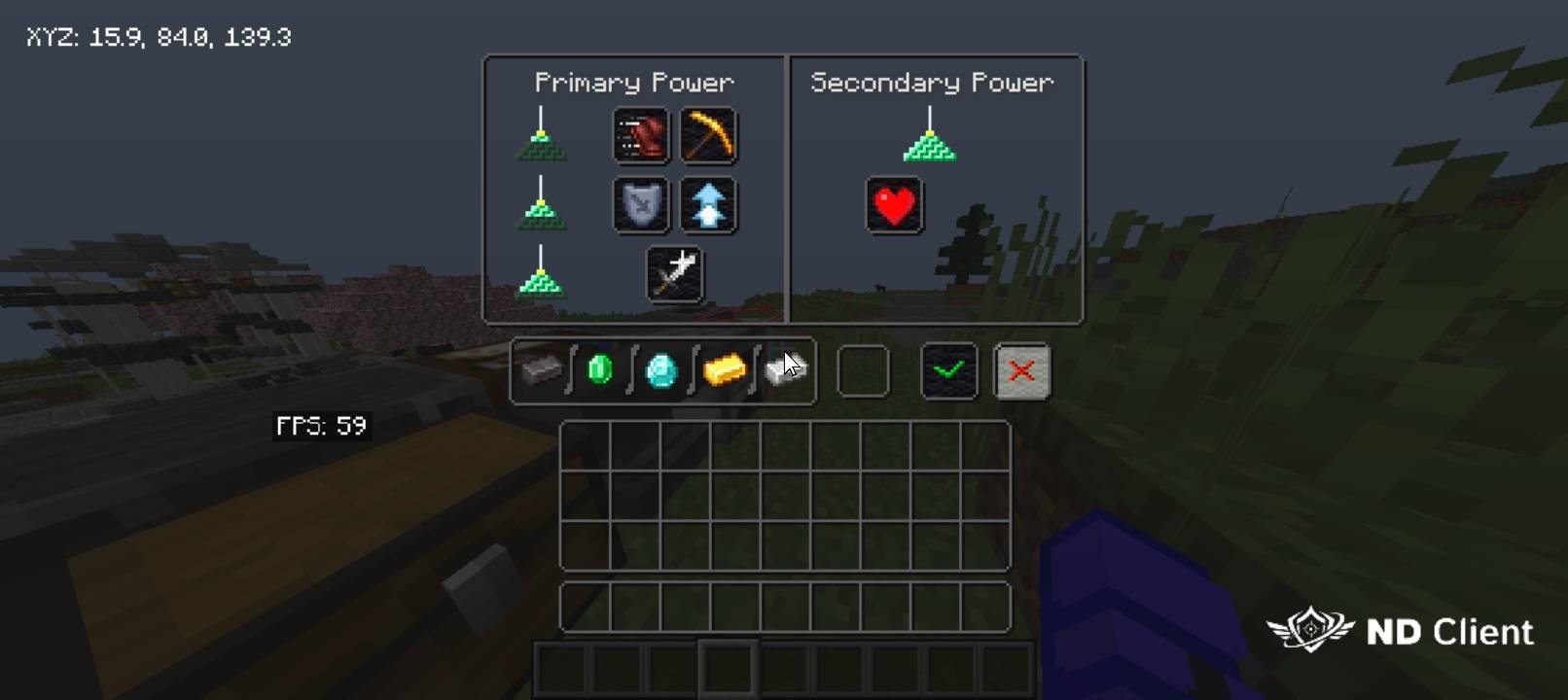
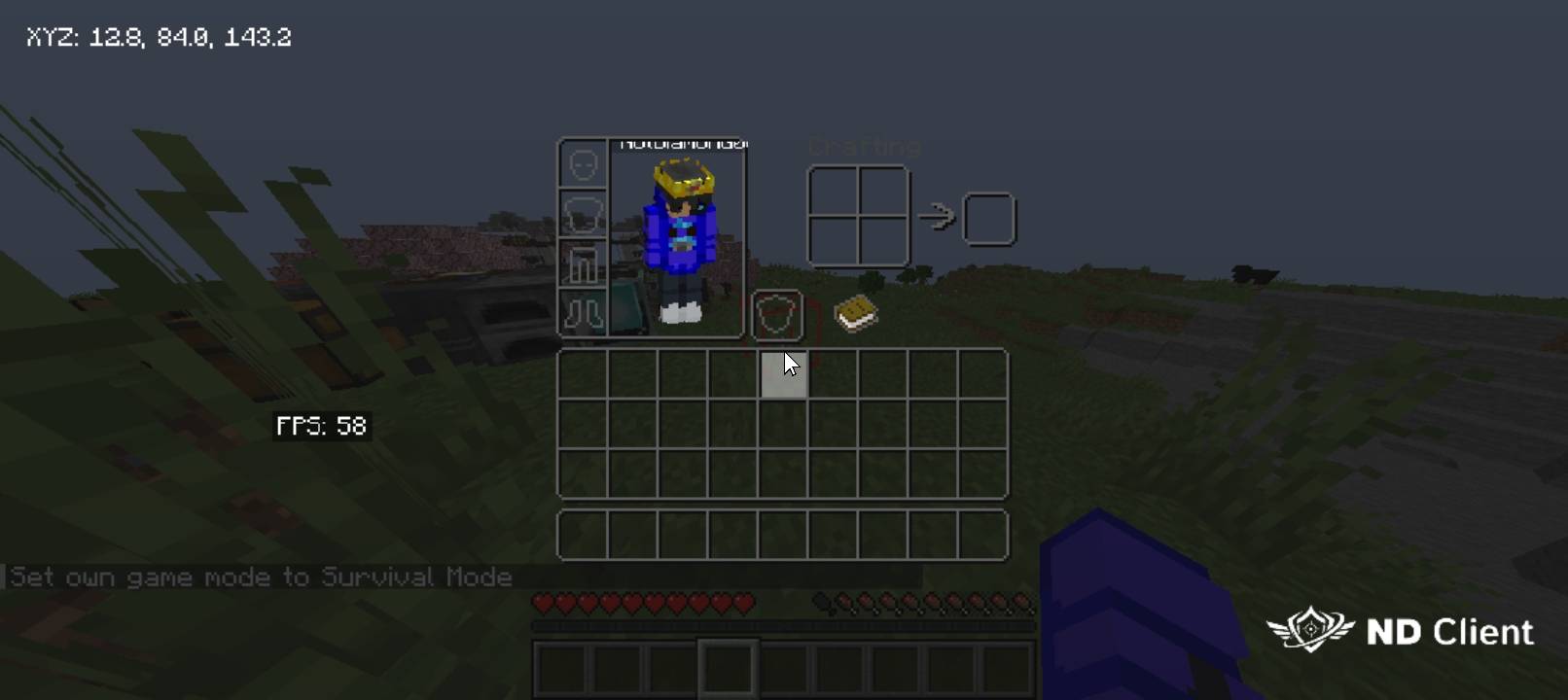
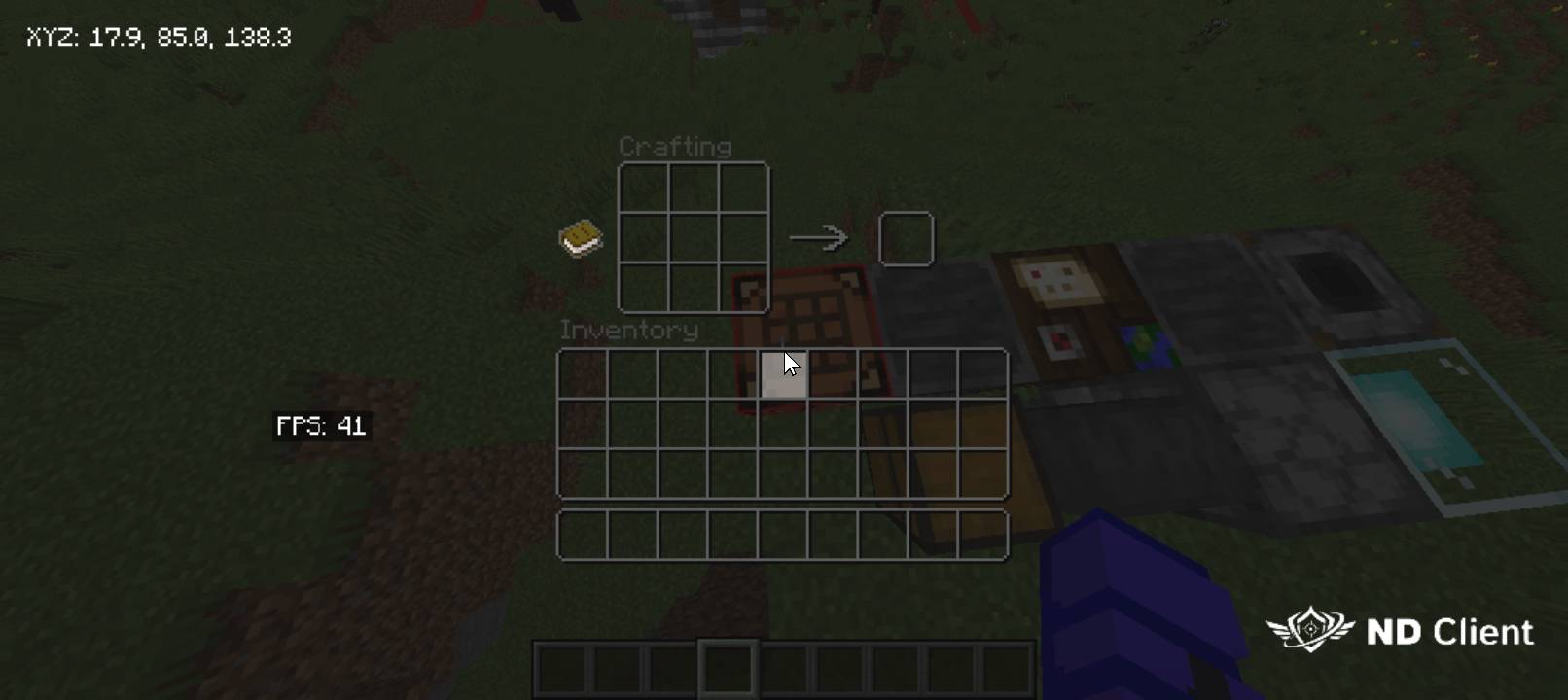
Transparent Inventory - Java Edition
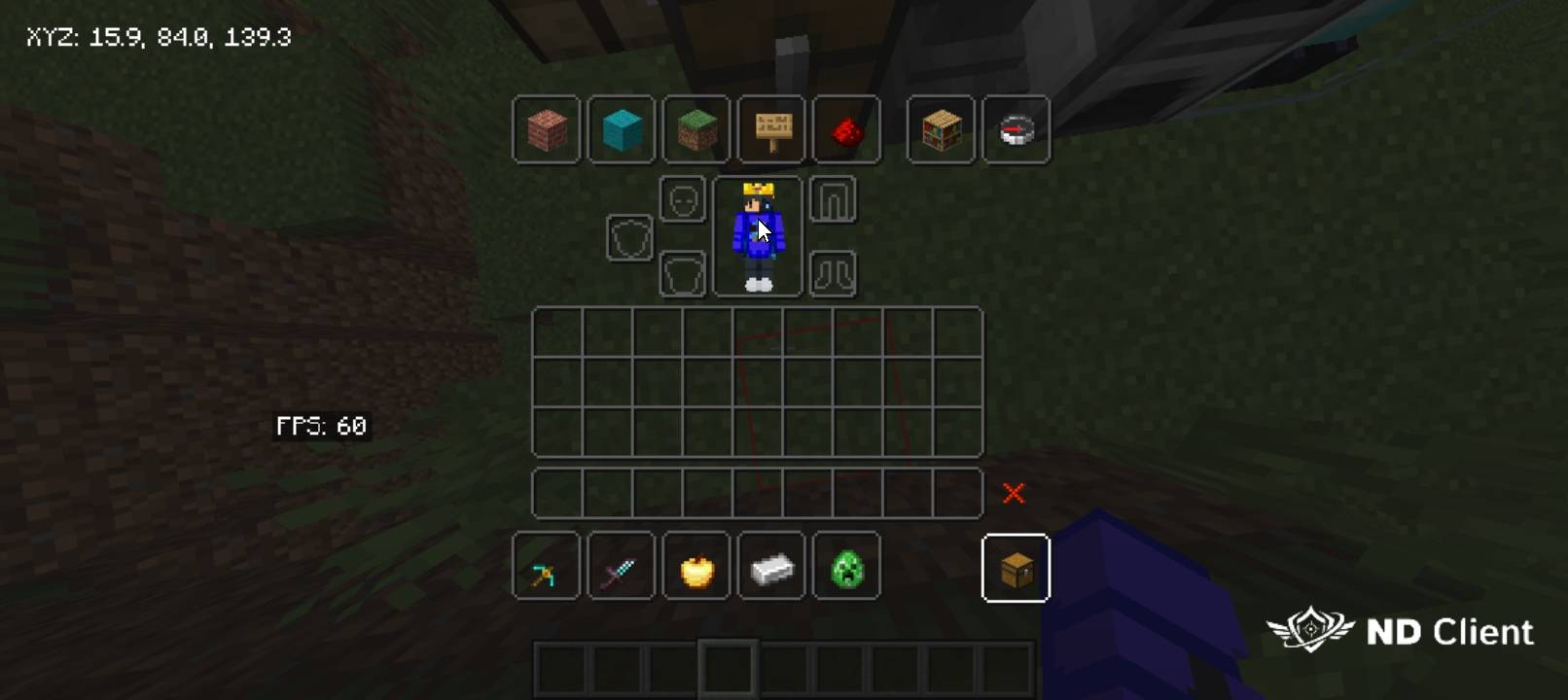
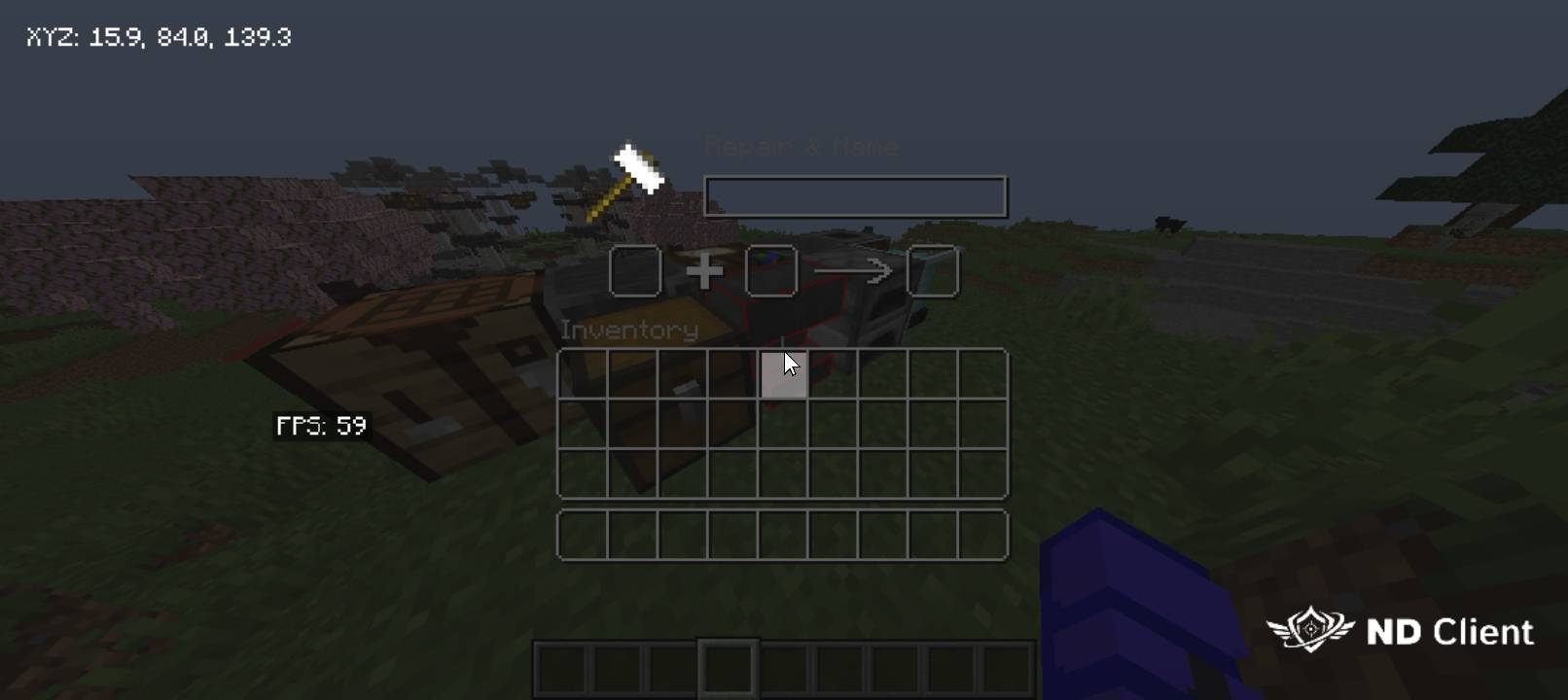
Transform your Minecraft Java Edition Experience With A Clean And Transparent Inventory UI! This Resource Pack Removes The Bulky Inventory Background And Replaces It With A Sleek Transparent Design, Allowing Players To Keep a Clear View Of The Game World While Managing Items.
Features
✔ Transparent Inventory UI
✔ Clean and Minimal Design
✔ Better Visibility While Playing
✔ Smooth PvP & BedWars Experience
✔ Lightweight and Performance Friendly
✔ Compatible with Minecraft Java Edition
Perfect For
• BedWars Players
**• PvP Players**
**• Survival Players**
**• Content Creators**
**• Players Who Prefer a Clean UI**
Installation
1. Download the resource pack.
2. Open Minecraft Java Edition.
3. Go to Options → Resource Packs.
4. Click Open Pack Folder.
5. Move the downloaded ".zip" file into the resource pack folder.
6. Return to Minecraft and enable the pack.
7. Click Done and enjoy your transparent inventory!
Notes
• This pack only changes the inventory appearance and does not affect gameplay.
• It can be used alongside most other resource packs.
**• Compatible with most Minecraft Java Edition versions that support the included assets.**
Made by Not Diamond
- Downloads as §b§lTransparent §r§lInventory §f§l- §eJava Edition.zip
- Download size: 5.1 MB
- Download link checked 23 Aug 2026 — working
These come from our own check of the pack file, not from the source page.