
Create: Aeronautics Flashback
Java mod listed for Minecraft 1.21. File opened and checked on 13 Oct 2026; downloads from the MC Java Mods app on Android.
⬇ Download on Modrinth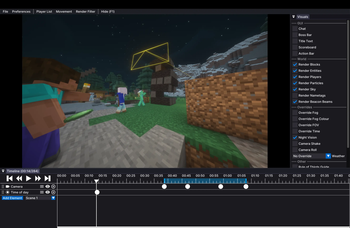
Create: Aeronautics Flashback
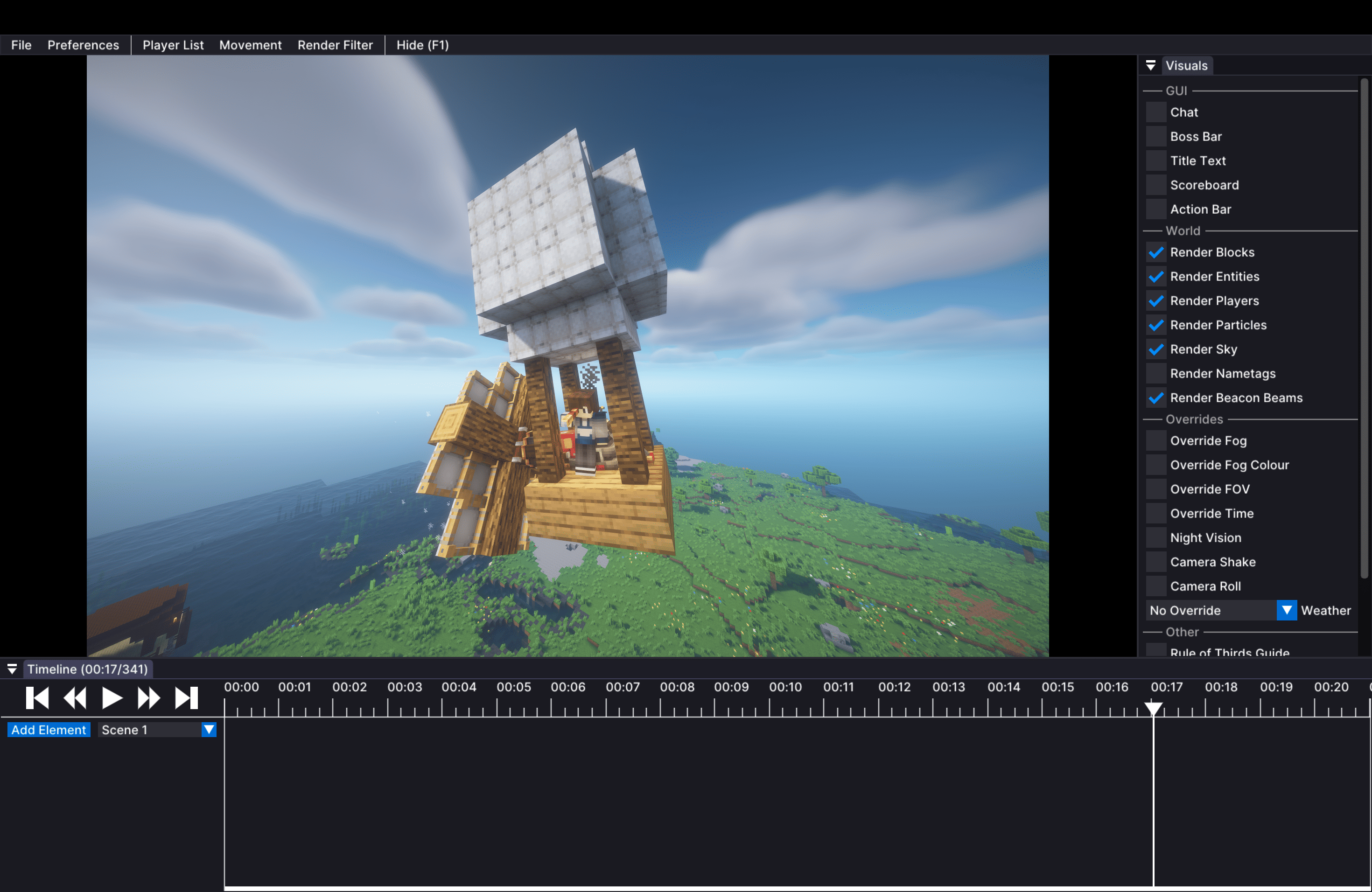
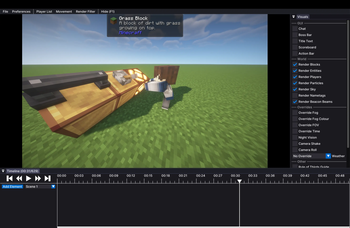
A mod that lets you properly record and replay Create: Aeronautics (Sable) physics-driven blocks with Flashback.
Create: Aeronautics runs its machines on a separate "sub-level" placed far away (about 20 million blocks from the player). Because of that, Flashback alone does not record them and they disappear during replay. This mod includes that data in the replay snapshot.
This mod does nothing on its own. You must also install Create: Flashback.
Recommend introducing Fix Flashback to fix the bug.
Installation
- Install NeoForge 1.21.1, Sinytra Connector, Flashback, Create: Flashback, and Create: Aeronautics.
- Install the Fabric 1.21.1 version of Flashback.
- Put
aeronautics_flashback-<version>.jarinto yourmodsfolder. - That's it — just record with Flashback as usual.
Requirements
- Minecraft
1.21.1 - NeoForge
21.1.x - Flashback
0.30+(via Sinytra Connector) - Create
6.0+ - Create: Flashback
1.0.0+(required) - Create: Aeronautics (Sable)
1.0+ - Sinytra Connector (needed to run Fabric mods like Flashback on NeoForge)
Notes
- This is a client-side mod. It works without being installed on the server. Installing it on the server is also fine.
- Not compatible with ReplayMod. Use Flashback instead.
- Not compatible with ServerCoreMod. It may cause rendering to break.
- Sub-level machines will not be recorded without Create: Flashback.
How it works
- Sable sub-level chunks and machines (on plot coordinates about 20 million blocks away) are delivered to the replaying client as-is through Flashback's custom channel.
- Even when you seek (jump to a different point) during playback, the entire sub-level is rebuilt from the snapshot, so it displays correctly no matter where you start.
License
MIT © tatuto-riku
Since this mod is currently under development, it may not work correctly.
- Edition: Minecraft Java
- File type: .jar
- Minecraft version listed: 1.21.1
- How to install: Install the matching mod loader (Forge, Fabric or NeoForge) for your Minecraft version. → Download the .jar. → Put it in the .minecraft/mods folder and launch that loader profile.
- Where to get it: Opens on Modrinth — not every file is mirrored on our own servers.
Install steps are the general flow for this file type — How to install Minecraft Java mods & modpacks walks through it step by step.
- Ships as aeronautics_flashback-1.0.2.jar — drop this file into the mods folder
- Download size: 73 KB
- Download link checked 4 Oct 2026 — working
These come from our own check of the pack file, not from the source page.