
Frostbite Blast: Exploding Snowballs
Bedrock add-on listed for Minecraft 1.20–26.x (behavior pack only). File opened and checked on 23 Aug 2026; installs from the MC Bedrock Mods app on Android.
⬇ Download on CurseForge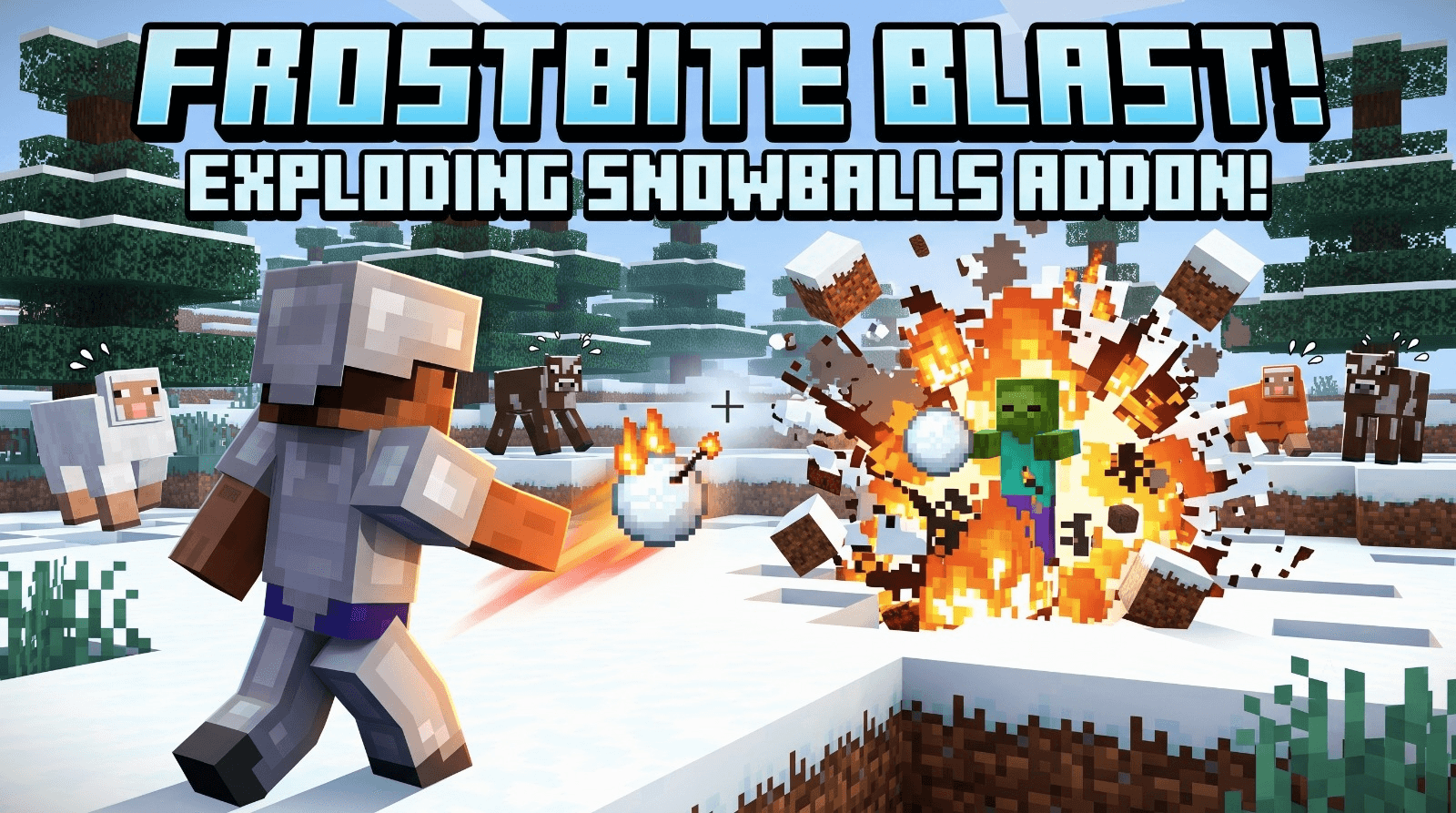
❄️ Frostbite Blast: Exploding Snowballs
Transform simple snowball fights into catastrophic explosive warfare! Frostbite Blast is a fast-paced, action-packed Bedrock Addon that weaponizes everyday snowballs into deadly TNT-launching projectiles.
💣 Features
- Volatile Snowballs: Every single thrown snowball instantly generates primed TNT right at its location.
- Instant Detection: Powered by continuous tick functions, explosions and TNT spawn effortlessly the exact moment you throw.
- Multiplayer Ready: Battle your friends or unleash icy destruction across your favorite Bedrock servers and Realms.
- Ultra Lightweight: Uses clean, optimized tick functions to maintain maximum performance with zero unnecessary lag.
⚙️ How it Works
Behind the scenes, Frostbite Blast utilizes a high-frequency Bedrock ticking function (tick.json) that constantly scans the environment for active snowball entities (minecraft:snowball).
- Detection: The moment a player throws a snowball, the ticking function identifies its presence and coordinates in the world.
- Summoning: A primed TNT entity (
minecraft:tnt) is immediately spawned at the exact position of the snowball. - Detonation: The resulting blast creates instant long-range bombardment capabilities out of a basic, renewable winter resource!
📥 Installation
Getting started with Frostbite Blast takes only a few simple steps:
- Download: Download the
.mcpackfile directly from the files section. - Import: Open the downloaded
.mcpackfile to automatically launch Minecraft Bedrock Edition and import the pack. - World Settings: Create a new world or select an existing world and open its Settings.
- Activate Pack: Scroll down to Behavior Packs under the Add-ons section, locate Frostbite Blast, and click Activate.
- Play: Enter your world, craft or gather some snowballs, and start raining explosive fire down on your targets!
- Edition: Minecraft Bedrock
- File type: .mcpack or .mcaddon
- Minecraft versions listed: 26.0.02, 26.0, 26.3
- How to install: Download the .mcpack or .mcaddon file. → Open it — Minecraft imports it. → In your world: Behavior Packs → Available → Activate, then the same under Resource Packs.
- Where to get it: Opens on CurseForge — not every file is mirrored on our own servers.
Install steps are the general flow for this file type — How to install Minecraft Bedrock addons & mods walks through it step by step.
- Save it as exploding_snowballs_bp.mcaddon before opening — it downloads as .mcpack, but it is a .mcaddon pack
- Manifest requires Minecraft 1.20.0 or newer
- Download size: 24 KB
- Download link checked 4 Oct 2026 — working
These come from our own check of the pack file, not from the source page.