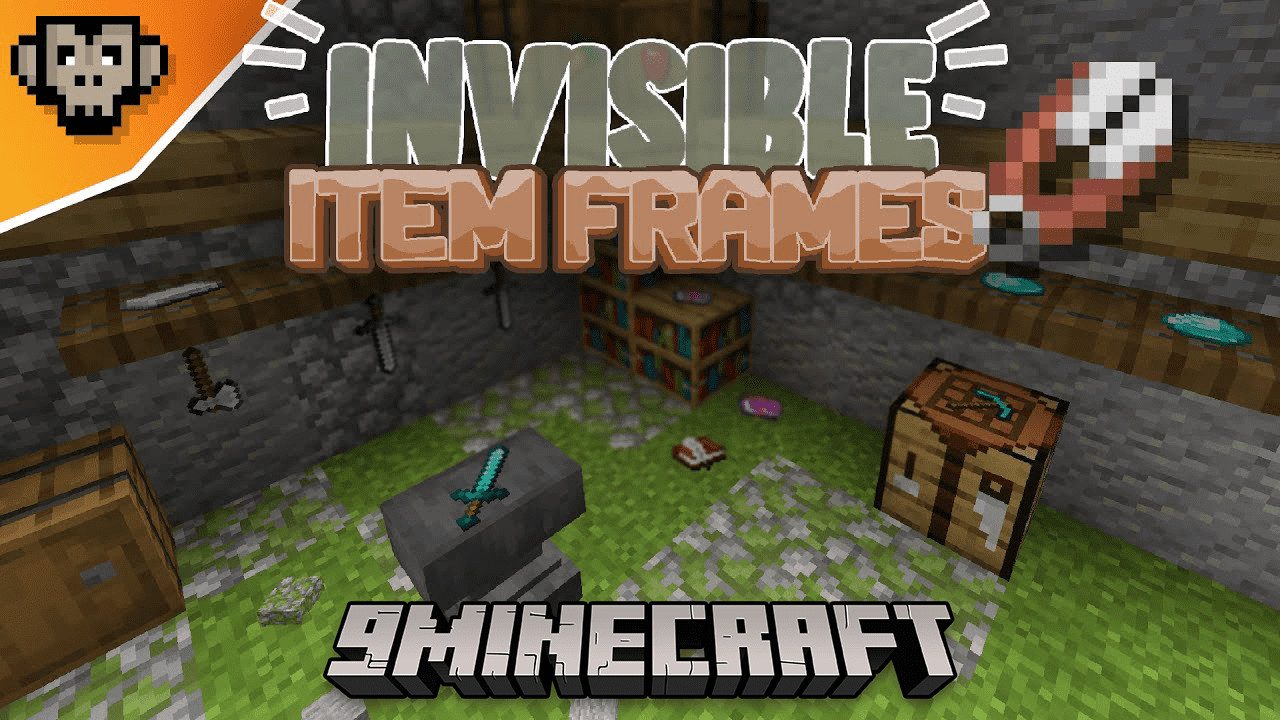
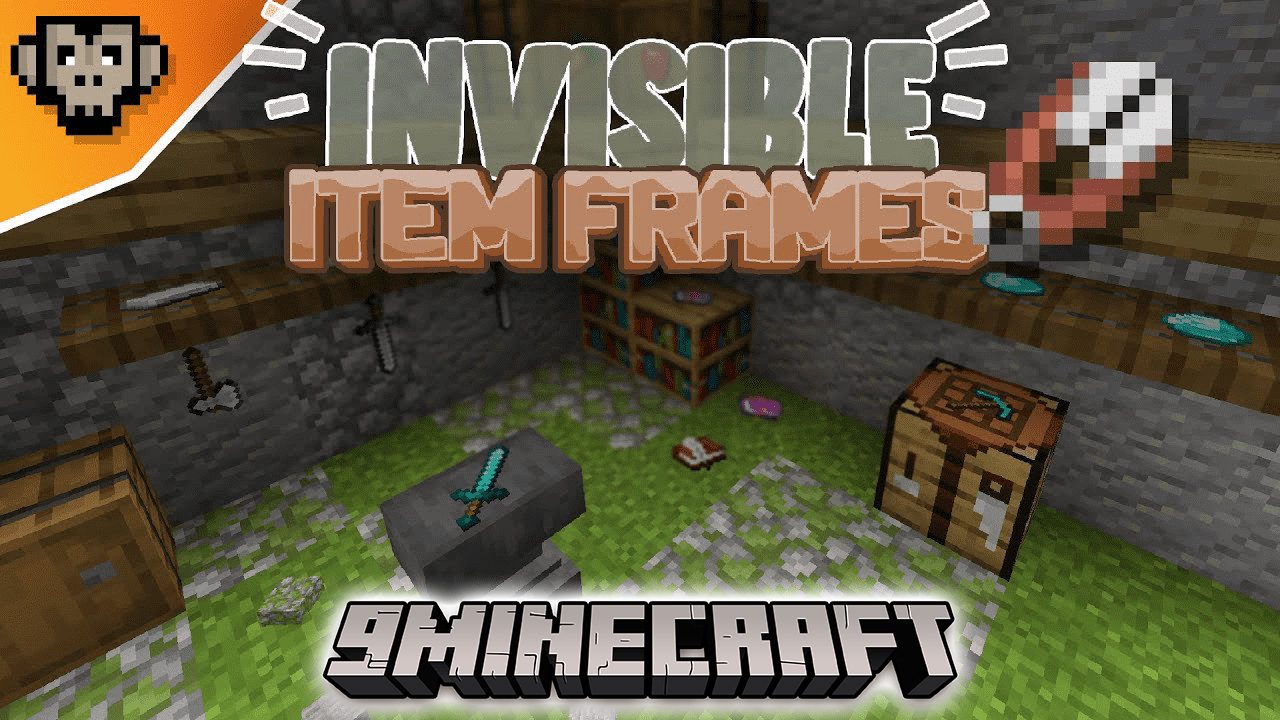
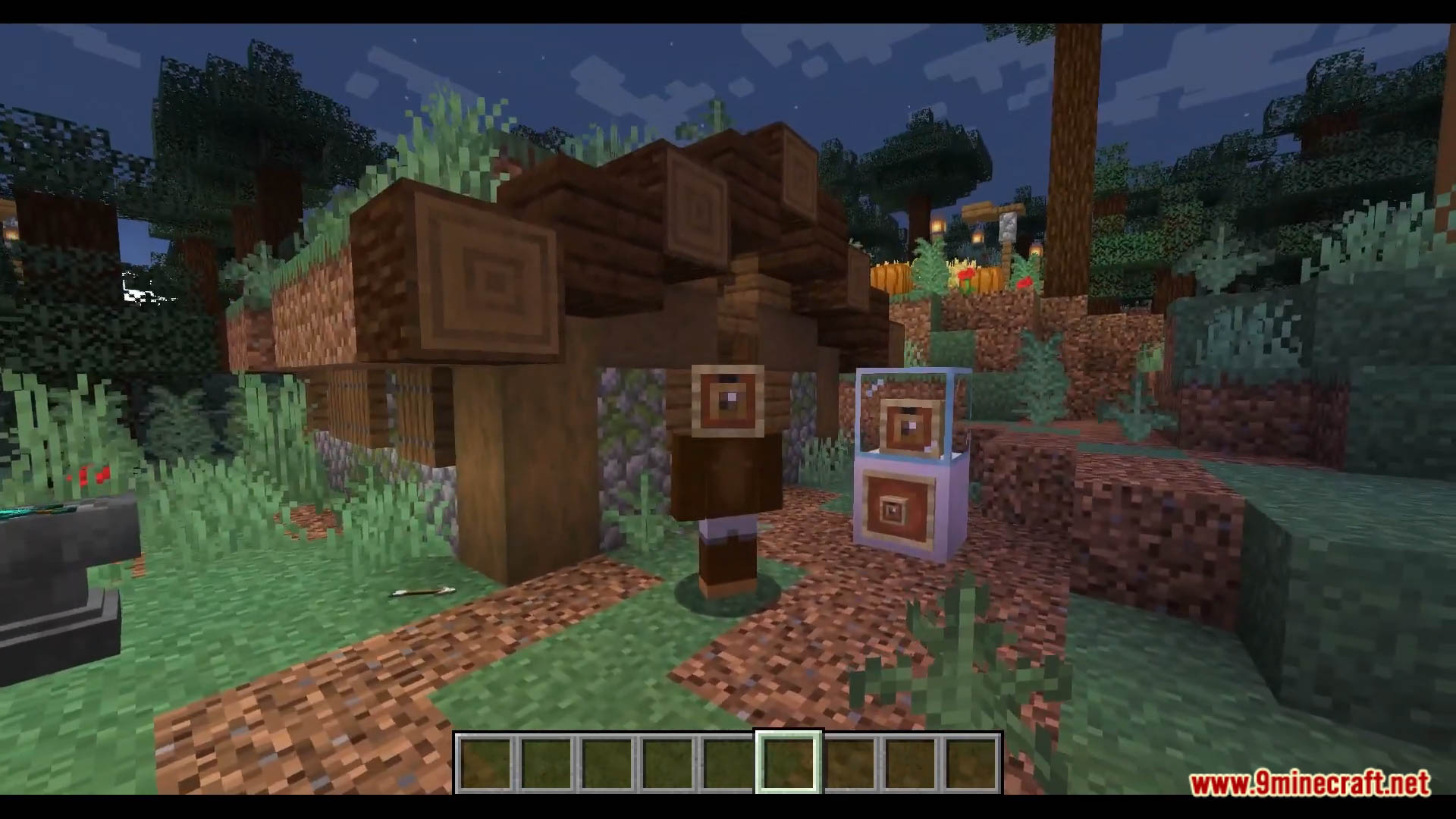
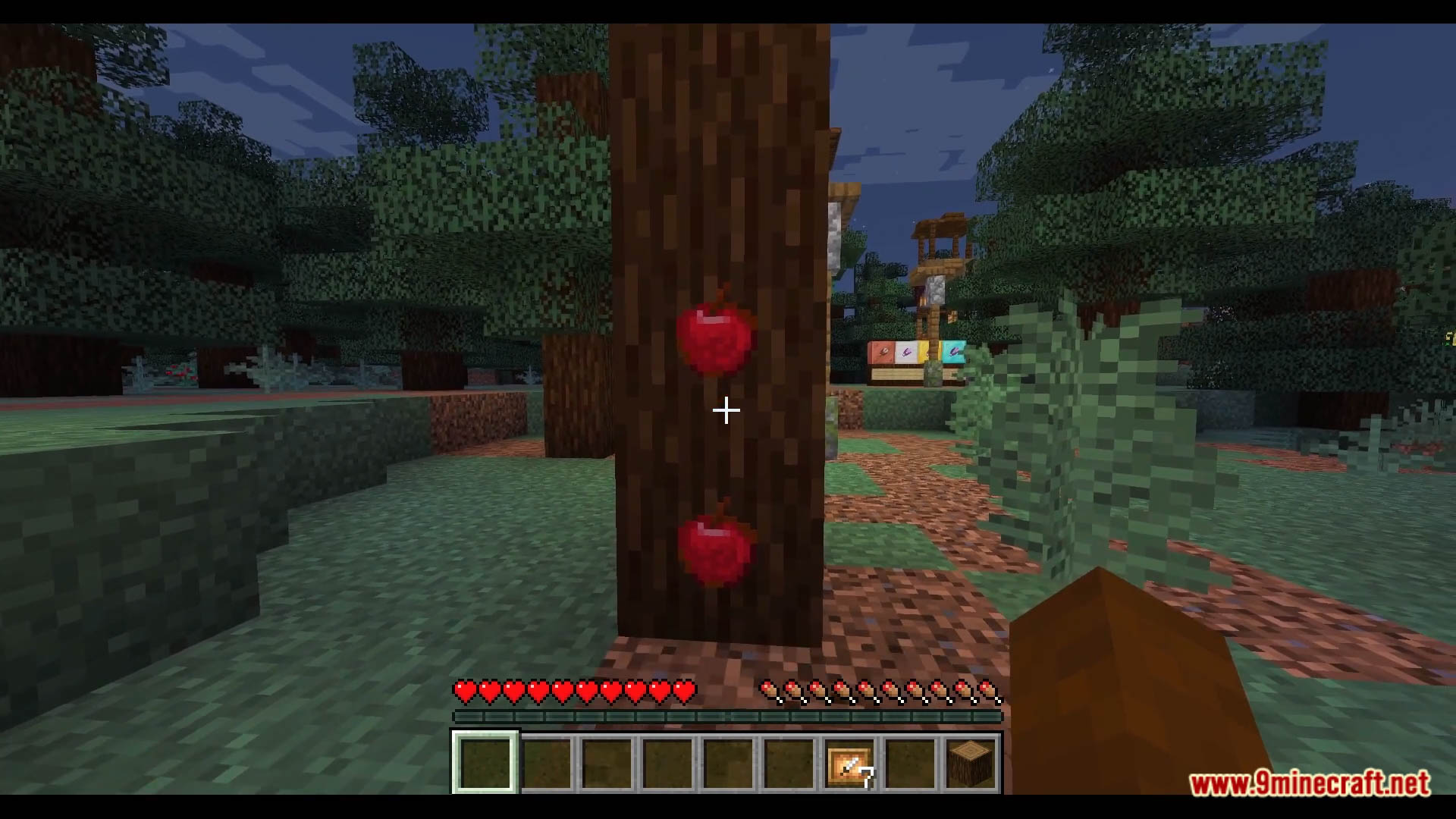
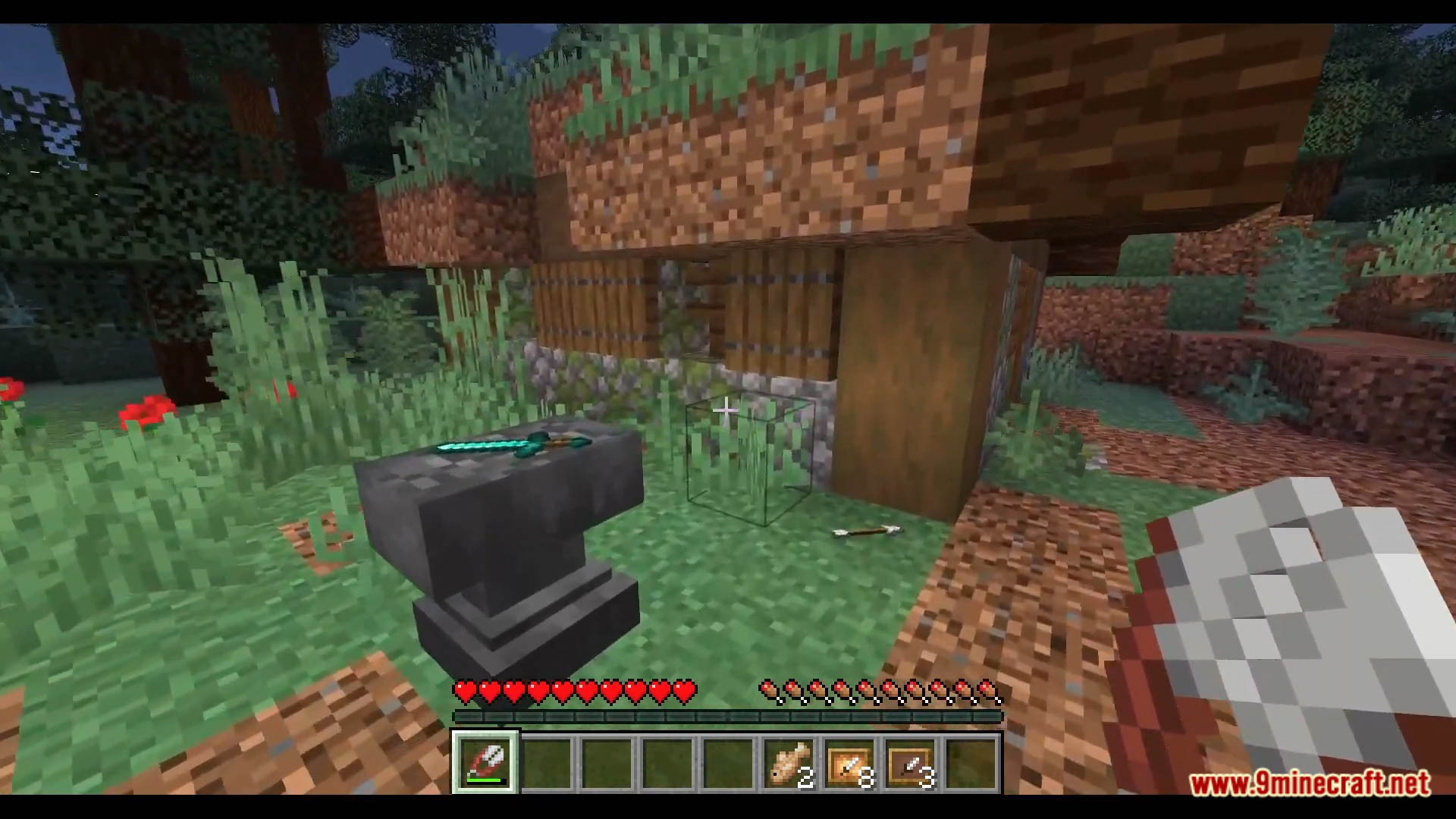
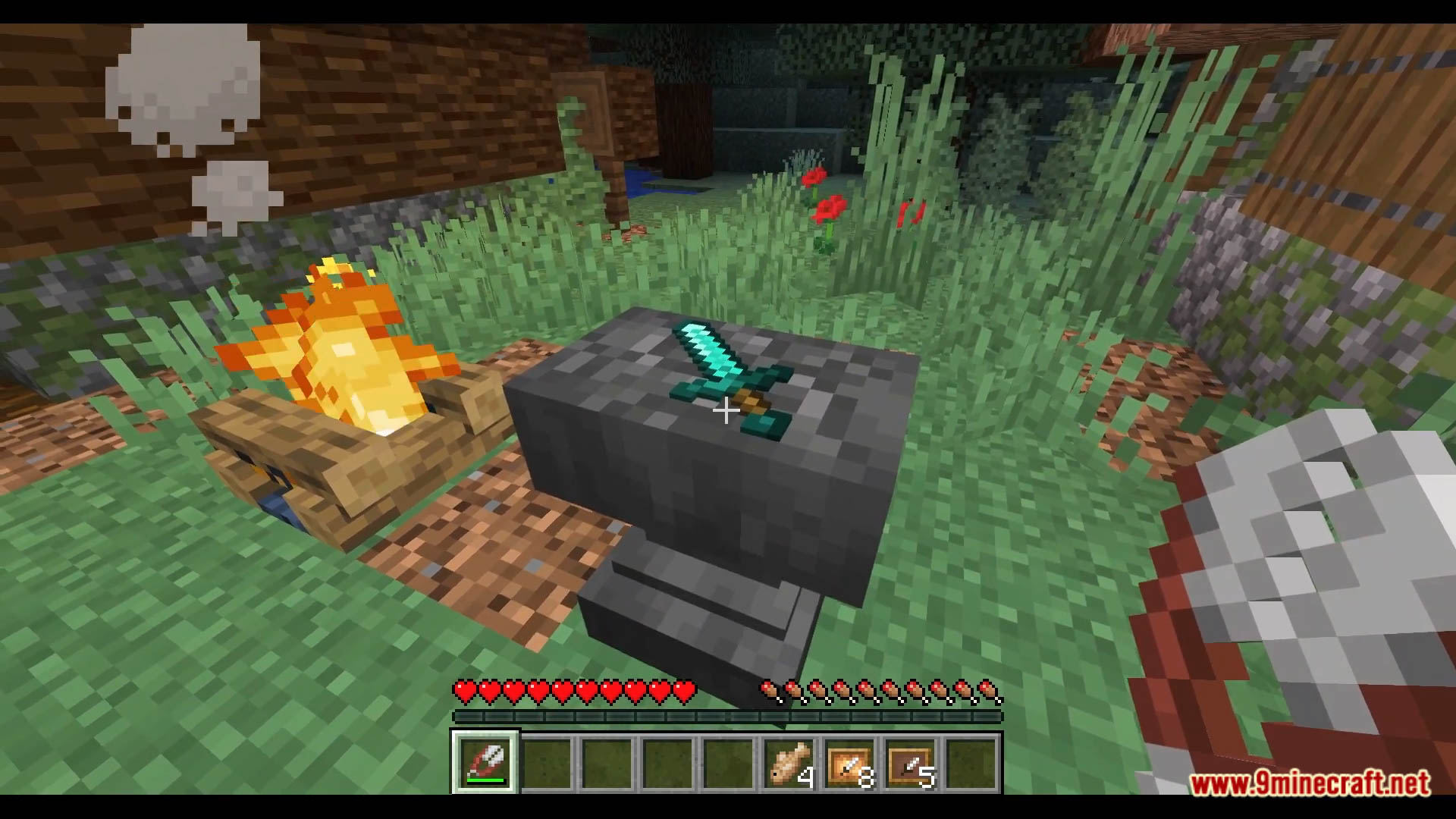
Invisible Item Frames Data Pack is a data pack that allows you to make your Item Frames gone, while still keeping the item in place. This data pack is a must for decorator since it brings so much value to your decorations. Enjoy playing this data pack!
Features:
How to use
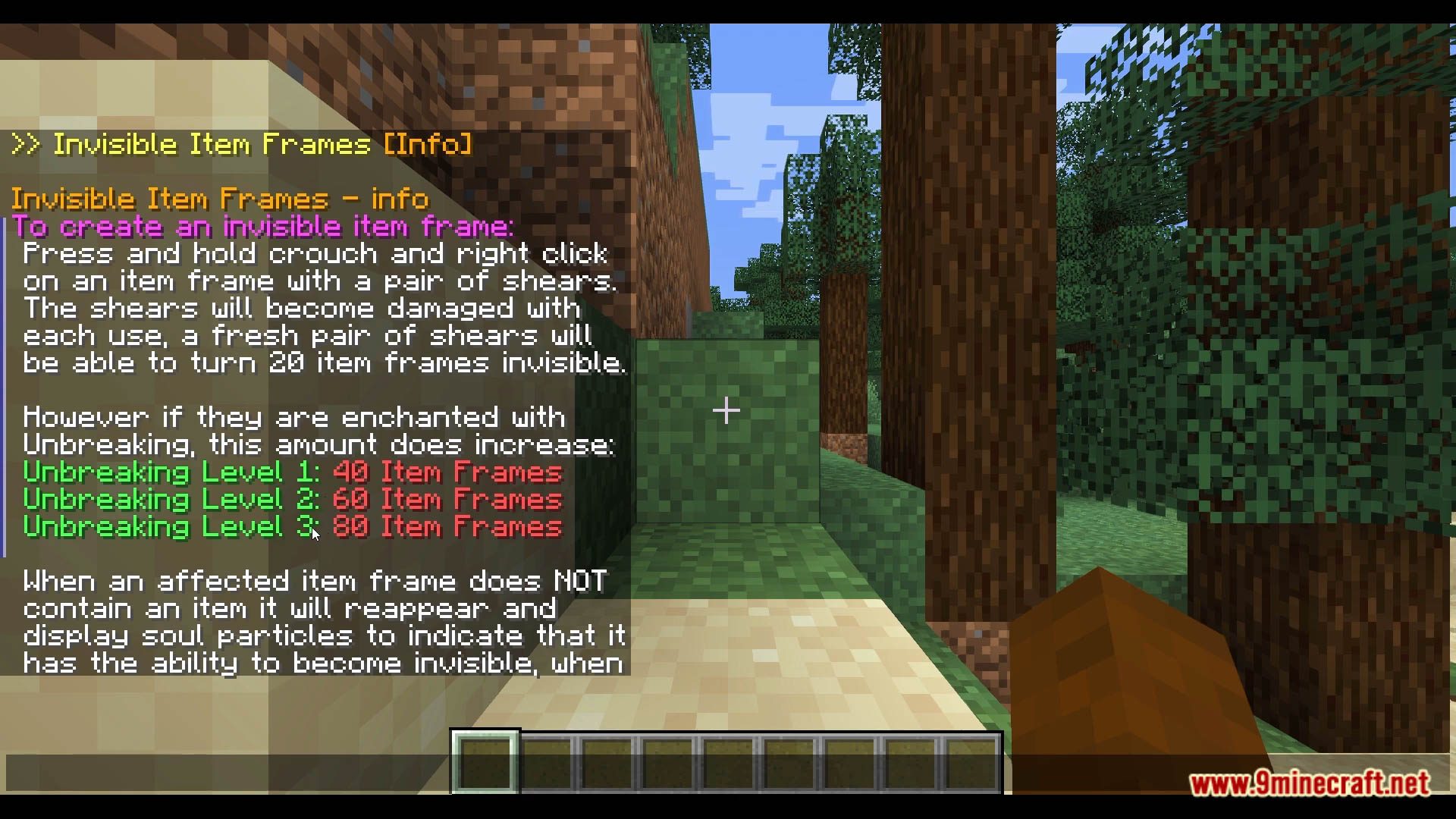
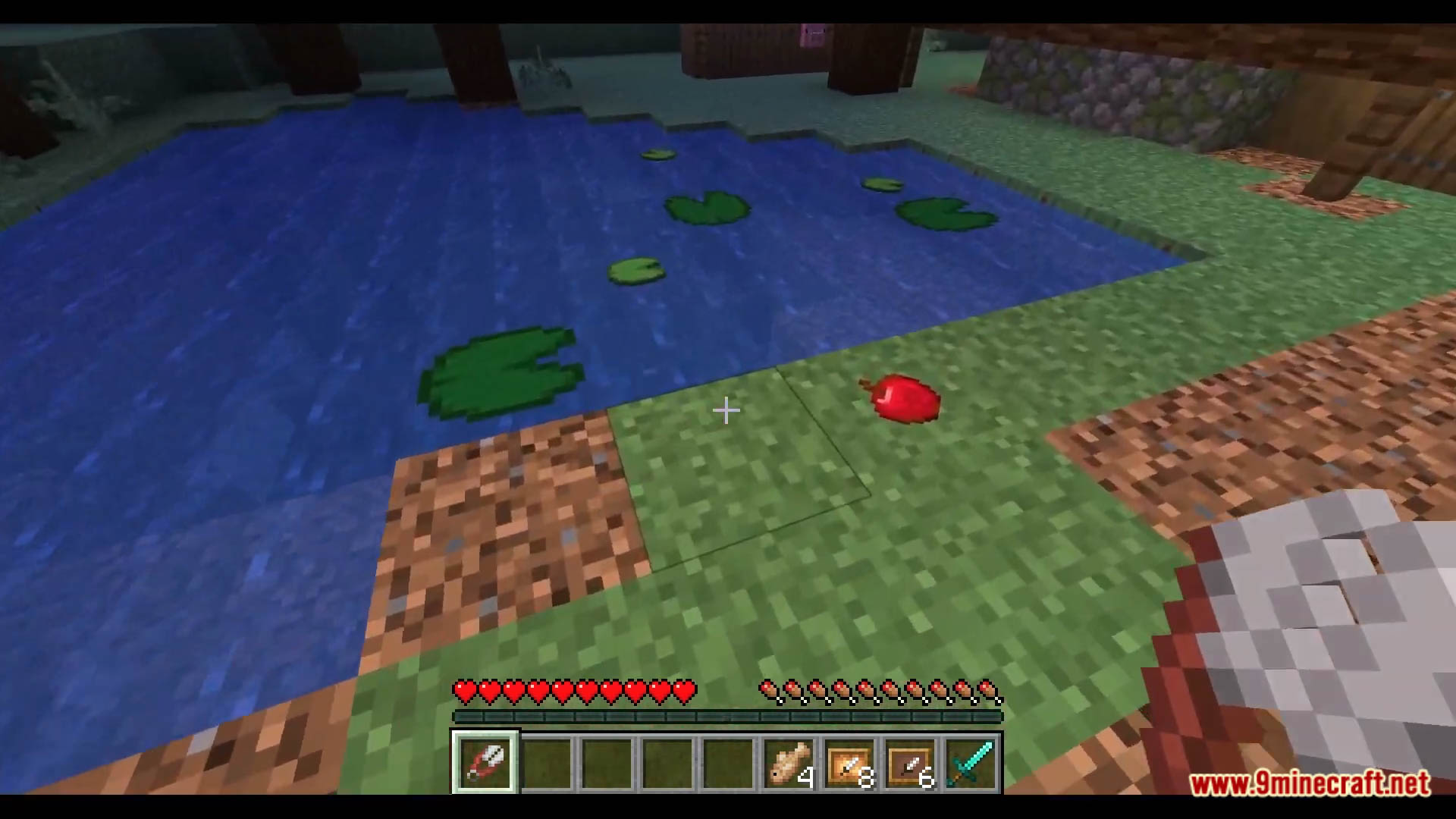
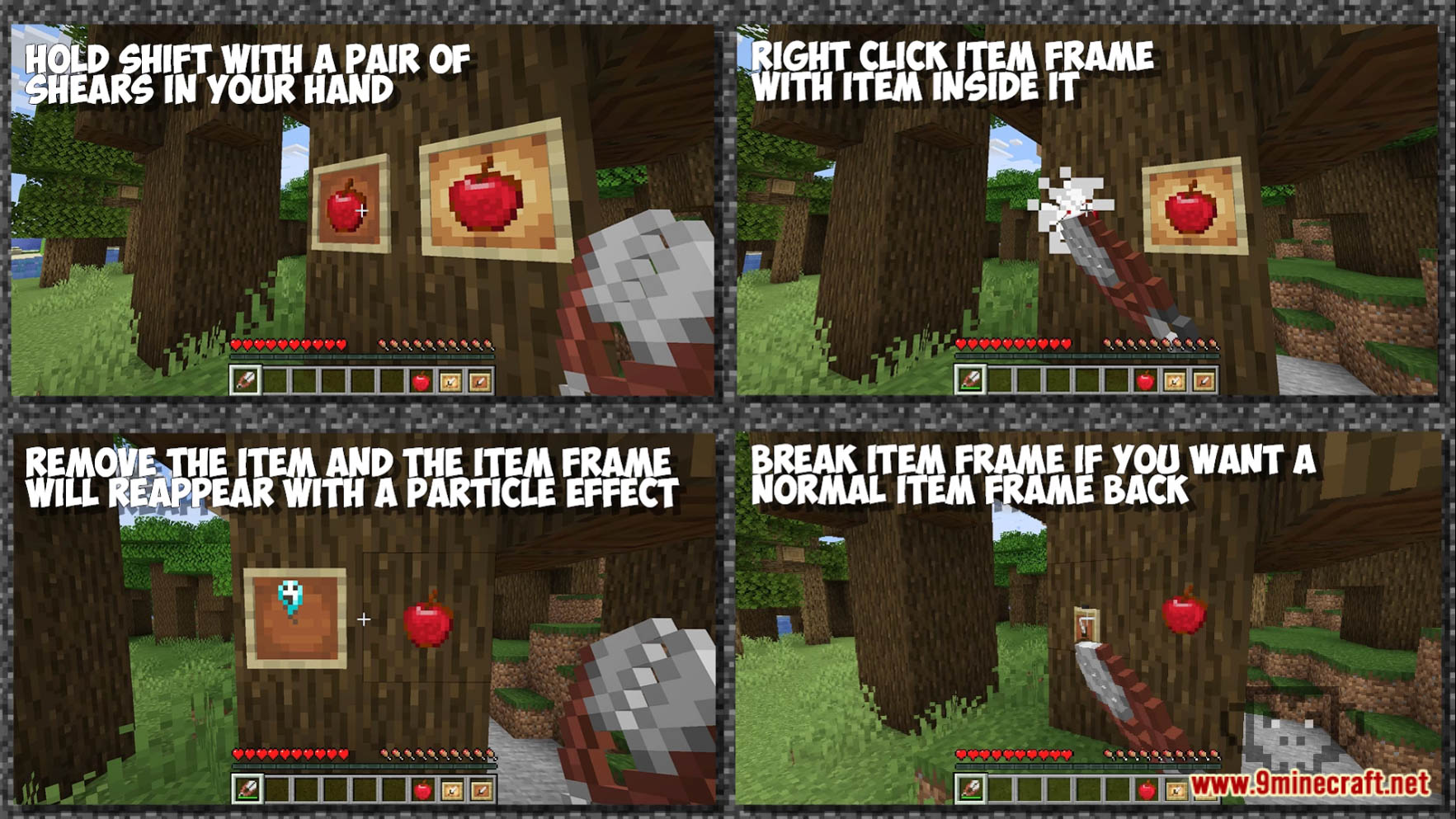
- To make your item frame invisible press shift and right-click on an item frame that has an item inside it with a pair of shears, this will make the item frame disappear and damage the shears slightly, a new pair of undamaged shears will turn 20 item frames invisible.
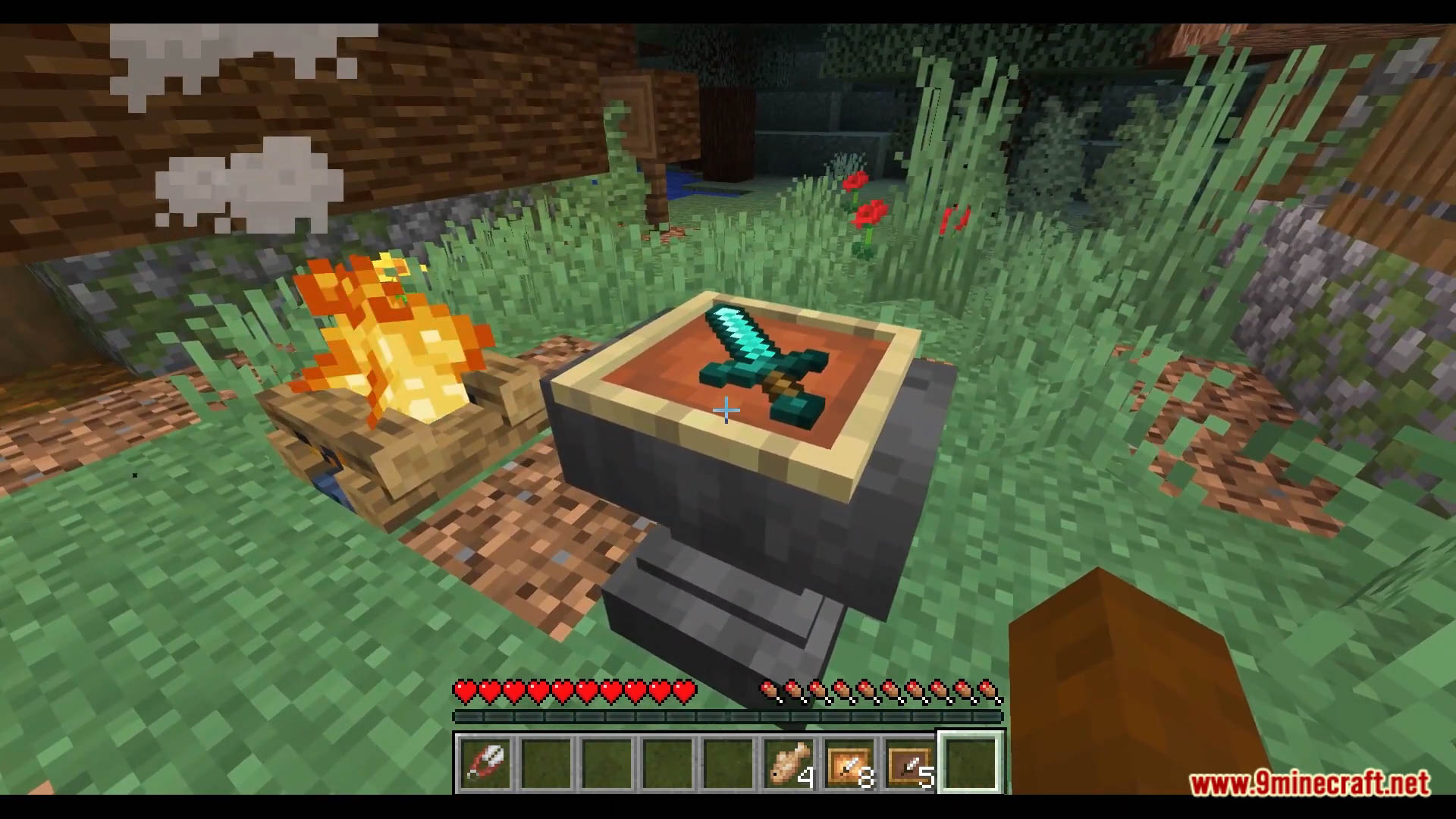
- Once an item is removed from the item frame it will reappear and have a “soul” particle to denote that it’s an invisible item frame
- Once an item is placed back into the frame it will disappear again leaving just the item.
Rotation Locked
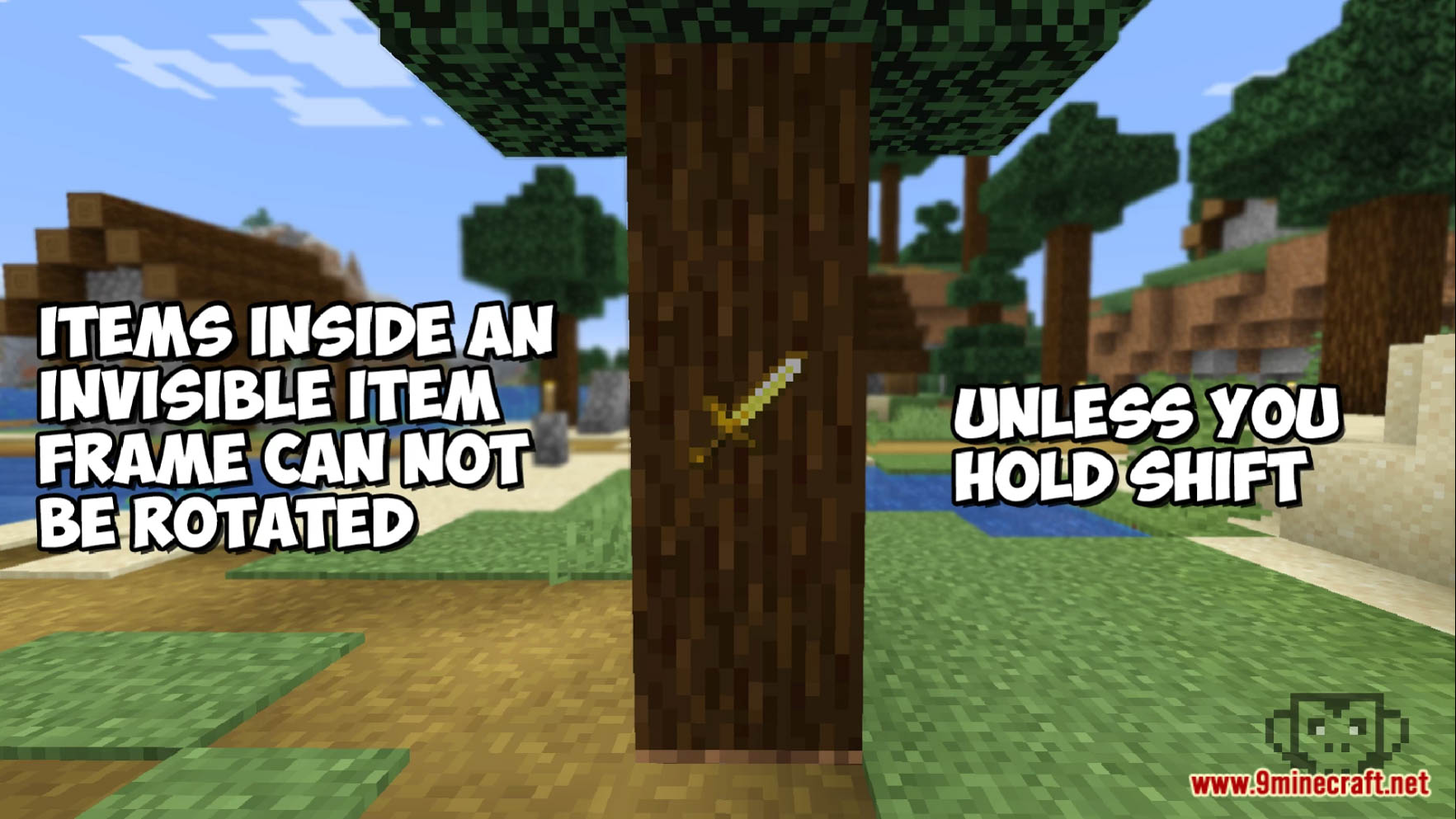
- To prevent accidental rotation of items when trying to access chests, barrels, etc, items within invisible item frames will no longer rotate unless you hold shift, this will hopefully help prevent the need to spin items over and over again
Make the item frame visible again
- To make the item frame no longer an invisible item frame simply break the item frame and place it back down!
Shear Damage
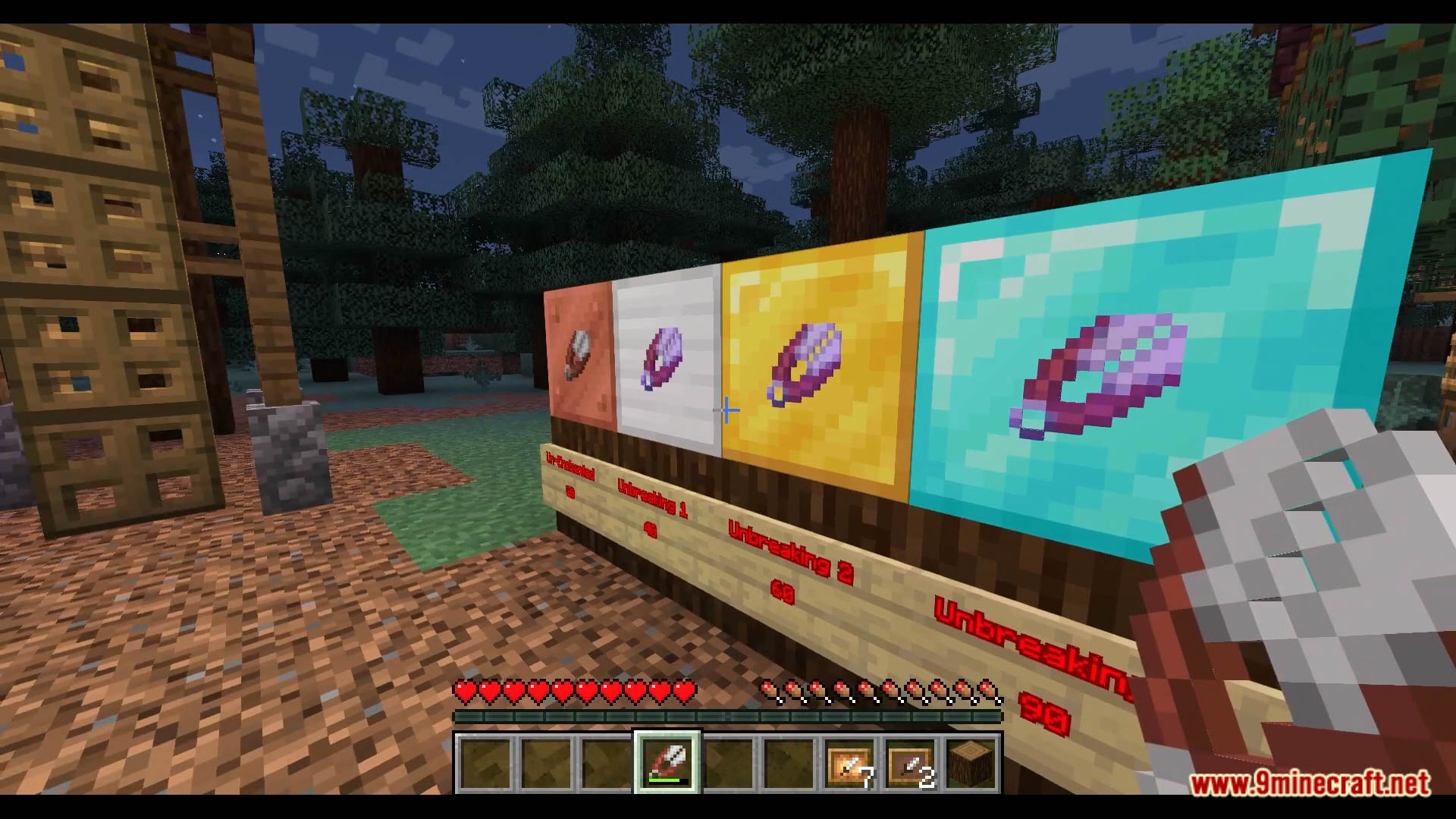
- As the shears receive damage with each use you will find them eventually they will break, the amount you can break changes depending on if they are enchanted with Unbreaking or not
Enchanted Shears
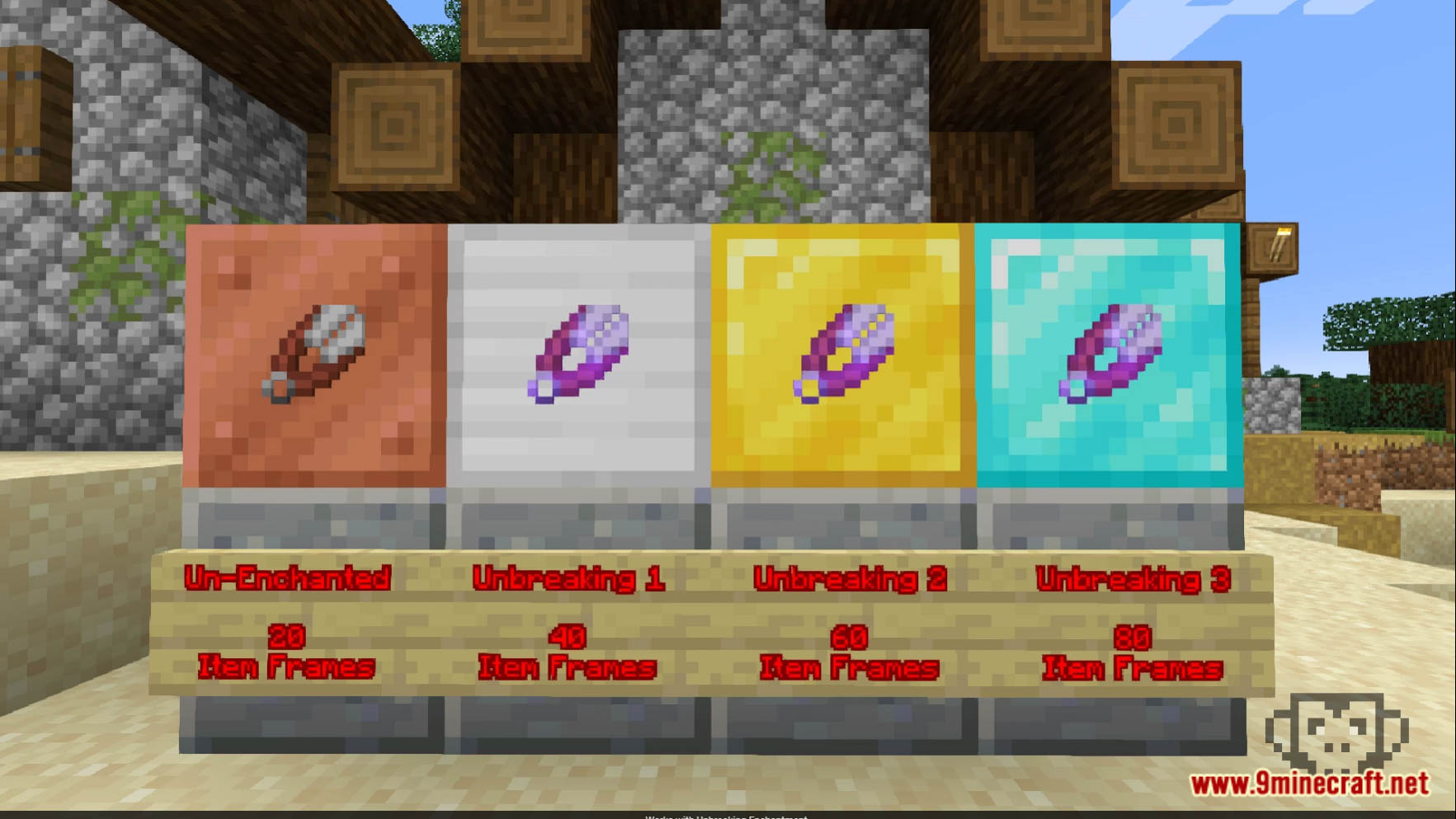
- A new set of unenchanted shears will be able to make 20 Invisible Item Frames, however if you have enchanted them with unbreaking this number will go up…
- Unbreaking Level 1 = 40 Item Frames
- Unbreaking Level 2 = 60 Item Frames
- Unbreaking Level 3 = 80 Item Frames
Advancements
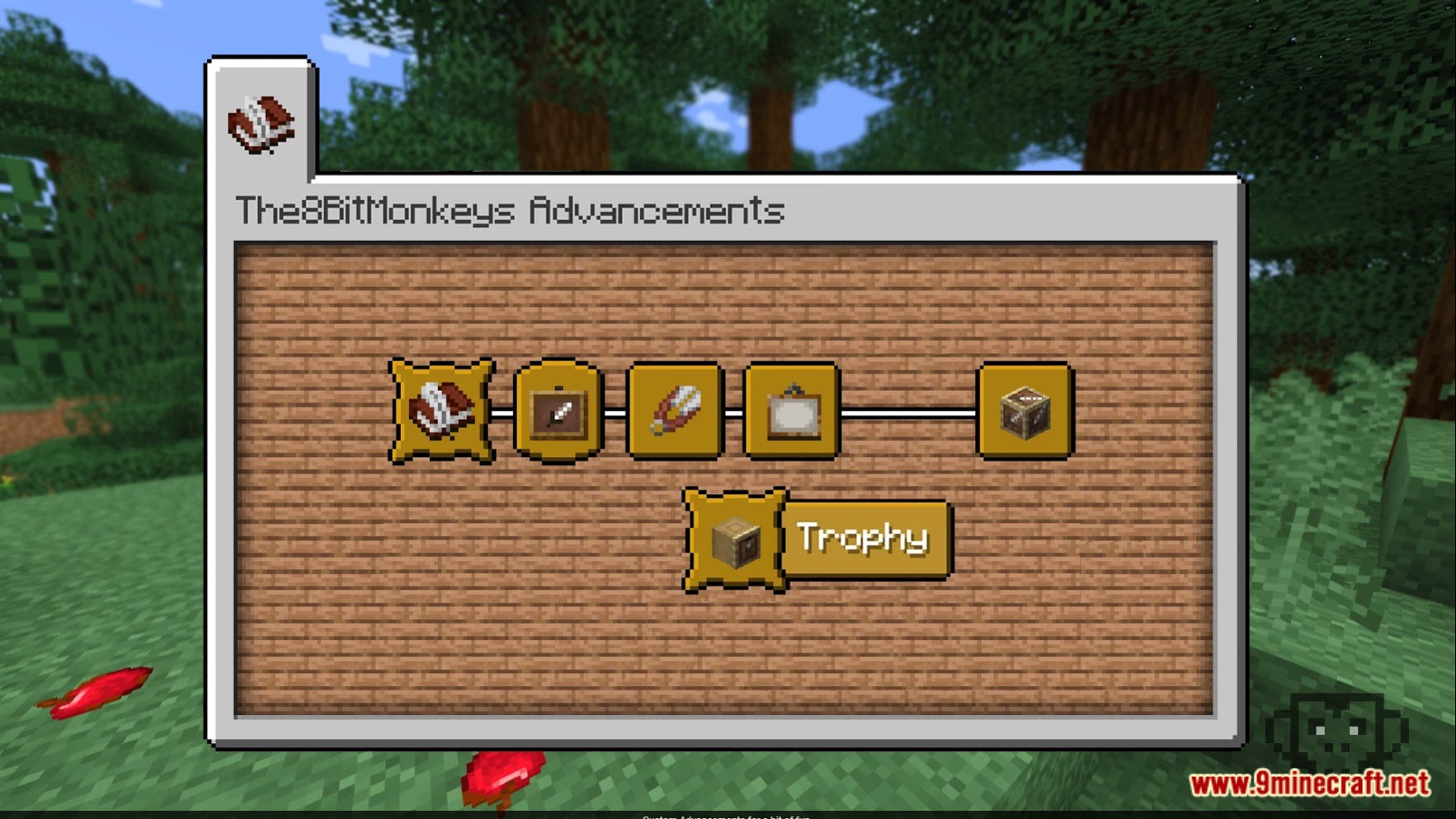
- There is 1 visible advancement and several hidden advancements in this pack that will only appear once you have completed a specific task.
Screenshots:
Invisible Item Frames Data Pack Download Links
For Minecraft 1.21.8, 1.21.7, 1.21.6
For Minecraft 1.21.4
For Minecraft 1.21.1, 1.21
For Minecraft 1.20.6, 1.20.4, 1.20.2, 1.20.1, 1.20
For Minecraft 1.19.4
For Minecraft 1.19.3, 1.19.2, 1.19.1, 1.19
For Minecraft 1.18.2, 1.18.1
For Minecraft 1.17.1
Quick facts
- Edition: Minecraft Java
- File type: .jar
- Minecraft versions listed: 1.21.8, 1.20.1
- How to install: Install the matching mod loader (Forge, Fabric or NeoForge) for your Minecraft version. → Download the .jar. → Put it in the .minecraft/mods folder and launch that loader profile.
- Where to get it: In MC Java Mods, or directly above on this page.
Install steps are the general flow for this file type — see the MC Java Mods guides for the full walkthrough.
Verified by MCModsHub
- Download size: 12 KB
- Download link checked 30 Jun 2026 — working
- Mirrored on our own servers — the download does not depend on the original host
These come from our own check of the pack file, not from the source page.