
The Last Province zombie apocalypse
Java modpack listed for Minecraft 1.20. Downloads from the MC Java Mods app on Android.
❄️ The Last Province ❄️ A hardcore zombie modpack set in a freezing blizzard 🥶💨! Thanks to the removal of the physics mod, it’s ultra-optimized: now…
⬇ Download on CurseForgeThe author built this one for Minecraft 1.20.1 on Forge. On other versions it may install and then do nothing.
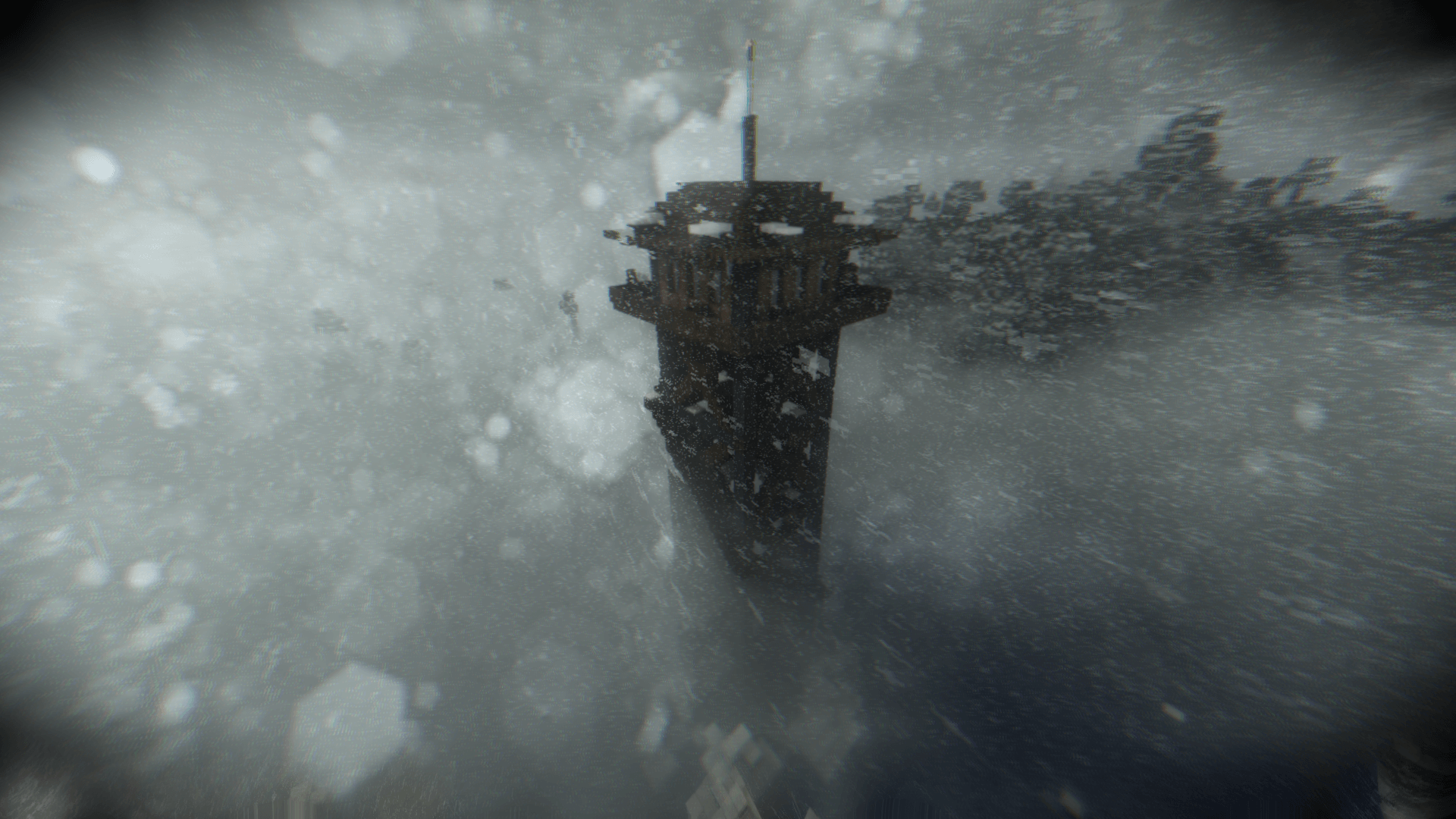
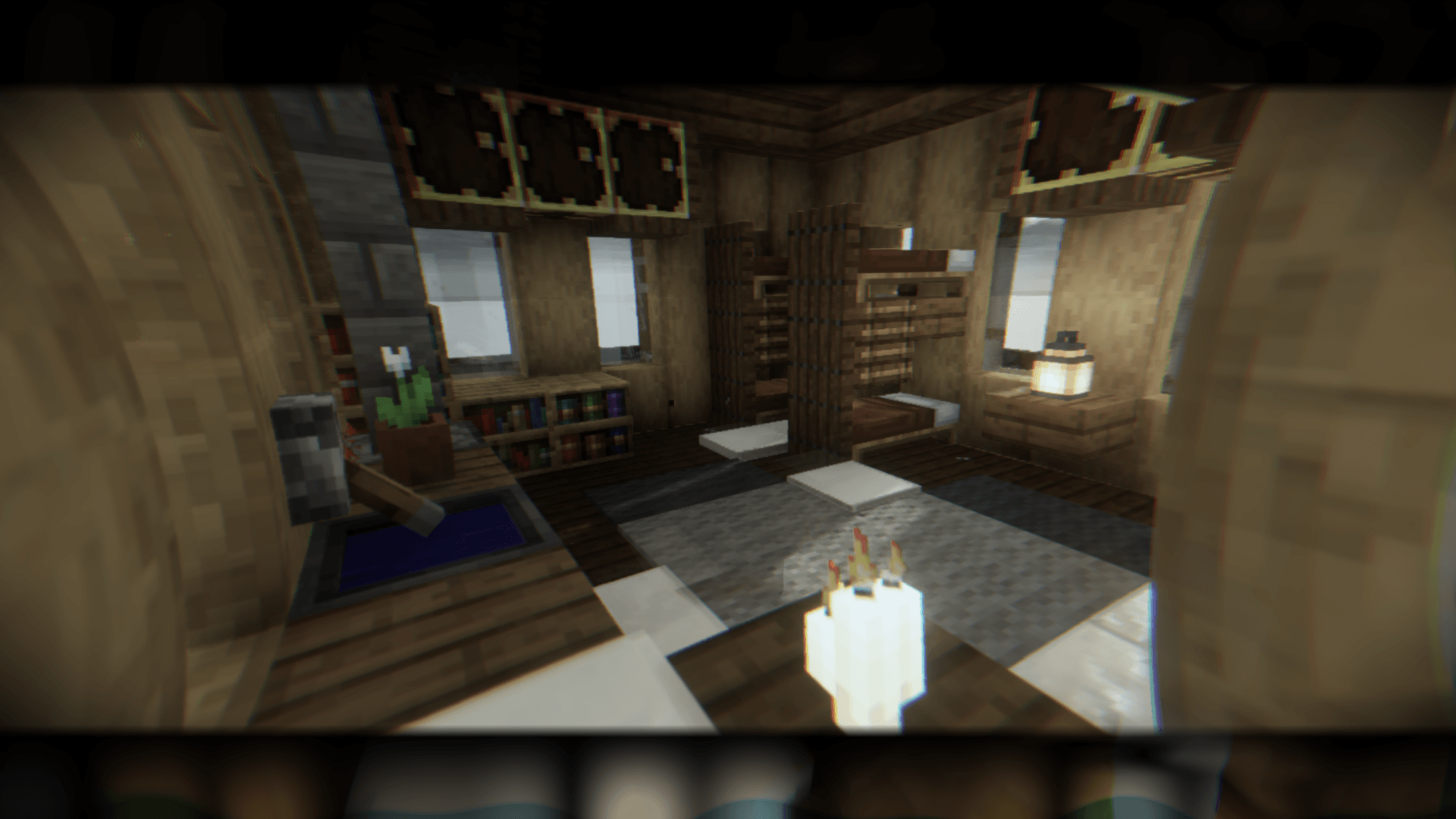
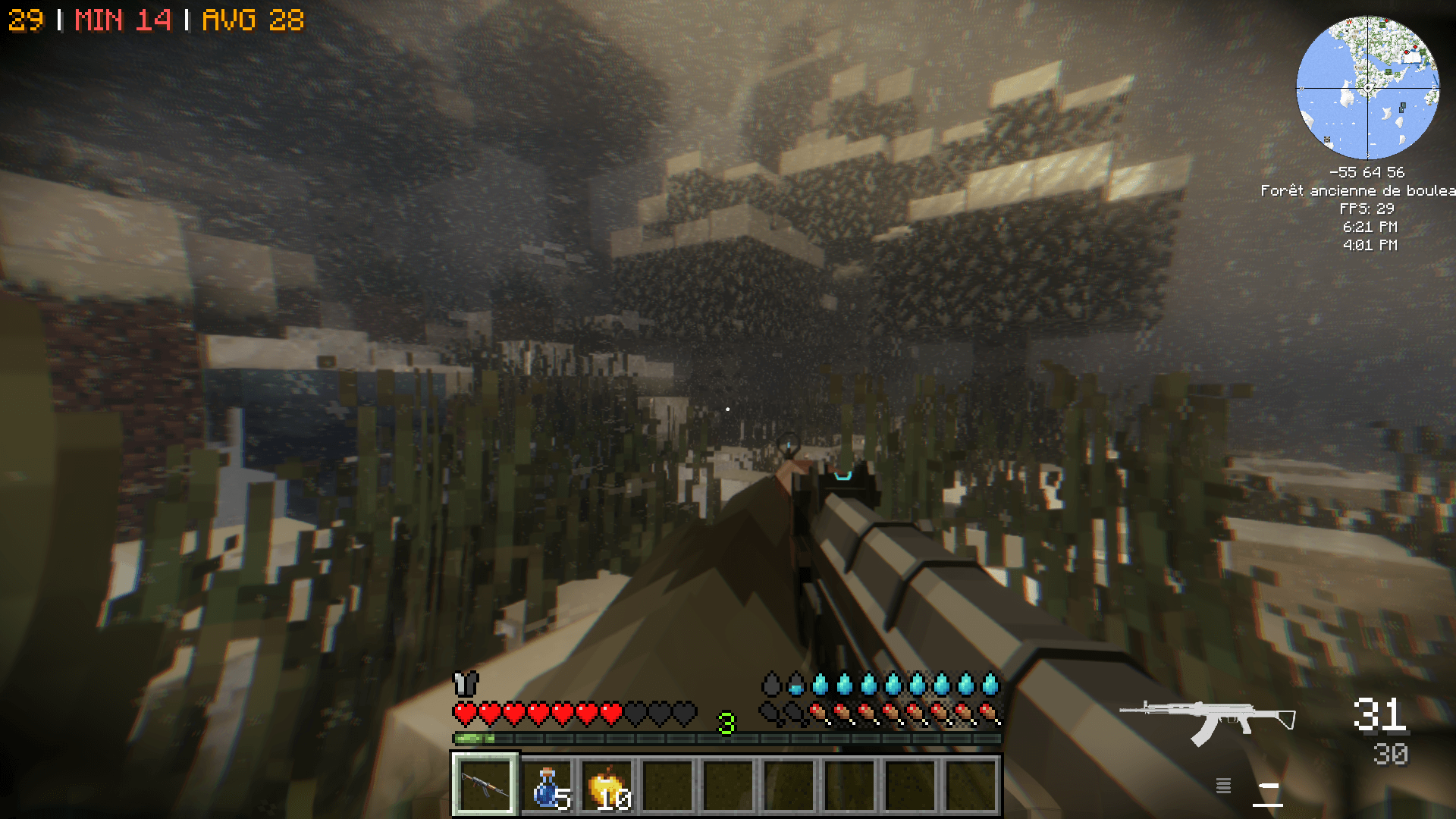
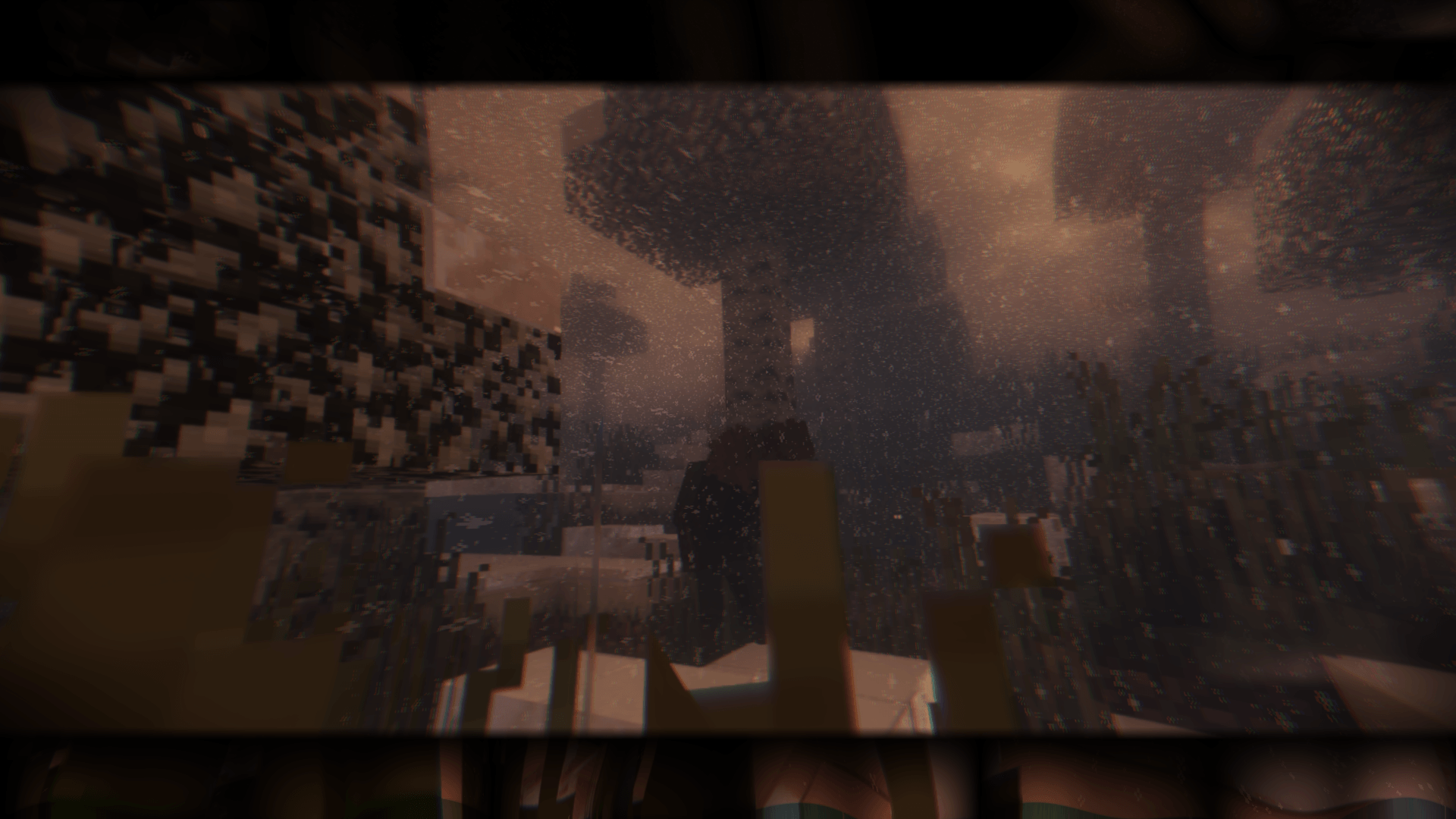
🥶 THE LAST PROVINCE: FROSTBITE 🥶
The Ultimate Hardcore Zombie Survival in a Blinding Blizzard
❄️ SURVIVE THE ICY HELL
Welcome to a world buried under a never-ending, brutal blizzard. The Last Province combines the terror of a zombie apocalypse with the relentless danger of extreme, sub-zero temperatures.
The wind is howling, the snow is blinding, and the cold will kill you just as fast as the infected. If you want to survive, you'll need to manage your body heat, find shelter from the storm, and brave the freezing whiteout to scavenge for resources. 🌨️🪵💀
🚀 GOOD NEWS: ULTRA OPTIMIZED! 🎮✨
We listened to your feedback! The heavy, laggy physics mod has been completely removed to ensure maximum performance. The pack is now incredibly smooth and highly optimized!
💻 Performance Proof: Tested on a mid-range setup (MSI GL62MVR with a GTX 1060), the modpack now runs at a smooth 60 FPS with BSL Shaders enabled (configured between Medium and Ultra)! You no longer need a NASA computer to experience this gorgeous, frozen apocalypse.
🌟 COOL FEATURES (PUN INTENDED)
-
🌨️ Extreme Blizzard Environment: A permanent winter wonderland turned into a nightmare. Freezing storms, thick fog, and deep snow will challenge your vision and movement.
-
🧠 Frozen Infected: The undead are wandering through the snowstorms. They are smart, relentless, and won't stop tracking you down.
-
🔫 Smooth Next-Gen Gunplay (TaCZ): Highly detailed guns and gear that work flawlessly with your animations. Ready to protect you from what lurks in the fog. 🎯
-
🌡️ Hypothermia Mechanics: Frostbite is real. You must build fires, wear thick clothing, and stay indoors during heavy storms to avoid freezing to death.
-
🥩 Scarce Resources: Food and clean water are frozen solid. Hunting and cooking are mandatory steps to keep your energy up.
📋 SURVIVOR'S CHECKLIST
-
Keep it smooth: Make sure to allocate at least 6 to 8 GB of RAM in your launcher.
-
Tweak your Shaders: Keep BSL on Medium or Ultra depending on your graphics card to maintain those sweet 60 FPS.
-
Warm up: Craft a campfire and a shelter before nightfall, or the cold will take you before the zombies do.
🗺️ The snow will cover your tracks, but it will also hide your grave. Are you ready to face the freeze? 🪦
Grab your coat, load your gun, and try not to freeze out there. 🏹❄️🐺
- Edition: Minecraft Java
- File type: .jar
- Minecraft version listed: 1.20.1
- How to install: Install the matching mod loader (Forge, Fabric or NeoForge) for your Minecraft version. → Download the .jar. → Put it in the .minecraft/mods folder and launch that loader profile.
- Where to get it: Opens on CurseForge — not every file is mirrored on our own servers.
Install steps are the general flow for this file type — How to install Minecraft Java mods & modpacks walks through it step by step.
- Downloads as The Last Province zombie apocalypse-1.06.zip
- Download size: 71.7 MB
- Download link checked 4 Oct 2026 — working
These come from our own check of the pack file, not from the source page.