
Sign Pack
Java mod listed for Minecraft 1.16–1.21. Downloads from the MC Java Mods app on Android.
I don't know my version or loader

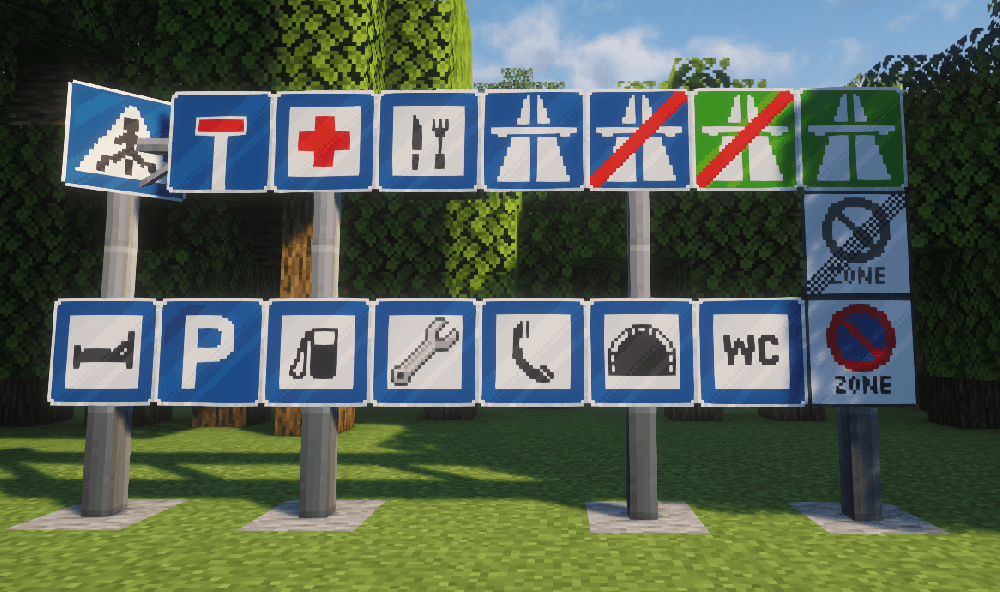
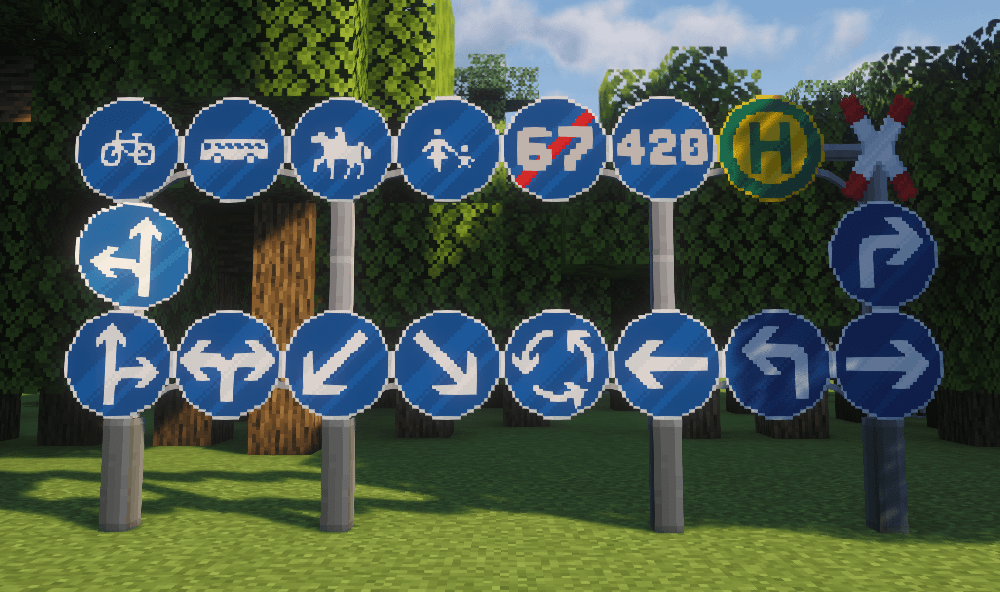
You need Immersive Vehicles Library for this to work!
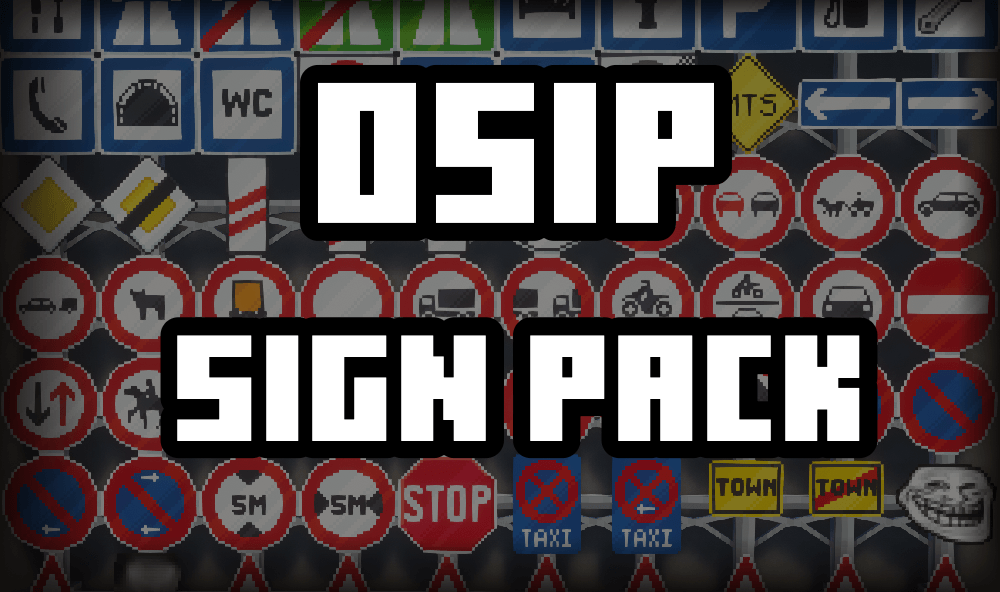
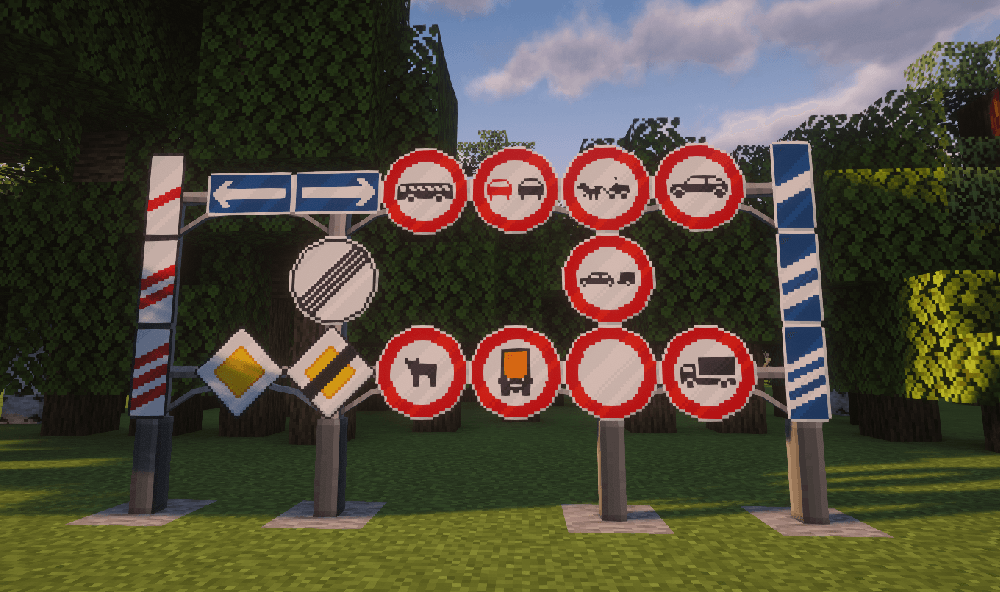
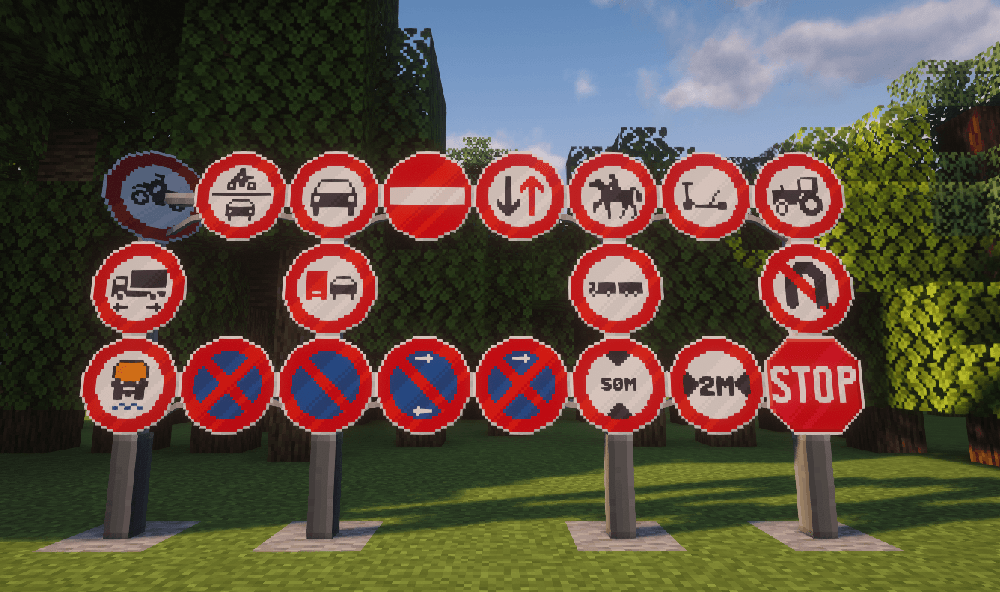
Cool sign mod that adds 150+ signs!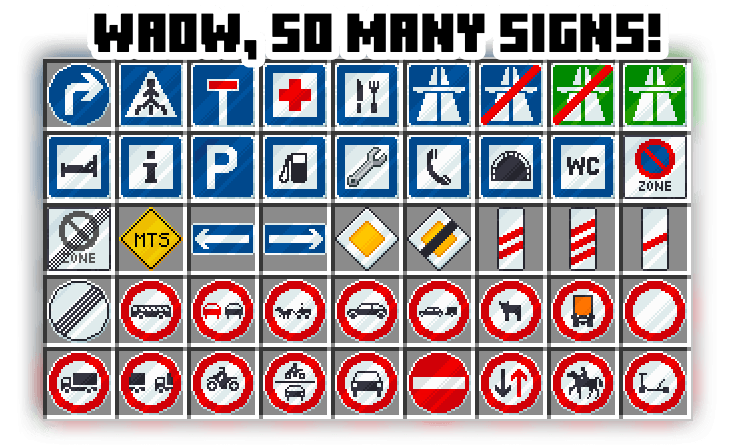
BUT HOW DO I USE THEM?
EASY!


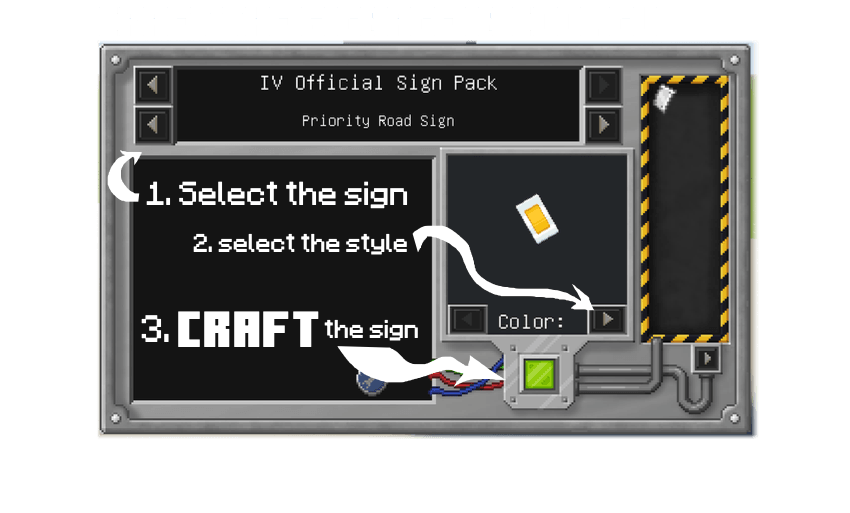
Place the sign!
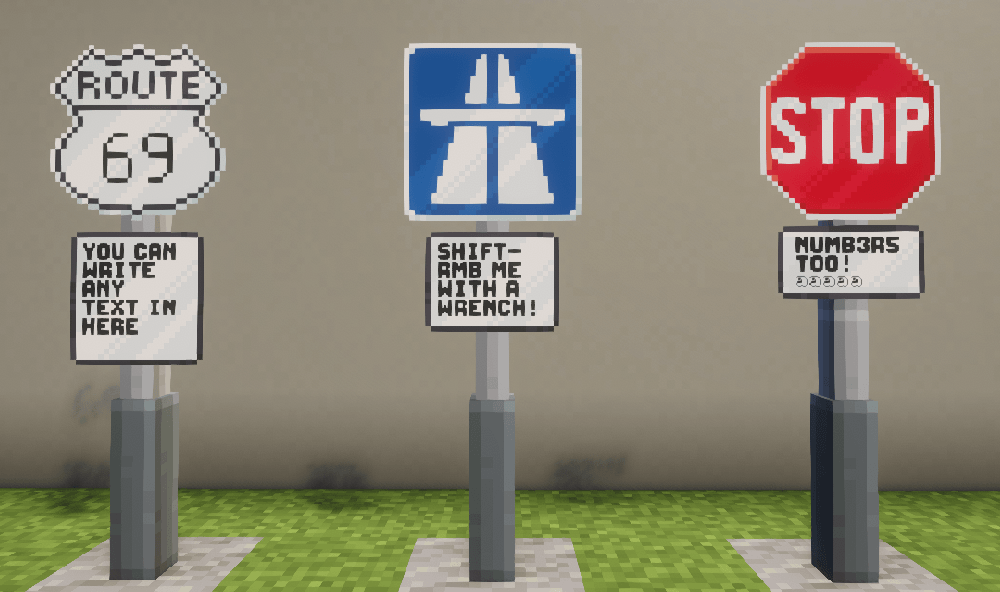
You can remove it with RMB the "Wrench" item!

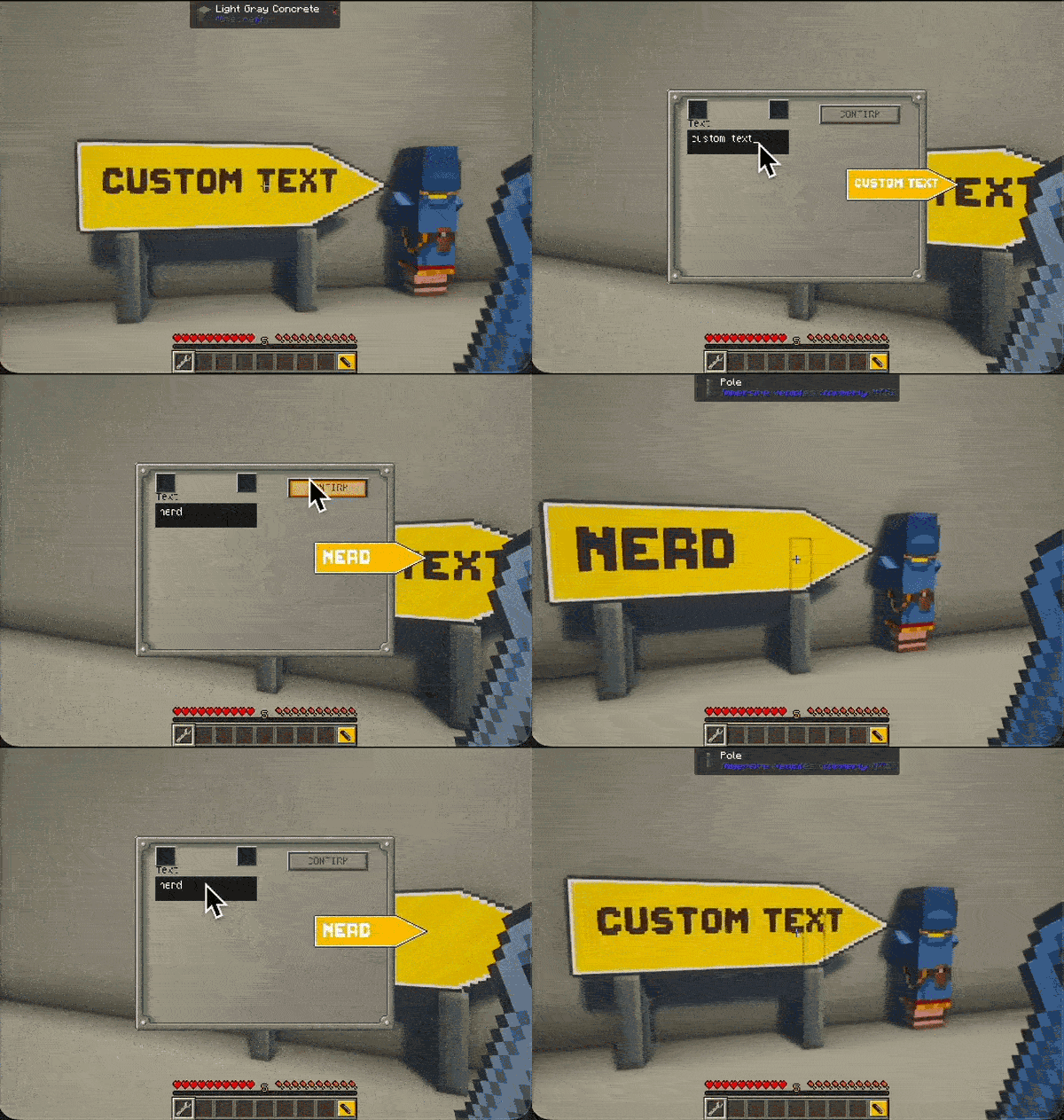
You can even edit some signs:

Reader section:
The sign pack / IV Official Sign Pack, or OSiP for short, is a mod that adds over 150 different road signs to minecraft. It ranges from simple restrictive and informational to danger and highway signs.
Features:
- 150+ Road / Traffic signs
- Customizable signs with custom text
- Dynamic poles
- Diagonal sign placement
How to use:
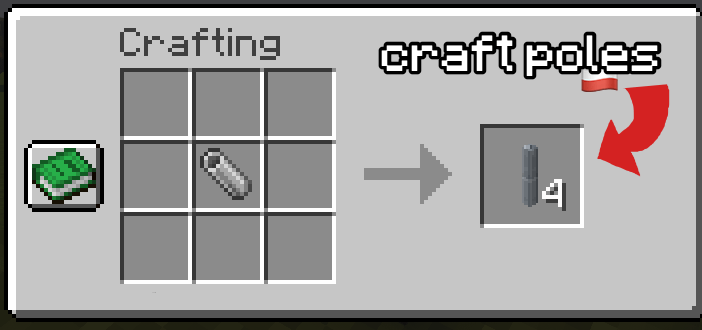
1. Craft poles with "metal tubes", place them with RMB
2. Craft signs at a "Custom Bench"
3. Place signs on poles with RMB
4. Remove signs with the "Wrench" item with RMB
5. Edit sign text (if supported) by pressing Shift+RMB with the "Wrench" item.
- Edition: Minecraft Java
- File type: .jar
- Minecraft versions listed: 1.21.1, 1.20.1, 1.19.2
- How to install: Install the matching mod loader (Forge, Fabric or NeoForge) for your Minecraft version. → Download the .jar. → Put it in the .minecraft/mods folder and launch that loader profile.
- Where to get it: Opens on CurseForge — not every file is mirrored on our own servers.
Install steps are the general flow for this file type — How to install Minecraft Java mods & modpacks walks through it step by step.
- Ships as signPack-1.20.1-V1.jar — drop this file into the mods folder
- Download size: 668 KB
- Download link checked 4 Oct 2026 — working
These come from our own check of the pack file, not from the source page.