ModsJava
Lithic Edge Customry Mod (1.21.1, 1.20.1) – Craft Unique Tools From Every Stone
Java mod listed for Minecraft 1.20–1.21. Downloads from the MC Java Mods app on Android.
⬇ Download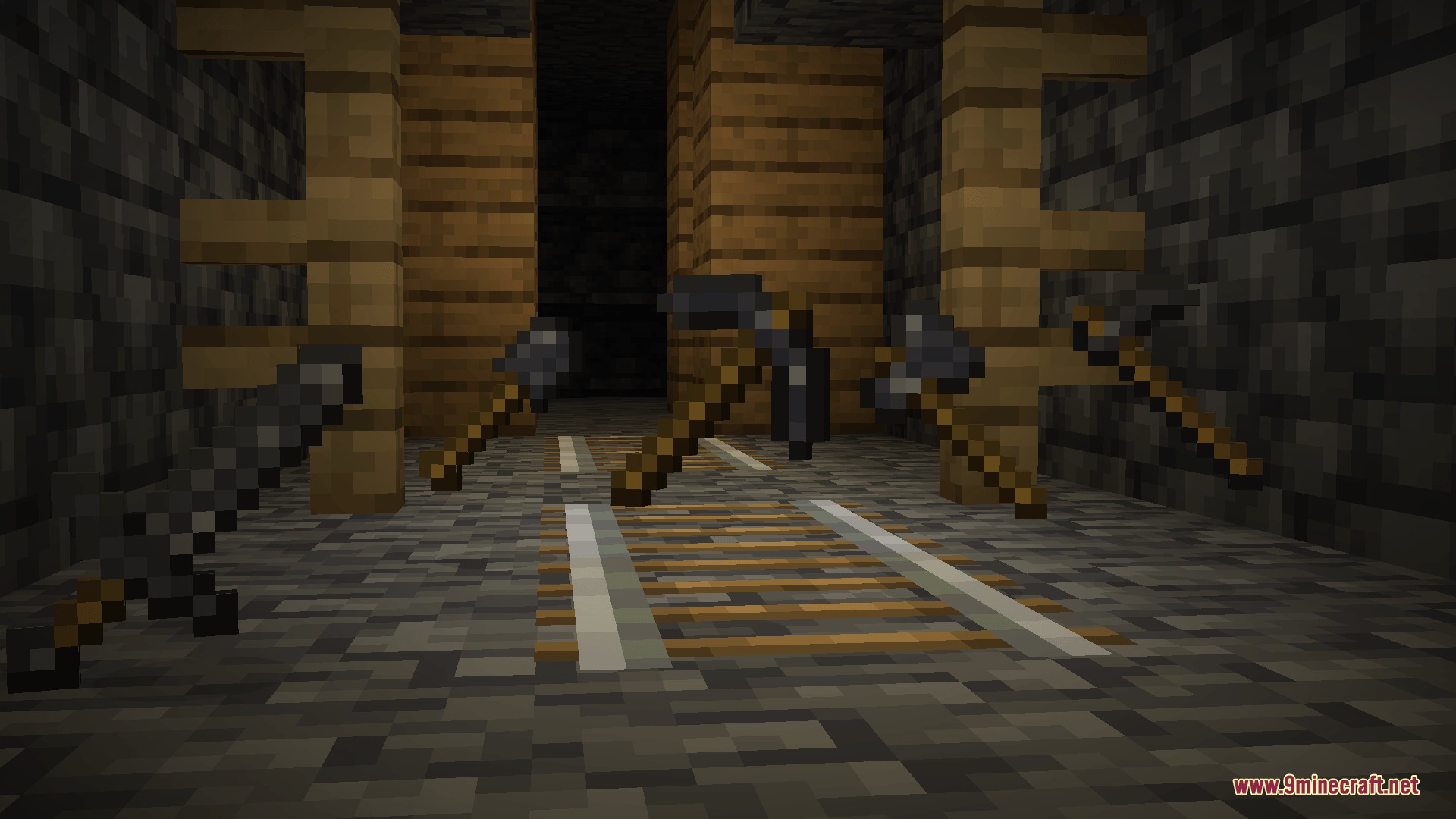
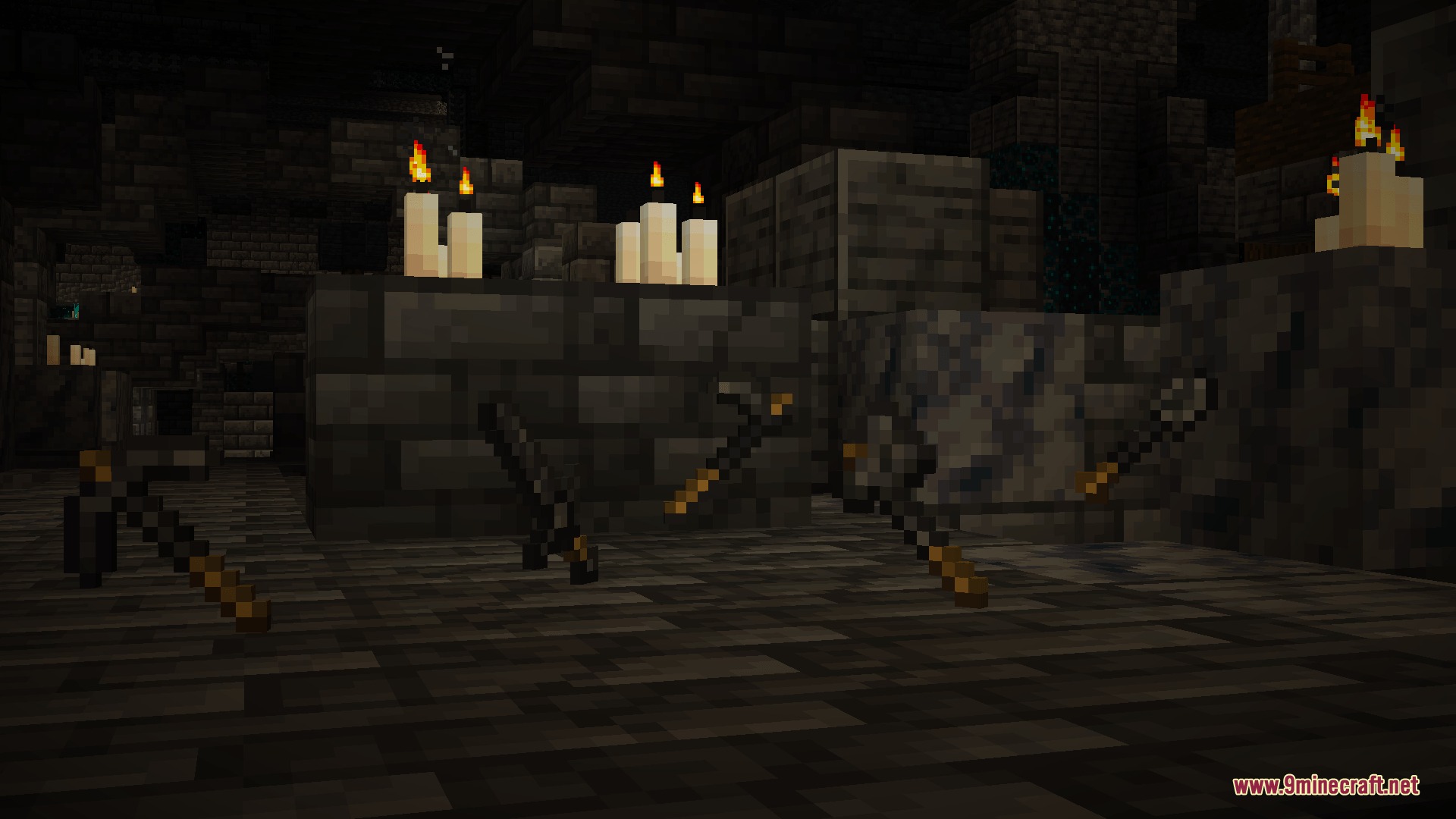
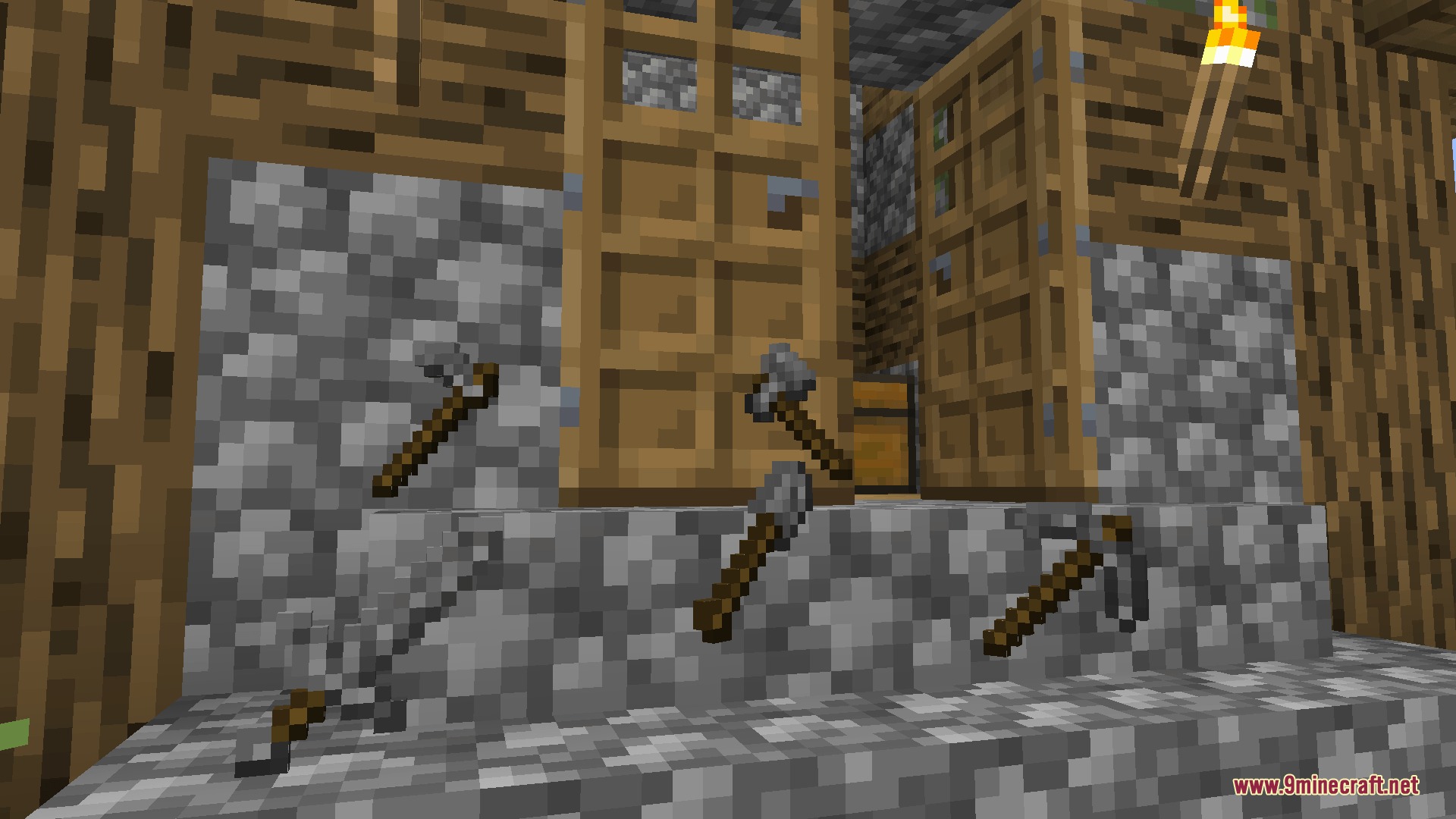
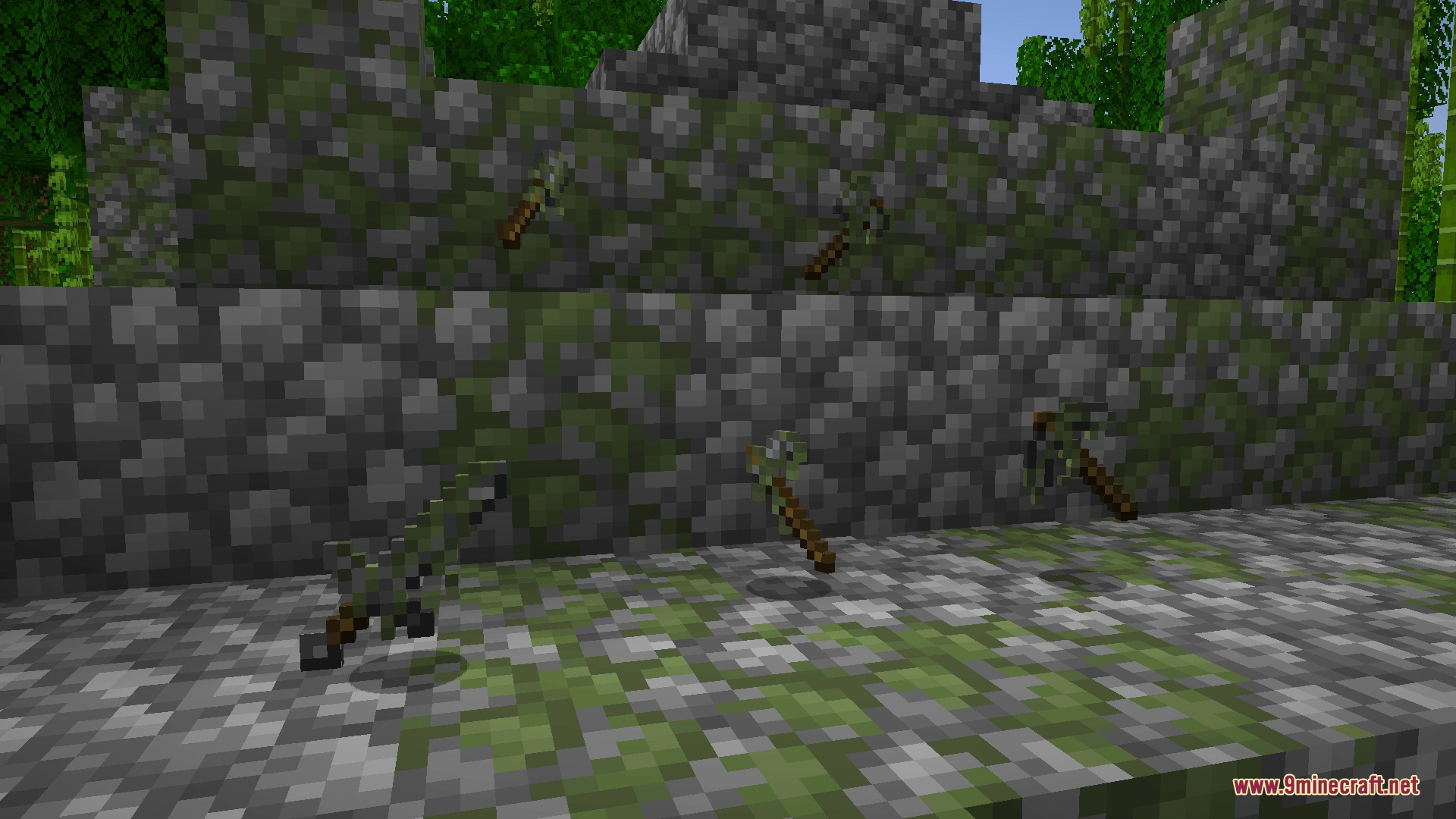
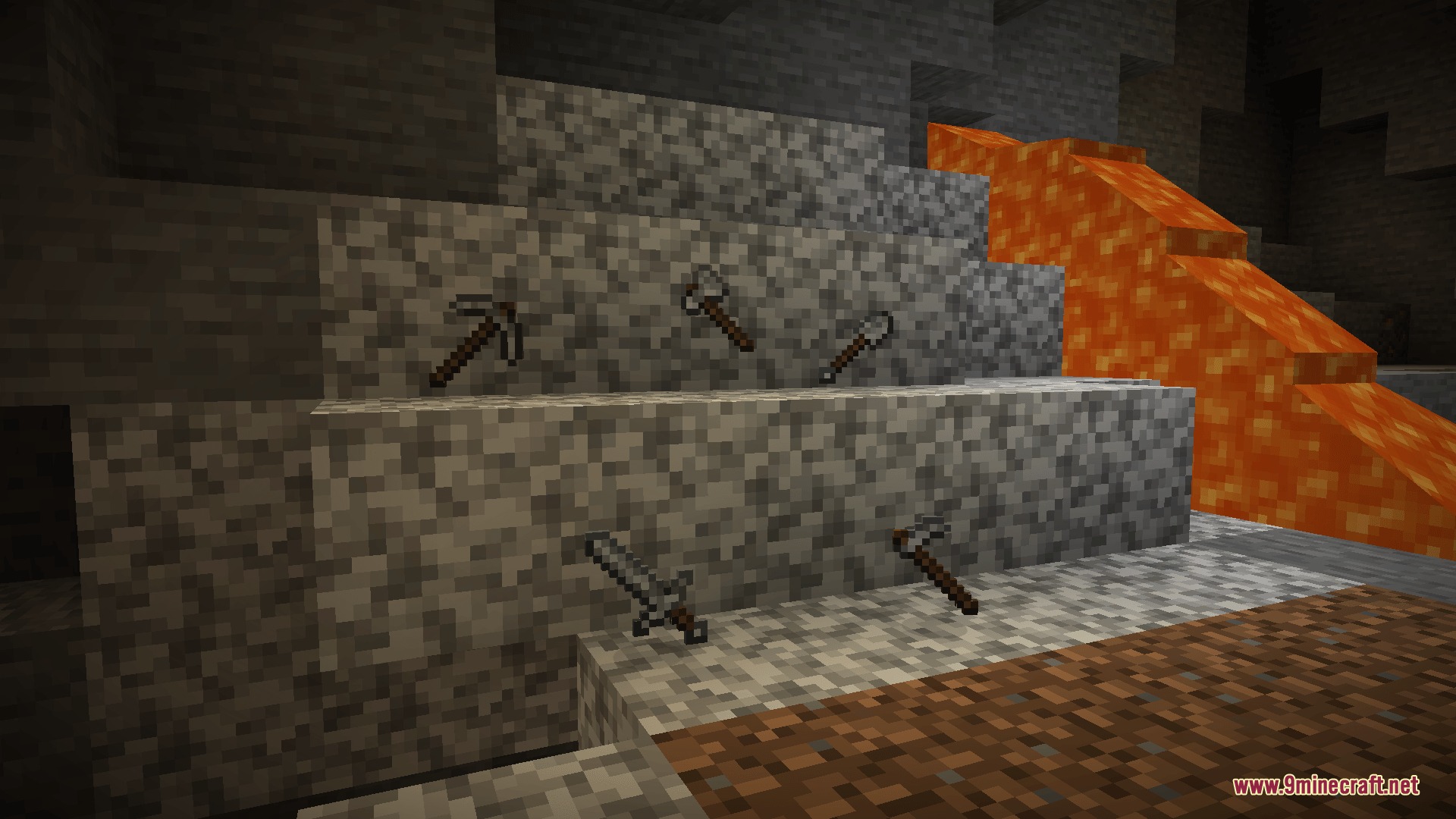
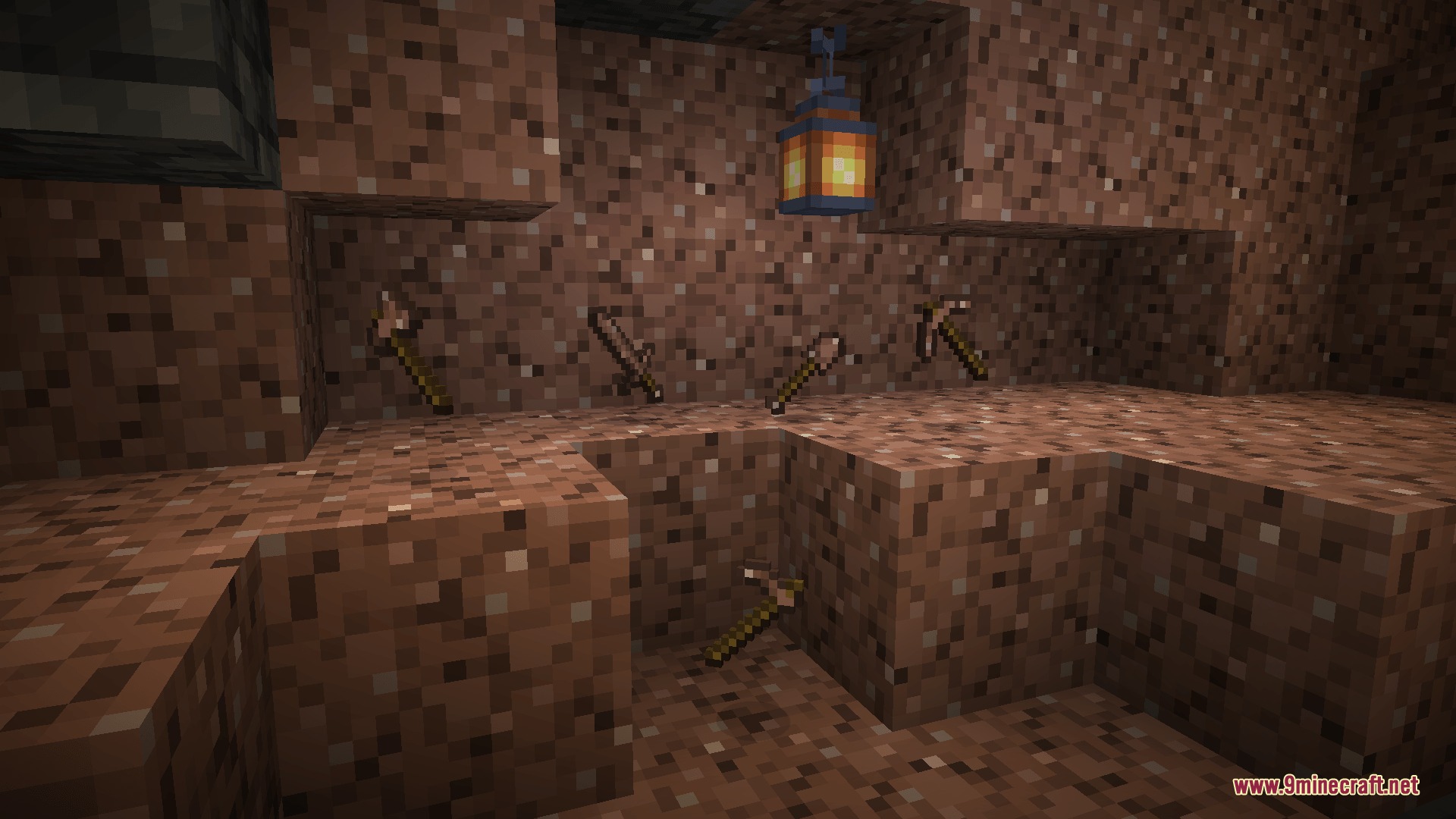
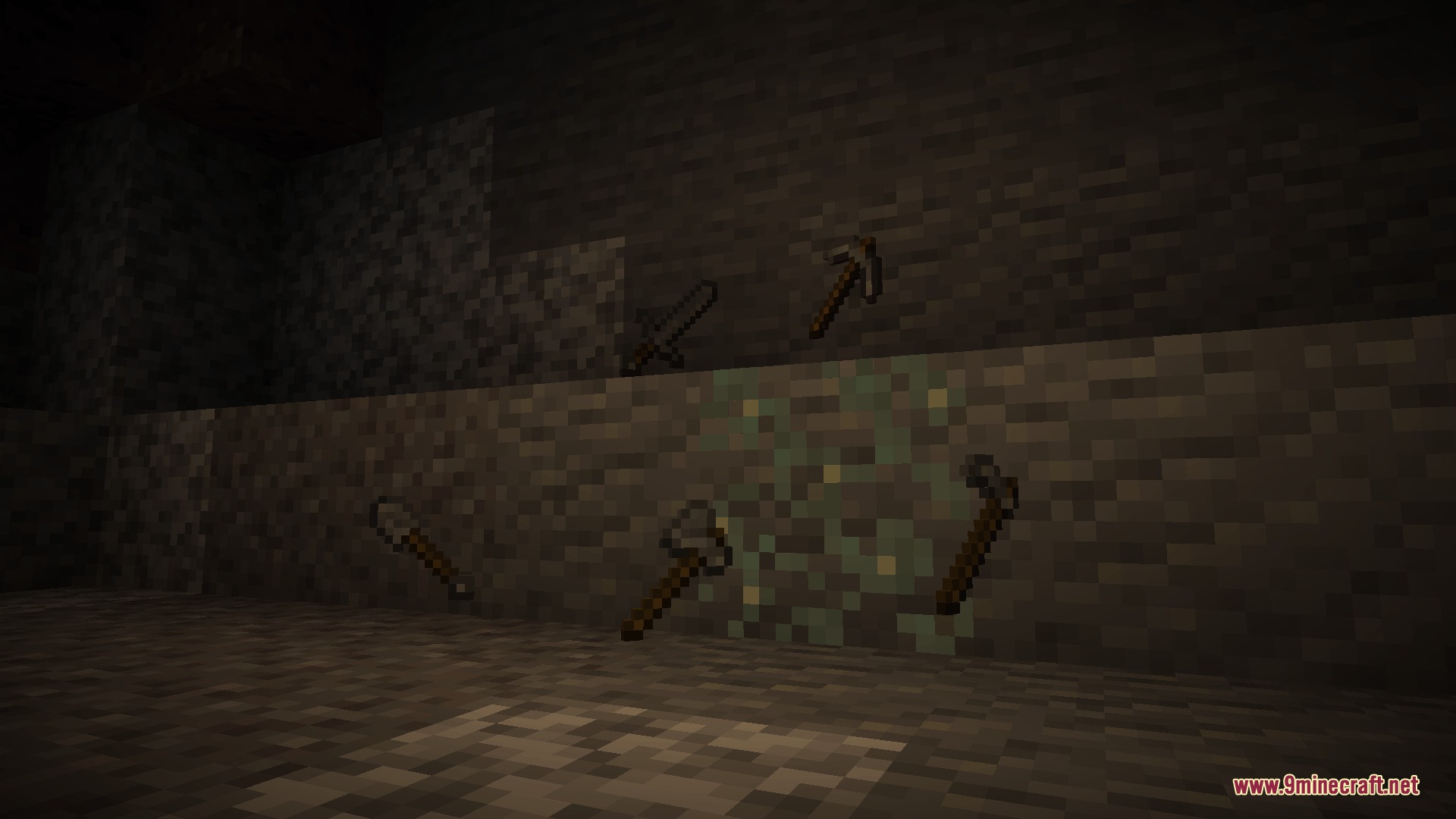
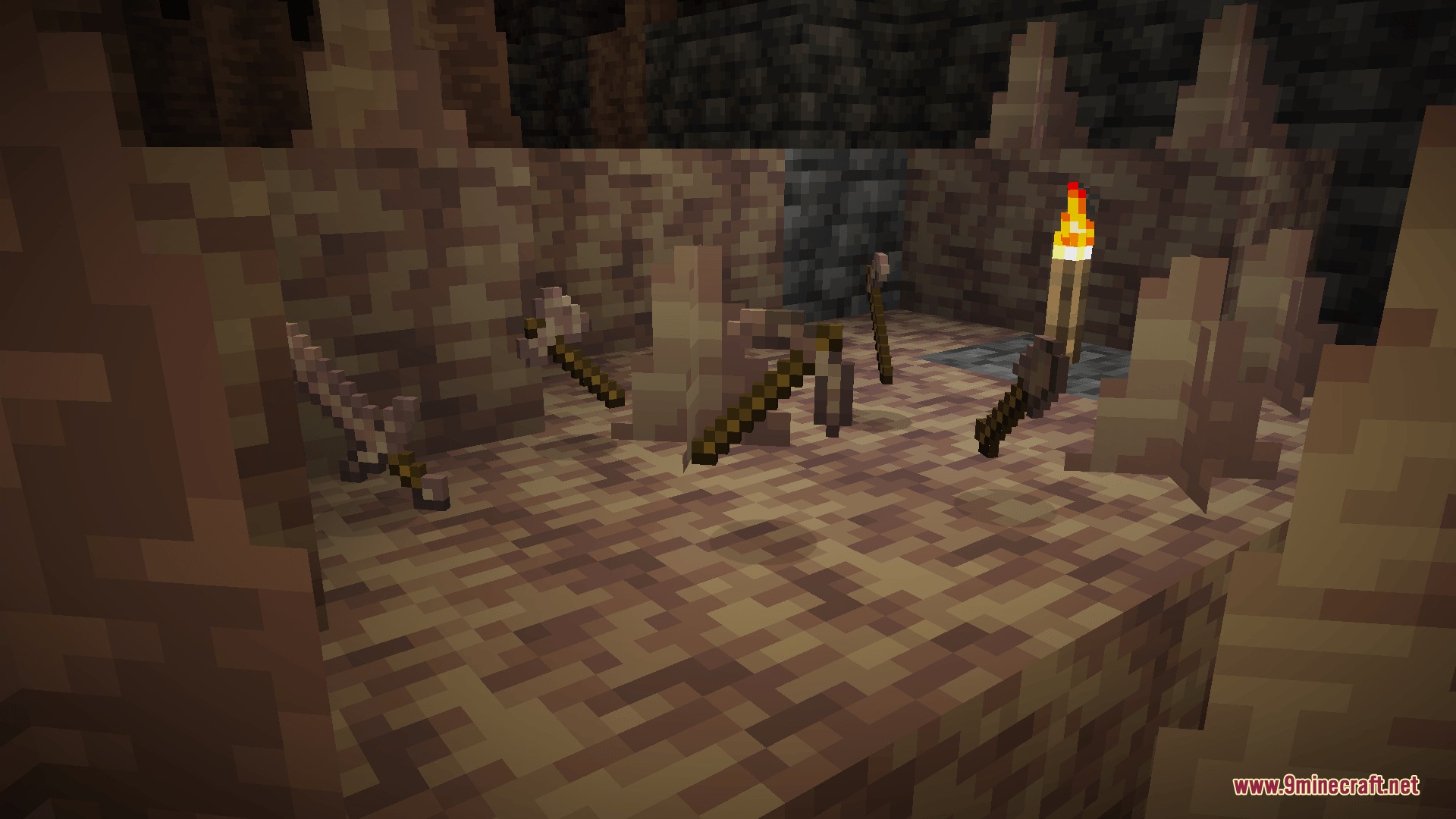
Lithic Edge Customry Mod adds unique tool sets crafted from different vanilla stone types in Minecraft. Each stone block in your world yields gear with distinct stats based on the material used to craft it. You can craft pickaxes, axes, swords, shovels, and hoes using common blocks like andesite, granite, deepslate, and sandstone. This gives early-game mining more variety and makes extra stone types useful for survival equipment.
Features:
- Crafts distinct equipment sets using different rock types found underground and across dimensions.
- Gives each tool set unique attributes and durability based on the hardness of the base stone material.
- Works with common surface stones including diorite, granite, andesite, and tuff.
- Includes Nether and End materials such as blackstone, gilded blackstone, glowstone, and end stone.
- Provides full equipment lines including swords, pickaxes, axes, shovels, and hoes.
- Helps you put extra building blocks collected during mining trips to practical use.
Available Tool Materials:
- Deepslate and Cobbled Deepslate
- Cobblestone and Mossy Cobblestone
- Andesite, Diorite, and Granite
- Tuff and Dripstone
- Sandstone and Red Sandstone
- Blackstone and Gilded Blackstone
- Glowstone and End Stone
How to Use:
- Gather the stone type you want to use, such as granite, andesite, or deepslate.
- Place sticks and your chosen stone blocks inside a crafting table.
- Craft your desired tool using standard vanilla crafting recipes.
- Check the tool tooltip in your inventory to see its specific attack power and durability.
Screenshots:
Lithic Edge Customry Mod Download Links
Quick facts
- Edition: Minecraft Java
- File type: .jar
- Minecraft versions listed: 1.21.1, 1.20.1
- How to install: Install the matching mod loader (Forge, Fabric or NeoForge) for your Minecraft version. → Download the .jar. → Put it in the .minecraft/mods folder and launch that loader profile.
- Where to get it: In MC Java Mods, or directly above on this page.
Install steps are the general flow for this file type — How to install Minecraft Java mods & modpacks walks through it step by step.
File checked by MCModsHub
- Downloads as 498139.mcaddon
- Download size: 120 KB
- Download link checked 23 Sept 2026 — working
- Mirrored on our own servers — the download does not depend on the original host
These come from our own check of the pack file, not from the source page.