
Vantage Point Signal Mod brings a quick ping system to multiplayer worlds. You can mark blocks, highlight hazards, and point out directions without typing in chat. The mod works entirely on your client, so you can join public minigame servers like Hypixel and coordinate with friends right away.
Features:
- Quick Pings: Click the middle mouse button to place a visual marker on any block in sight.
- Ping Wheel: Hold the middle mouse button to pick between different signal types on the fly.
- Works on public minigame servers, vanilla realms, and private multiplayer worlds without server installation.
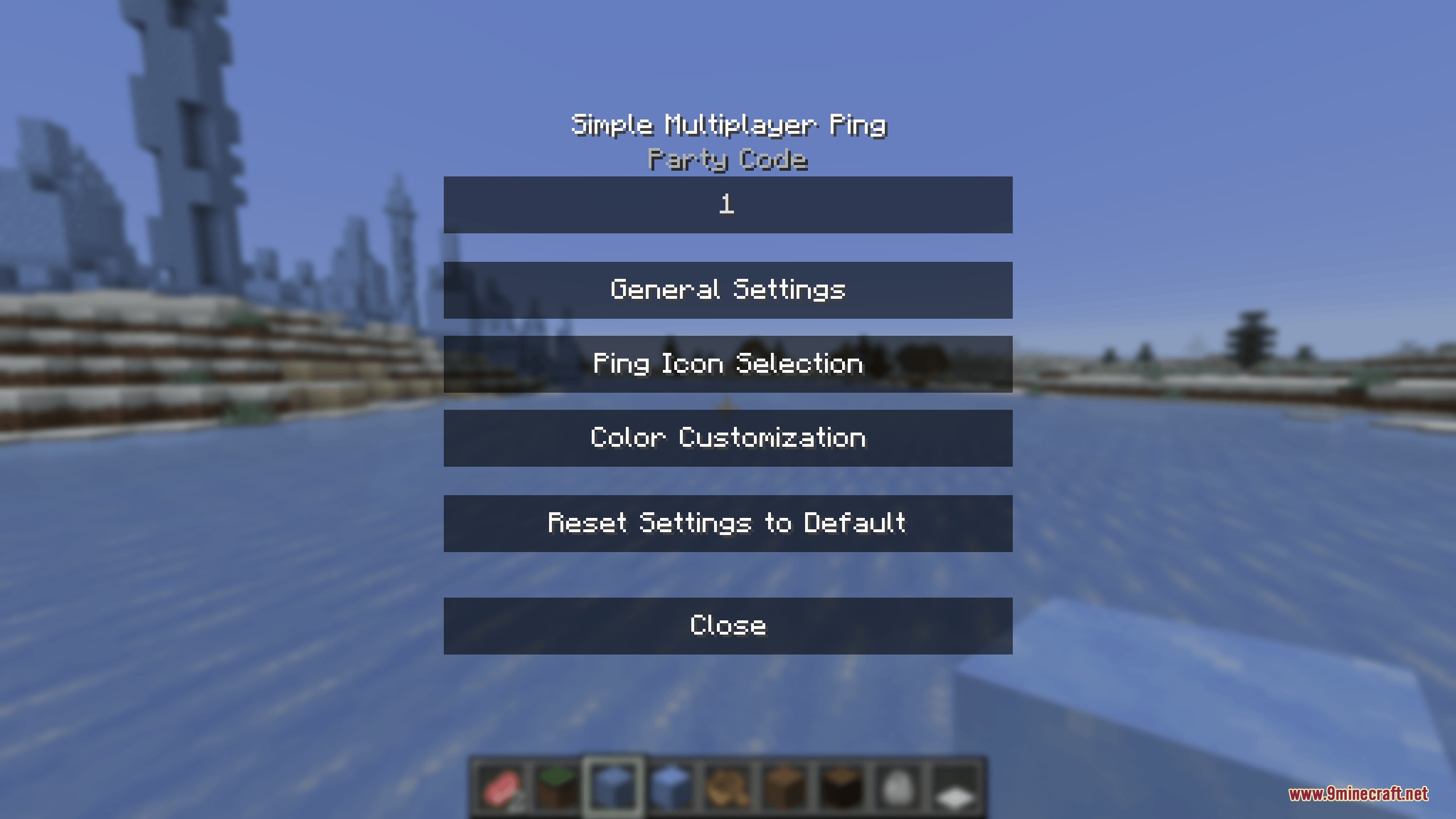
- Includes a party system with simple party codes to share markers only with teammates.
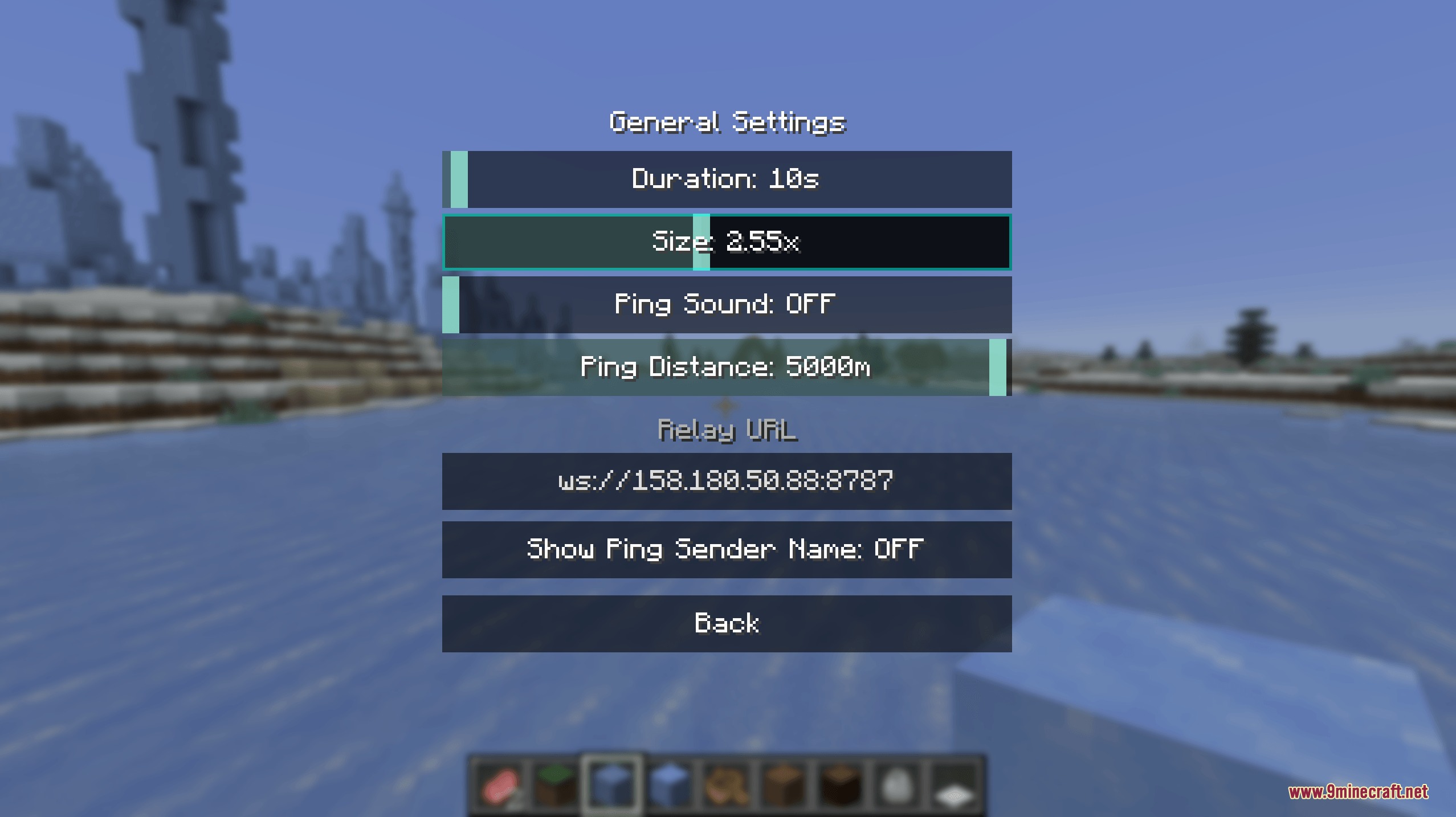
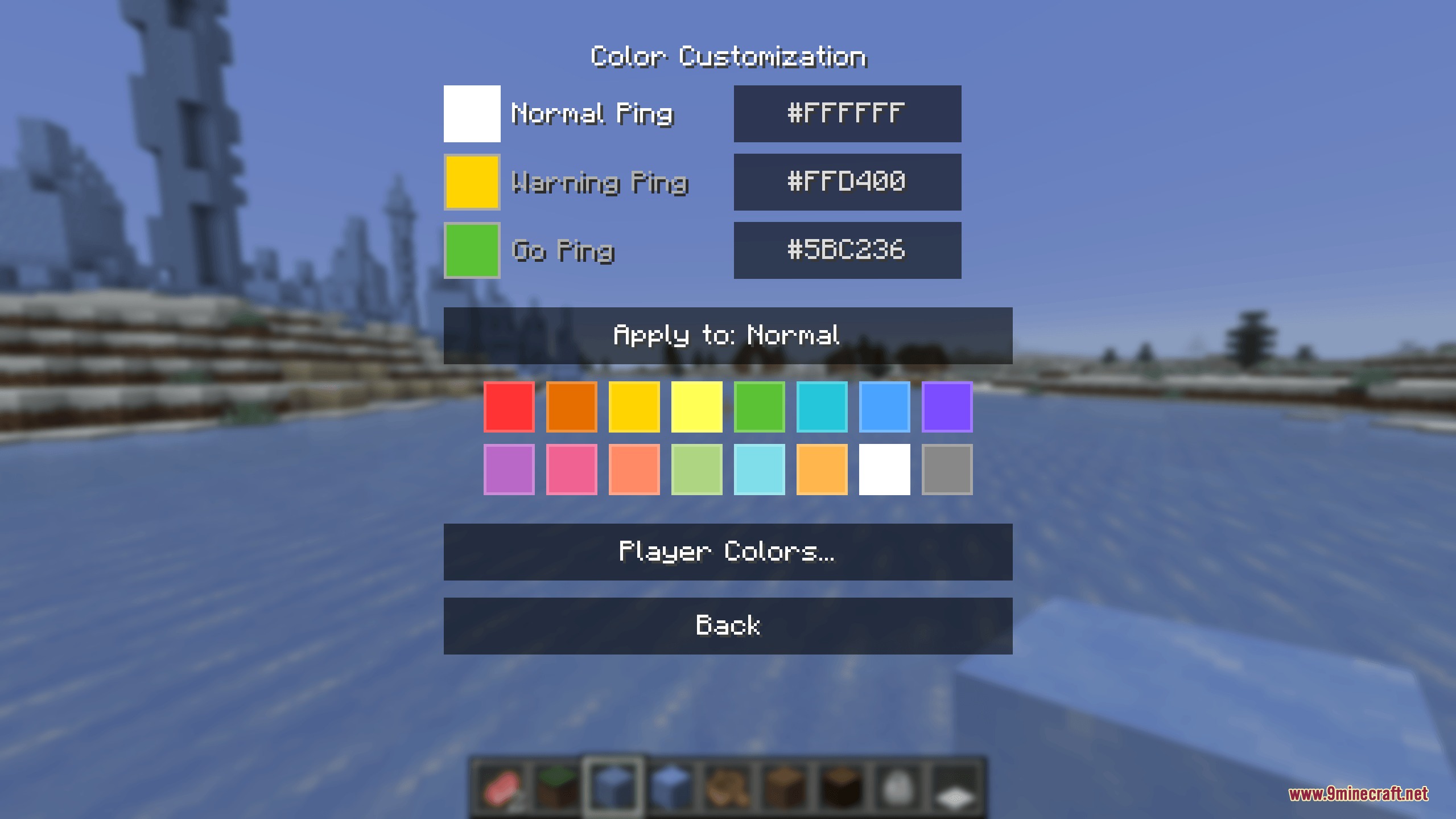
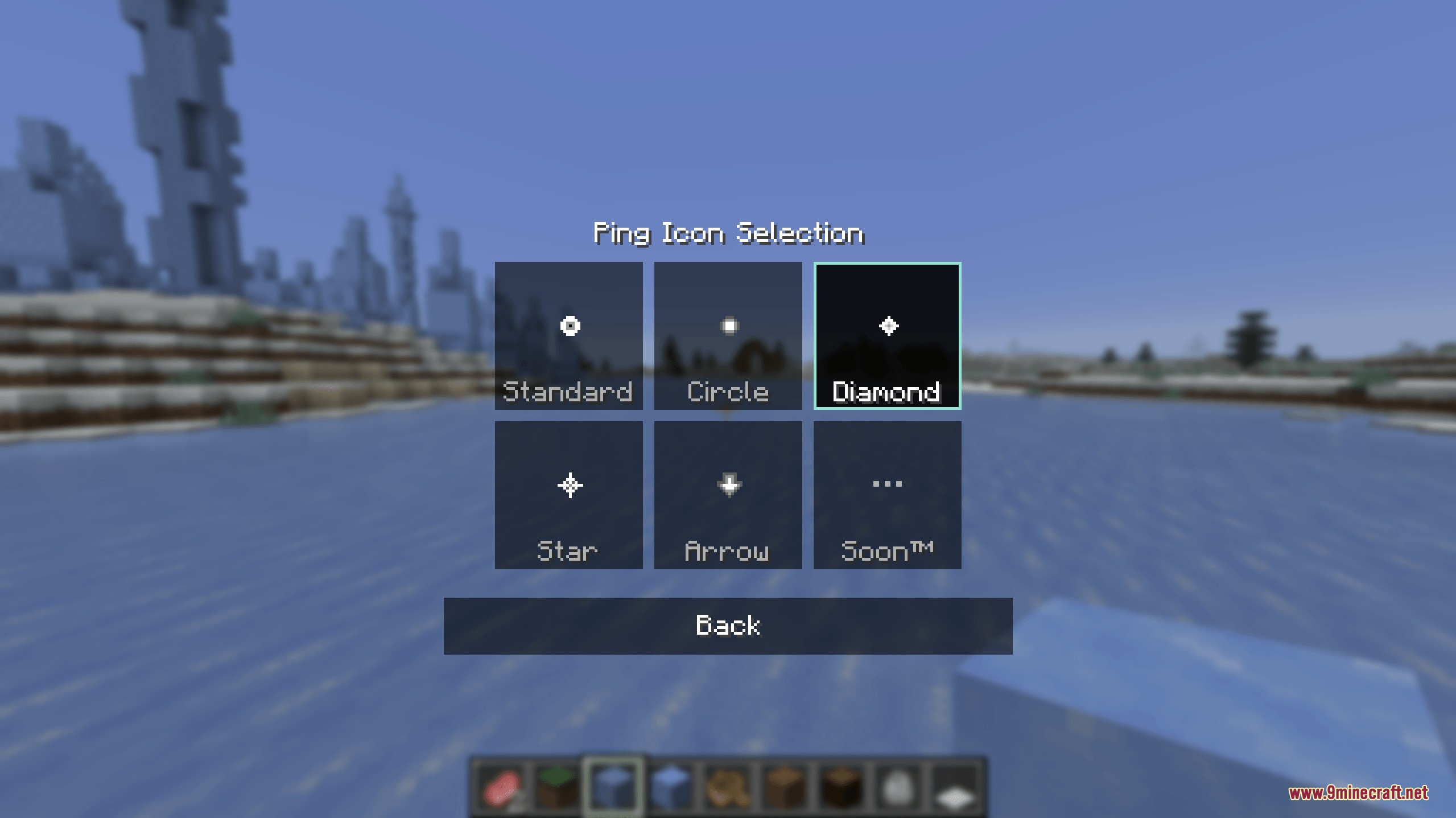
- Lets you adjust ping color, marker size, display duration, and alert sounds in settings.
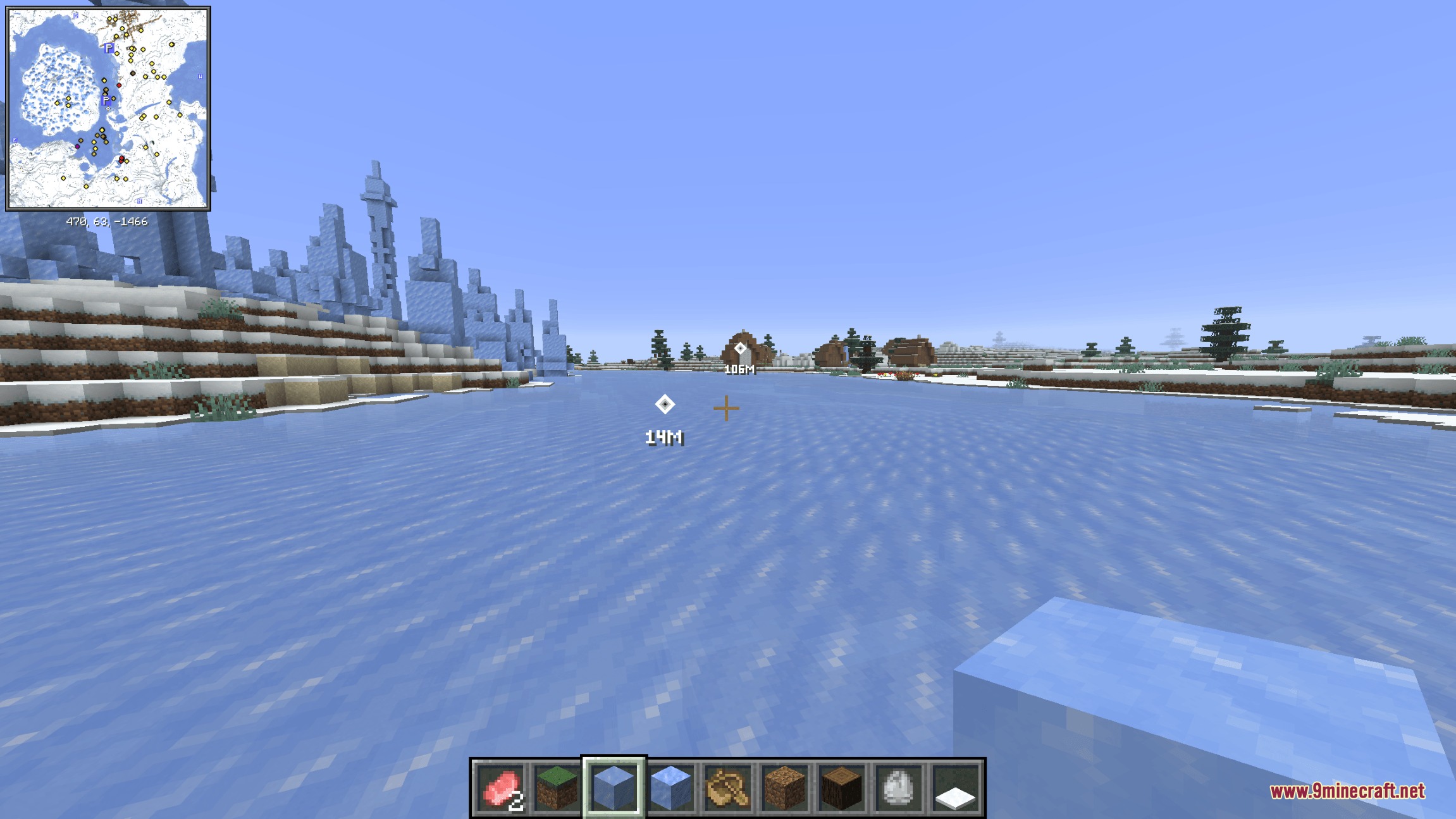
- Displays placed markers on Xaero’s Minimap and Xaero’s World Map.
- Lets you middle-click any location on the world map to place a signal at that spot.
Ping Types:
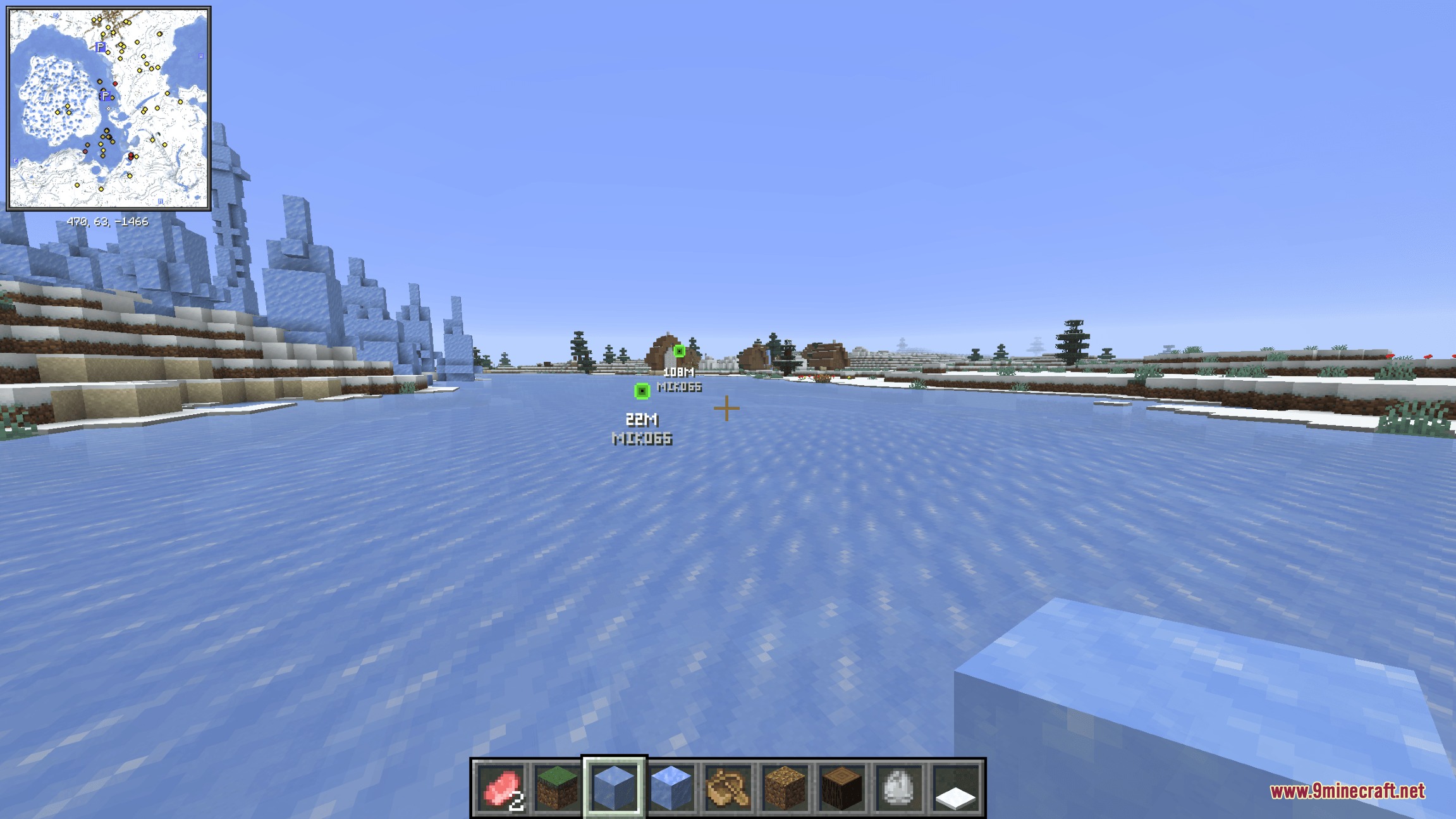
- Normal Ping: marks a point of interest or a block for your squad.
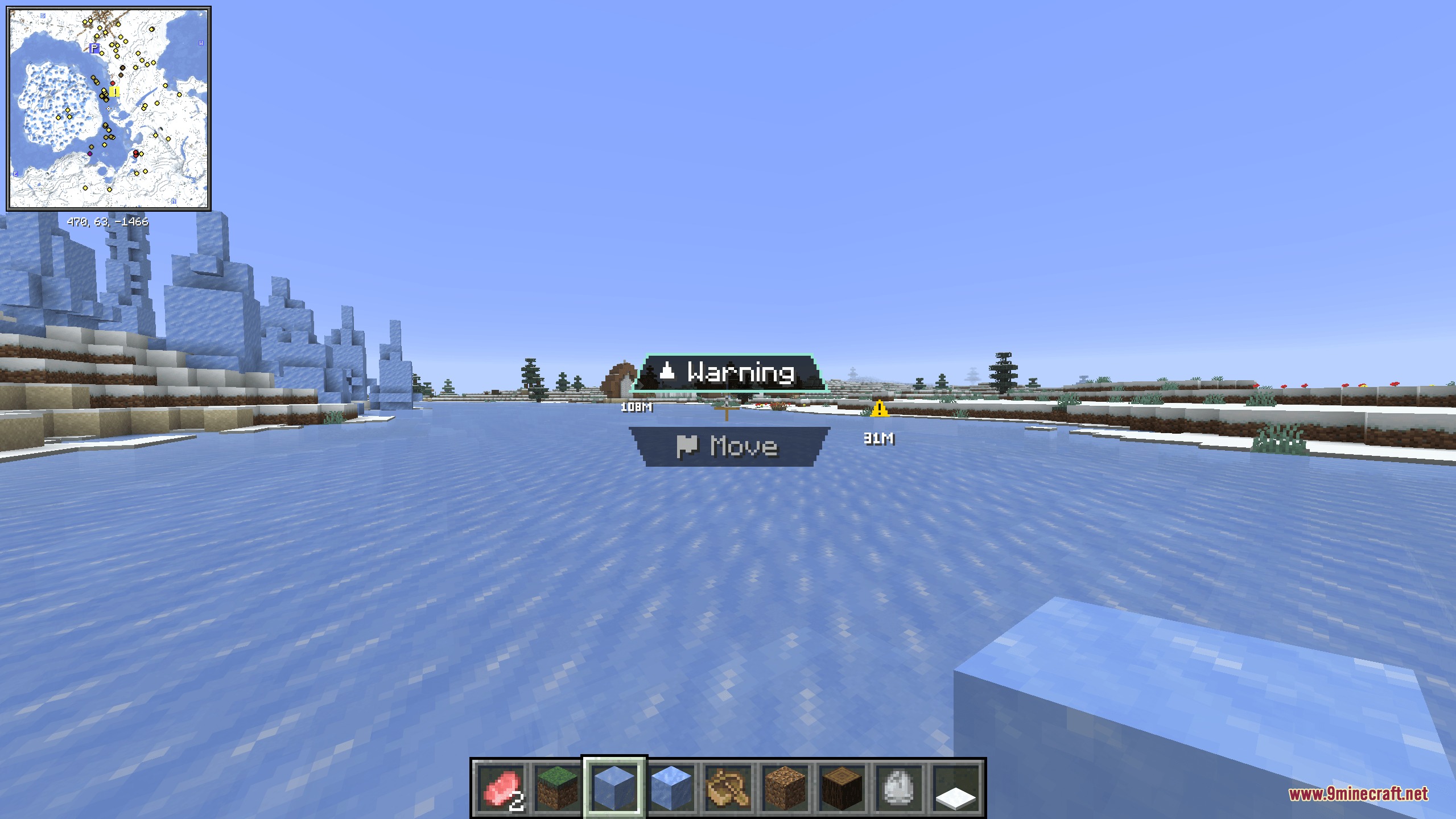
- Warning Ping: alerts teammates about incoming danger or enemy players.
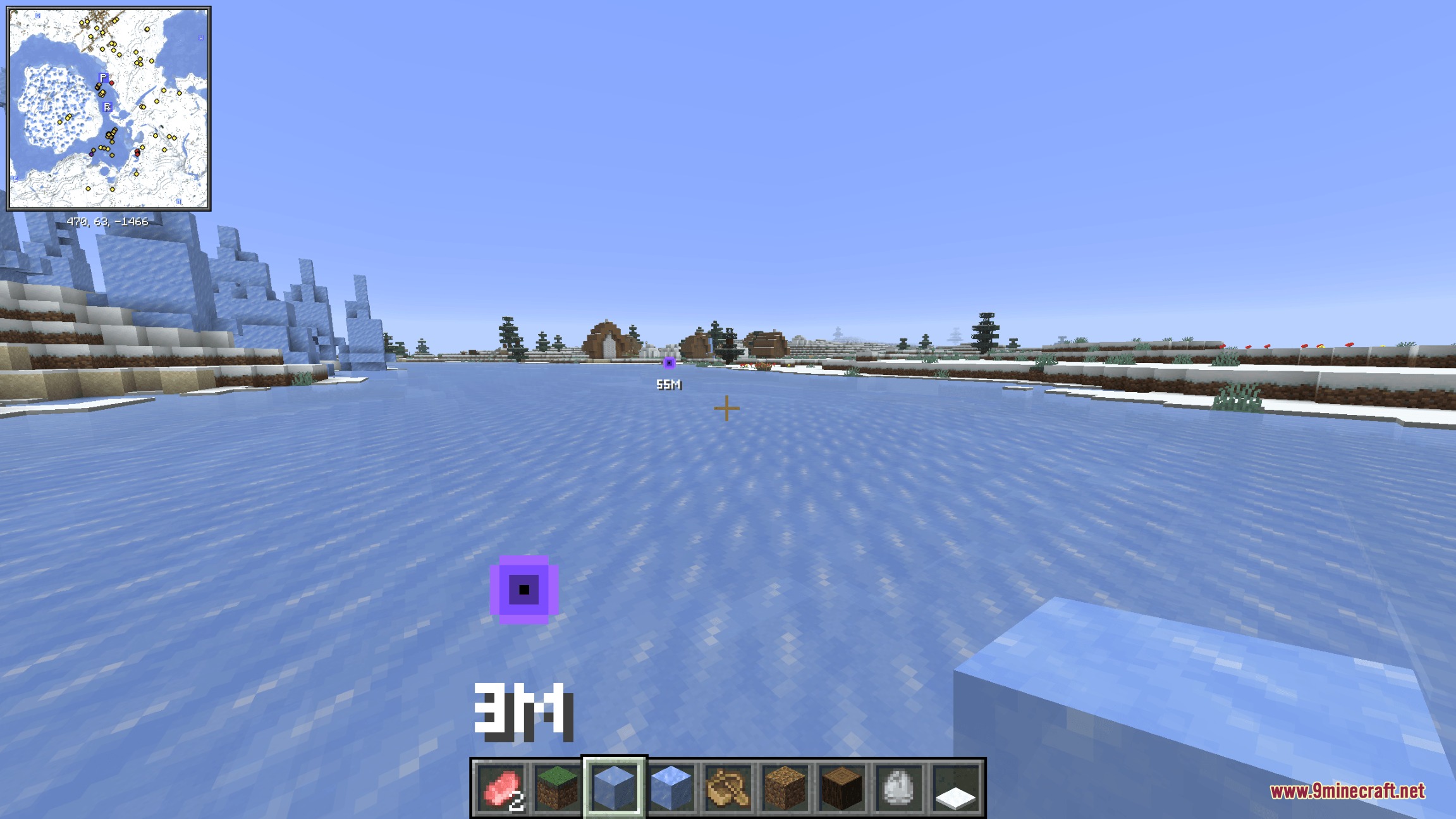
- Move Ping: indicates the next spot your team should head toward.
How to Use:
- Join a server and set up a shared party code with your teammates.
- Click the Middle Mouse Button to drop a quick marker on the targeted block.
- Hold the Middle Mouse Button to bring up the ping wheel and pick a warning or move marker.
- Open the settings menu to adjust signal colors, icon sizes, and sound cues.
Screenshots:
Vantage Point Signal Mod Download Links
Quick facts
- Edition: Minecraft Java
- File type: .jar
- Minecraft version listed: 1.21.1
- How to install: Install the matching mod loader (Forge, Fabric or NeoForge) for your Minecraft version. → Download the .jar. → Put it in the .minecraft/mods folder and launch that loader profile.
- Where to get it: In MC Java Mods, or directly above on this page.
Install steps are the general flow for this file type — How to install Minecraft Java mods & modpacks walks through it step by step.
Verified by MCModsHub
- Downloads as 498140.mcaddon
- Download size: 105 KB
- Download link checked 23 Sept 2026 — working
- Mirrored on our own servers — the download does not depend on the original host
These come from our own check of the pack file, not from the source page.