Home›Java›Datapacks›Gravel Tweaks Data Pack (1.21.8, 1.20.1) – Rethink Your Minecraft Mining Experience
DatapacksJava
Gravel Tweaks Data Pack (1.21.8, 1.20.1) – Rethink Your Minecraft Mining Experience
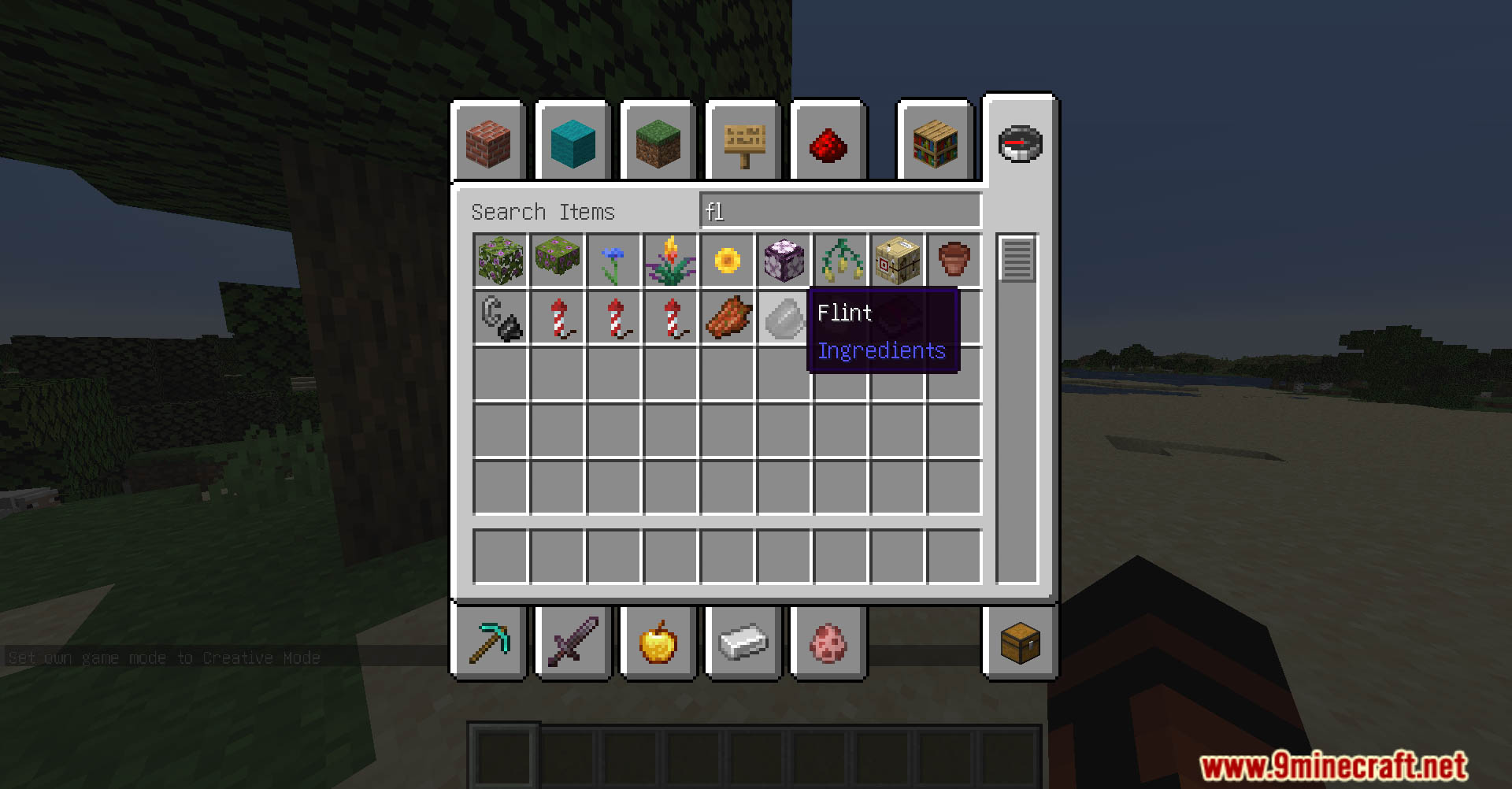
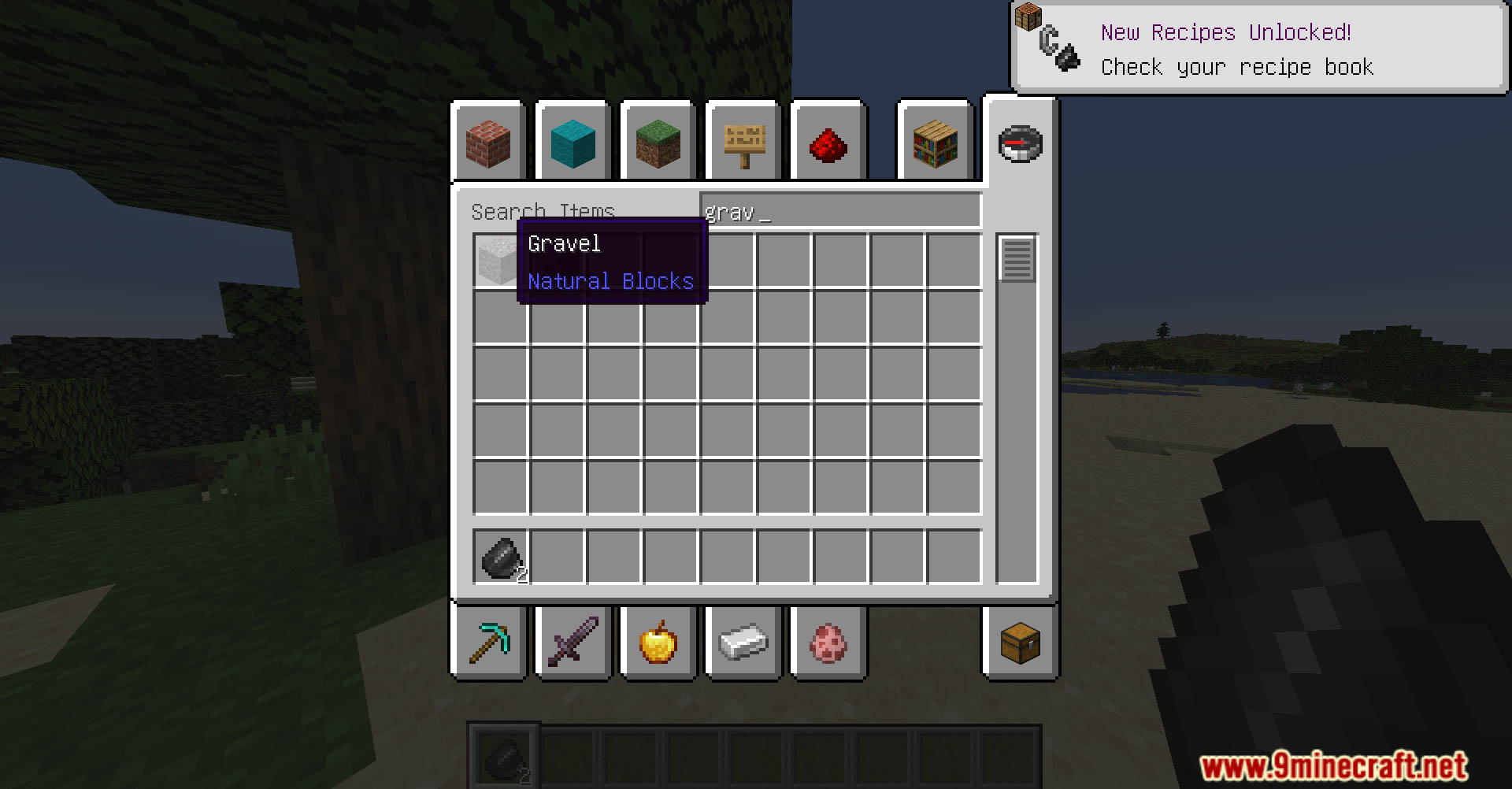
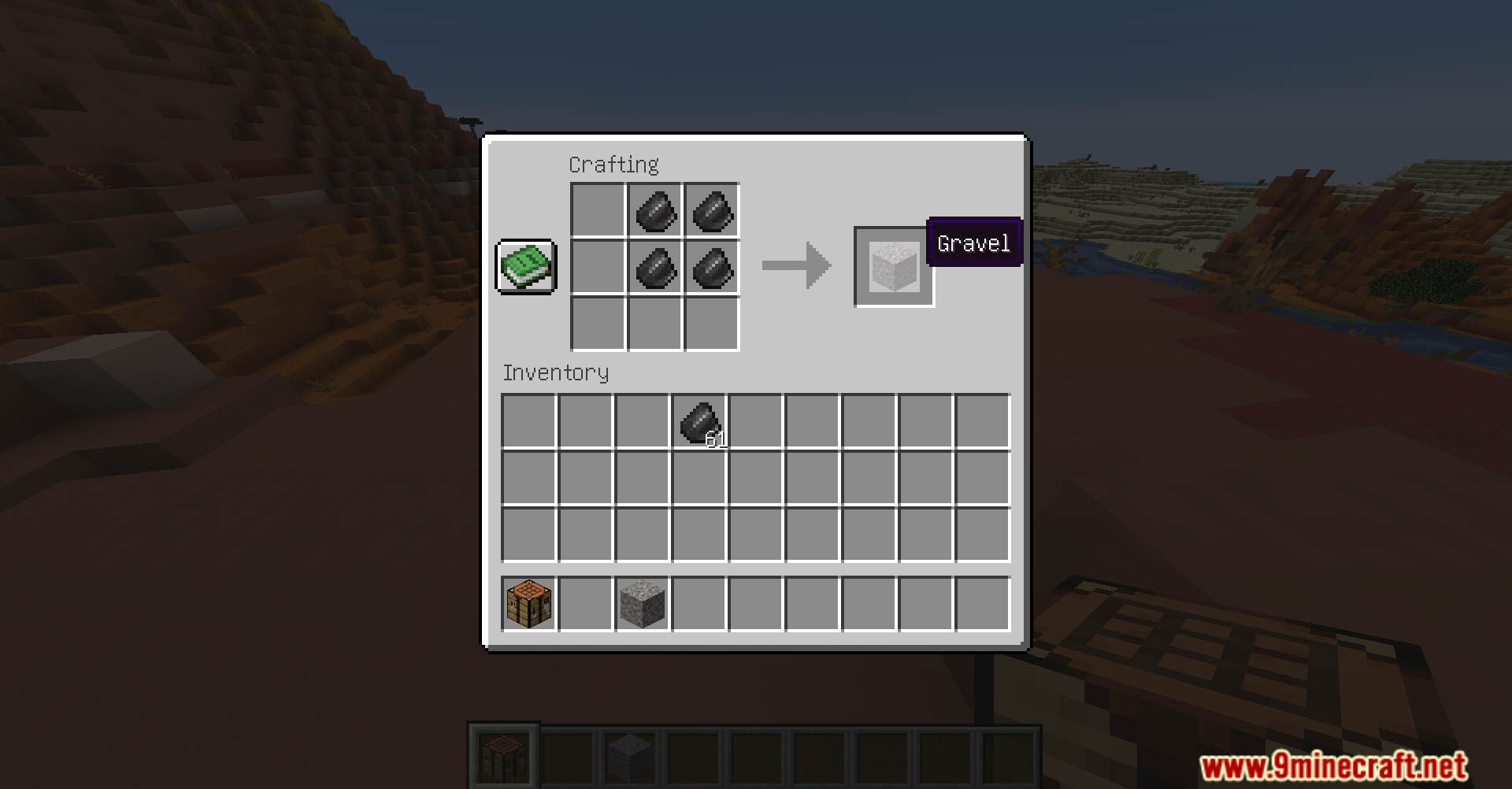
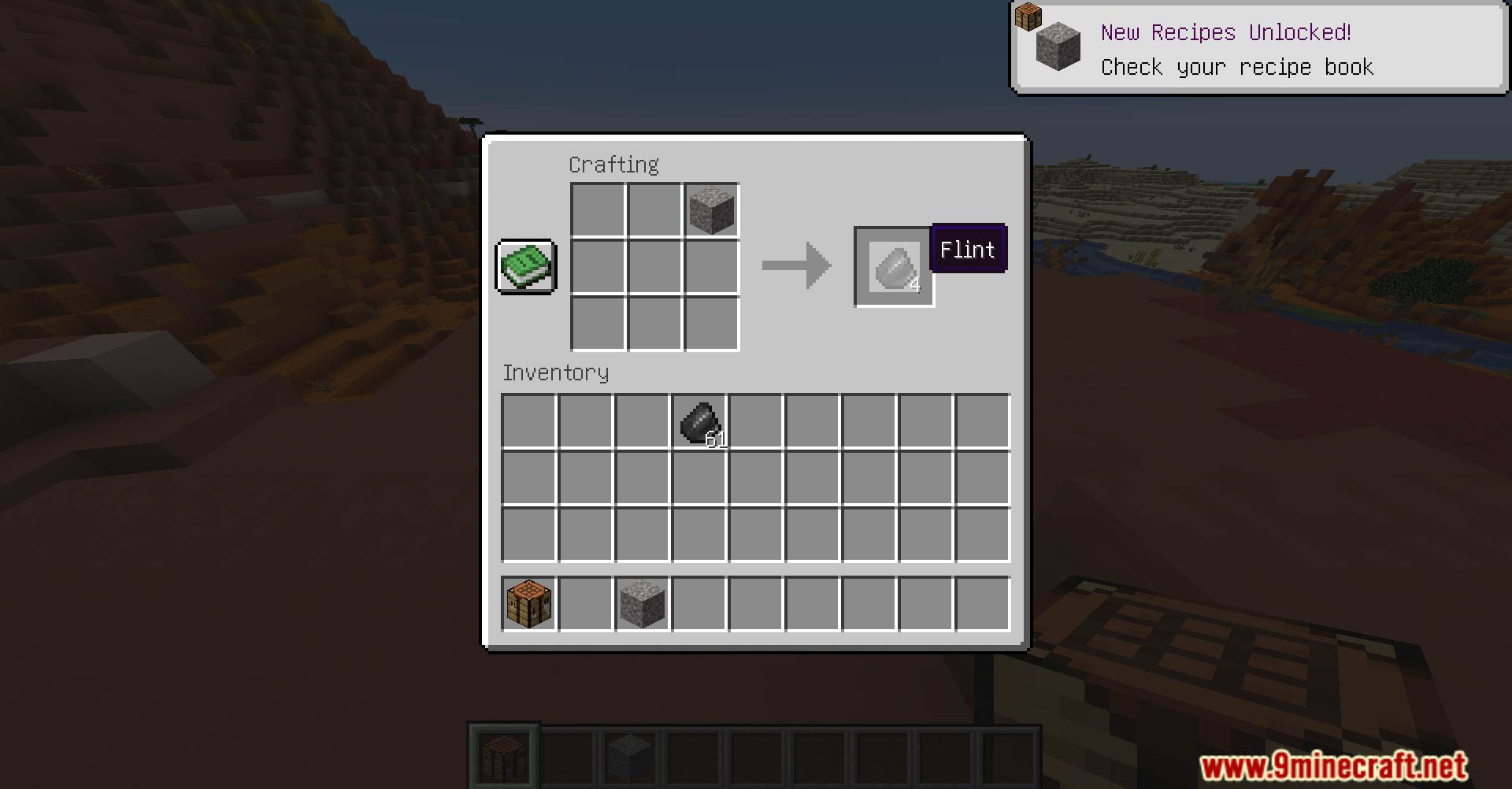
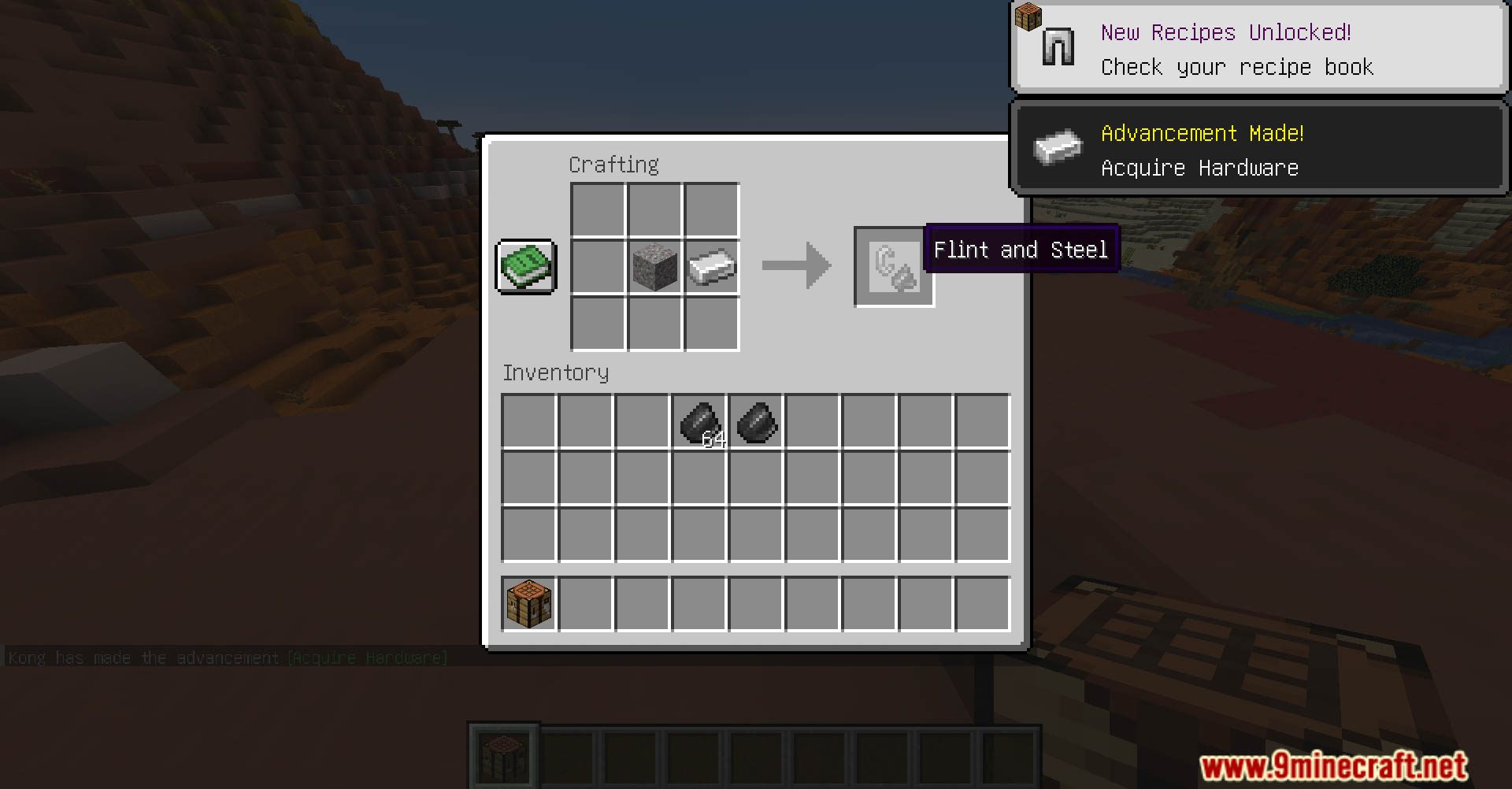
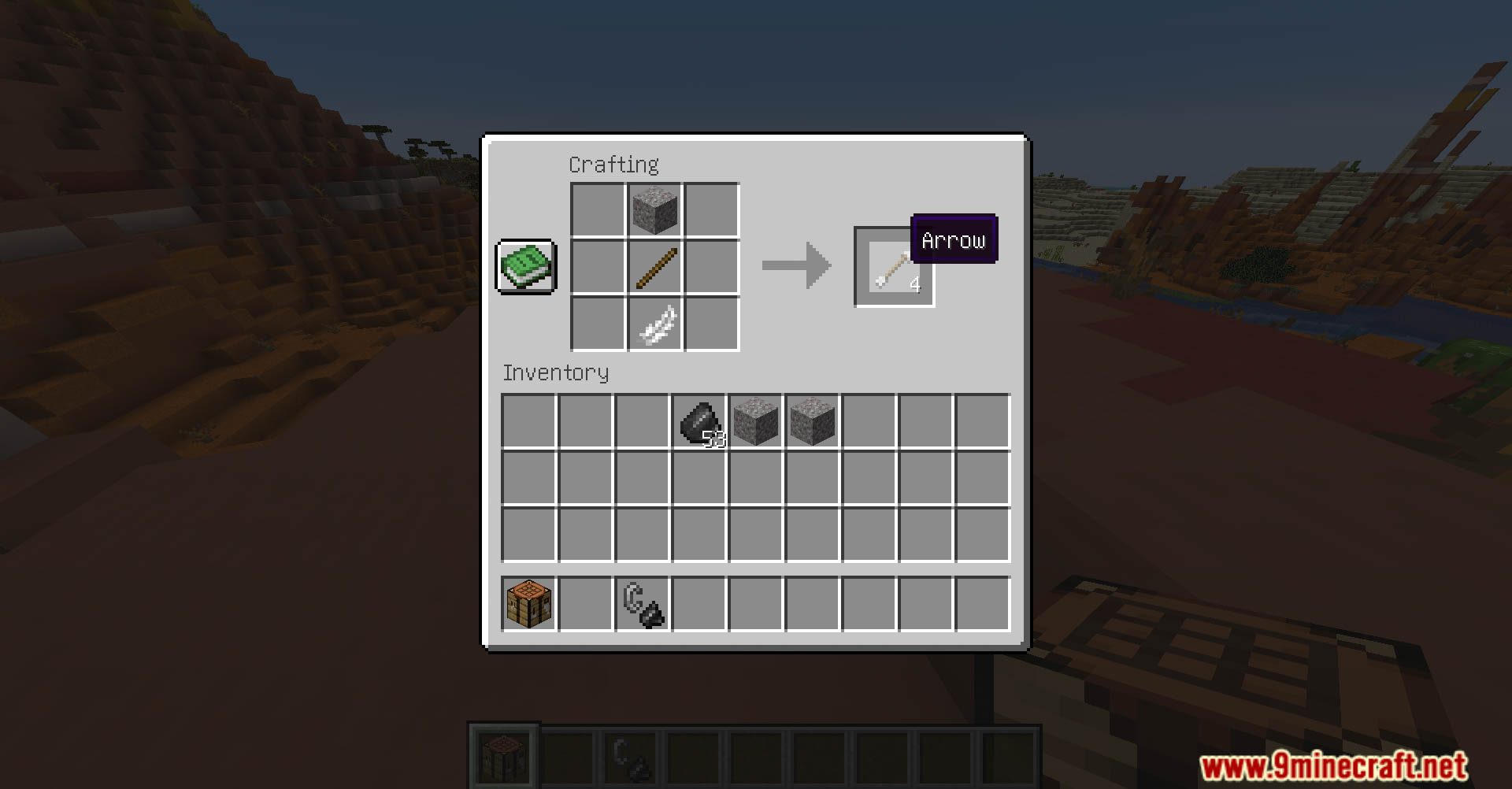
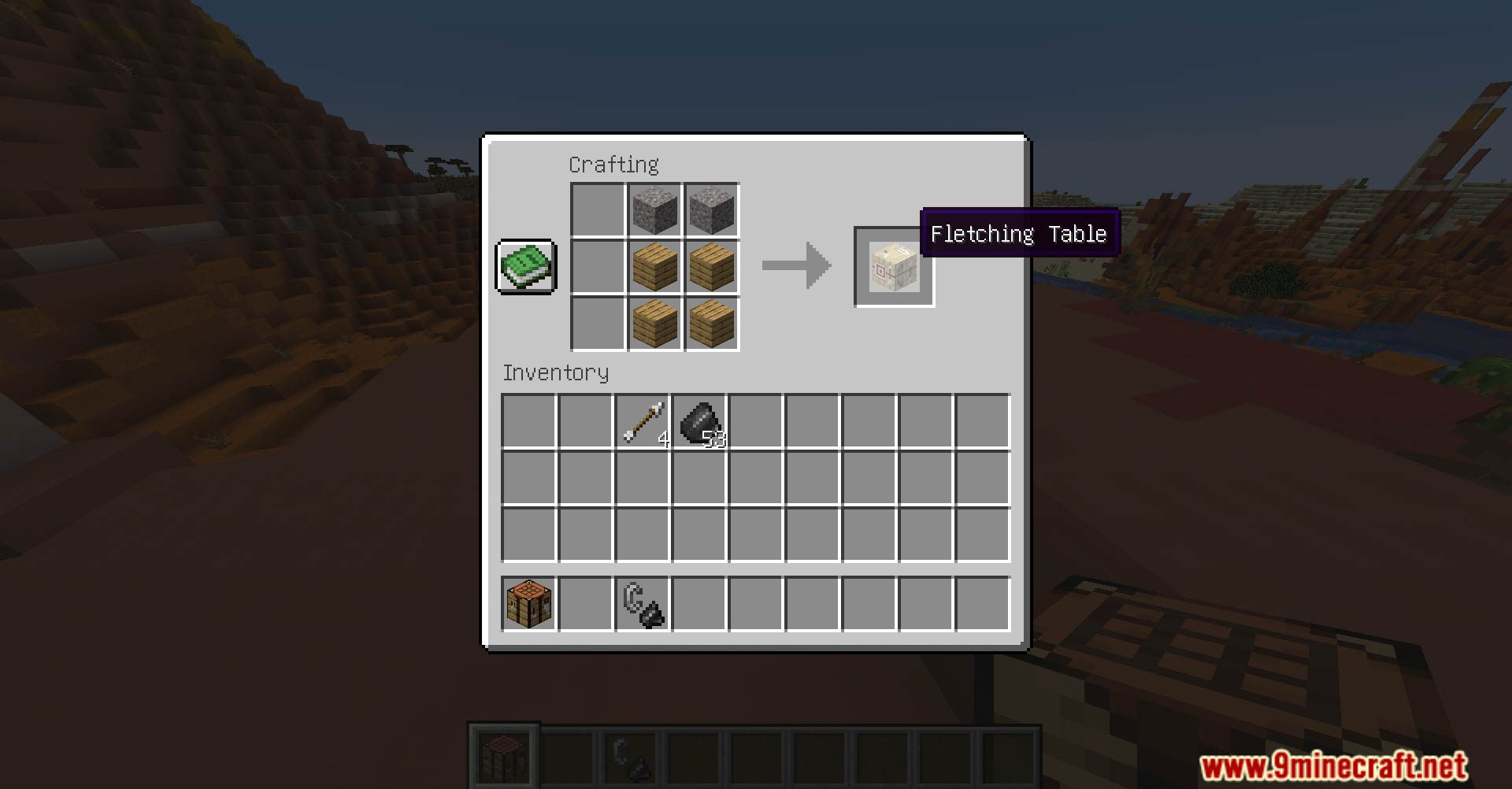
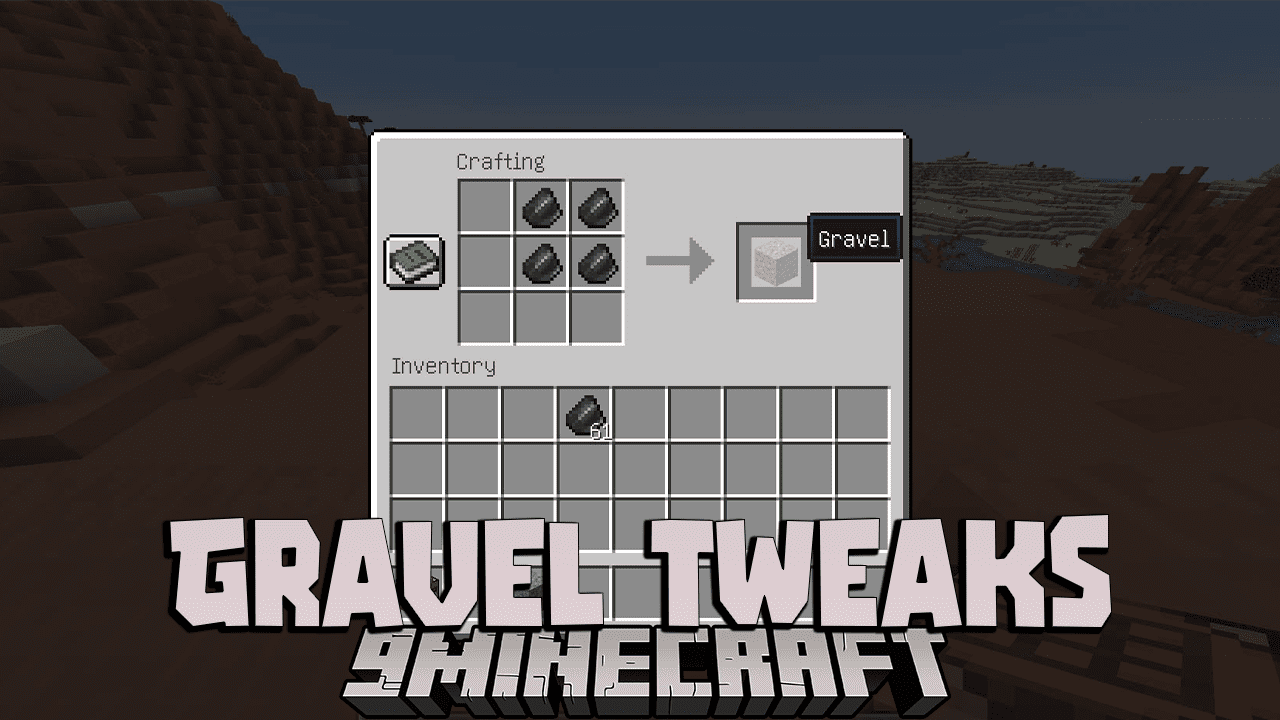
Gravel Tweaks Data Pack transforms the way you interact with gravel in Minecraft. Hello to a world where this seemingly ordinary block holds newfound potential. Enjoy playing this data pack!
Features:
- Dynamic Gravel Veins: Witness the transformation of gravel veins into dynamic structures that offer more than meets the eye. Uncover hidden resources, precious ores, and unexpected surprises as you delve into these modified gravel formations.
- Custom Gravel Drops: Experience revamped gravel drops that reflect the diversity of the Minecraft world. Gravel is no longer just a source of flint – discover unique items, rare gems, and valuable resources with each block you break.
- Enhanced Excavation: Enjoy an improved excavation experience when dealing with gravel. The “Gravel Tweaks” data pack introduces new excavation mechanics, making the process smoother, more rewarding, and less of a chore.
- Gravel Challenges: Engage in challenges and puzzles related to gravel mining. Test your mining skills and creativity with specially designed gravel-centric obstacles that add an exciting twist to your mining adventures.
- Resource-Rich Gravel Biomes: Stumble upon gravel biomes enriched with a variety of resources. Each biome offers distinct opportunities for mining success, encouraging exploration and providing an additional layer of strategy to your resource gathering.
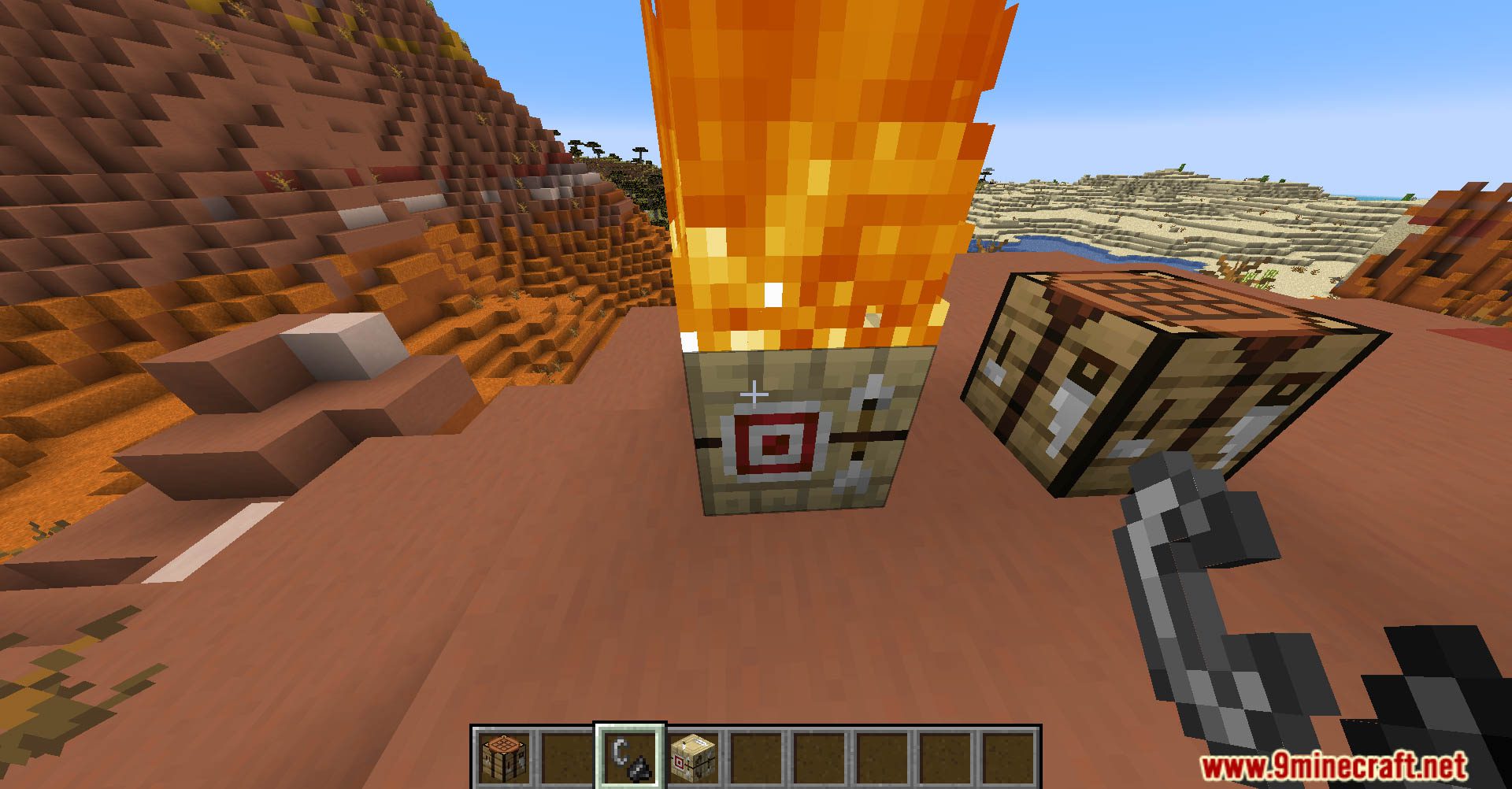
Screenshots:
Gravel Tweaks Data Pack Download Links
For Minecraft 1.21.8, 1.21.7, 1.21.6, 1.21.5, 1.21.4
Data Pack: Download from Server 1 – Download from Server 2
For Minecraft 1.21.1, 1.21
Data Pack: Download from Server 1 – Download from Server 2
For Minecraft 1.20.4, 1.20.1, 1.19.4
Data Pack: Download from Server 1 – Download from Server 2
Quick facts
- Edition: Minecraft Java
- File type: .jar
- Minecraft versions listed: 1.21.8, 1.20.1
- How to install: Install the matching mod loader (Forge, Fabric or NeoForge) for your Minecraft version. → Download the .jar. → Put it in the .minecraft/mods folder and launch that loader profile.
- Where to get it: In MC Java Mods, or directly above on this page.
Install steps are the general flow for this file type — see the MC Java Mods guides for the full walkthrough.
Verified by MCModsHub
- Download size: 26 KB
- Download link checked 17 Jun 2026 — working
- Mirrored on our own servers — the download does not depend on the original host
These come from our own check of the pack file, not from the source page.