ModsJava
Multiverse Blade Works Mod (1.20.1) – Turn Survival Into a Hunt for Anime Blades
Java mod listed for Minecraft 1.20. Downloads from the MC Java Mods app on Android.
⬇ Download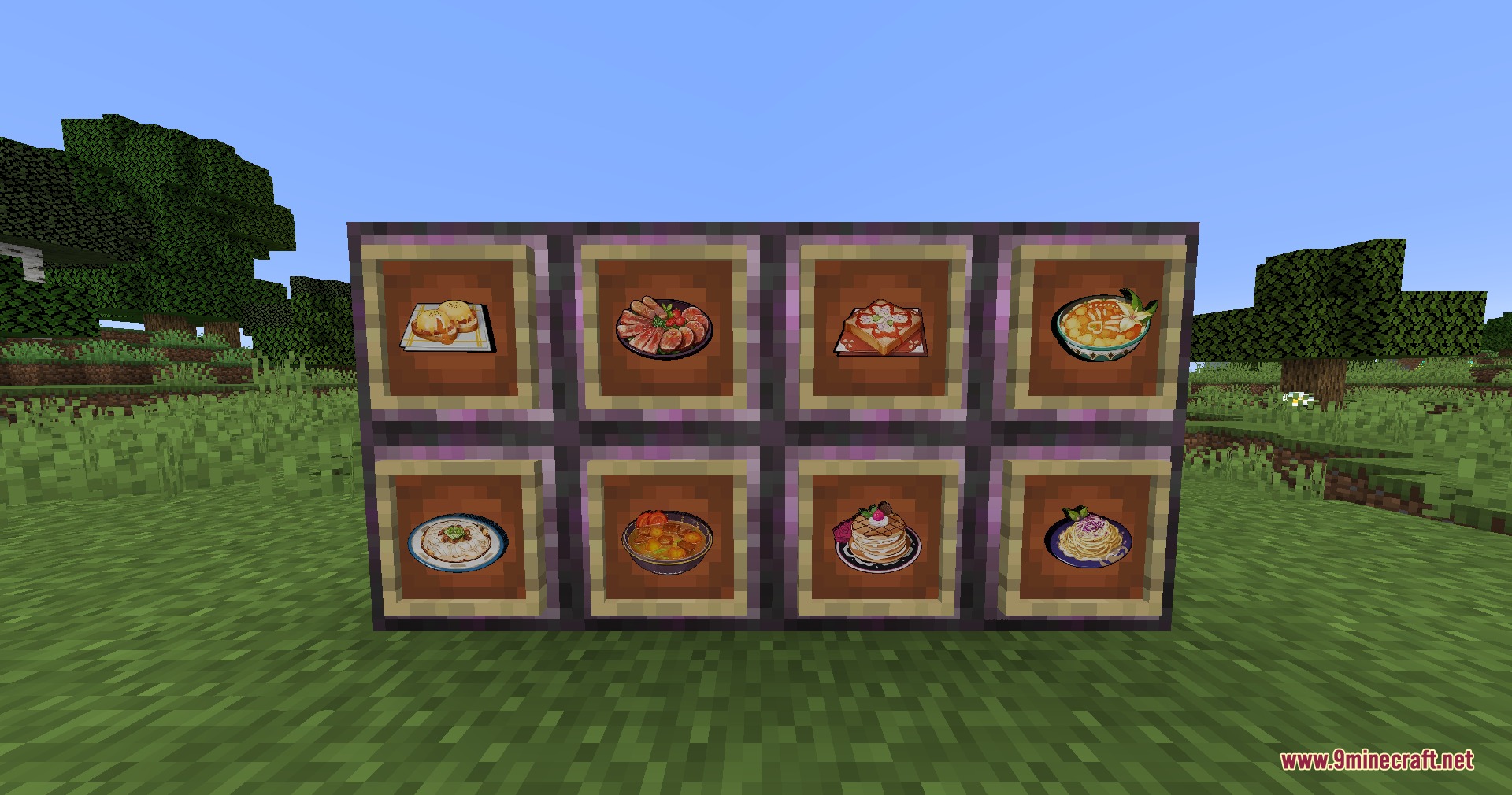
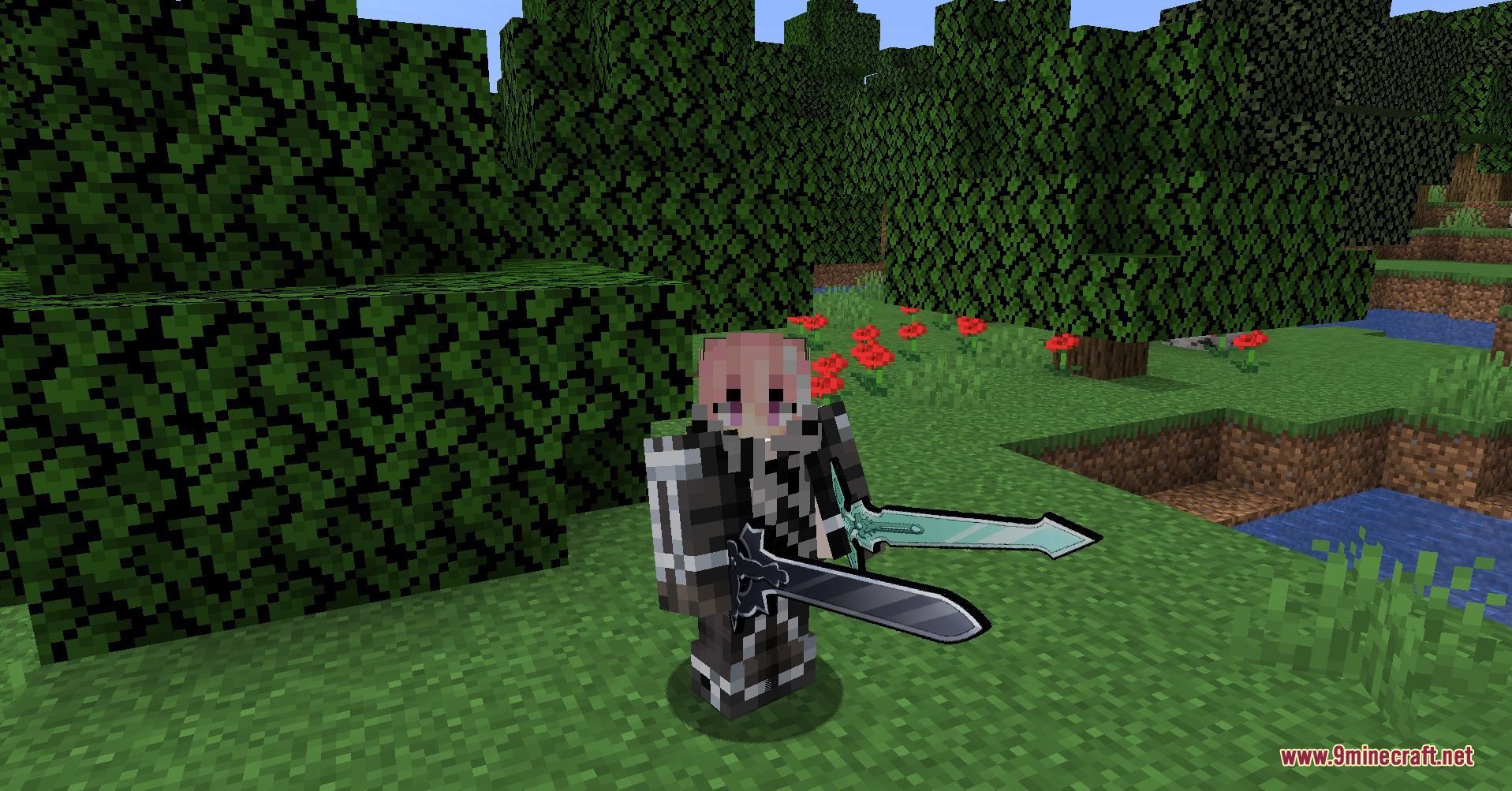
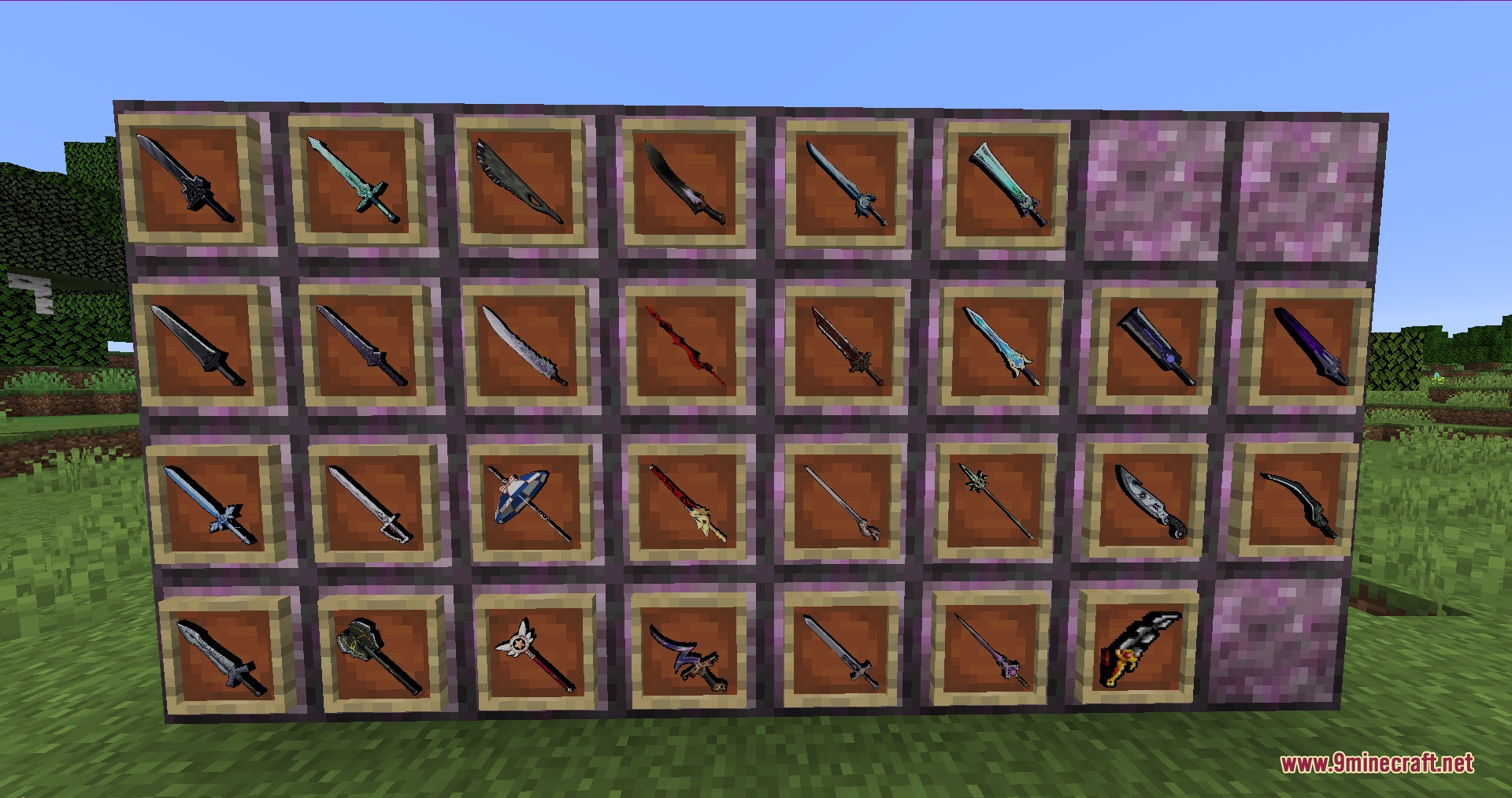
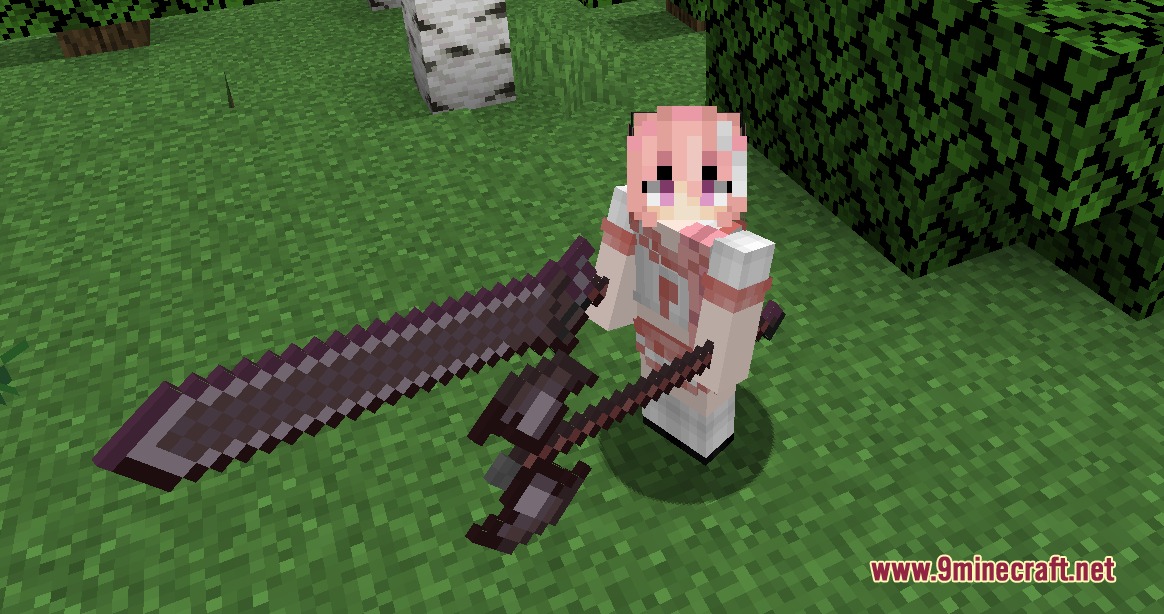
Multiverse Blade Works Mod fills your world with hundreds of iconic anime weapons, armor sets, and special artifacts. You can collect rare loot bags from mob drops or trade with dealers in newly generated structures to expand your arsenal. Every weapon can also be upgraded into a balanced ascended version using special smithing crystals. It turns regular combat and survival into an exciting treasure hunt for famous blades and armor.
Features:
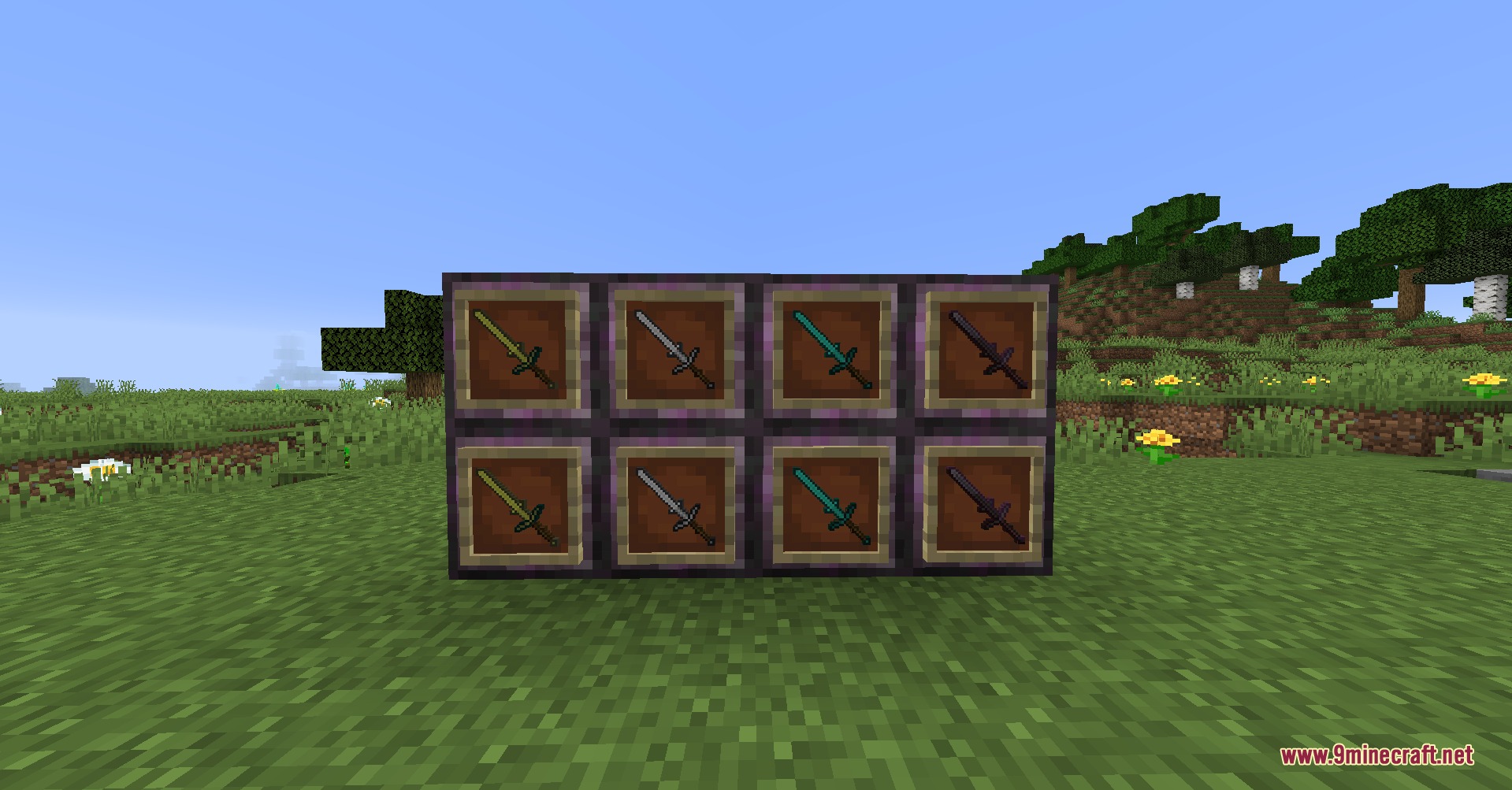
- Ascended Weapons: Combine any weapon with an Ascending Crystal at a Smithing Table to equalize attack speed and power across its weapon tier.
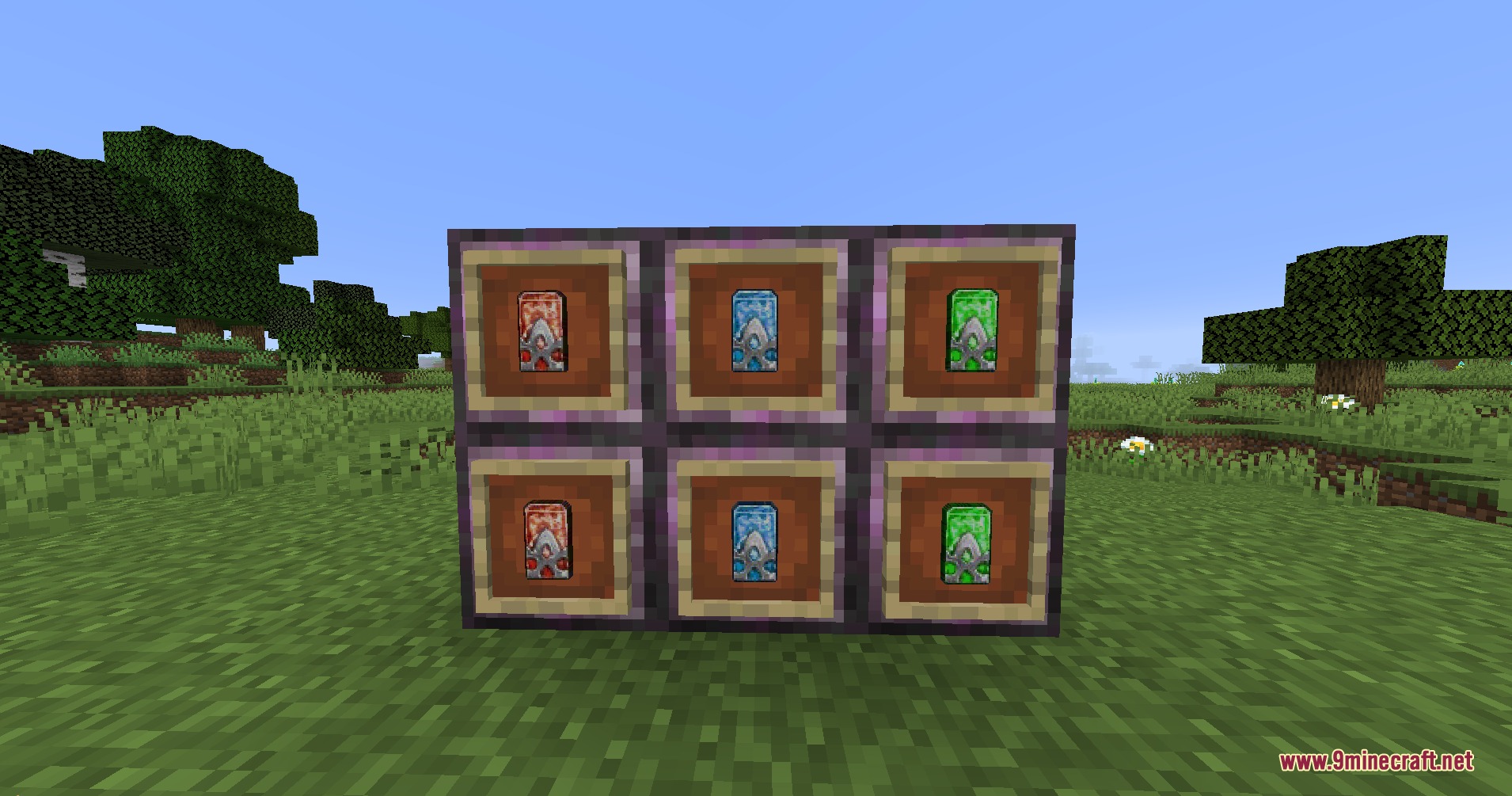
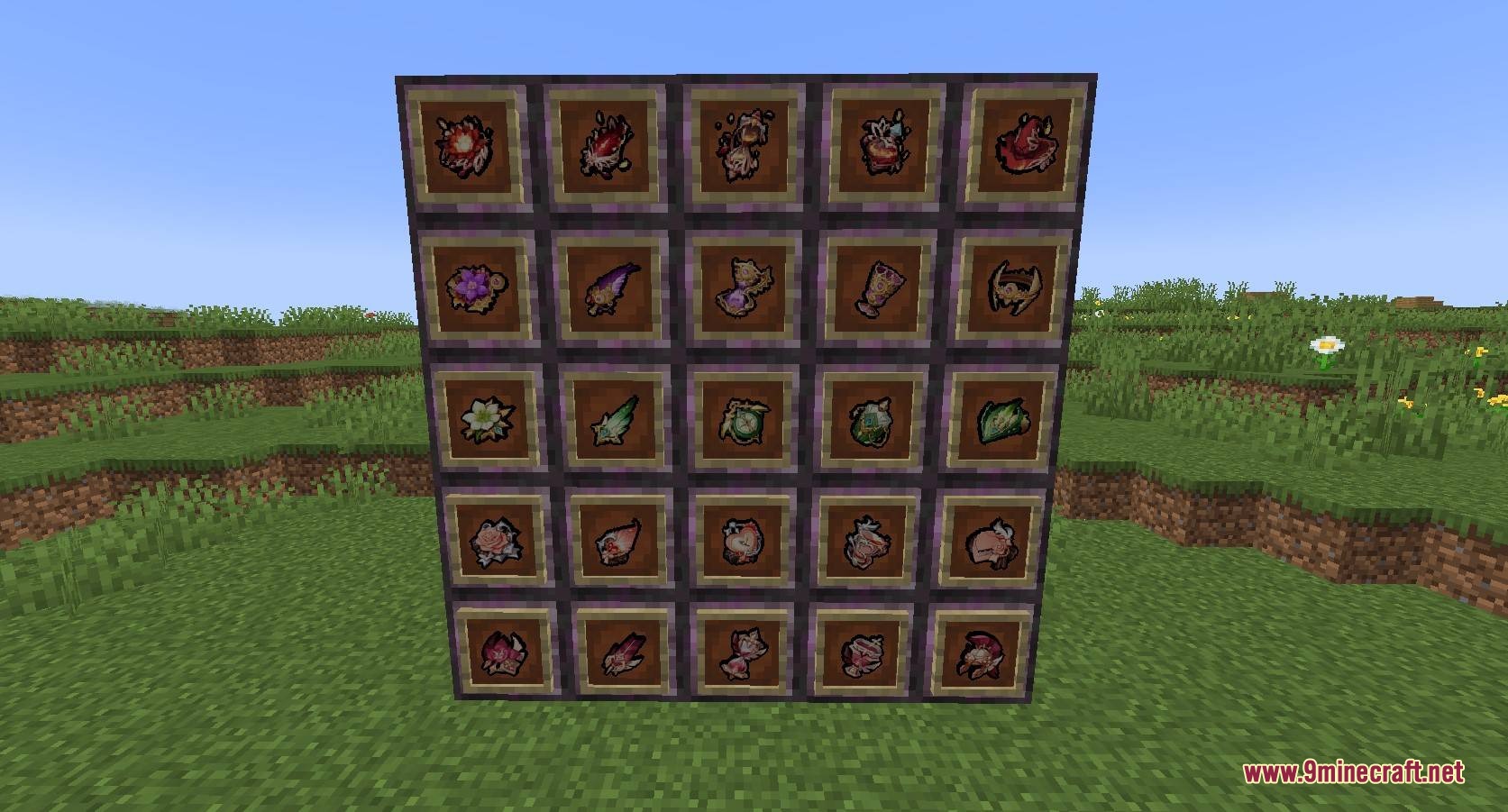
- Curios Artifacts: Equip Genshin Impact artifact sets into accessory slots to unlock set bonuses at 2 and 4 pieces.
- Adds over 240 weapons inspired by Sword Art Online, Genshin Impact, Fate, and other popular anime titles.
- Defeated mobs randomly drop Loot Bags that reveal random weapons and supplies.
- Spawns 6 new world structures populated by 5 unique NPCs and 4 hostile enemy types.
- Adds 7 armor sets and standard weapon archetypes including Greatswords, Zweihanders, and Battleaxes.
- Generates 2 new ores, with Iolite ore spawning underground below height level 32.
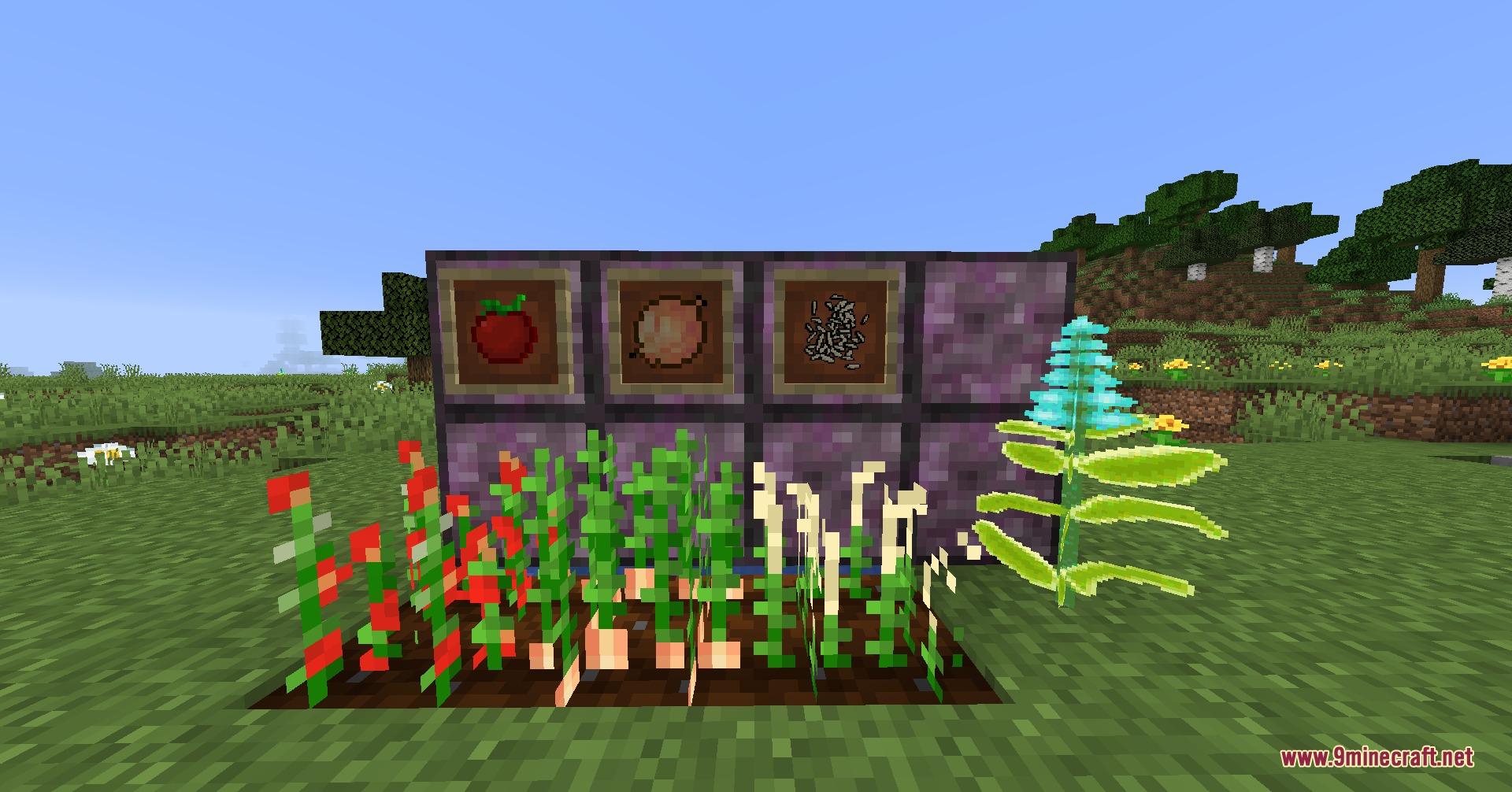
- Introduces 3 new crop seeds dropped from breaking grass, alongside over 20 food items.
- Includes full attack animation support when playing alongside Better Combat.
How to Use:
- Defeat hostile mobs to collect random Loot Bags.
- Hold Shift and Right-Click while holding a Loot Bag to open it and receive your loot.
- Locate Weapon Dealer NPCs inside generated structures to trade Weapon Base items for blades.
- Open your Curios inventory and place 2 or 4 matching artifact pieces into accessory slots to activate set perks.
- Combine your favorite weapon with an Ascending Crystal at a Smithing Table to forge its Ascended tier.
Screenshots:
Multiverse Blade Works Mod Download Links
Quick facts
- Edition: Minecraft Java
- File type: .jar
- Minecraft version listed: 1.20.1
- How to install: Install the matching mod loader (Forge, Fabric or NeoForge) for your Minecraft version. → Download the .jar. → Put it in the .minecraft/mods folder and launch that loader profile.
- Where to get it: In MC Java Mods, or directly above on this page.
Install steps are the general flow for this file type — How to install Minecraft Java mods & modpacks walks through it step by step.
File checked by MCModsHub
- Downloads as 498766.mcaddon
- Download size: 36.6 MB
- Download link checked 24 Sept 2026 — working
- Mirrored on our own servers — the download does not depend on the original host
These come from our own check of the pack file, not from the source page.