ModsJava
Lumina Enchanted Tiers Mod (26.2, 1.21.1) – Spot Rare Gear Instantly
Java mod listed for Minecraft 1.21. Downloads from the MC Java Mods app on Android.
⬇ Download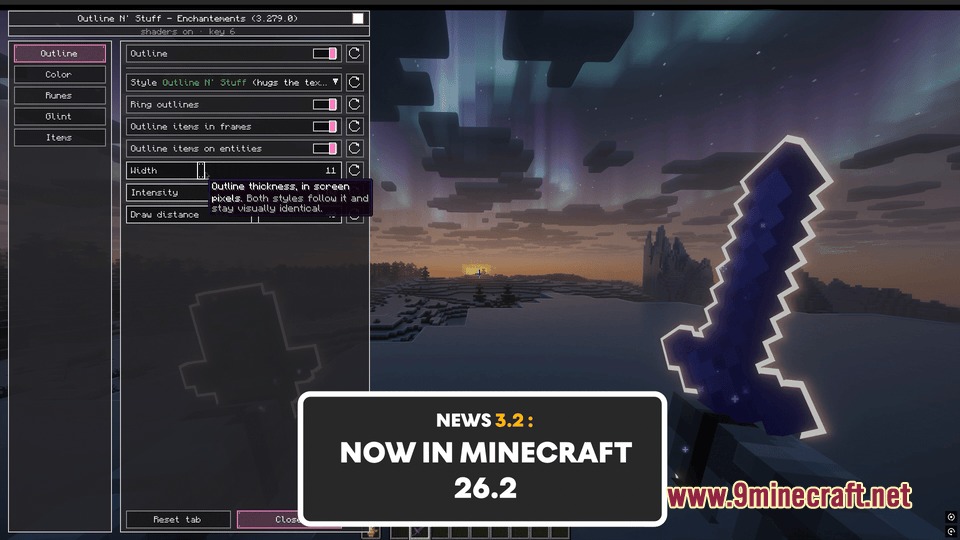
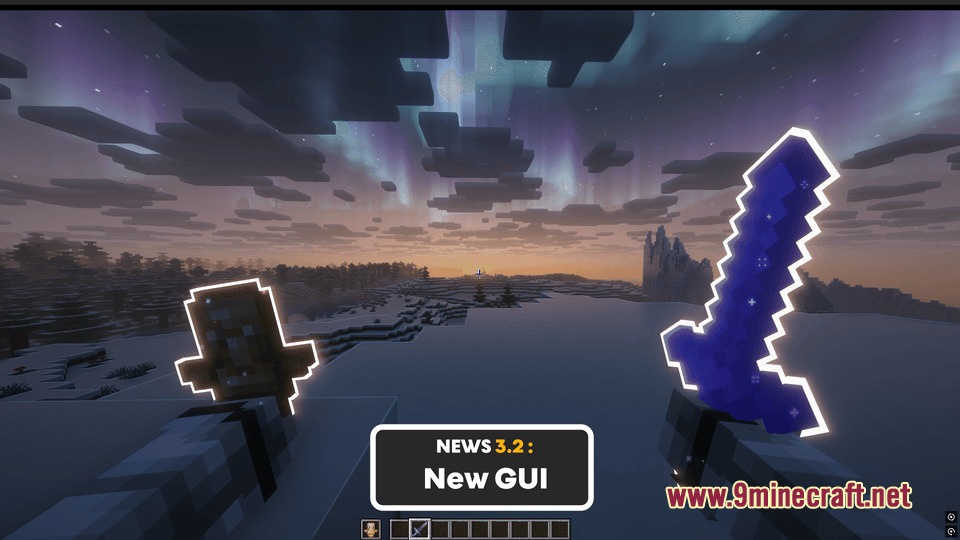
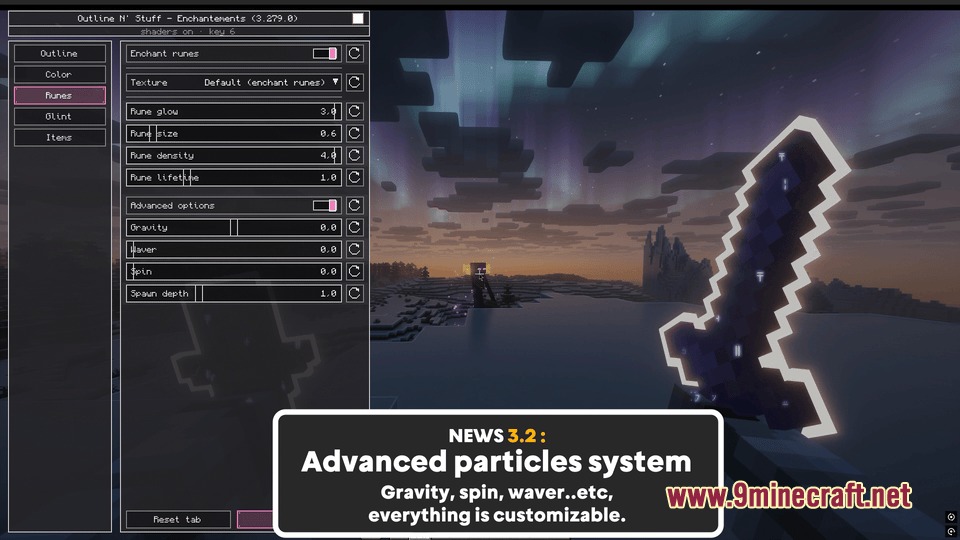
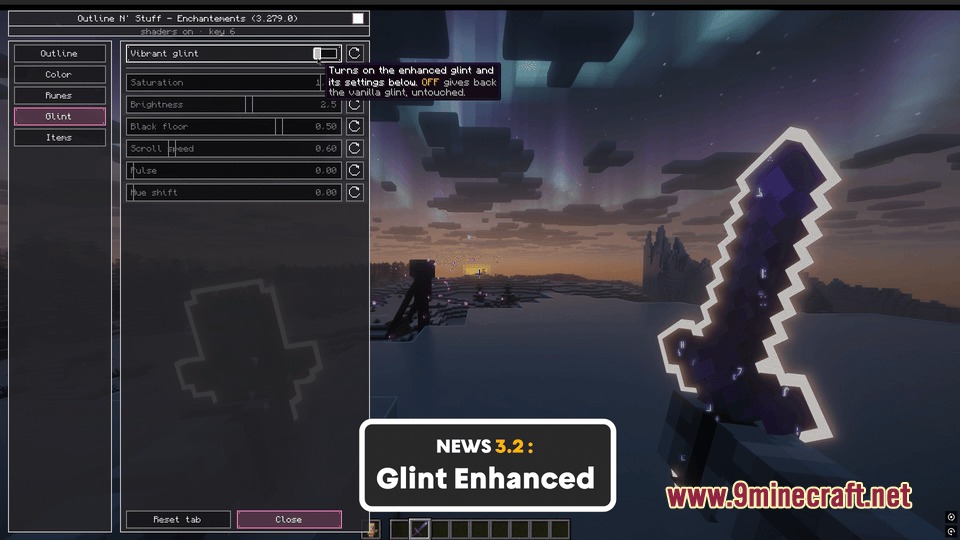

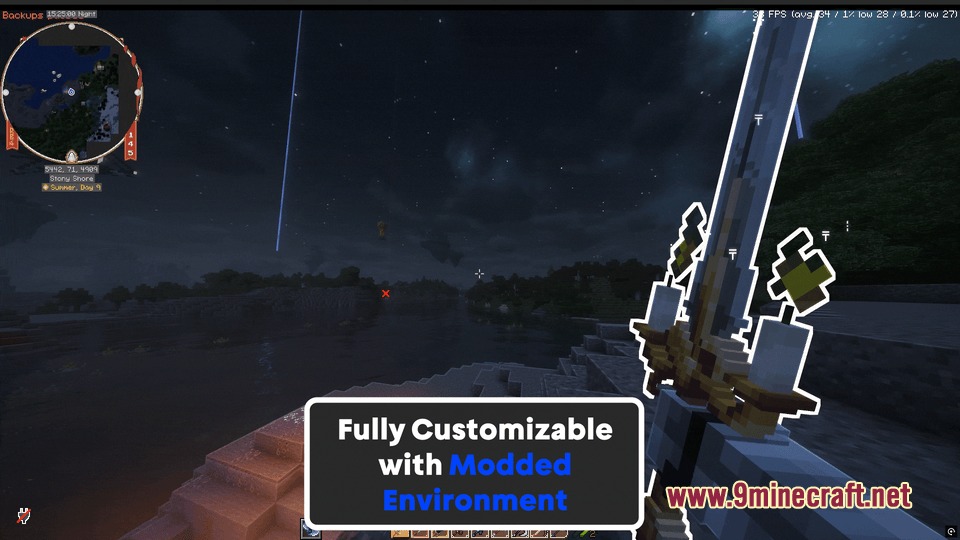
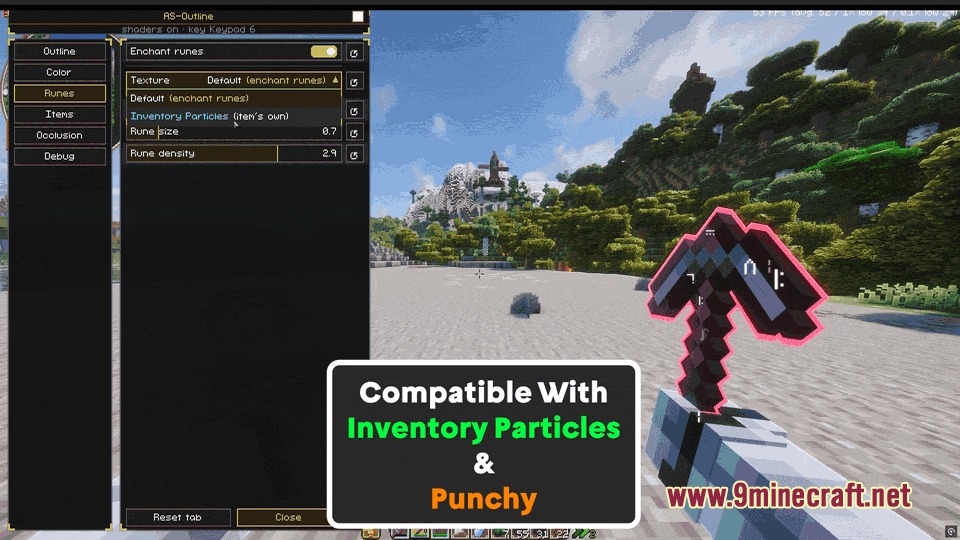
Lumina Enchanted Tiers Mod brings glowing visual outlines and floating runes to your enchanted gear. This mod highlights special items in your hands, on the ground, inside item frames, and on other mobs. You can customize the outline thickness, pick your favorite colors, or let colors change based on item rarity tiers. It runs entirely on your client side and works smoothly alongside shader packs without graphical glitches.
Features:
- Adds crisp glowing outlines around enchanted tools, weapons, armor, and dropped items.
- Displays floating enchant runes that hug the shape of your held item during swings and movement.
- Includes a built-in color picker with live previews to select any outline color.
- Offers Chameleon mode to automatically match the outline color to the main texture of an item.
- Features a 6-tier rarity mode covering Common, Uncommon, Rare, Epic, Legendary, and Mythic gear.
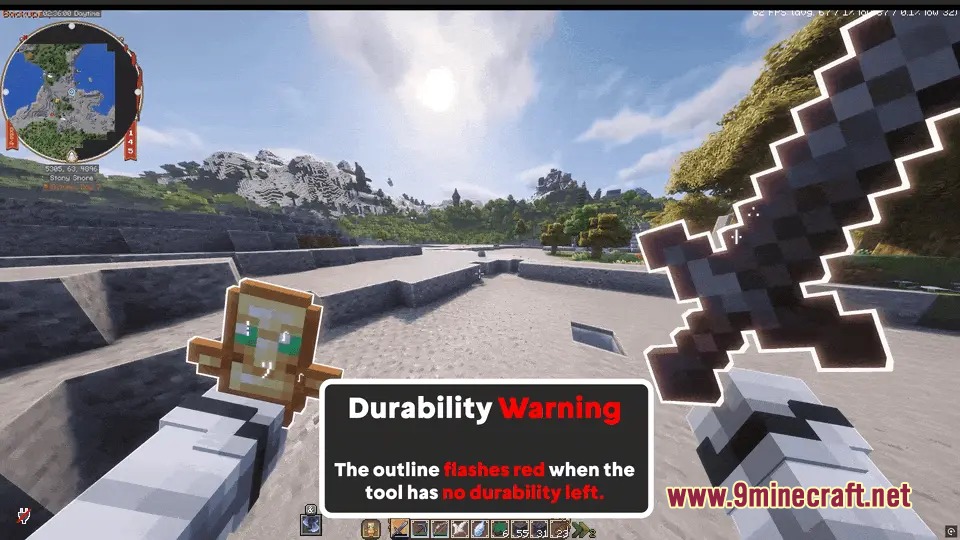
- Warns you with a pulsing red outline when your tool drops below twenty percent durability.
- Flashes green and plays a hit sound when your ranged projectiles strike an enemy.
- Provides simple whitelist and blacklist controls to choose which items get highlighted.
- Blocks outline glow through walls and character bodies to maintain clean visual occlusion.
- Runs completely on the client side without needing any server-side installations.
How to Use:
- Press U in-game to open the configuration panel.
- Adjust the outline thickness and intensity sliders to match your taste.
- Select your preferred coloring style between custom color, Chameleon mode, or Rarity mode.
- Click items in your inventory to add them to your whitelist or blacklist.
Screenshots:
Lumina Enchanted Tiers Mod Download Links
Quick facts
- Edition: Minecraft Java
- File type: .jar
- Minecraft version listed: 1.21.1
- How to install: Install the matching mod loader (Forge, Fabric or NeoForge) for your Minecraft version. → Download the .jar. → Put it in the .minecraft/mods folder and launch that loader profile.
- Where to get it: In MC Java Mods, or directly above on this page.
Install steps are the general flow for this file type — How to install Minecraft Java mods & modpacks walks through it step by step.
File checked by MCModsHub
- Downloads as 498772.mcaddon
- Download size: 1.0 MB
- Download link checked 23 Sept 2026 — working
- Mirrored on our own servers — the download does not depend on the original host
These come from our own check of the pack file, not from the source page.