
ModsJava
ToolTipFix 9minecraft Mod (26.3) – Read Every Item Tooltip Clearly in Your Inventory
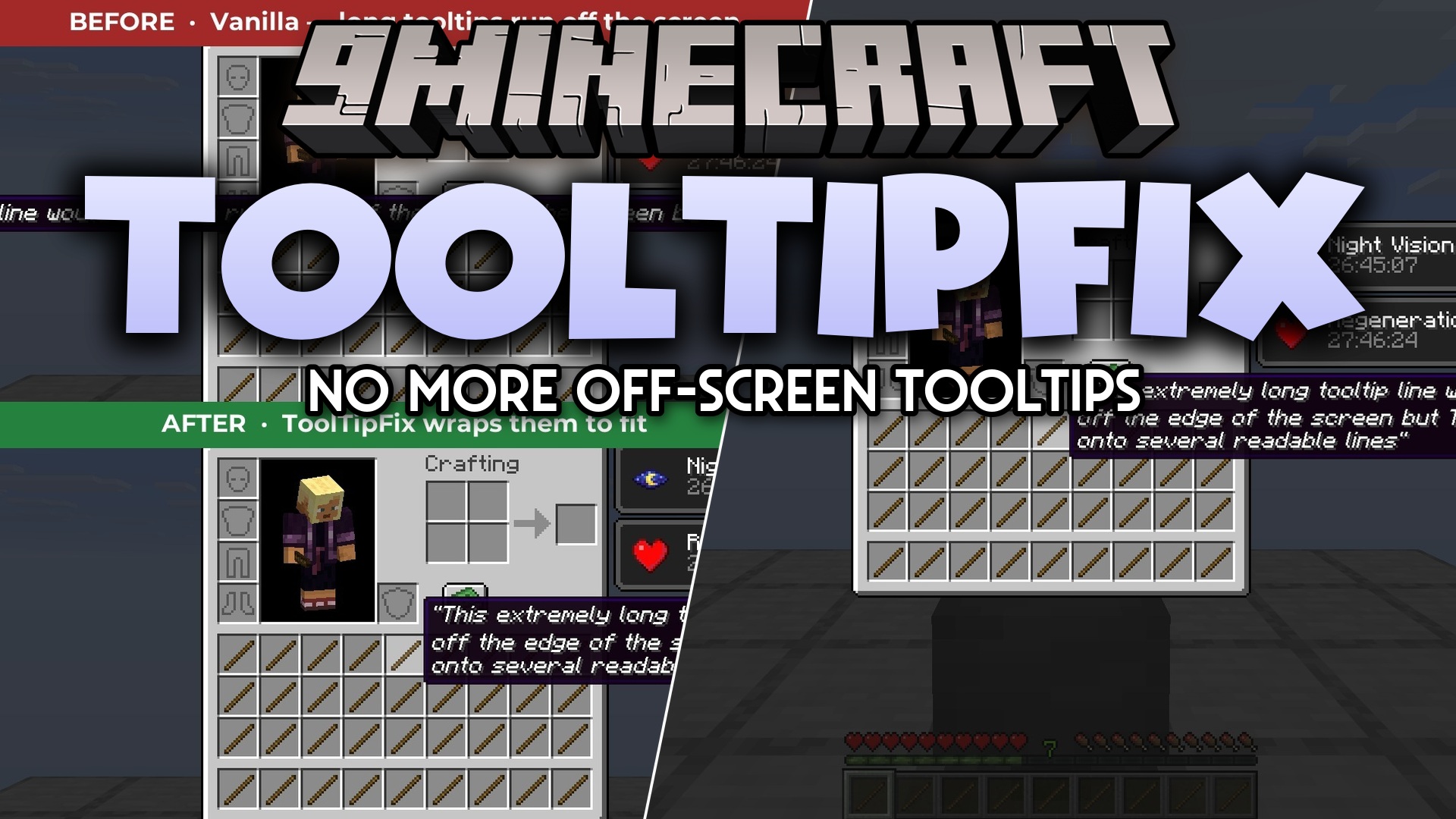
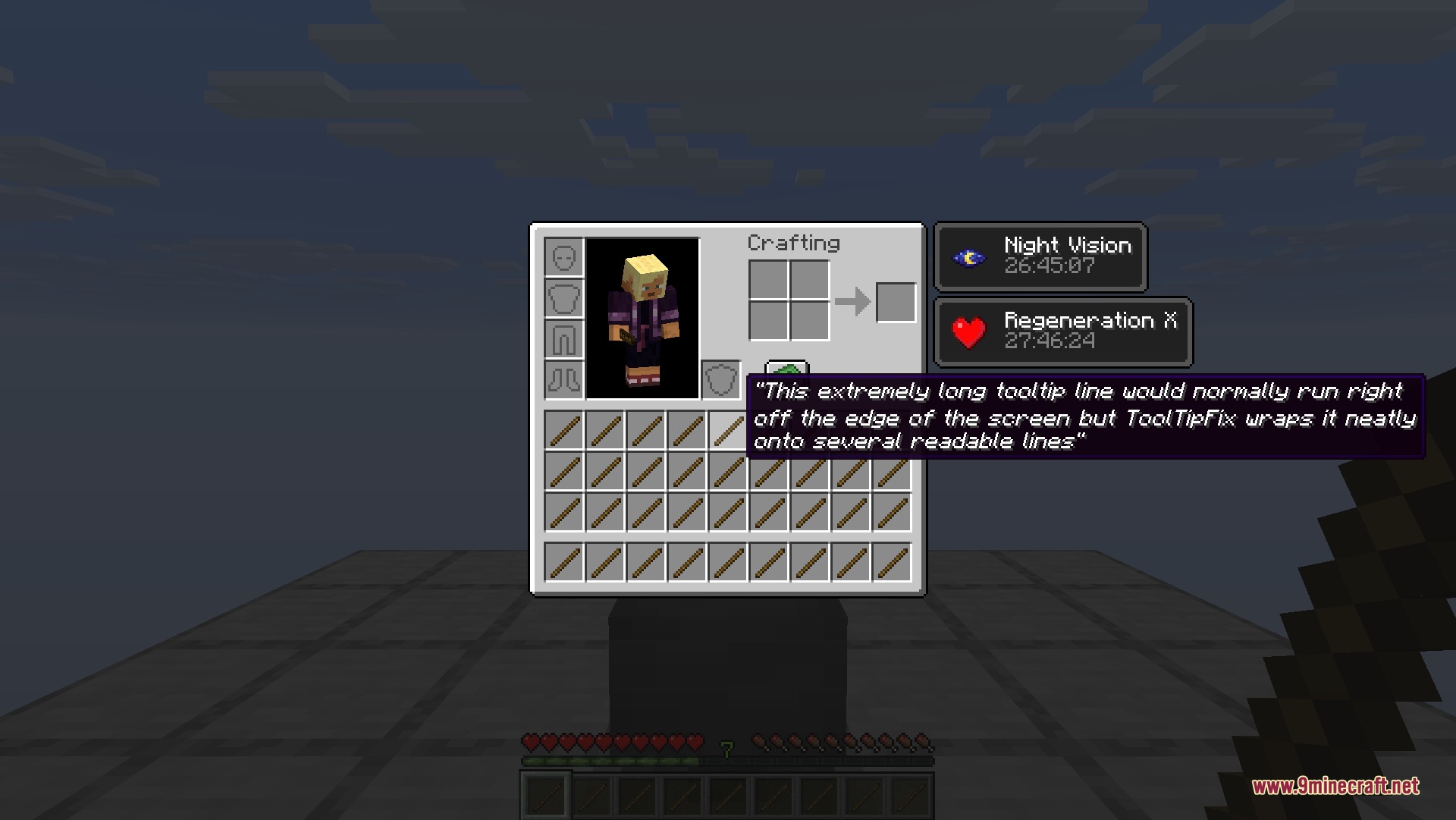
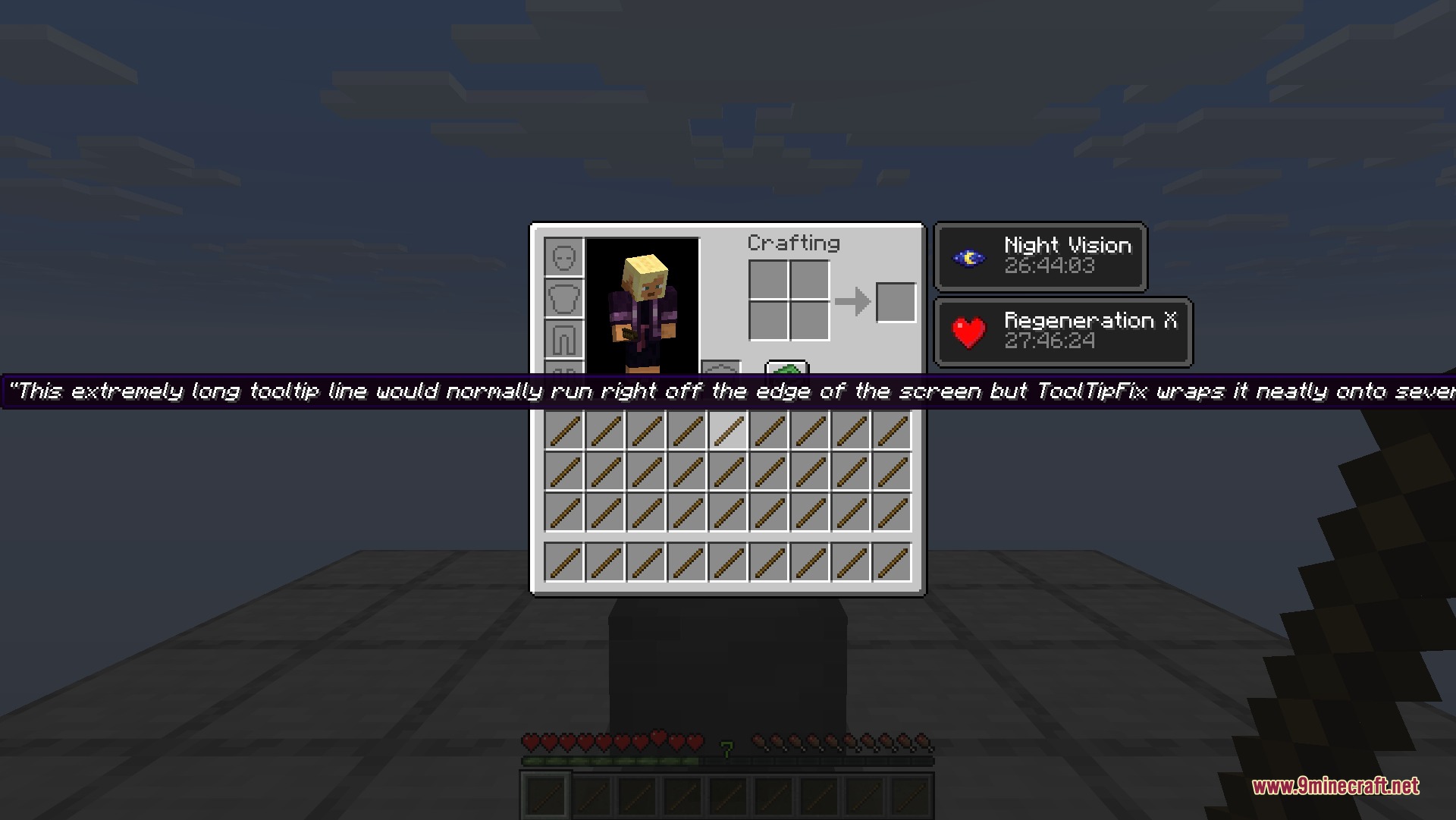
ToolTipFix 9minecraft Mod stops long item text boxes from running off the screen. It keeps descriptions, lore, and enchantment lists inside your view by wrapping text onto new lines. You can read every detail on modded gear or items with lots of text without missing words past the border. The mod runs entirely on your client and works in singleplayer worlds as well as multiplayer servers.
Features:
- Wraps long lines of tooltip text so everything fits inside the game window.
- Prevents item lore, custom names, and enchantment lists from going off-screen.
- Handles forced line breaks properly to keep text neat and readable.
- Works on modded items that have paragraphs of extra information.
- Runs purely on the client side without needing server installation.
Screenshots:
ToolTipFix 9minecraft Mod Download Links
Quick facts
- Edition: Minecraft Java
- File type: .jar
- How to install: Install the matching mod loader (Forge, Fabric or NeoForge) for your Minecraft version. → Download the .jar. → Put it in the .minecraft/mods folder and launch that loader profile.
- Where to get it: In MC Java Mods, or directly above on this page.
Install steps are the general flow for this file type — How to install Minecraft Java mods & modpacks walks through it step by step.
ToolTipFix 9minecraft Mod (26.3) – Read Every Item Tooltip Clearly in Your Inventory is a free Minecraft Java mod. Download it and open it directly in the game.