
Rabbit's Simplistic Vanilla+
Java modpack listed for Minecraft 26.x. Downloads from the MC Java Mods app on Android.
Regular Minecraft survival can tend to be very repetitive and boring, and sometimes it can seem like vanilla+ just ends up ruining the experience by…
⬇ Download on Modrinth
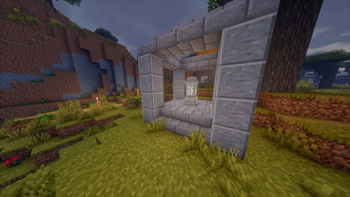
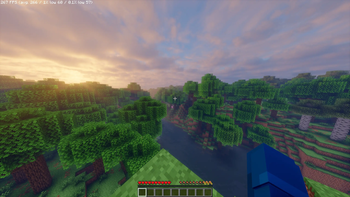
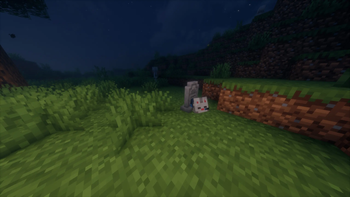
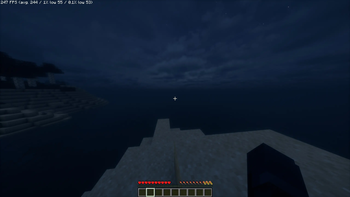
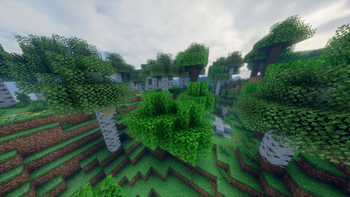
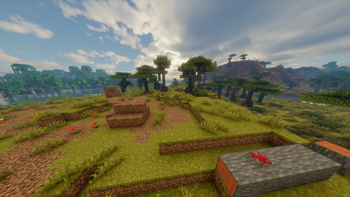
This modpack aims to be a very lightweight version of vanilla+, where it features many fewer mods than other traditional vanilla+ packs. Furthermore, there has been plenty of focus on increasing fps and optimization, and providing the user with a quality of life experience. Most of the largest mods were hand selected by polls in the organization's community discord server, so consider them to be absolutely balanced between convienent and interesting gameplay, alongside simplistic, ordinary Minecraft.
This modpack includes several primary categories to enhance the basic survival experience:
- Perfected Optimization
- Shaders and Dynamic Lighting
- Quality of Life Additions
- Slight Gameplay Changes
Optimization and Shaders:
- Sodium + Accompanying FPS Mods
- Network + Ping Related Mods
- High, Medium, and Low Intensive Shaders:
- Bliss (High)
- Complementary Reimagined (Medium)
- Mellow (Low)
- LambDynamicLights (The Best Dynamic Lights)
- Chunky (For Pre-generating)
- Spark (For Analyzing Server Performance)
Quality of Life:
- Better [Statistics Screen, Advancements, Tridents]
- Cave Dust
- Fast Quit
- Horseman
- Chat Heads
- Centered Crosshair
- Appleskin
- 3D Skin Layers
- Enchantment Descriptions
- Item Borders
- Item Highlighter
- JEI
- Legendary Tooltips
- Remove Reloading Screen
- Shulker Box Tooltip
- Wakes
- Advancement Plaques
- Cool Rain
Gameplay:
- Geophilic (VERY Subtle Terrain Generation Changes)
- Gravestones (For Balance Between KeepInv and Regular)
- Waystones (For Expensive, Yet Useful Fast Travel)
- True Ending (Slight, Very Vanilla+-esque End Dragon Fight Revamp)
- Edition: Minecraft Java
- File type: .jar
- Minecraft version listed: 26.1.2
- How to install: Install the matching mod loader (Forge, Fabric or NeoForge) for your Minecraft version. → Download the .jar. → Put it in the .minecraft/mods folder and launch that loader profile.
- Where to get it: Opens on Modrinth — not every file is mirrored on our own servers.
Install steps are the general flow for this file type — How to install Minecraft Java mods & modpacks walks through it step by step.
- Downloads as Rabbit's Simplistic Vanilla+ 1.0.0.mrpack
- Download size: 49 KB
- Download link checked 5 Oct 2026 — working
These come from our own check of the pack file, not from the source page.