HomeBedrockAddonsEuForia Bedrock POV
EuForia Bedrock POV
AddonsBedrock

EuForia Bedrock POV

by EuForia_AlHaQ · on CurseForge

A complete camera POV presets system for Minecraft Bedrock Edition — 33 hand-crafted cinematic presets across 6 categories, a smart per-type customizer…

⬇ Download on CurseForge
EuForia Bedrock POV — screenshot 1

EuForia Bedrock POV

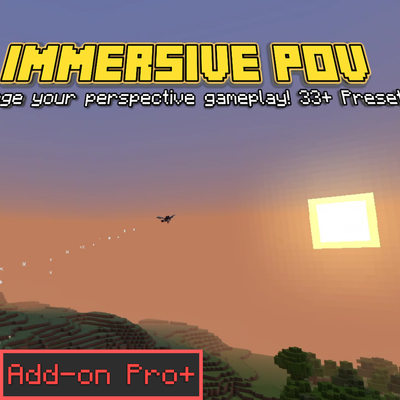
A complete camera presets system for Minecraft Bedrock Edition — 33 hand-crafted cinematic presets across 6 categories, a smart per-type customizer, per-player memory, favorites, and instant switching. Open the menu with /pov and tell your story.

Achievement-friendly — uses product_type: addon metadata; world achievements remain enabled

🔗 Detailed Documentation & Permalink: euforiaproject.com If you want to request addons, leave suggestions, or give us direct feedback, feel free to visit our website!

Get the latest updates on our official website first!


About This Addon

EuForia Bedrock POV is a complete camera control system for Minecraft Bedrock Edition. Instead of memorizing /camera command syntax and calculating trigonometric offsets by hand, you get a polished GUI menu where you browse, apply, customize, and save camera presets — all at the press of a button. Want a smooth cinematic orbit? A shoulder follow cam? A bodycam POV for roleplay? Pick it from a list, done.

Once installed, the menu appears the moment you run /pov in any world. No setup, no configuration files. Your active preset, custom presets, favorites, history, and settings are stored per-player via dynamic properties — everything persists across world reloads and stays private to you. Camera math is defended in depth against invalid values: every numeric field has a hard fallback and every generated command is string-checked, so you will never accidentally fly to the world border.


What the System Includes

Six core features, all accessible from the /pov main menu:

[+] Quick Switch

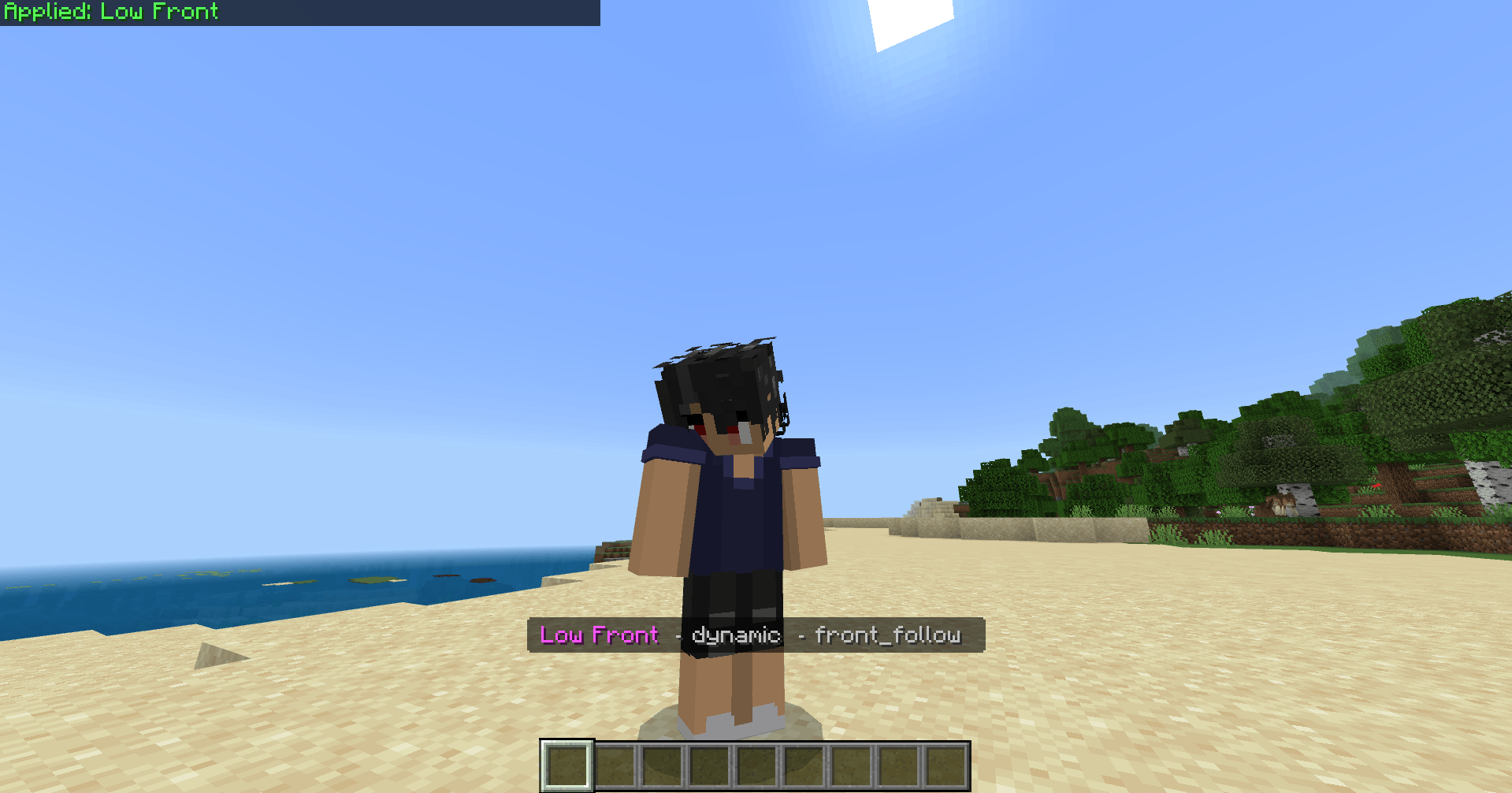
Instant perspective toggles — First Person, Third Person Back, Third Person Front, and Reset Camera. Zero-delay execution with per-player state memory, so your last quick switch is remembered and can be reapplied automatically when you rejoin.

[O] Preset Categories

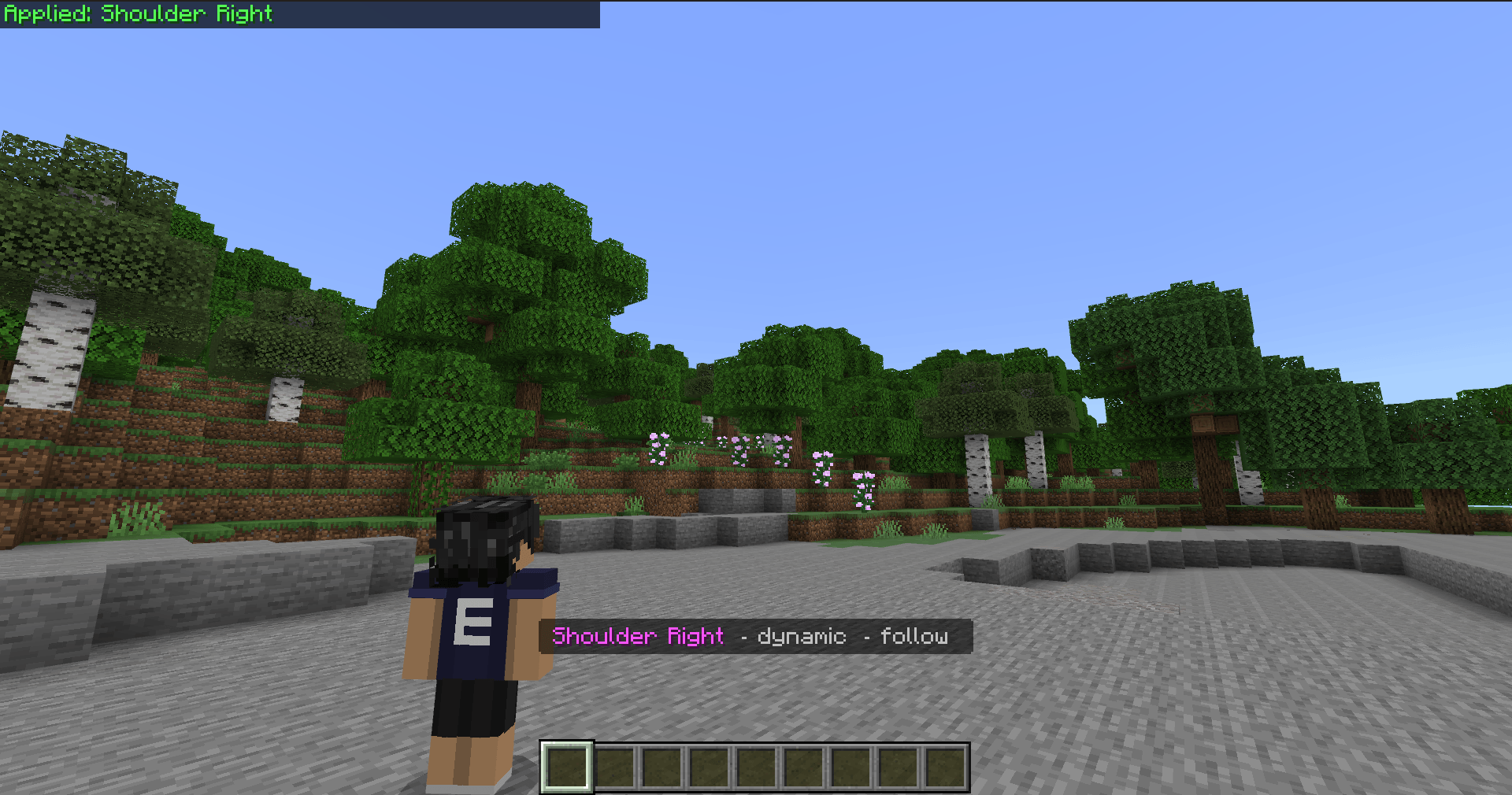
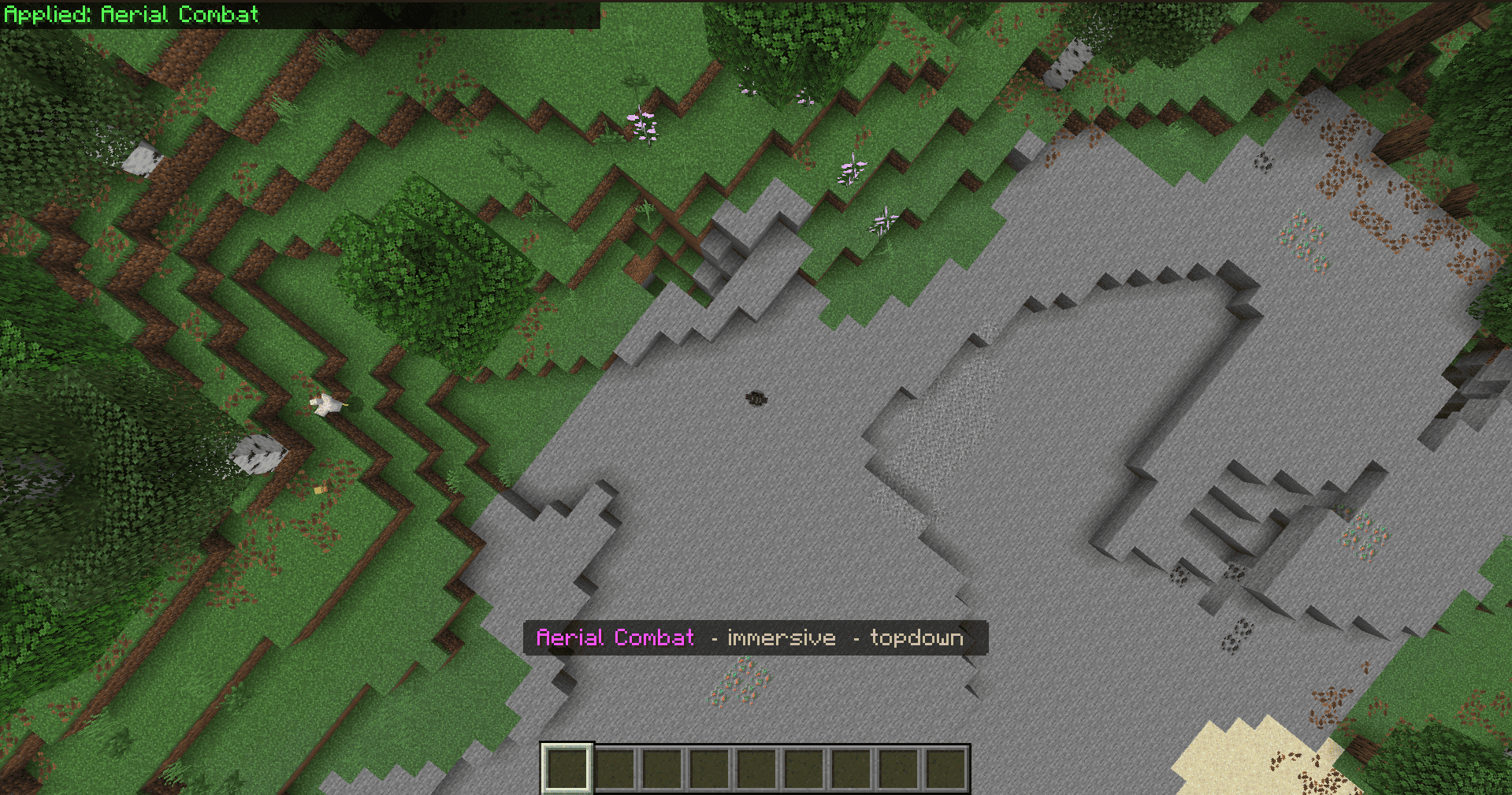
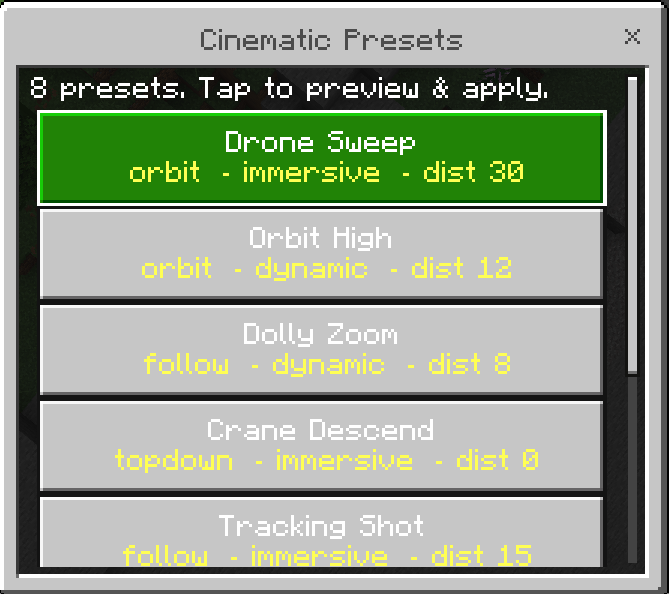
Thirty-three hand-crafted presets organized into six curated categories: Cinematic (8), Action (6), Artistic (5), Utility (4), Fun (5), and Special (5). Each preset opens into a detail view showing its full configuration — mode, type, distance, height, FOV, easing curve, tick interval, and orbit parameters — before you commit. Star any preset as a favorite or duplicate it as a starting point for your own creation.

[@] Smart Customizer

A 2-step wizard that adapts to the camera type you choose: Follow, Fixed, and Drone presets show Distance + Height + Lateral sliders; Orbit presets show Radius + Speed + Height; Topdown presets show only Height. Choose from 12 easing curves, 3 facing modes (Player, Forward, World), freeze pitch and yaw independently, and save up to 20 custom presets per player — validated for empty names, length, and duplicates.

[=] Favorites & My Presets

Star up to 20 presets for one-tap access, and manage your own custom presets — view, edit, delete, and apply them anytime. Everything is stored individually per player and persists across world reloads, invisible to everyone else on the server.

[#] History

Your recently applied presets are remembered per-player, so jumping back to the camera angle you were using is always one tap away.

[~] Settings

Configure default-on-join behavior — start fresh or auto-reapply your last used preset — and toggle the ActionBar indicator that quietly displays your active POV name while you play.


Requirements

Minimum
Minecraft Bedrock 1.26.0 or newer
Behavior Pack Required (contains the script)
Resource Pack Required (binds automatically with the BP)
Experimental features None — everything used is stable
Script API version @minecraft/server 2.8.0 + @minecraft/server-ui 2.1.0
Platform Windows, Xbox, PlayStation, Switch, iOS, Android

How to Install

  1. Download the Addons .mcaddon from the Files tab (or the separate Behavior Pack and Resource Pack .mcpack files).
  2. Open the file — Minecraft Bedrock imports them automatically into your library.
  3. Open or create a world, navigate to World Settings → Add-Ons, and activate EuForia Bedrock POV [BP] under Behavior Packs.
  4. Activate EuForia Bedrock POV [RP] under Resource Packs.
  5. Load the world and run /pov to open the camera menu!

To remove, deactivate both packs from the same Add-Ons menu.


Known Limitations

Camera State Conflicts: Only one camera state can exist at a time in Bedrock. Any other behavior pack or script issuing /camera commands — or manual /camera commands typed in chat — will overwrite POV's active preset (last writer wins). The actionbar indicator may still show the old preset name even though the camera state has changed.

Manual Perspective Switch (F5): Switching perspective via F5 exits Bedrock's custom camera mode entirely, effectively disabling the active preset until you re-apply it.

Workarounds:


Who Benefits from This Addon


Developed by EuForia Project

EuForia Bedrock POV is built and maintained by the EuForia Project team — An experimental developer team; who dreams of providing products that everyone around the world uses! Every product we ship targets the stable Scripting API so your addons survive Minecraft updates without rewrites.

🌐 Website & Full Documentation: euforiaproject.com


Feedback & Community

Found a bug? Have a feature request or an idea to make this addon better? We would love to hear from you.

💬 Join our Discord: euforiaproject.com/discord

Drop your suggestions, bug reports, or just say hello — the EuForia community is always open.


License

Creative Commons Attribution-NonCommercial 4.0 International (CC BY-NC 4.0)

What you can do:

What you cannot do:

Attribution policy: By downloading and using EuForia Bedrock POV, you are automatically considered to have given appropriate credit. You do not need to write out attribution text or include a credit line — using the addon is credit enough.

Full license terms: creativecommons.org/licenses/by-nc/4.0/


"Every camera angle tells a story. We built the tool so you can focus on telling yours."

— EuForia Project


Minecraft Bedrock 1.26.0 · Stable API · Modular Architecture · NaN-Safe · No Experiments · Achievement Friendly · All Platforms | euforiaproject.com

Verified by MCModsHub

These come from our own check of the pack file, not from the source page.

Explore more