DayChanger
Change the day, your way! 🌅 Day Changer lets you easily switch Minecraft days with /daymenu—without disabling achievements. Simple, powerful, and…
⬇ Download on CurseForge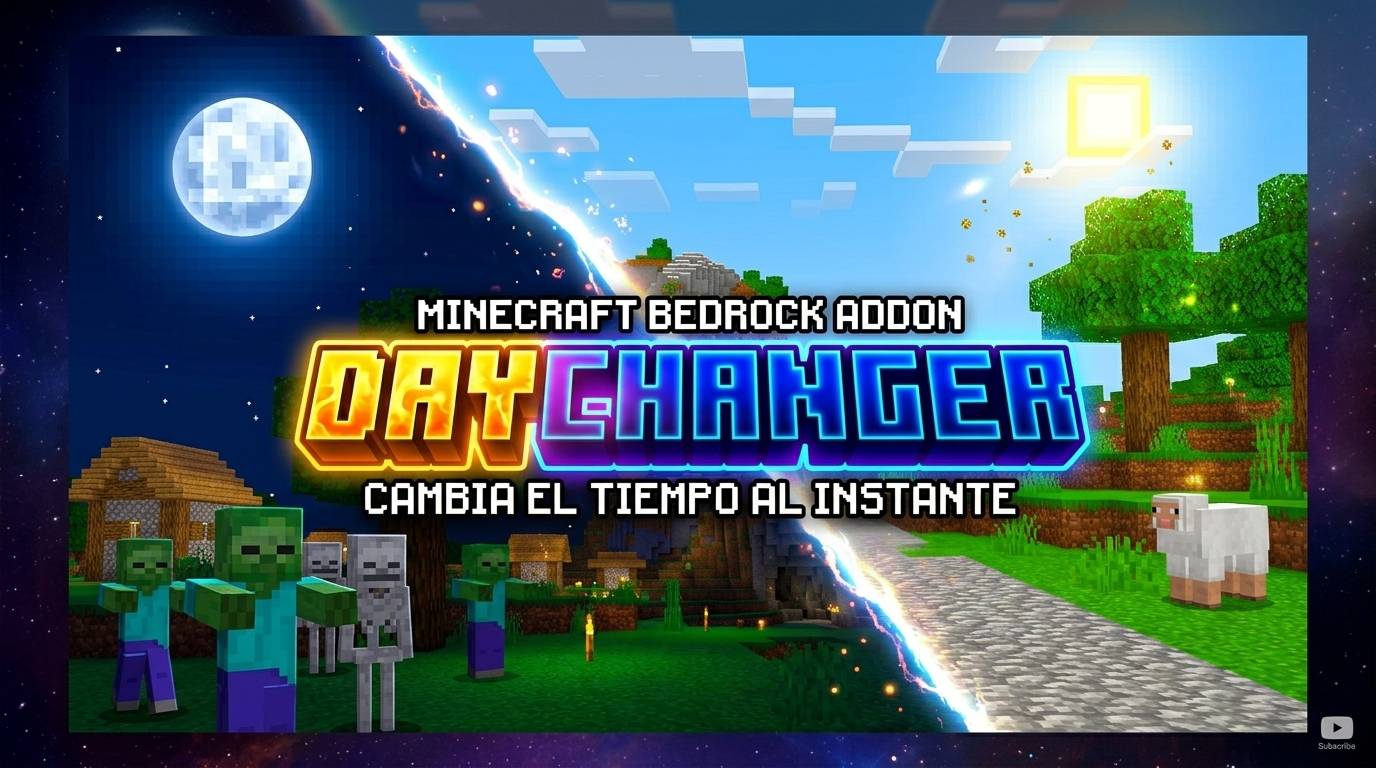
🌅 Day Changer
Want more control over time in your Minecraft world? Day Changer gives you an easy and convenient way to change the current day whenever you want!
✨ Features
-
🗓️ Change the current Minecraft day.
-
🎮 Easy-to-use menu system.
-
⚡ Quick access with the
/daymenucommand. -
🏆 Does not disable achievements.
-
🧩 Designed to be simple and lightweight.
-
🌎 Works directly in your Minecraft Bedrock world.
📖 How to use
Simply enter:
/daymenu
This will open the Day Changer menu, where you can choose the day you want.
Whether you want to advance your world to a specific day, experiment with different dates, or simply have more control over your survival world, Day Changer makes it quick and easy.
🏆 Keep playing, keep earning achievements, and take control of your world's time!
- Edition: Minecraft Bedrock
- File type: .mcpack or .mcaddon
- Minecraft versions listed: 26.0, 26.40
- How to install: Download the .mcpack or .mcaddon file. → Open it — Minecraft imports it. → In your world: Behavior Packs → Available → Activate, then the same under Resource Packs.
- Where to get it: Opens on CurseForge — not every file is mirrored on our own servers.
Install steps are the general flow for this file type — How to install Minecraft Bedrock addons & mods walks through it step by step.
- Pack type: .mcpack — a single pack
- Manifest requires Minecraft 1.20.10 or newer
- Complete pack — everything it depends on is inside the file
- Download size: 700 KB
- Download link checked 15 Sept 2026 — working
These come from our own check of the pack file, not from the source page.