Better Vanilla Bundle View
See everything hiding in your bundles. Expands Minecraft Bedrock's vanilla bundle tooltip from 12 to up to 64 visible item types, with 14 scale/position…
⬇ Download on CurseForgeThe author built this one for Minecraft 26.40. On other versions it may install and then do nothing.
Better Vanilla Bundle View
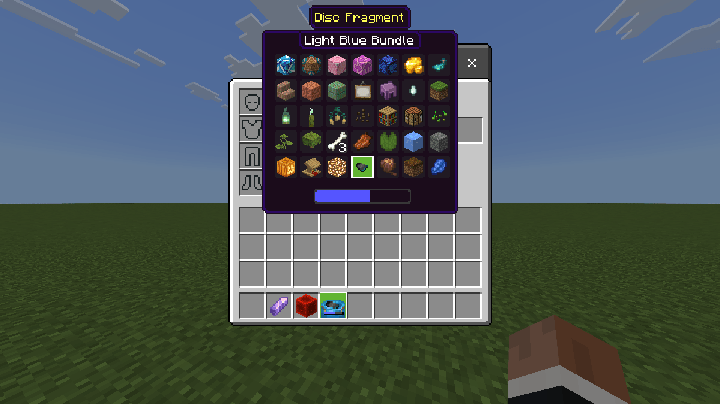
Minecraft's vanilla bundle tooltip shows only the first 12 different item types. Better Vanilla Bundle View expands that preview so you can see every different item stored inside the bundle, while keeping a clean, vanilla-inspired look. You can select and pick up all the items that can be viewed.
This addon doesn't add new bundles, it only modifies the behavior of vanilla bundles.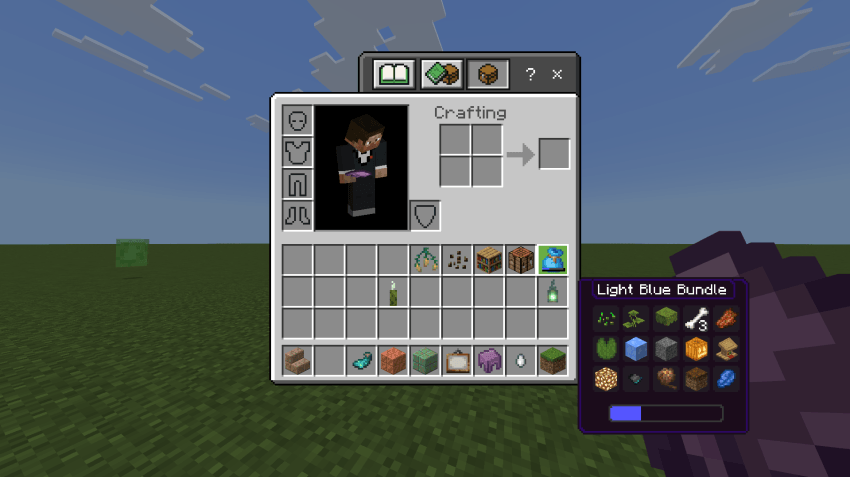
What it does
- Displays up to 64 different item types in a bundle preview.
- Works with the regular bundle and every dyed bundle color.
- Keeps bundle name, item icons, stack counts, slot spacing, the storage bar, and the background scaled together.
- Offers compact layouts that help keep large bundle previews from covering your inventory.
- Includes interface text in English, Portuguese (Brazil), and Spanish.
Interface settings
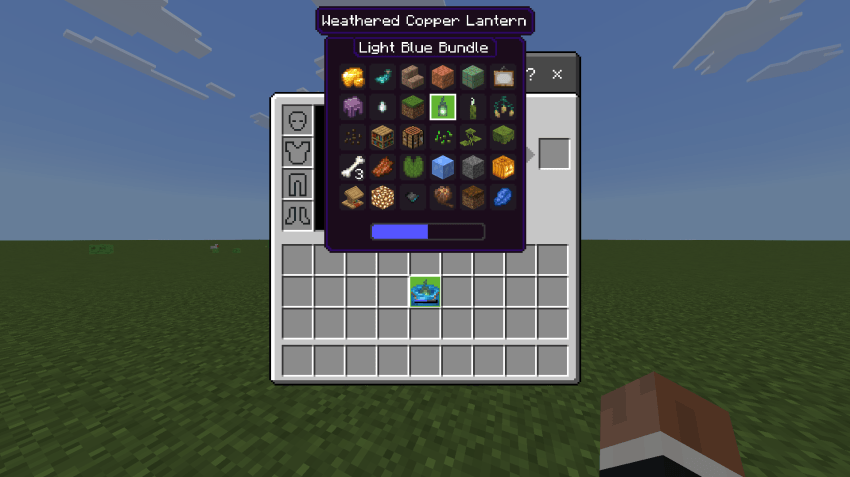
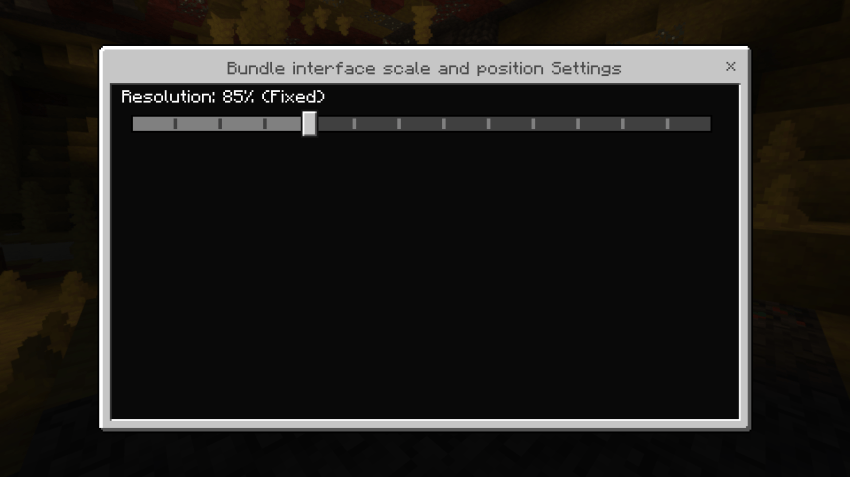
Open the Resource Pack settings to choose one of 14 presets. Every available scale has both a Fixed and a Dynamic position:
- 100%, 90%, 85%, 80%, 75%, 70%, or 60%
- Fixed: keeps the bundle interface centered near the top of the screen.
- Dynamic: uses the vanilla-style position near the cursor.
Choose a larger preset for easier reading or a smaller one when a bundle contains many different items.
Compatibility
- Made for Minecraft Bedrock 26.40.
Created by André Campos.
- Edition: Minecraft Bedrock
- File type: .mcpack or .mcaddon
- Minecraft version listed: 26.40
- How to install: Download the .mcpack or .mcaddon file. → Open it — Minecraft imports it. → In your world: Behavior Packs → Available → Activate, then the same under Resource Packs.
- Where to get it: Opens on CurseForge — not every file is mirrored on our own servers.
Install steps are the general flow for this file type — How to install Minecraft Bedrock addons & mods walks through it step by step.
- Pack type: .mcaddon — behaviour and resource pack in one file
- Download size: 161 KB
- Download link checked 15 Sept 2026 — working
These come from our own check of the pack file, not from the source page.